4 of 40 Plu
Link HD
VPass-
hrou
h Ada
te
Table of Contents
1 Simple Installation............................................................................. 5
Package Contents.......................................................................................................5
Types of Connections .................................................................................................5
Simple Connection (Peer to Peer).................................................................................6
Simple Broadband
Connection
.....................................................................................6
Other Connections......................................................................................................7
Finding a Suitable Location .........................................................................................7
Installing the Hardware ..............................................................................................7
2 Advanced Configuration(Expert Users Only)......................................... 8
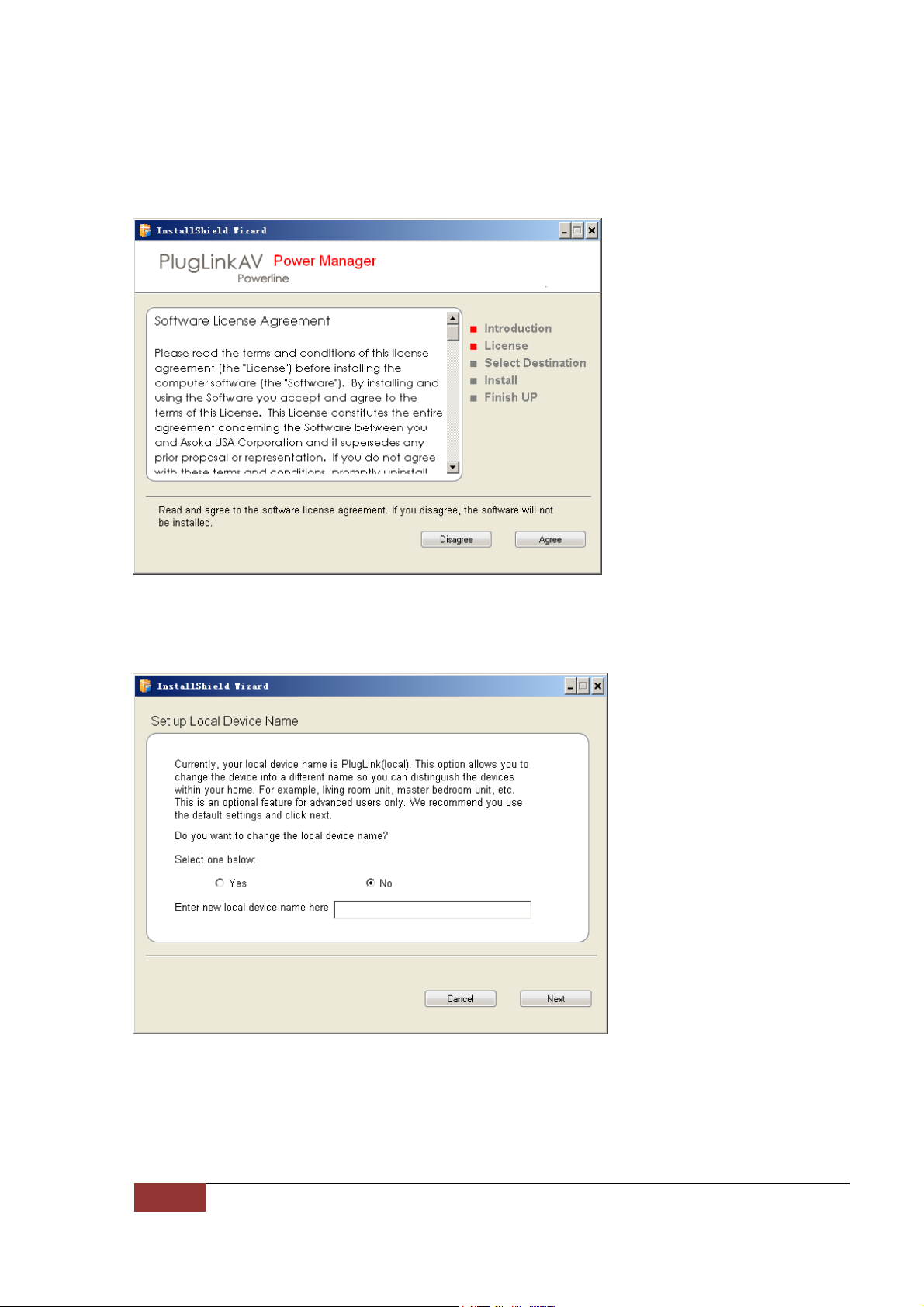
Installing the Software................................................................................................8
3 Network Management.......................................................................13
Viewing the Device Information (Profile).................................................................... 13
Changing your device Name and Network Encryption Key (NEK).................................. 14
DEVICE NETWORK ENCRYPTION KEY (NEK).............................................................. 17
Resetting and Upgrading the PlugLink HD AV Pass-Through Adapter............................ 21
Prioritizing the Network Traffic.................................................................................. 22
Viewing the Network Statistics screen........................................................................ 23
Viewing the Link screen............................................................................................ 23
Viewing the LED screen............................................................................................ 25
Rescanning your Powerline Network.......................................................................... 25
Manually Resetting the Firmware and Network ID (NID) ............................................. 26
4 Troubleshooting................................................................................27
A Specifications...................................................................................29
B Components.....................................................................................31
C Warranty .........................................................................................36
D FCC Notice.......................................................................................38