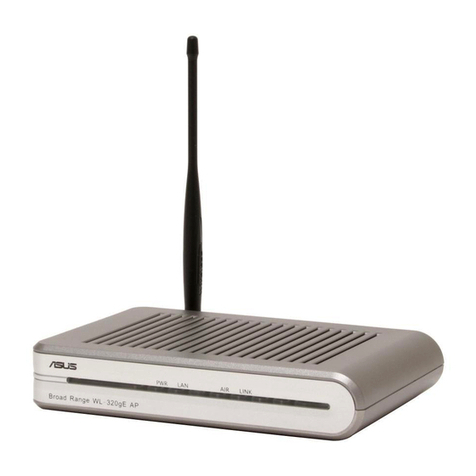
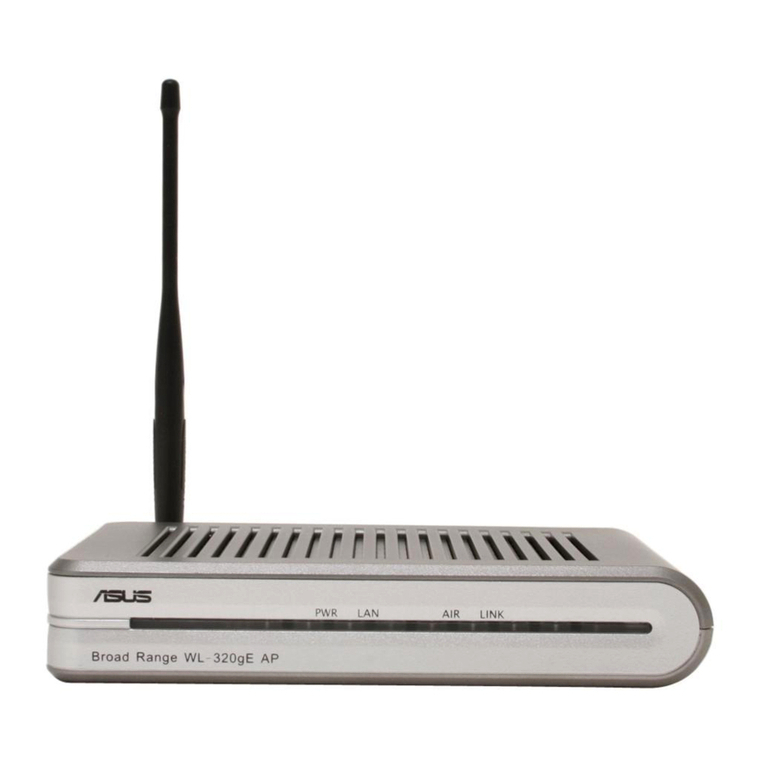
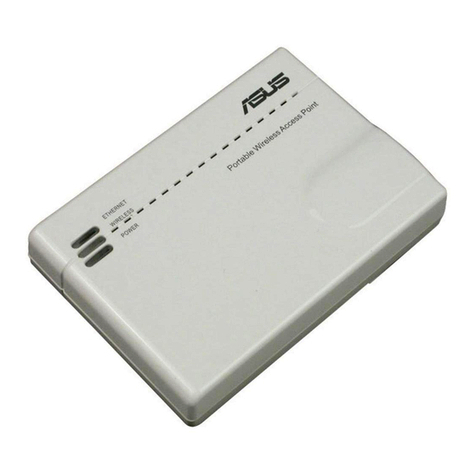
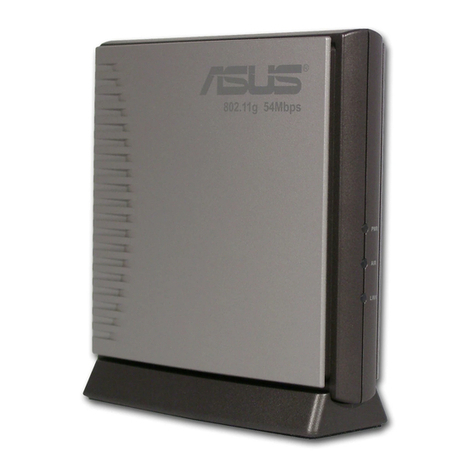
TheASUSWL-320gPAccessPointcanmeetvariousworkingscenarioswithproperconguration.
Thedefaultsettingsofthewirelessroutermayneedchangesoastomeetyourindividualneeds.
Therefore,beforeusingtheASUSAccessPoint,checkthebasicsettingstomakesuretheyall
workinyourenvironment.
Note: Wiredconnectionforinitialcongurationisrecommendedtoavoidpossible
setupproblemsduetowirelessuncertainty.
1) Wire connectionired connection
TheASUSWL-320gPAccessPointissuppliedwithanEthernetcableinthepackage.Sincethe
ASUSWirelessAccessPointhasintegratedauto-crossoverfunction,therefore,youcanuse
eitherstraight-throughorcrossovercableforwiredconnection.Plugoneendofthecabletothe
LANportontherearpaneloftherouterandtheotherendtotheEthernetportonyourPC.
2) Wireless Connection
Forestablishingwirelessconnection,youneedanIEEE802.11b/gcompatibleWLANcard.ReferRefer
toyourwirelessadapterusermanualforwirelessconnectionprocedures.Bydefault,the
SSIDofASUSAccessPointis“default”(inlowercase),encryptionisdisabledandopen
systemauthenticationisused.
3) Setting IP aress for wire or wireless client
ToaccesstheWL-320gPAccessPoint,youmusthavecorrectTCP/IPsettingsonyourwiredor
wirelessclients.SettheIPaddressesoftheclientswithinthesamesubnetofWL-320gP.
Setting up IP address Manually
TosetIPaddressmanually,youneedtoknowthedefaultsettingsoftheASUSAccessPoint:
• IPaddress192.168.1.1
• SubnetMask255.255.255.0
Tosetuptheconnectionwithamanuallyassigned IP
address,theaddressofyourPCandthewirelessrouter
mustbewithinthesamesubnet:
• IPaddress:192.168.1.xxx(xxxcanbeanynumber
between2and254.MakesuretheIPaddressisnot
usedbyotherdevice)
• SubnetMask:255.255.255.0(sameasWL-320gP)
• Gateway:192.168.1.1(IPaddressofWL-320gP)
• DNS:192.168.1.1(WL-320gP),orassignaknown
DNSserverinyournetwork.
3. Conguring the Wireless Access Point