Gv J. v. Stolbergln 31 - A3850
2263AB Leidschenda
The Netherlands
+31 85 25 00 235
www.jrseco.com
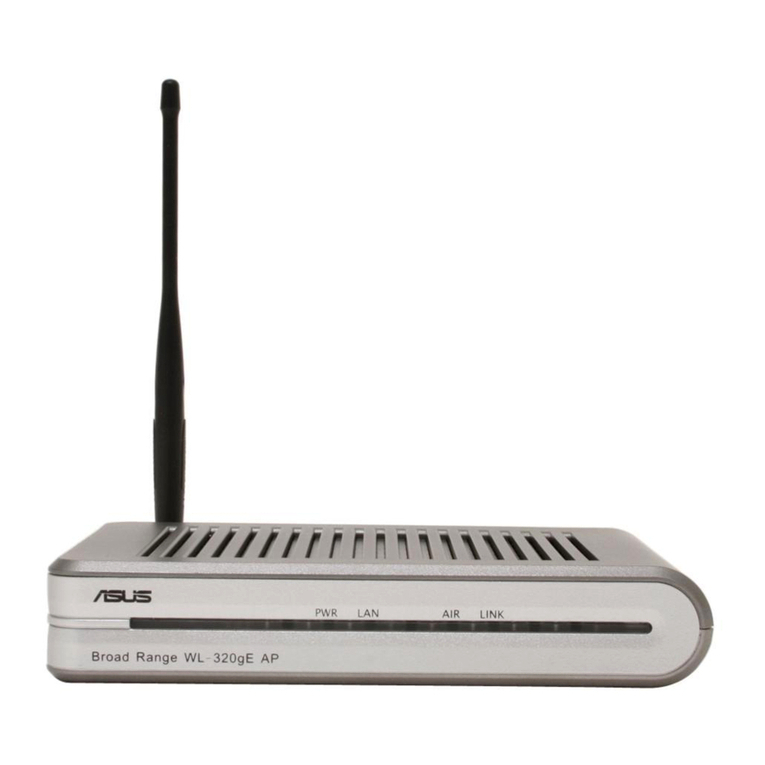
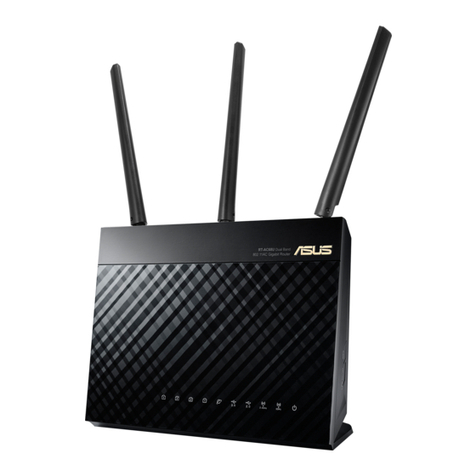
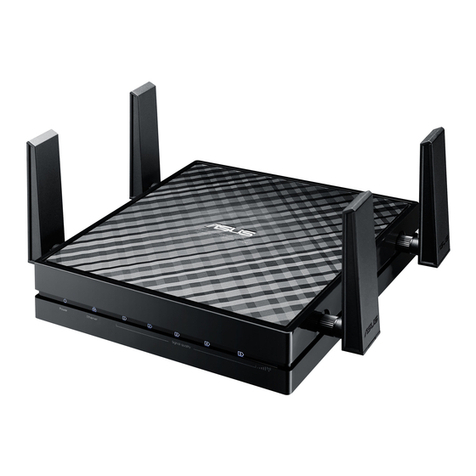
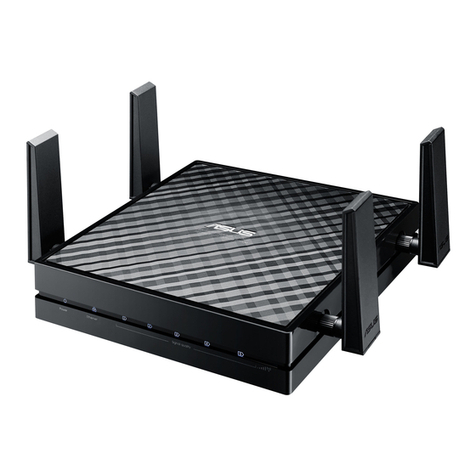
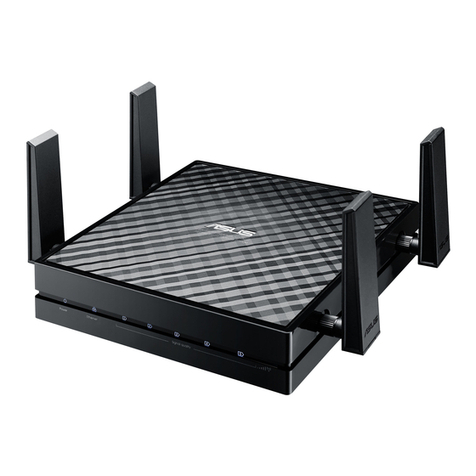
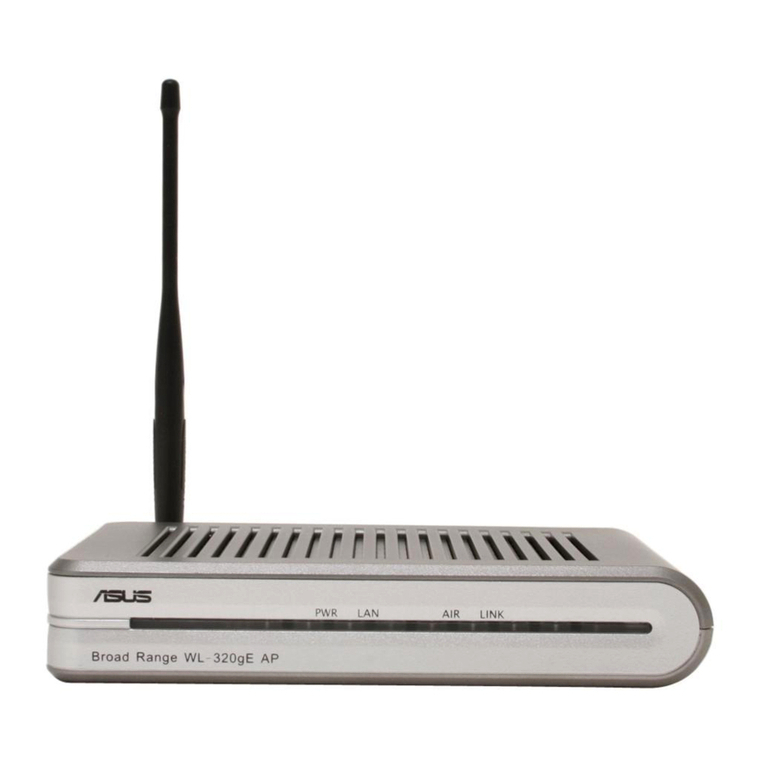
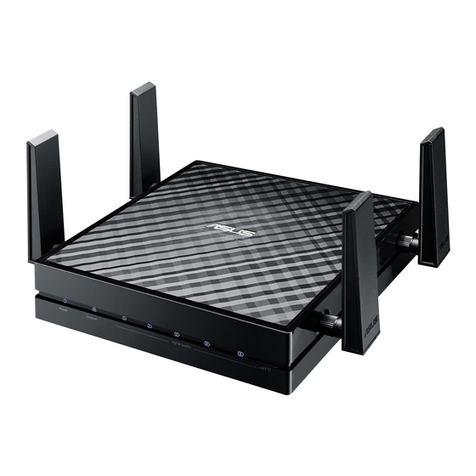
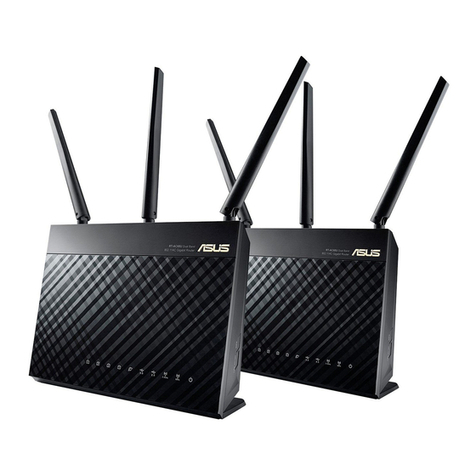
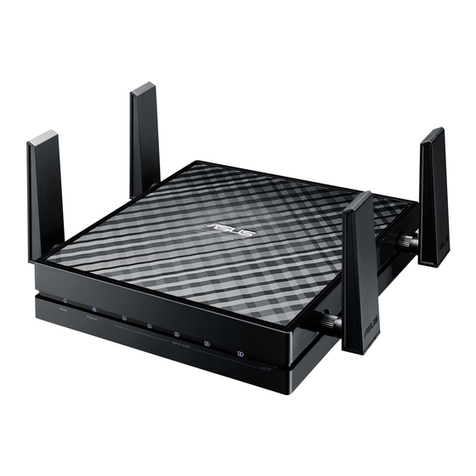
3. Settin up the Eco-wifi router
In ost cases the router will auto atically detect the WAN connection type,
provided it has been connected to your Internet ode as illustrated on the
previous page. If auto atic detection doesn’t work, you need to infor with
your Internet Service Provider about the required settings.
Now you need to set up the router. Please follow the 3-step uide below.
Step 1: Log in to your JRS Eco account via www.j rseco.co /account with the
e ail address and password you chose when placing your order. In My
Account, click Orders, and then click the View button next to your order
nu ber. Now download the JRS Eco 100 fir ware file for your router by right-
clicking on it and selecting 'Save (Link) As...' or si ilar. You don't need to
actually open the fir ware file on your co puter, you just need to save it
because you’ll need it in step 3. On Windows® and on Chro e OS®, this is
done by right-clicking on the file and selecting ‘Save (Link) As’ or si ilar. On a
Macbook® in the Safari® browser this is done by selecting ‘Download Linked
File’. On an iPad you would need to use ‘Save to Dropbox’ or ‘Save to Google
Drive’ function, which beco es available after you install the Dropbox or
Google Drive app.
Step 2: Connect your co puter to the Asus router either via wifi or a LAN
cable and go to router.asus.co or http://192.168.1.1. This is actually not a
page fro the Internet but it is generated locally by the router itself. When you
go through the Asus wizard, you create an ad inistrator login and password,
that you will need later to access the router settings enu. (These credentials
have nothing to do with your login on www.jrseco.co needed in step 1.) The
setup wizard will also ask you to create na es for the wifi network (‘SSIDs’)
and to set a wifi password. If the wizard asks you to update the fir ware, you
can click on ‘Cancel’.
On the followin pa es you will find screenshots of the Asus setup
wizard. There may be small differences. We ive screenshots for 2
different variants of the wizard. Use the screenshots that best match the
setup wizard of your router. You can also contact your local Asus
customer service if you need help with this part of the setup process.
The router manual from Asus proposes the use of the AiMesh system which
allows multiple Asus routers to be interconnected wirelessly. This is not
supported by the JRS Eco firmware and will increase wifi radiation, because
all wireless si nals then need to be transmitted multiple times, hoppin from
one mesh node to another.
5
Copyright 2020 JRS Eco Wireless – ECO-100 V5