Rev: 02/15/004
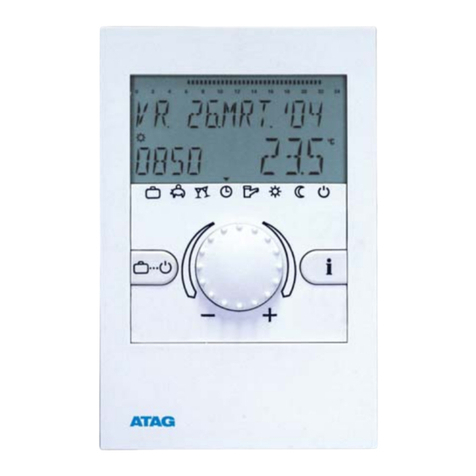
Function Keys
A. +/– buttons used to increase/decrease temperatures.
B. OK-button to confirm settings and go to the next step.
C. MODE-button to select from the available operating modes.
D. ESC-button used for ON/OFF, go one step back in menu or
return to main menu by pressing the button more than 3 seconds.
E. SET-button for settings following commissioning.
F. +/– buttons used to increase/decrease hours, days and events.
G. RESET-button to return to factory settings. The programs are
retained in the case of a reset. The date and time must be set
again. Press reset button with a blunt object (pen).
Configuration
General information
For the use of this manual you must observe the following information:
A Sequence of operation
B Pressed buttons are shown in black.
C Flashing elements are shown in black
D Fixed elements are shown in grey
•Buttons which can be pressed during an
action are shown in black. The related display
is also shown in black.
•Follow exactly the numbers of the sequence
of operation.
•The configuration of the device is described
based on configuration.
•After starting the device for the first time, follow the menu for a correct configuration of the device.
•Following commissioning, you can also change the configuration by pressing the SET-button.
Initial start-up
Set date and time
Sequence for setting the date and time during initial start-up.
15/6/2008 appears as factory default.
To set the date and time after initial start-up press the
SET-button, then choose Date or Time Menu with the
upper +/– buttons and confirm with OK.