10
10
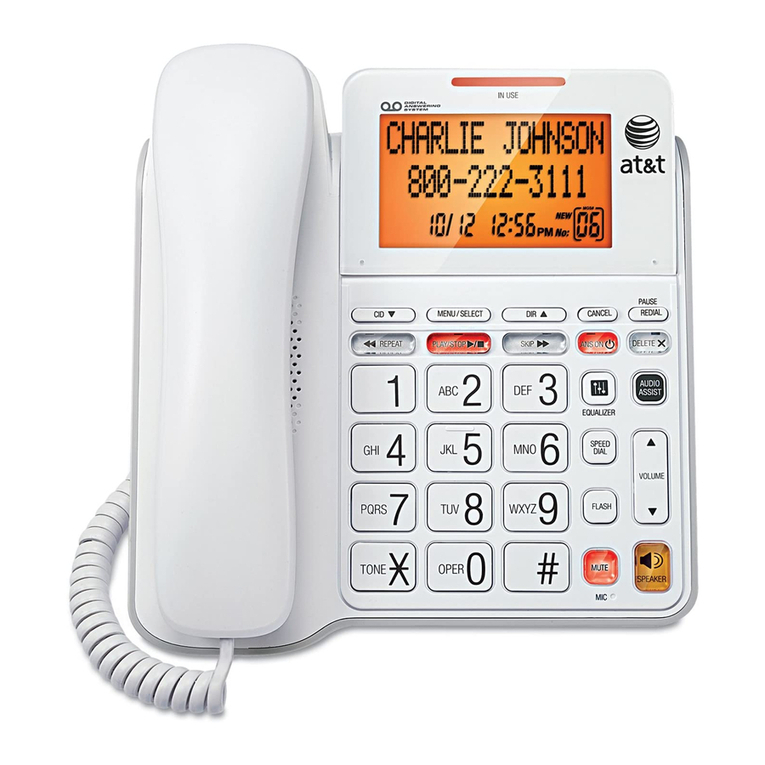
Answering a Call
You can answer a call by lifting the corded handset, pressing the
soft key, pressing SPEAKER, pressing HEADSET, pressing the associated
Call Appearance or Line Appearance key, or you can set the deskset to
automatically answer after a delay.
See the User’s Guide at
www.telephones.att.com/synapseguides
for additional information on this feature.
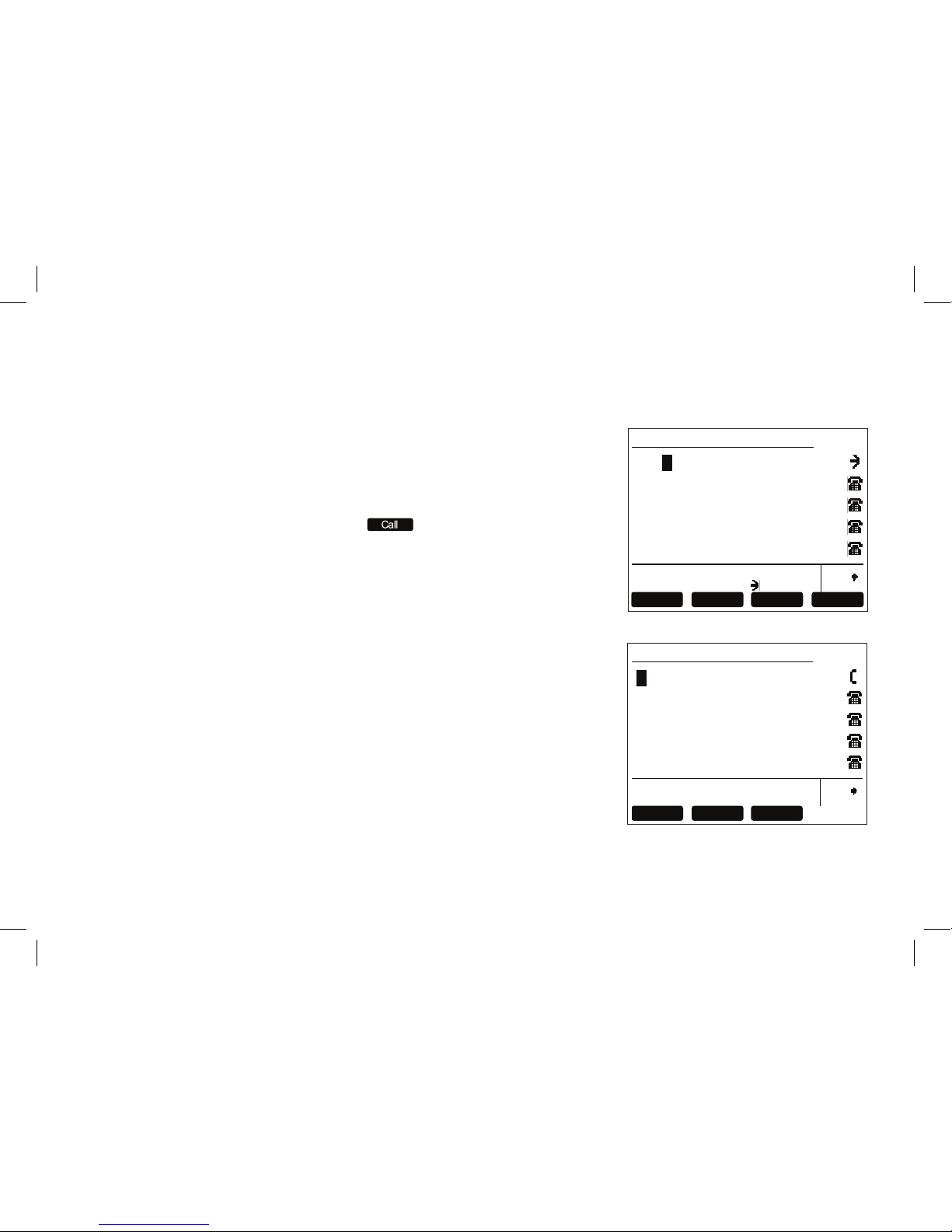
Instead of answering, you can silence the ringer by pressing or
send the call directly to voicemail by pressing .
Once a call has been forwarded to voicemail, you can listen to the message the caller is leaving by
pressing . During voicemail recording, you can also press to return to the Idle screen or
press to answer the call.
,1&20,1*&$//
&KDUOLH-RKQVRQ
/LIWUHFHLYHURUSUHVV$QVZHU63($.(5
+($'6(7RUNH\QH[WWR
)ZG90$QVZHU ,JQRUH