manuals.online logo
Brands
  1. Home
  2. •
  3. Brands
  4. •
  5. Audiovox
  6. •
  7. Portable DVD Player
  8. •
  9. Audiovox DT85 User manual

Audiovox DT85 User manual

This manual suits for next models

1

Other Audiovox Portable DVD Player manuals

Audiovox D705PK User manual

Audiovox

Audiovox D705PK User manual

Audiovox PVS69701 User manual

Audiovox

Audiovox PVS69701 User manual

Audiovox VBP800 User manual

Audiovox

Audiovox VBP800 User manual

Audiovox D1998PK - 9" Slim Line Portable DVD Player User manual

Audiovox

Audiovox D1998PK - 9" Slim Line Portable DVD Player User manual

Audiovox VOD1221 P User manual

Audiovox

Audiovox VOD1221 P User manual

Audiovox D2017 User manual

Audiovox

Audiovox D2017 User manual

Audiovox D1708PK User manual

Audiovox

Audiovox D1708PK User manual

Audiovox D1915 User manual

Audiovox

Audiovox D1915 User manual

Audiovox D1788 - DVD Player - 7 User manual

Audiovox

Audiovox D1788 - DVD Player - 7 User manual

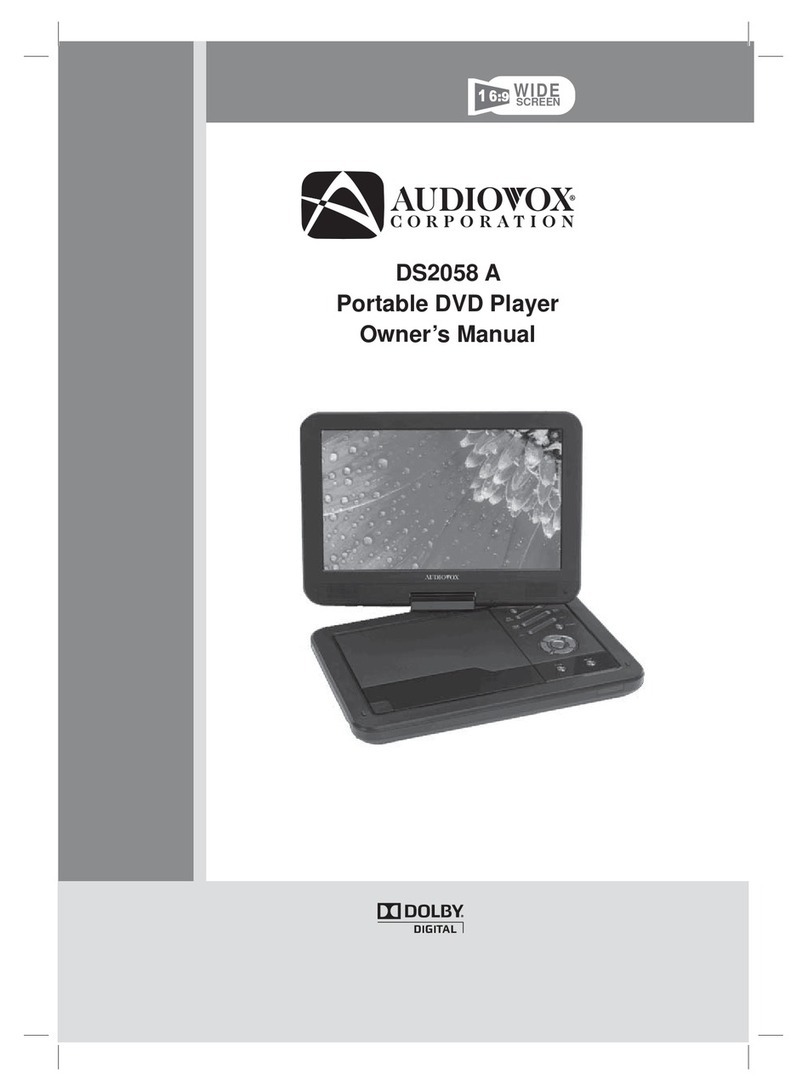
Audiovox DS2058 A User manual

Audiovox

Audiovox DS2058 A User manual

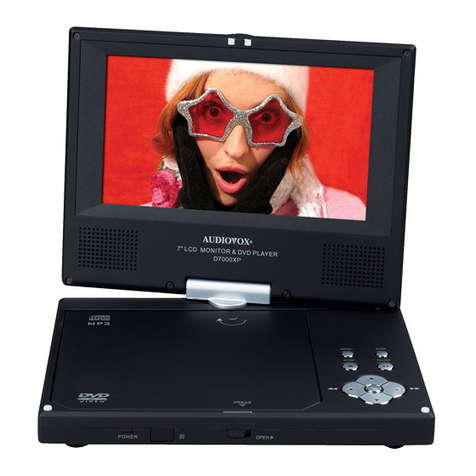
Audiovox D7000XP - DVD Player - 7 User manual

Audiovox

Audiovox D7000XP - DVD Player - 7 User manual

Audiovox DS9343TPK User manual

Audiovox

Audiovox DS9343TPK User manual

Audiovox DS9341 User manual

Audiovox

Audiovox DS9341 User manual

Audiovox DS7321 User manual

Audiovox

Audiovox DS7321 User manual

Audiovox Eddie Bauer PE702 User manual

Audiovox

Audiovox Eddie Bauer PE702 User manual

Audiovox D1817PKG User manual

Audiovox

Audiovox D1817PKG User manual

Audiovox D1929B User manual

Audiovox

Audiovox D1929B User manual

Audiovox 1287082 User manual

Audiovox

Audiovox 1287082 User manual

Audiovox 1286808A User manual

Audiovox

Audiovox 1286808A User manual

Audiovox DT7 User manual

Audiovox

Audiovox DT7 User manual

Audiovox D1712 User manual

Audiovox

Audiovox D1712 User manual

Audiovox D1530 User manual

Audiovox

Audiovox D1530 User manual

Audiovox FLO TV DFL710 User manual

Audiovox

Audiovox FLO TV DFL710 User manual

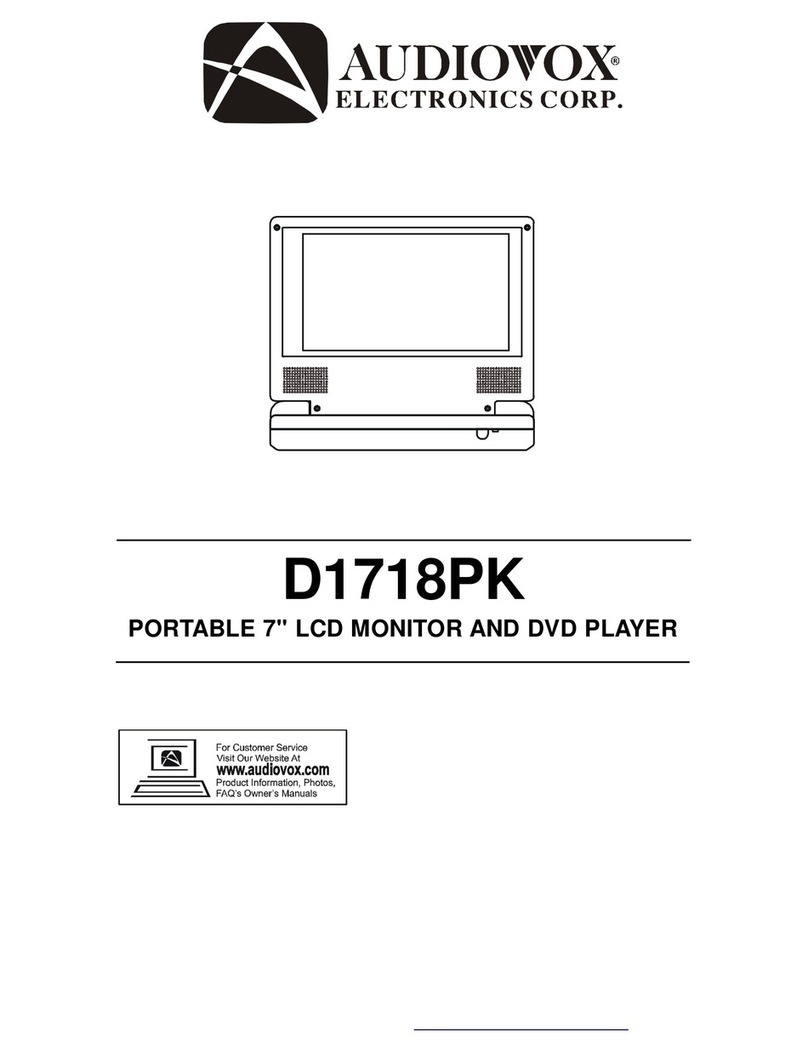
Audiovox D1718PK - DVD Player - 7 User manual

Audiovox

Audiovox D1718PK - DVD Player - 7 User manual

Popular Portable DVD Player manuals by other brands

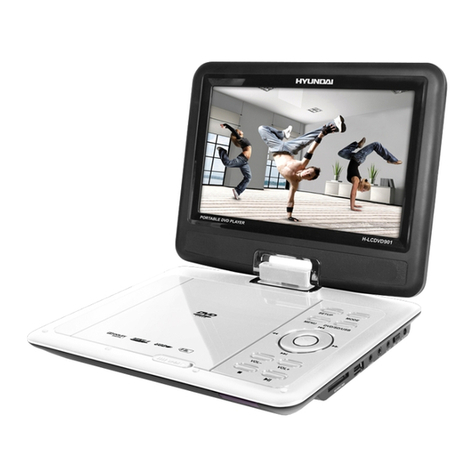
Hyundai H-LCDVD901 instruction manual

Hyundai

Hyundai H-LCDVD901 instruction manual

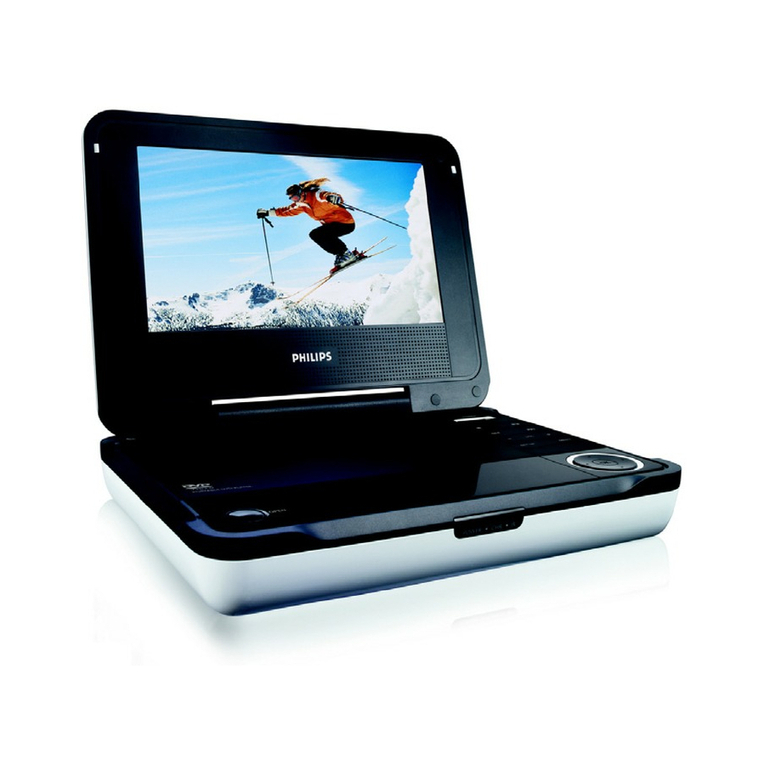
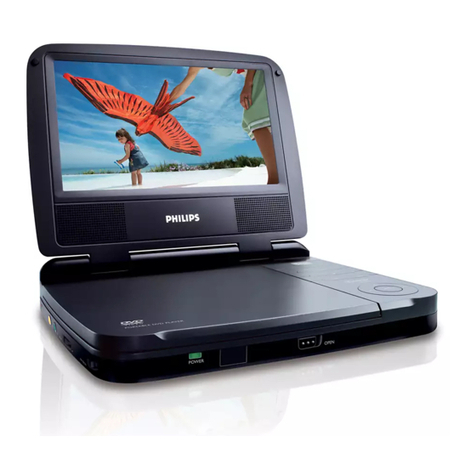
Philips PET718/77 user manual

Philips

Philips PET718/77 user manual

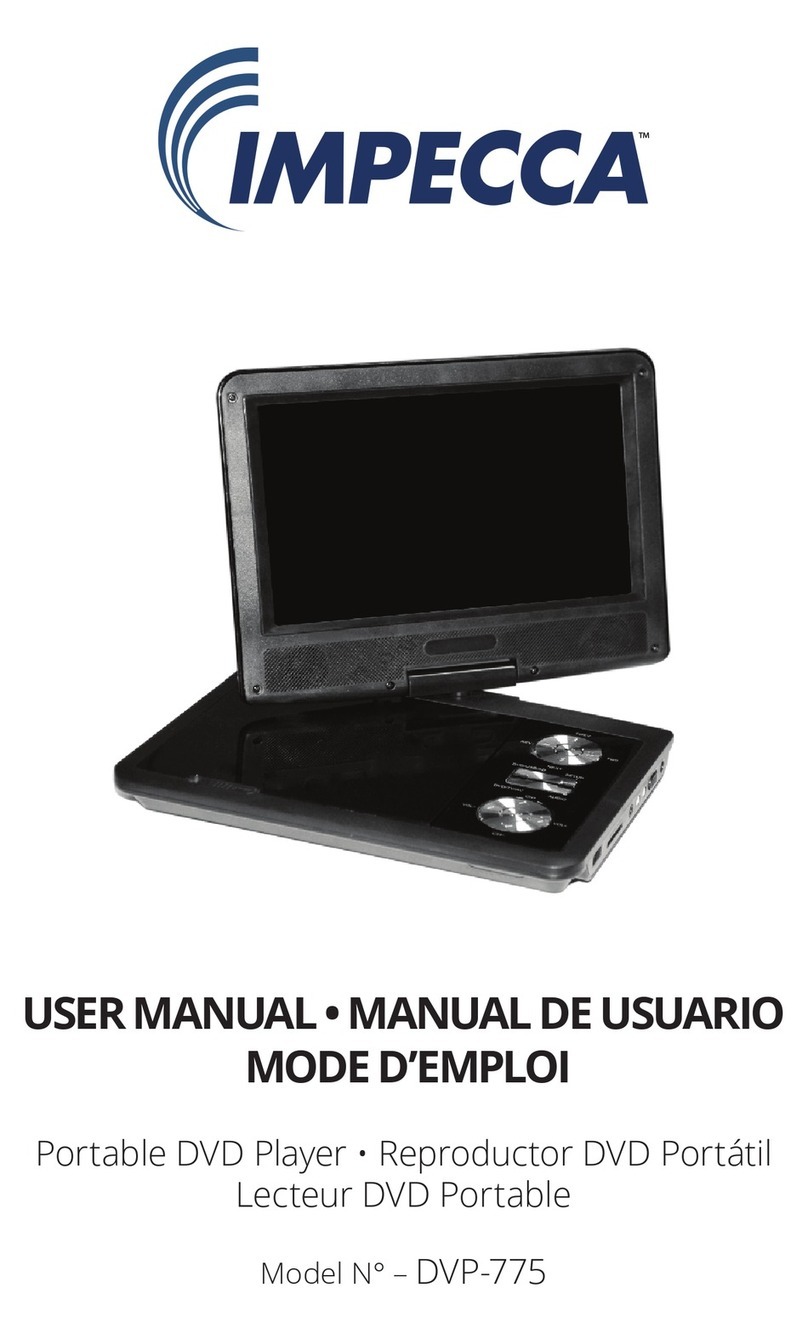
Impecca DVP775 user manual

Impecca

Impecca DVP775 user manual

NextBase MULTI-VISION SET PRO manual

NextBase

NextBase MULTI-VISION SET PRO manual

TV Star TD3 LCD COMBO user manual

TV Star

TV Star TD3 LCD COMBO user manual

Philips PD7016 user manual

Philips

Philips PD7016 user manual

Akura APDVD6008 user manual

Akura

Akura APDVD6008 user manual

LENCO MES-202 operating manual

LENCO

LENCO MES-202 operating manual

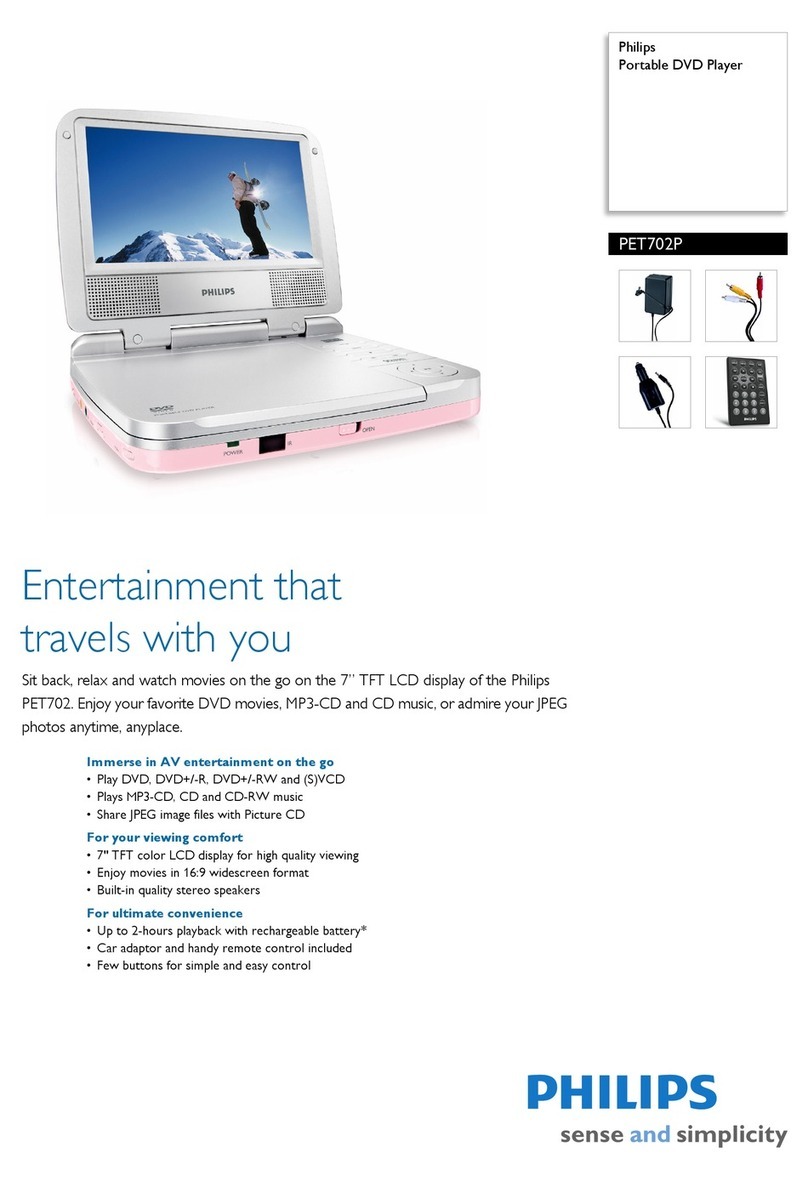
Philips PET702P Specifications

Philips

Philips PET702P Specifications

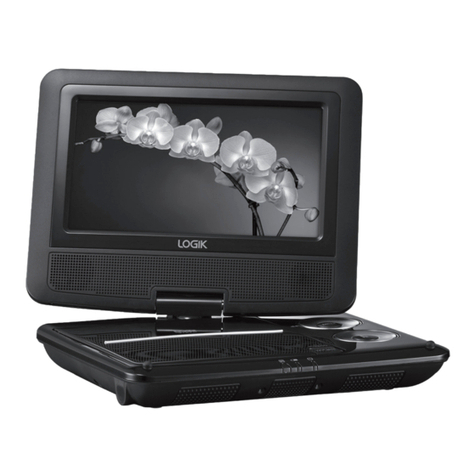
Logik L7SPDVD11 instruction manual

Logik

Logik L7SPDVD11 instruction manual

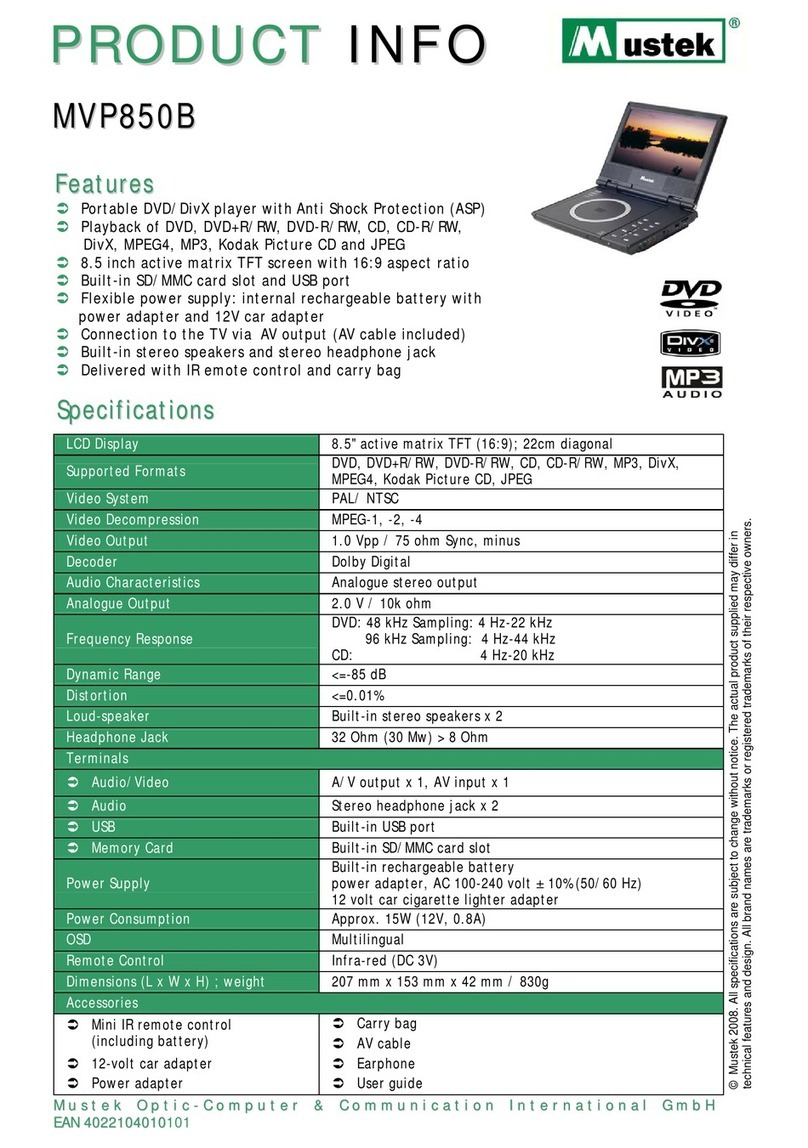
Mustek MVP850B user guide

Mustek

Mustek MVP850B user guide

Philips PET721D/98 user manual

Philips

Philips PET721D/98 user manual

LENCO DVP-928 user manual

LENCO

LENCO DVP-928 user manual

Philips PD9000/12 user manual

Philips

Philips PD9000/12 user manual

LENCO DVP-1027 instruction manual

LENCO

LENCO DVP-1027 instruction manual

Philips PD7010/05 user manual

Philips

Philips PD7010/05 user manual

LENCO DVP-846 brochure

LENCO

LENCO DVP-846 brochure

Matsui PL617 user guide

Matsui

Matsui PL617 user guide

manuals.online logo
manuals.online logoBrands
  • About & Mission
  • Contact us
  • Privacy Policy
  • Terms and Conditions

Copyright 2025 Manuals.Online. All Rights Reserved.

DT85
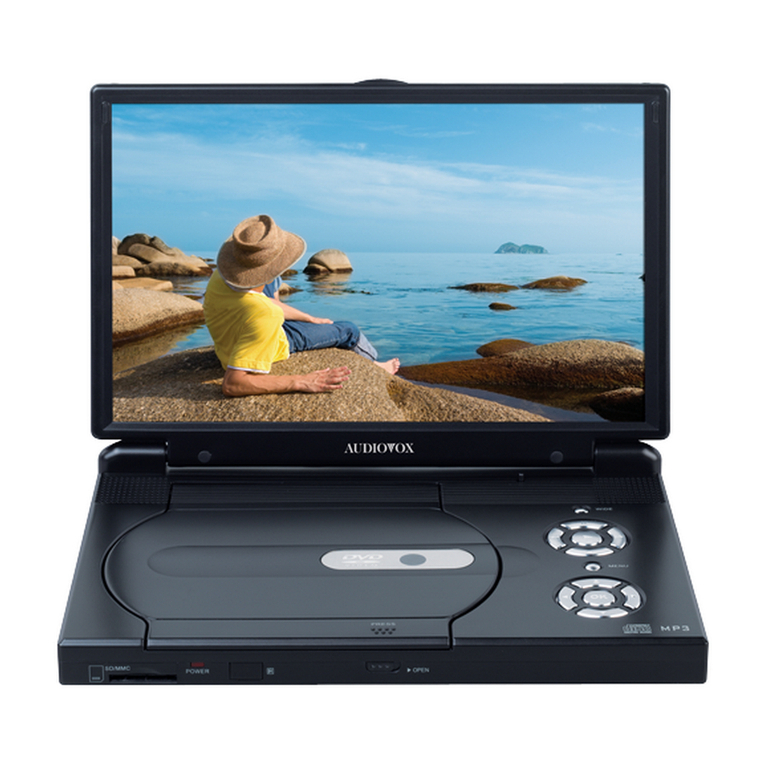
8.5” PORTABLE
DVD PLAYER
128-7343
Operation
Manual
®
Important Notice
It is unlawful in most jurisdictions for a person to drive a motor vehicle which
is equipped with a television viewer or screen that is located in the motor
vehicle at any point forward of the back of the driver’s seat, or that is visible,
directly or indirectly, to the driver while operating the vehicle. In the interest
of safety, this system should never be installed where it will be visible,
directly or indirectly, by the operator of the motor vehicle.
Safety Precaution
For safety reasons, when changing video media, it is recommended that
the vehicle is not in motion, and that you do not allow children to unfasten
seat-belts to change video media or make any adjustments to the system.
Enjoy your entertainment system but always remember-safety of all
passengers remains the number one priority.
2
Introduction
Thank you for choosing the DT85 portable DVD player. The unit applies the
latest state of the art electronics and is designed to be used in a variety of
applications. It can be used as portable DVD player or when installed into
the available docking stations as a home or mobile DVD player. The DVD
Player is constructed to provide years of reliable, trouble-free service, and is
compact so that you can take it with you anywhere and is designed for quick
and easy setup. Please read all documentation prior to using this product.
The documentation will assist you in obtaining the best equipment
performance. Save this manual for later use.
Cautions And Warnings
RISK OF ELECTRIC SHOCK
DO NOT OPEN
The lightning flash with arrowhead symbol, within an equilateral triangle, is intended to
alert the user to the presence of un-insulated “dangerous Voltage” within the product’s
enclosure that may be of sufficient magnitude to constitute a risk of electric to persons.
1. Placement
To prevent fire or electric shock, do not expose this appliance to rain or moisture. Do not place
the set on an unstable cart, stand, tripod, bracket or table to prevent it from falling. Keep the
DVD Player away from strong magnets, heat sources, direct sunlight, and excessive dust. If
the DVD Player is brought directly from a cold to a warm location, moisture may condense
inside the DVD Player. When you move it from a cold to a warm location, wait for about one
hour before operating the DVD Player, or remove the disc and leave the DVD Player turned
ON until the moisture evaporates.
2. Caution
Do not spill or spray liquid of any kind on or in the system (this may result in a fire or electric
shock). Do not place anything heavy on the DVD Player. To ensure proper ventilation and
proper operation, never cover or block the slots and openings with a cloth or other material.
Keep the DVD Player away from an open flame such as fire, candle etc.
It is hazardous to replace the battery incorrectly. Replace the battery only with the same or
equivalent type, in order to protect the environment, please dispose the dispose the battery
properly.
3. Warning
To reduce the risk of electric shock, do not perform any servicing other than that contained in
the operating instructions unless you are qualified to do so. There are no user-serviceable
parts inside. Refer all servicing to qualified service personnel. Servicing should be done only
by qualified service personnel.
4. Cleaning DVD Player
When cleaning, make sure the system is unplugged from the power source. Do not use liquid
cleaners or aerosol cleaners. Use a cloth lightly dampened with water for cleaning the exterior
of the system only.
5. Disc
Do not use irregularly shaped discs such as heart or star-shaped discs as they may cause the
DVD Player to malfunction. Do not stick paper, tape or glue on the disc. Do not expose the disc
to direct sunlight or heat sources. Do not touch the surface of disc. Handle the disc by its edge.
Clean the disc by wiping the disc from the center out with a cleaning cloth. Remove the disc from
the DVD Player and store it in its case after playing. Software producers may intentionally fix
some playback operations of discs. Since this DVD Player plays discs according to the disc
contents the software producers designed, some playback features may not be available. Also
refer to the instructions supplied with the discs.
The exclamation point within an equilateral triangle is intended to alert the user to the
presence of important operating and maintenance (servicing ) instructions in the
literature accompanying the appliance.
3
4
Materials Included In This Package
ON F
OF
VOL
1.2.3.
4.5.
7.
6.
8.
1) Shuttle Portable Player with 8.5" LCD Monitor (P/N: 136-3950) ~ 1pc
2) Headrest Mounting Bag (P/N: 126-1328) ~ 1pc
3) Rechargeable Lithium Polymer Battery Pack 4000mAH (P/N: 136-3951) ~ 1pc
4) Remote Control (P/N: 136-3887) ~ 1pc
5) AC to DC Power Adaptor Cable (P/N: 112-3513) ~ 1pc
6) DC Power Adaptor Cable (P/N: 112-3515) ~ 1pc
7) AV Adapter Cable (P/N: 112B3227) ~ 1pc
8) Canvas Carrying Bag (P/N: 126-1327) ~ 1pc
5
Main Features
•8.5” Active Matrix TFT LCD Monitor
•Built-in DVD Player
•DVD/CD/MP3 Compatible
•On Screen Display
•Selectable Screen Aspect Ratio 16:9, 4:3 & Screen Off
•AC and DC Power Adapters
•Last Position Memory for Disc Playback
•Switchable AUX AV In/Out
•Picture Controls
•IR Sensor
•Headphone Jacks
•Built-in IR Transmitter for Wireless headphone
•Full Function Remote Control
6
Main Features
Front Panel Controls
1 2 3 4 5 6 7 8 9 1011
12
1. Power ON/OFF* — Press and hold for one second to switch the DT85 on or off.
2. Screen Mode — To select the screen mode aspect ratio and to turn the screen off (16:9, 4:3
or Off).
3. Pause — Allows the user to pause playback and move forward one frame at
a time (STEP). Press play to return to normal playback mode.
4. Previous — Go to the previous track / chapter.
5. Volume (-) — To decrease the volume of the speakers. Also used for reducing levels in the
Picture adjustment mode.
6. Picture Select — Used to access the DT85 picture adjustments, select from picture adjust,
volume level.
7. Volume (+) —To increase the volume of the speakers. Also used for reducing levels in
the picture adjustment mode.
8. Next — Go to the next track or Chapter.
9. Play — This button is used to enter the play mode.
10. Stop — This button is used to stop playback.
11. Eject* — Press and hold for one second to Eject the Disc.
12. Infrared Transmitter and sensor — Used to transmit audio to the optional wireless
Headphones. Also allows the remote control to operate the DT85.
Note: The power and eject function require the button to be pressed for one second to prevent
accidentally accessing these functions.
System Controls and Connections
Left Side Controls and Connections
1. Headphone Jacks — Used to connect wired headphones. The sound from the speakers will
be automatically cut off when the headphones are connected.
2. AV In/Out Switch
Input Mode
When the AV In/Out switch is set to IN* the unit is ready to accept an auxiliary audio/video
signal via the audio video inputs.
*Note: The A/V input is auto-switching. Even though the switch is set to IN it will only be active
when a A/V source is connected. When an auxiliary A/V signal is input the OSD will display
“AUX”.
Connect an external A/V Source using the supplied A/V adapter cable to the A/V input jacks. The
source can be any external A/V device (i.e. Camcorder, digital camera video game etc)
Output Mode
This output will provide an audio/video signal that duplicates the signal displayed on the DT85.
This can be used to connect the DT85 to another monitor or amplifier.
3. IR Transmitter On/Off Switch — Used to turn the IR Transmitter on or off. When operating
the player with the battery if wireless headphones are not being used set this switch to the Off
position to increase the playback time.
4. 9V DC Input Jack — Used to connect power from either the supplied AC to DC adapter or the
vehicle power adapter.
Right Side Panel Controls and Connections
1. DVD Disc Slot — for loading and removing discs.
2. Built-in Stand — for desktop use when the battery is not being used.
7
1
2
1 2 3
24
AV DC 9V
IN OUT
IRT
ON OFFVIDEO
IN/OUT
AUDIO
IN/OUT
Remote Control
1. Power — Turn the DT85 on and off.
2. Display — Display disc information (title,
chapter, time, track, etc.)
3. Angle — Displays and selects the
available camera angles. Each time you
press the button, The angle changes. The
number of angles varies from disc to disc.
4. Subtitle — Display the subtitle language of
the DVD disc (if the disc was created with
subtitles). Each time you press the button,
the subtitle language will change.
5. Audio — Press to access the available
Audio languages, when the DVD
disc contains multiple audio languages.
6. PIX (Picture Select) — Each time this
button is pressed, the unit will display the
“adjustment bars” for Contrast, Brightness,
Color or Tint. Once the desired adjustment
bar is displayed, use the Volume Up and
Down buttons to adjust the setting. The
display will automatically turn off if no
adjustments are made within 6 seconds,
or if any other button is pressed.
7. Volume pq — To increase or decrease
the volume level and the picture levels in
the picture adjustment mode.
8. DVD Menu — Allows the user to access
the DVD root menu.
9. Cursor (3634) — Use these buttons to
Navigate the DVD menu and the set up
options.
10. Return — Not used in this model
11. A-B — Allows the user to repeat playback
of a DVD or CD from point A to point B.
12. Rew (7) — Allows the user to search in a
backward direction at 2, 4, 8 and 20 times
the normal playback speed of a DVD.
13. Fwd (8) — Allows the user to search in a
forward direction at 2, 4, 8 and 20 times the
normal playback speed of a DVD.
.
8
26
1
2
3
4
5
6
7
8
9
10
11
12
13
14
15
25
24
23
22
20
21
19
18
17
16
VOL
14. Slow — Allows the user to slow the
playback speed to 1/2,1/3, 1/4, 1/5, 1/6,
1/7 the normal playback speed of a DVD.
15. Stop (<) — Disc playback will be
Stopped.
16. Pause (;) — Allows the user to pause
playback and move forward one frame at
a time (STEP).Press play to return to
normal playback mode.
17. Play (4) — Press this button to start
Playback while a disc is loaded into the
disc compartment.
18. Skip - (9) — Allows the user to return to
the previous chapter or track.
19. Skip + (:) — Allows the user to skip to the
next chapter or track.
20. Repeat — Allows the user to repeat various
Sections of a DVD, CD or MP3.
21. Enter — Used to confirm a selected setting
or option.
22. Setup — Allows the user to select the DVD
player’s setup options (Display, OSD
Language, Defaults, Parental Control,
Password, Exit Setup).
23. Zoom — Press the zoom button
repeatedly to enlarge the displayed
Picture.
24. Numeric Keypad (0~9) — Allows the
user to enter the numbers 0 to 9 for
selection of CD tracks, DVD chapters, and
Password setting.
5
25. Eject ( ) — Use this button to eject a disc.
26. Mute — Press this button to mute the
audio. Press it again to restore the sound
to the previously set level.
Remote Control
9
Initial Use* and Battery Replacement
1. Remove the battery holder. Refer to the
drawing.
2. Insert the battery into the battery holder and
insert the battery holder into the remote. Be
sure to observe the correct polarity
3. For best results, aim the remote directly at
the remote receiver window within 10 feet,
and angles not exceeding 60 degrees.
4. The path between the remote control and
remote sensor should be free of obstructions.
5. Under normal use the battery will last for
approximately one year.
6. Remove the battery if the remote is not going
To be used for a long time or during
storage.
*When purchased the remote control
has a battery installed with a plastic insert
to prevent battery discharge. Remove the
plastic insert before attempting to use
the remote.

10
Power Supply
Attaching the Battery Pack
Refer to the following steps for attaching the Battery Pack:
Place the DVD Player on a soft and smooth surface to avoid scratching the screen with its back cover
facing UP. Position the Battery Pack directly toward the battery slot on the back cover of the DVD Player.
Align the pins on the battery pack with the slots on the back of the DT85. Then slide the Battery Pack
toward the back of the DVD Player until you hear it click and lock into place.
About the Rechargeable Battery Pack
Your portable DVD player comes with a lithium ion rechargable battery that attaches to the bottom of the
player. Your new battery must be fully charged before initial use. Charging time is normally about 6
hours. A fully charged battery delivers about 2.5 hours of use, but playback time will vary depending on
the playback settings and environmental conditions. If the battery will not be used for a long period of
time, fully charge the battery prior to storage.
Working conditions and precautions of the battery
New batteries MUST be fully charged before initial use.
Battery should only be used and charged when temperatures are between 32-80F.
Never put the battery in fire or water.
Do not expose the battery to high temperatures or store in hot, sunny places.
Maintain well-ventilated conditions around the product, avoiding heat. Don’t put the product on
bed, sofa or anything that may block ventilation to the product.
Do not disassemble the battery.
When charging the battery pack, the charge indicator on the battery will light red, when the
charging is complete the light will turn green.
Detach the battery when not in use.
The on/off switch on the battery must be in the on position for use and charging. The off position
will prevent accidental battery discharge
ONF
OF
Battery charge indicator
Red – Charging
Green – Fully charged
Charging the Battery Pack
The battery must be attached to the DVD player to charge it and the battery switch must be in the ON
position. Plug the AC Power Adapter into the Player’s DC-IN 9 V Jack, which is located on left side of the
DT85. Plug the other end of the Power Cord into a wall Outlet.
Battery On/Off Switch