manuals.online logo
Brands
  1. Home
  2. •
  3. Brands
  4. •
  5. Audiovox
  6. •
  7. Portable DVD Player
  8. •
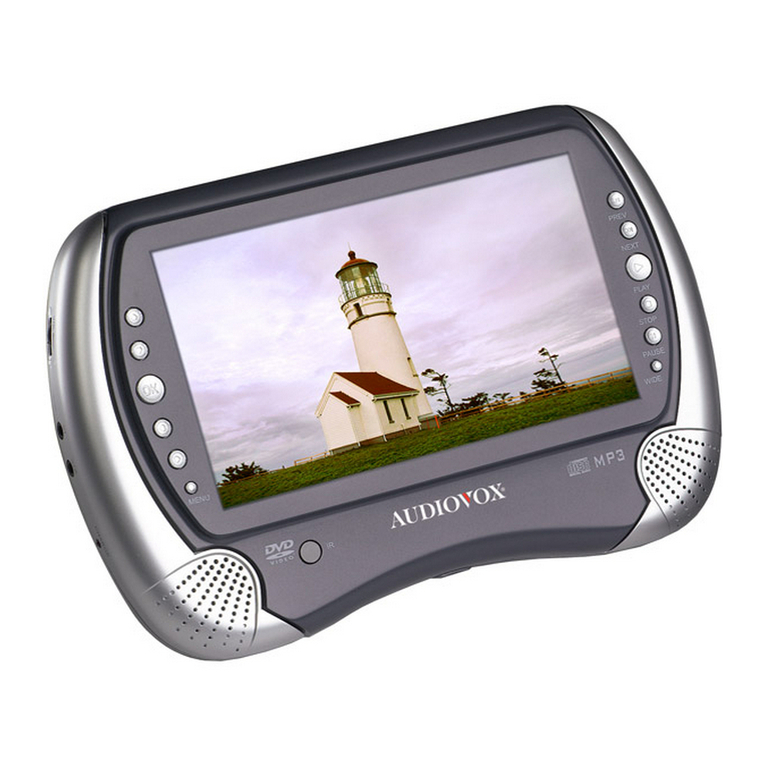
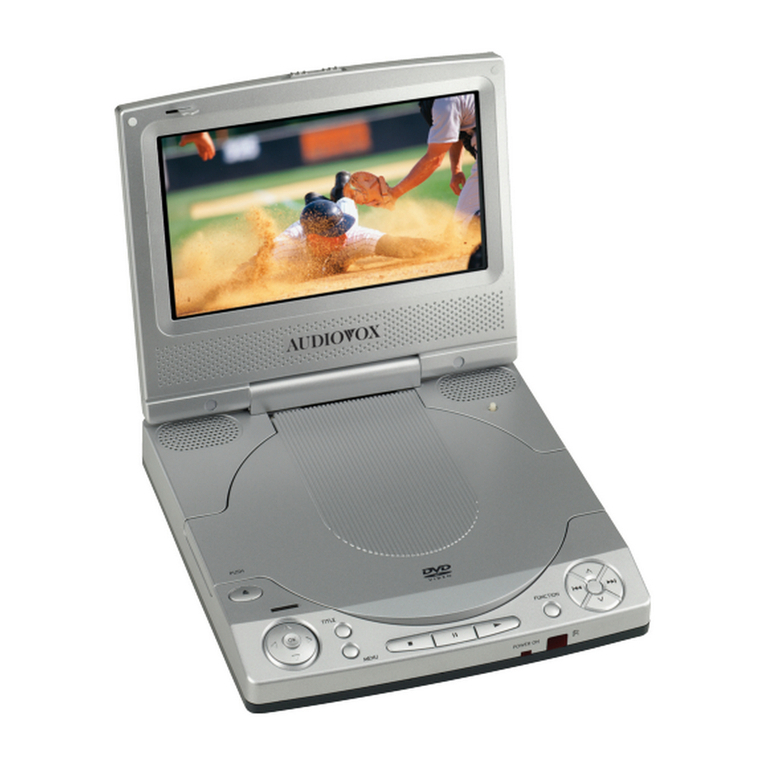
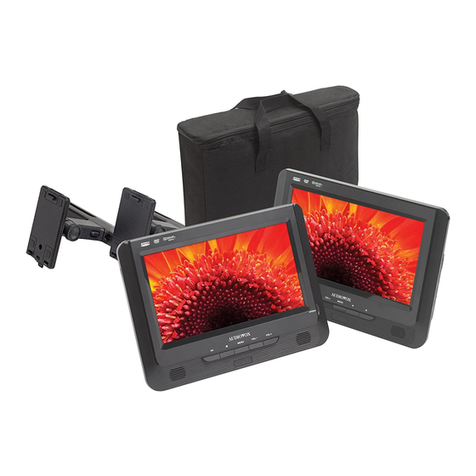
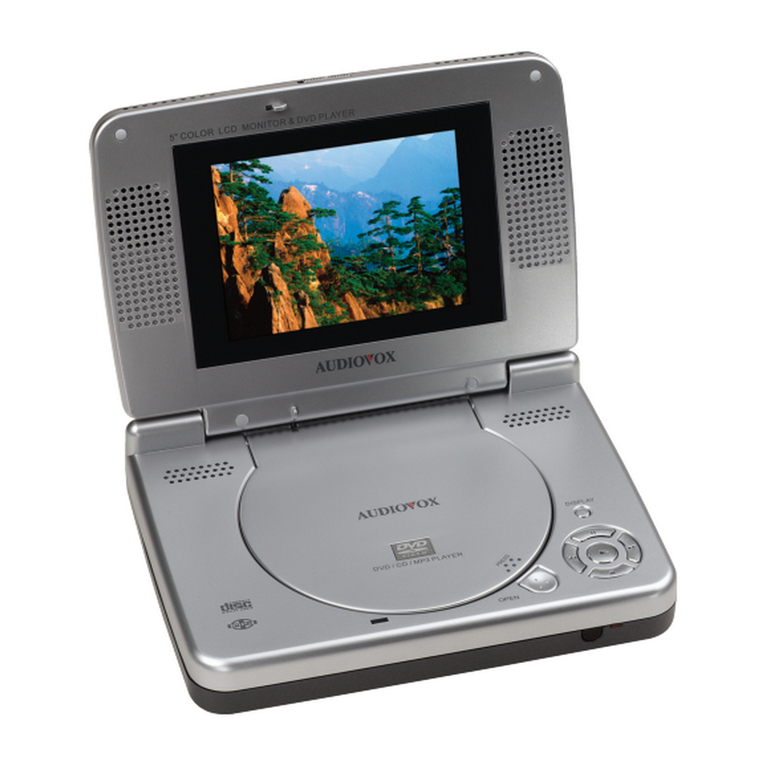
  9. Audiovox DS9341 User manual

Audiovox DS9341 User manual

This manual suits for next models

1

Other Audiovox Portable DVD Player manuals

Audiovox D1726 User manual

Audiovox

Audiovox D1726 User manual

Audiovox DV 1680 User manual

Audiovox

Audiovox DV 1680 User manual

Audiovox D1998PK - 9" Slim Line Portable DVD Player User manual

Audiovox

Audiovox D1998PK - 9" Slim Line Portable DVD Player User manual

Audiovox D2017PK User manual

Audiovox

Audiovox D2017PK User manual

Audiovox D1708PK User manual

Audiovox

Audiovox D1708PK User manual

Audiovox D1708 - DVD Player - 7 User manual

Audiovox

Audiovox D1708 - DVD Player - 7 User manual

Audiovox D2017PK User manual

Audiovox

Audiovox D2017PK User manual

Audiovox D1917ES User manual

Audiovox

Audiovox D1917ES User manual

Audiovox DS9443TPK User manual

Audiovox

Audiovox DS9443TPK User manual

Audiovox D1530 User manual

Audiovox

Audiovox D1530 User manual

Audiovox D1620 User manual

Audiovox

Audiovox D1620 User manual

Audiovox DS2058 User manual

Audiovox

Audiovox DS2058 User manual

Audiovox D1809PK - DVD Player - 8 User manual

Audiovox

Audiovox D1809PK - DVD Player - 8 User manual

Audiovox VOD1221 P User manual

Audiovox

Audiovox VOD1221 P User manual

Audiovox D9121ESK User manual

Audiovox

Audiovox D9121ESK User manual

Audiovox D1817PKG User manual

Audiovox

Audiovox D1817PKG User manual

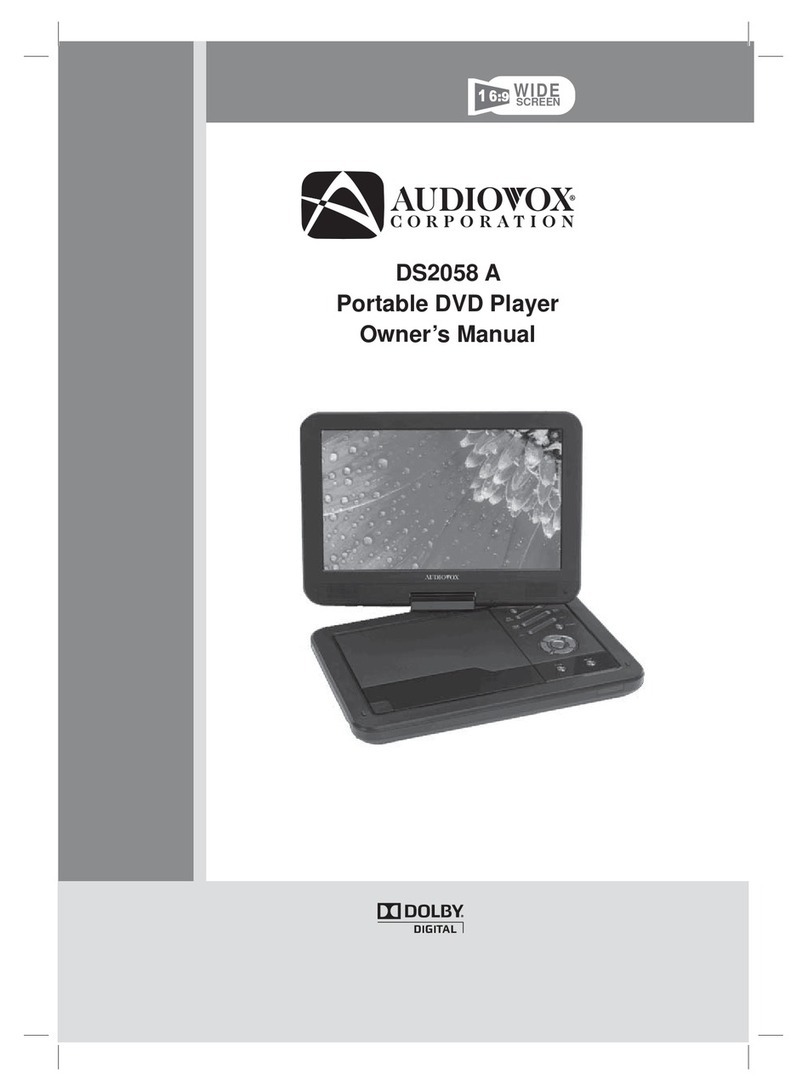
Audiovox DS2058 A User manual

Audiovox

Audiovox DS2058 A User manual

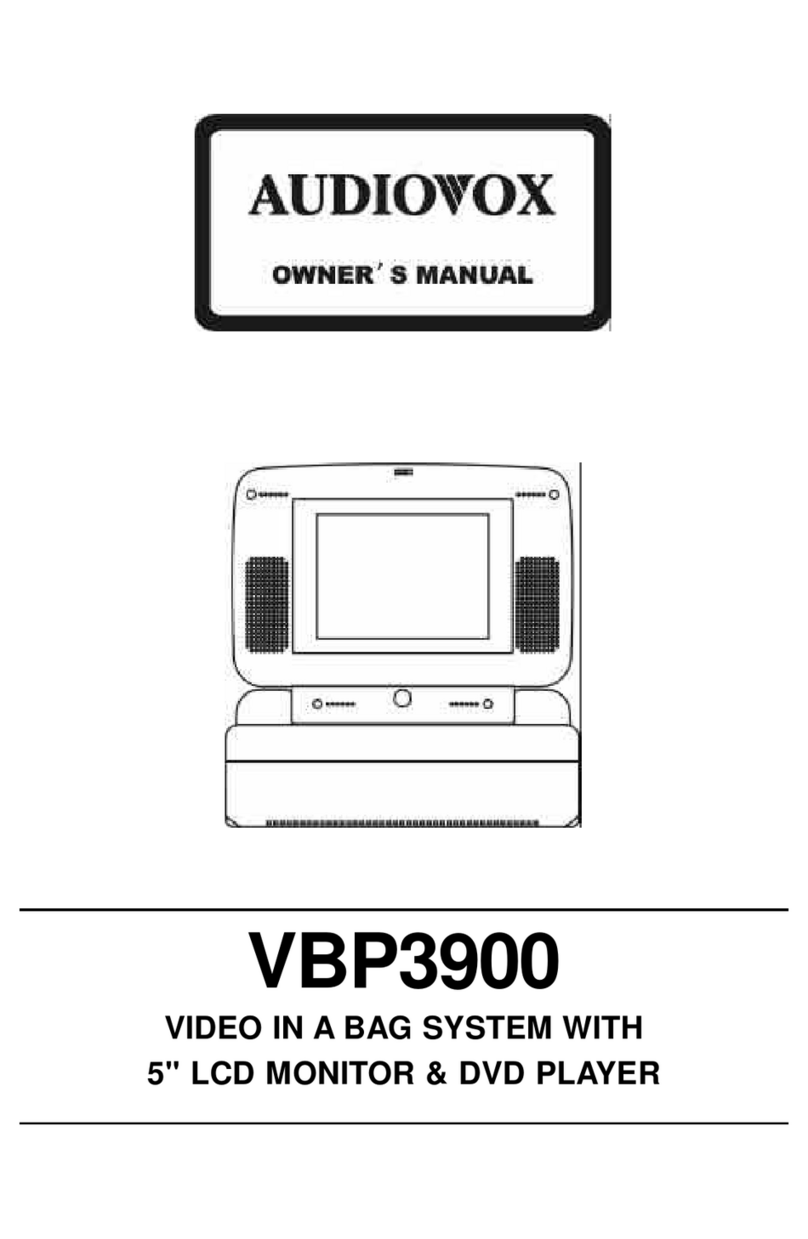
Audiovox VBP3900 User manual

Audiovox

Audiovox VBP3900 User manual

Audiovox D1500A User manual

Audiovox

Audiovox D1500A User manual

Audiovox D1712 User manual

Audiovox

Audiovox D1712 User manual

Audiovox D1812PK - DVD Player - 8 User manual

Audiovox

Audiovox D1812PK - DVD Player - 8 User manual

Audiovox D1809 - DVD Player - 8 User manual

Audiovox

Audiovox D1809 - DVD Player - 8 User manual

Audiovox FLO TV DFL710PK User manual

Audiovox

Audiovox FLO TV DFL710PK User manual

Audiovox D1888 User manual

Audiovox

Audiovox D1888 User manual

Popular Portable DVD Player manuals by other brands

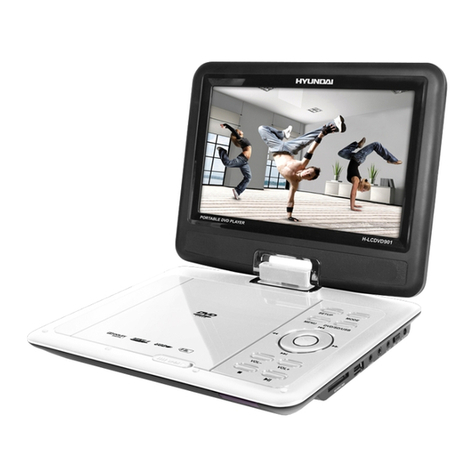
Hyundai H-LCDVD901 instruction manual

Hyundai

Hyundai H-LCDVD901 instruction manual

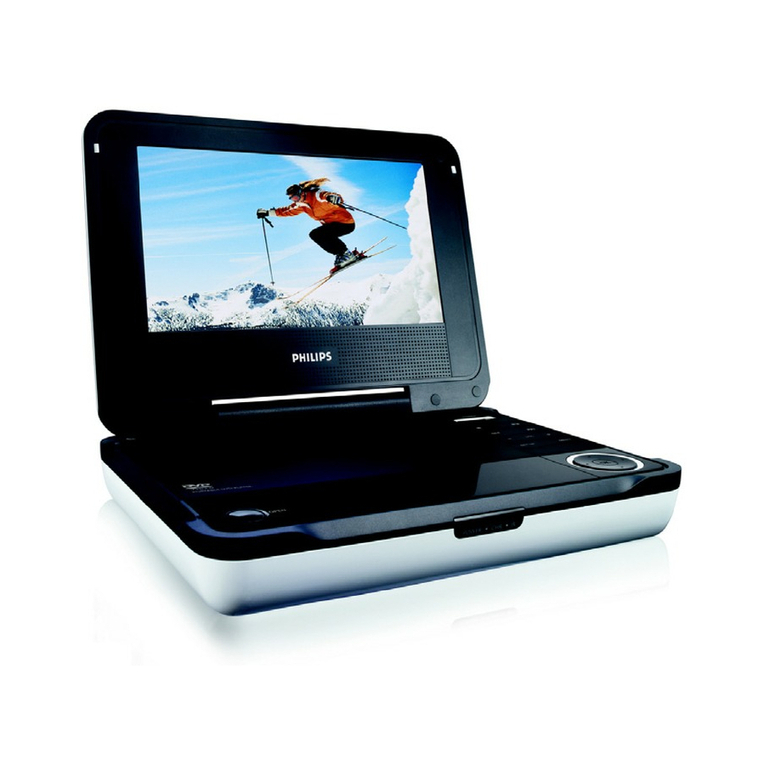
Philips PET718/77 user manual

Philips

Philips PET718/77 user manual

Impecca DVP775 user manual

Impecca

Impecca DVP775 user manual

NextBase MULTI-VISION SET PRO manual

NextBase

NextBase MULTI-VISION SET PRO manual

TV Star TD3 LCD COMBO user manual

TV Star

TV Star TD3 LCD COMBO user manual

Philips PD7016 user manual

Philips

Philips PD7016 user manual

Akura APDVD6008 user manual

Akura

Akura APDVD6008 user manual

LENCO MES-202 operating manual

LENCO

LENCO MES-202 operating manual

Philips PET702P Specifications

Philips

Philips PET702P Specifications

Logik L7SPDVD11 instruction manual

Logik

Logik L7SPDVD11 instruction manual

Mustek MVP850B user guide

Mustek

Mustek MVP850B user guide

Philips PET721D/98 user manual

Philips

Philips PET721D/98 user manual

LENCO DVP-928 user manual

LENCO

LENCO DVP-928 user manual

Philips PD9000/12 user manual

Philips

Philips PD9000/12 user manual

LENCO DVP-1027 instruction manual

LENCO

LENCO DVP-1027 instruction manual

Philips PD7010/05 user manual

Philips

Philips PD7010/05 user manual

LENCO DVP-846 brochure

LENCO

LENCO DVP-846 brochure

Matsui PL617 user guide

Matsui

Matsui PL617 user guide

manuals.online logo
manuals.online logoBrands
  • About & Mission
  • Contact us
  • Privacy Policy
  • Terms and Conditions

Copyright 2025 Manuals.Online. All Rights Reserved.

WIDE
SCREEN
DS9341/DS9341PK
Portable DVD Player
Owner’s Manual
WARNINGS AND CAUTIONS
Notice
This Product incorporates copyright protection technology that is protected by method claims of
certain U.S. Patents and other intellectual property rights owned by Macrovision Corporation and
other rights owners. Use of this copyright protection technology must be authorized by Macrovision
Corporation, and is intended for home and other limited viewing uses only unless otherwise
authorized by Macrovision Corporation. Reverse engineering or disassembly is prohibited.
Notice
An LCD panel and/or video monitor may be installed in a motor vehicle and visible to the driver if the
LCD panel or video monitor is used for vehicle information, system control, rear or side observation
or navigation. If the LCD panel or video monitor is used for television reception, video or DVD play,
the LCD panel or video monitor must be installed so that these features will only function when the
vehicle is in "park" or when the vehicle's parking brake is applied.
An LCD panel or video monitor used for television reception, video or DVD play that operates when
the vehicle is in gear or when the parking brake is not applied must be installed to the rear of the
driver's seat where it will not be visible, directly or indirectly, to the operator of the motor vehicle.
Licensed under one or more of the following patents:
Patent Numbers: 5,583,936; 6,381,747; 6,516,132; 6,836,549; and 7,050,698.
-2-
WARNINGS AND CAUTIONS
-3-
Placement
! To prevent fire or electric shock, do not expose this appliance to rain or moisture.
! Do not place the set on an unstable cart, stand, tripod, bracket or table to prevent it from falling.
! Keep the unit away from strong magnets, heat sources, direct sunlight, or excessive dust.
! If the unit is brought directly from a cold to a warm location, moisture may condense inside the unit.
When you move it from a cold to a warm location, wait for about one hour before operating the unit,
or remove the disc and leave the unit turned on until the moisture evaporates.
Installation
! Ensure that the unit is installed and used in accordance with the instructions and illustrations
provided in this manual.
Objects and Liquids
! Do not push objects of any kind into the unit through openings.
! Do not spill, splash or spray liquid of any kind on or in the system (this may result in a fire or electric
shock).
! Do not place anything heavy on the unit.
! Do not place any open flame sources, such as lighted candles, on the unit.
Ventilation
! To ensure proper ventilation and proper operation, never cover or block the slots and openings
with a cloth or other material.
Disassembly
! Do not attempt to disassemble the case or replace the battery. There is a risk of electric shock
and/or exposure to Laser Radiation. Contact qualified service personnel if your system is in
need of repair.
Cleaning the Unit
! When cleaning, make sure the system is unplugged from the power source.
! Do not use liquid cleaners or aerosol cleaners.
! Use a cloth lightly dampened with water for cleaning the exterior of the DVD Player system only.
-4-
WARNINGS AND CAUTIONS
Headphones
! Excessive sound pressure from headphones can cause hearing loss.
!
Disc
! Do not use irregularly shaped discs such as heart or star-shaped discs as they may cause the unit
to malfunction.
! Do not stick paper, tape or glue on the disc.
! Do not expose the disc to direct sunlight or heat sources such as hot air ducts.
! Do not touch the surface of the disc.
! Handle the disc by its edge.
! Clean the disc by wiping the disc from the center out with a cleaning cloth.
! Remove the disc from the unit and store it in its case after playing.
! Some playback operations of discs may be intentionally fixed by software producers. Since
this unit plays discs according to the disc contents the software producers designed, some
playback features may not be available. Also, refer to the instructions supplied with the discs.
Connect earphones or headphones to the headphone jack with the volume set low and
increase it if required. When earphones or headphones are connected, no sound will be
emitted from the connected speaker system.
Cleaning and handling the disc
Warnings and Cautions..................................................................2
Contents.......................................................................................5
Introduction...................................... ............................................6
Vehicle Installation........................................................................7
Charging the Battery .....................................................................8
Controls and Indicators..................................................................9
Remote Control Operation............................................................11
Connecting to a TV.......................................................................15
System Setup..............................................................................16
Playback.....................................................................................24
Specifications.............................................................................27
Troubleshooting..........................................................................28
Owner’s Notes............................................................................29
CONTENTS
-5-
-6-
INTRODUCTION
Thank you for selecting the DS9341/DS9341PK Portable DVD Player. The main features
include a 9" Swivel Screen (16:9 Aspect Ratio) Liquid Crystal Display (LCD) monitor and
a DVD Player.
The unit incorporates the latest state-of-the-art electronics and is designed for use in
hotels, offices, homes or vehicles. The unit is constructed to provide years of reliable,
trouble-free service, is compact so that you can take it with you anywhere, and is
designed for quick and easy installation.
Please read the entire instruction manual supplied with this product prior to operation.
The documentation will assist you in installing the system properly to obtain the best
equipment performance. Please save this manual for later use.
Package Contents
1. 1 X Instruction Manual
2. 1 X Remote Control
1 X L B
4. 1 X AC/DC Adapter
5. 1 X Vehicle DC Power Adapter
6. 1 X Carry/Headrest Bag*
7. 2 X Headphone*
8. 1 X Headphone Splitter*
* DS9341PK only
3. CR2025 ithium attery
Features
! 270-degree Rotatable 9" LCD Screen
! Two Optional Aspect Ratios 16:9 and 4:3
! Remote Control
! 3.5mm Headphone Jack
! Audio/Video Output Jack
! Compatible with DVD, VCD, CD, CD-R, DVD-RW, JPEG, Kodak Picture CD, etc.
! Support Playback Control: Play, Pause, Stop, Fast Forward Playback, Fast Reverse
Playback, etc.
! 4 Hour Playback
! Internal Rechargeable Li-Polymer Battery
! Operated with 9-12 VDC Power Supply
VEHICLE INSTALLATION
INSTALLING THE DVD PLAYER ON A SEAT BACK IN A CAR
(DS9341PK only)
1. Unfold the carry bag, and place the DVD Player on the bag beneath the elastic straps.
Ensure that the unit's corners are secured by the elastic straps. Ensure that the center strap
is across the face of the DVD Player.
2. Secure the upper portion of the carry bag to headrest support bars using the headrest strap.
Adjust the headrest strap until the bag is firmly secured.
3. Secure the lower portion of the carry bag to the vehicle seat back using the seat back strap.
Adjust the seat back strap until the bag is firmly secured.
-7-
The player is powered by a lithium-polymer battery. It has no memory effect and thus it
can be recharged at any time regardless of whether it is fully or partially discharged.
The unit can be recharged when it is powered on or off. When the power is off, it takes
about 3~4 hours to fully charge the battery. When the power is on, it takes approximately
ten hours to charge the battery. When fully charged, the battery can be used for about
four hours.
The unit can be charged using the AC/DC Adapter or the Vehicle DC Power Adapter.
By AC/DC Adapter:
Connect the AC/DC adapter to the the unit, then plug the adapter
into a 0 VAC outlet.
By Vehicle DC Power Adapter:
Plug one end of the dapter into the jack on the unit, then
plug the other end into the socket of a car.
Do not charge the DVD player in the vehicle when the vehicle is not running.
While the unit is charging, the red charge indicator will flash. When the battery is fully
charged, the red charge indicator will be steadily lit.
DC IN 9-12V jack on
12
Vehicle DC Power A DC IN 9-12V
vehicle DC accessory
CHA RGING THE BATTERY
Use and Maintenance of the Rechargeable Battery
1.The working temperature of the rechargeable battery is 32 °F (0 °C) to 95 °F (35 °C).
2. Always unplug the unit when it is not being used or charged.
3. If you do not plan to use the battery for an extended period of time (one week or
longer), we recommend that you fully charge the battery. For longer periods of
storage, please recharge the battery at least once every two months to maintain the
battery in optimum condition.
4. Once the battery is fully discharged, immediately recharge the battery (regardless of
whether you plan to use the DVD player or not) in order to maximize battery life.
5. Recharge efficiency will degrade when temperatures drop below 50 °F (10°C) or
exceed 95 °F (35 °C).
6. The battery compartment contains a temperature sensor. If the temperature exceeds
104 °F (40 °C) when charging the unit, the power will turn off automatically and the red
charge indicator on the side of the unit will flash. In this case, disconnect the power
adapter, wait for the unit to cool down, then reconnect the power adapter.
7. Heat is produced during charging. This is normal.
8. Do not subject the battery to strong impacts.
9. Keep the battery away from humidity and excessive heat.
10. The battery is not user serviceable. Please contact Audiovox in the event the battery
will not charge.
-8-

-9-
CONTROL AND INDICATORS
1. SPEAKER OUTPUT
2. DISPLAY SCREEN
3. RED LED CHARGE INDICATOR
Flashes when the battery is charging.
Steadily lit when the battery is charged.
4. INFRARED REMOTE SENSOR
5. GREEN LED ON/OFF INDICATOR
Steadily lit when the unit is on.
6. PLAY/PAUSE ( ) BUTTON
7. STOP ( ) BUTTON
8. VOL- BUTTON
. VOL+ B
10. SETUP BUTTON
11. MUTE BUTTON
12. PREVIOUS ( )/UP BUTTON
13. FAST FORWARD ( )/RIGHT BUTTON
14. OK BUTTON
15. NEXT ( )/DOWN BUTTON
16. FAST REWIND ( )/LEFT BUTTON
17. OPEN ( ) BUTTON
Press to open the disc tray cover.
Press once to pause playback, then press
again to continue playback.
Press to stop playback.
Press to enter/exit the setup menu.
Press this button to temporarily switch
the sound off. Press it again to switch
the sound on.
Press to skip to the previous chapter/track.
Press repeatedly for fast forward playback.
The available speeds are 2X, 4X, 8X, 16X,
and 32X.
Press to enter a highlighted item in a menu
or to confirm and execute a selection.
Press to skip to the next chapter/track.
Press repeatedly for fast reverse playback.
The available speeds are 2X, 4X, 8X, 16X,
and 32X.
Press to decrease the volume.
9 UTTON
Press to increase the volume.
55
SETU P SOURCE
1313
121
67
89
11
10
12 13
14
17 16 15
3
4
5
-10-
9″Swivel LCD Screen
The LCD screen is connected to the main body of the player via a rotatable hinge. The
screen can be rotated clockwise horizontally from the beginning position and
counterclockwise from the ending position by 270 degrees. You can open up the screen
and rotate it the same time.
Note: Do not rotate the screen beyond its maximum extent. Forcing the screen beyond
its maximum extent will damage the unit.
Ending Position
Beginning Position
OFF/ONAV OUTPHONE
CONTROL AND INDICATORS
18181919
OFF/O NAV OUTPHO NE
2
3
4
1
1. 3.5mm HEADPHONE JACK
Note: When headphones are connected, the
speakers are turned off.
2. AV OUT JACK
3. ON/OFF SWITCH
4. DC IN 9-12V JACK
Slide the switch to ON position to turn on
the unit. Slide the switch to OFF position to
switch off the unit.
Side View