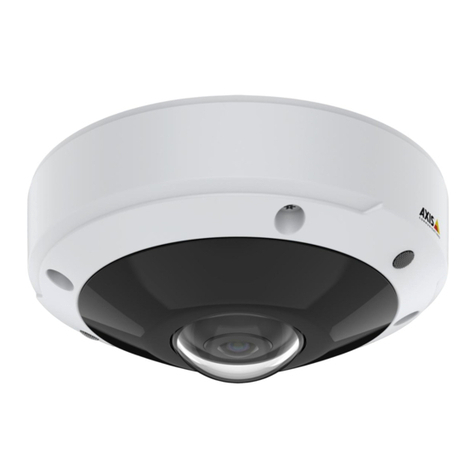
AXISQ6125–LEPTZNetworkCamera
Setup
Important
Usingmultipleprivacymasksmayaffecttheproduct’sperformance.
Createaprivacmask
Tocreateaprivacymask,gotoSettings>Privacmask.
Overlays
Aboutoverlays
verlaysaresuperimposedoverthevideostream.Theyareusedtoprovideextrainformationduringrecordings,suchasatimestamp,
orduringproductinstallationandconguration.
Dsplaythepanortltpostonasatextoverlay
Itmaybeusefultoretrieve,forinstancefromarecordedvideo,thepanortiltpositionindegreesinwhichaneventhastakenplace.
Thiscanbeobtainedbyincludingthepositionintheimageasatextoverlay,usingaso-calledmodier.
1.GotoSettings>Overla.
2.Inthetexteld,enter#xtoshowthepanposition.
Enter#ytoshowthetiltposition.
3.Choosealignment,textsizeandappearance.
4.Thecurrentpanandtiltpositionsshowupintheliveviewimageandintherecording.
PTZ(PanTltZoom)
Aboutguardtours
Aguardtourdisplaysthevideostreamfromdifferentpresetpositionseitherinapredeterminedorrandomorder,andforcongurable
periodsoftime.ncestarted,aguardtourcontinuestorununtilstopped,evenwhentherearenoclients(webbrowsers)viewingthe
images.
Theguardtourfunctioninthisproductincludestourrecording.Thisallowsrecordingacustomtourusinganinputdevice,suchasa
joystick,amouseorakeyboard,orthroughusingtheVAPIX®ApplicationProgrammingInterface(API).Arecordedtourisareplayofa
recordedsequenceofpan/tilt/zoommovements,includingtheirvariablespeedsandlengths.
Createaguardtourwithpresetpositions
1.GotoSettings>PTZ>Guardtours
2.Click+.
3.SelectPresetposition.
4.Toedittheguardtour’sproperties,click
5.Typeanamefortheguardtourandspecifythepauselengthinminutesbetweeneachtour.
6.Ifyouwanttheguardtourtogotothepresetpositionsinarandomorder,turnonShufe.
7.ClickDone.
8.ClickAddtoaddthepresetpositionsthatyouwantinyourguardtour.
9.ClickDonetoexittheguardtoursettings.
9