6
Plug & Play Harness Installation
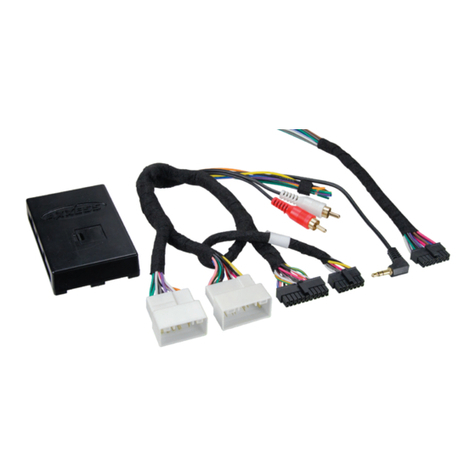
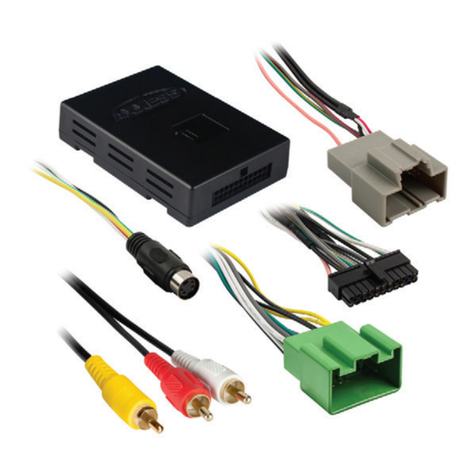
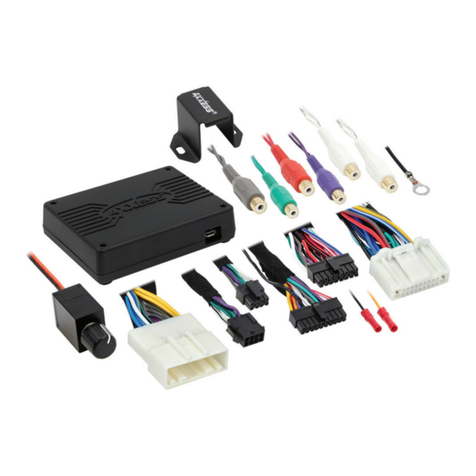
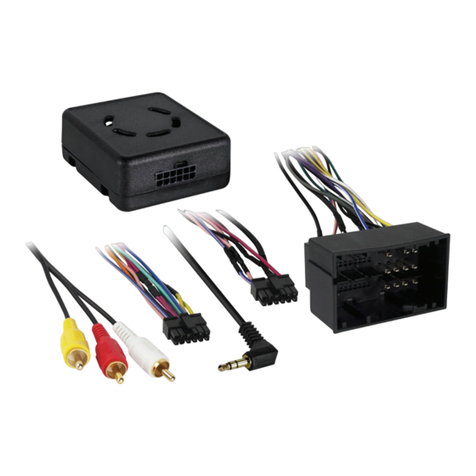
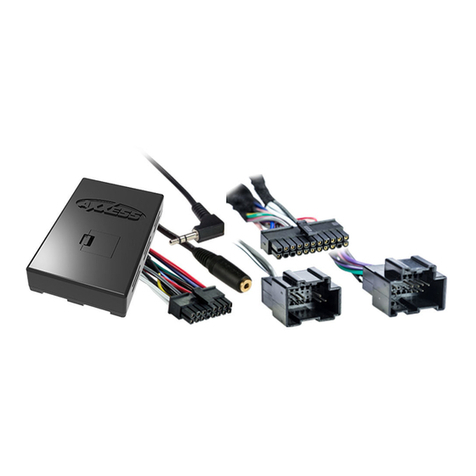
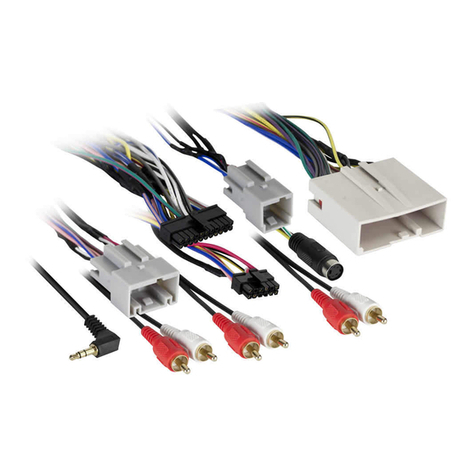
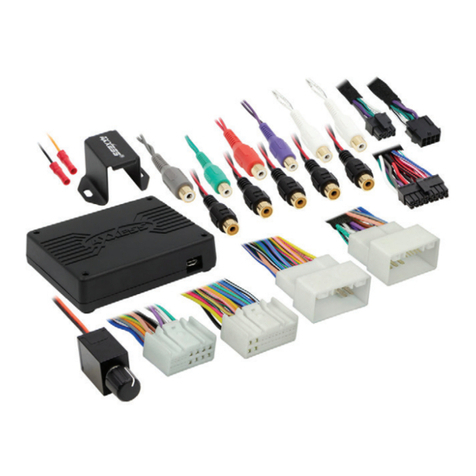
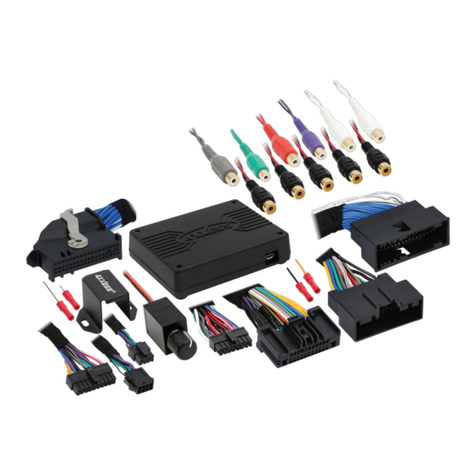
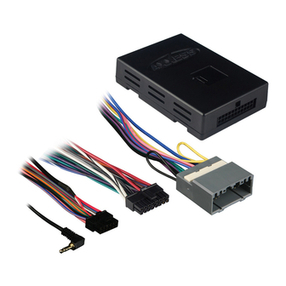
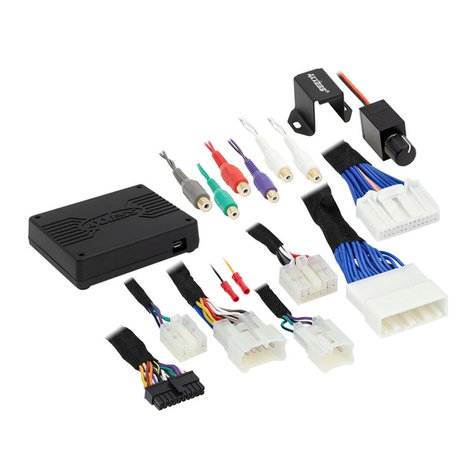
PLUG & PLAY AXi-HA20-R HARNESS INSTALLATION:
All connections of AXi-HA20-R plug and play installation harness in
HONDA/ACURA vehicles are done at the navigation DVD-ROM.
Step 1: Locate HONDA/ACURA DVD‐ROM and gain access to the connectors,
see page 5 for the DVD-ROM location.
Step 2: Disconnect black 20‐pin connector from back of the navigation
DVD‐ROM computer.
Step 3: Insert male connector of AXi-HA20-R plug‐and‐play harness back into
the navigation DVD‐ROM computer.
Step 4: Insert previously disconnected factory 20‐pin connector into female
connector of AXi-HA20-R plug‐and‐play harness.
Step 5: Connect AXi-HA20-R plug‐and‐play harness to the universal
AXi-UNIHAR-R harness supplied with AXi-RGB1/AXi-RGB2/AXi-RGB3.
Step 6: Connect black ground wire of AXi-UNIHAR-R harness directly to
chassis ground of the DVD-ROM ground wire. (see table 1 on page 3)
Step 7: Connect red wire of AXi-UNIHAR-R harness to a +12v accessory
power source in the vehicle. (see table 1 on page 3)
Step 8: Connect gray wire of AXi-UNIHAR-R harness to emergency brake in
the vehicle. (connection is not required if only installing the back-up camera)
Step 9: Connect orange wire of AXi-UNIHAR-R harness to a reverse light in
the vehicle. (see table 1 on page 3) If an aftermarket back-up camera is not
going to be installed or vehicle is already equipped with a factory back-up
camera, DO NOT connect Orange wire.
Step 10: Connect yellow wire of AXi-UNIHAR-R harness the push button
switch, and connect other side of the push button switch to a +12V accessory
power source. (connection is not required if only installing back-up camera)
Momentary normally open push button should be used for this purpose.
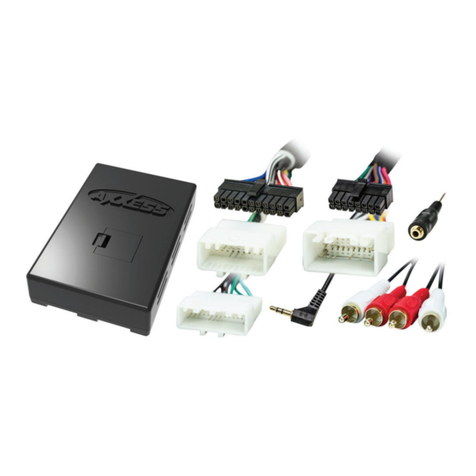
Step 11: Connect AXi-UNIHAR-R harness to AXi-RGB1/AXi-RGB2/AXi-RGB3
AXXESS.i video interface.
If installing an aftermarket back up camera connect it to video input 2, If an
external video source is being installed connect it video 1 input.
If installing AXi-RGB2/AXi-RGB3 and blue wire is not used, insulate the end of
blue wire with electrical tape.
If installing AXi-RGB3 with HDMI video source you have an option of audio
output via 3.5 mm audio jack located next to the main interface plug.