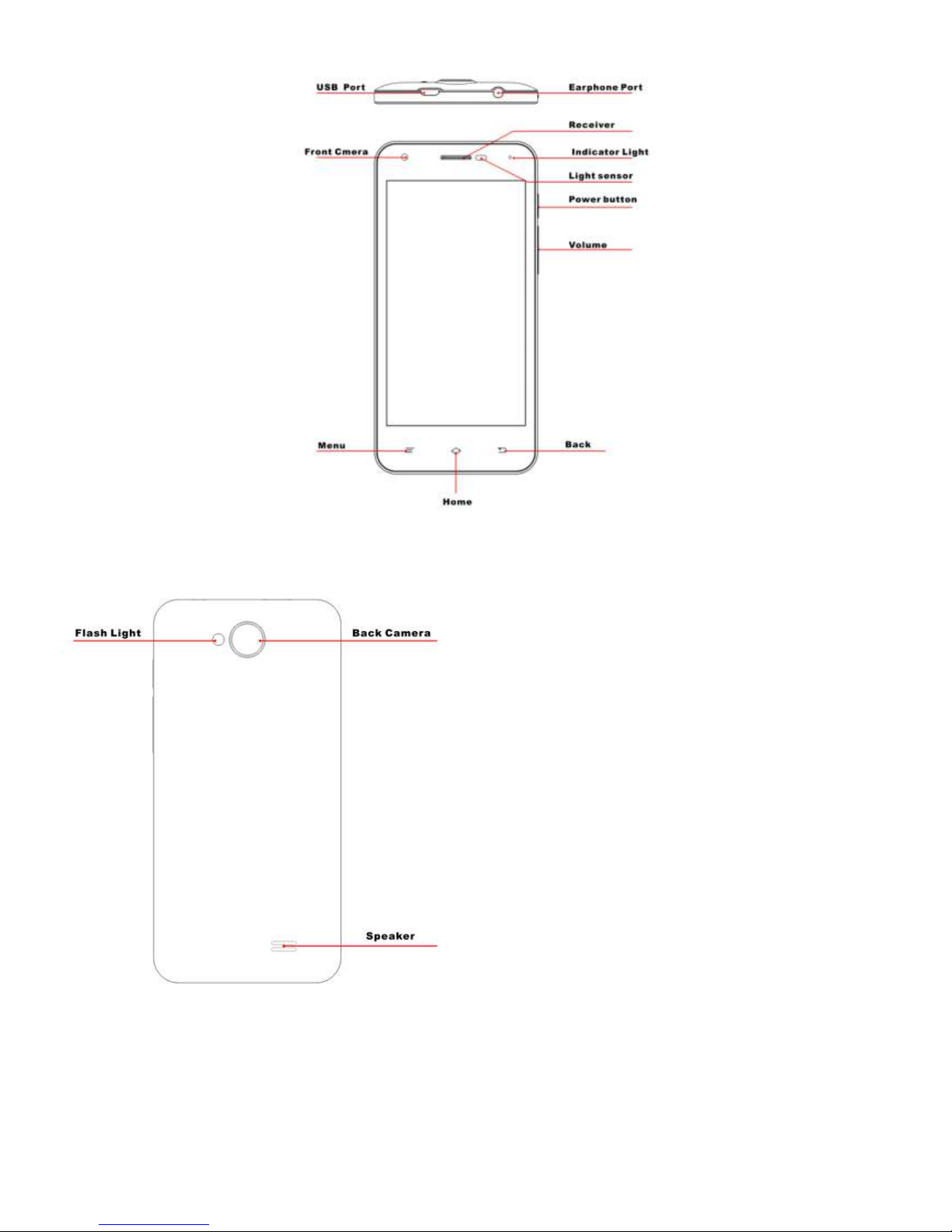
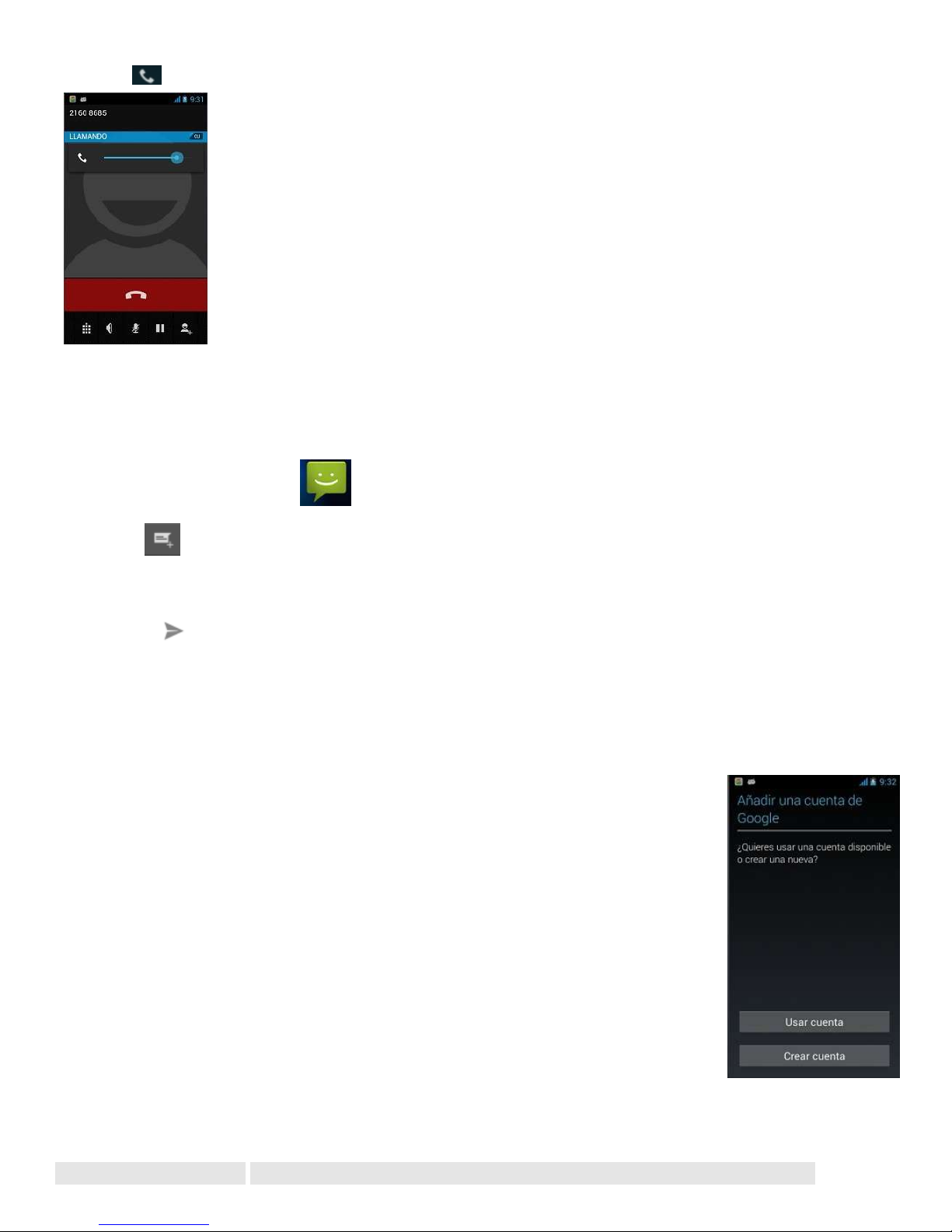
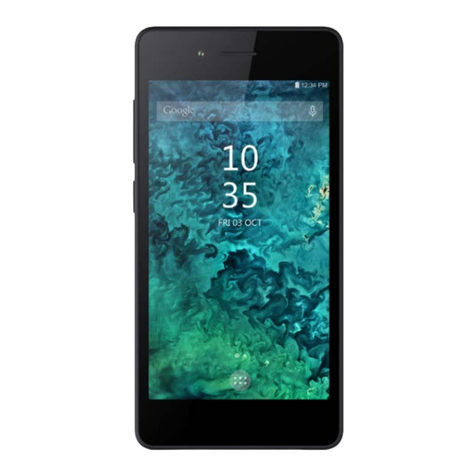
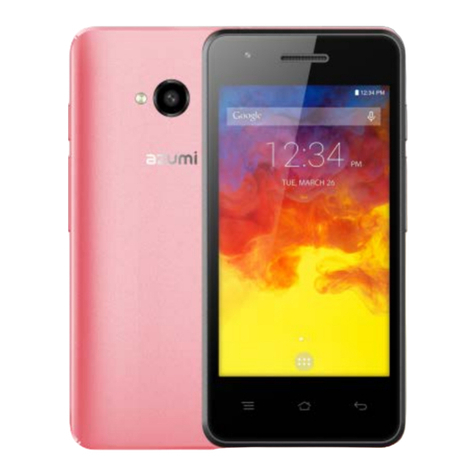
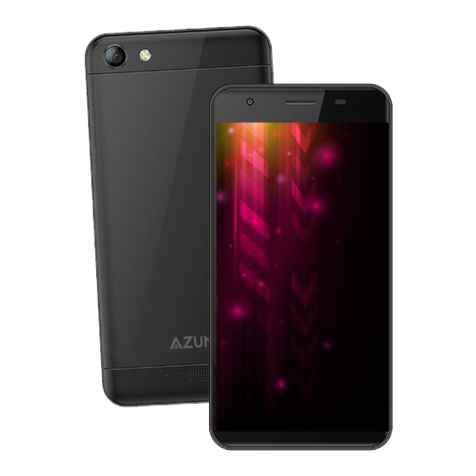
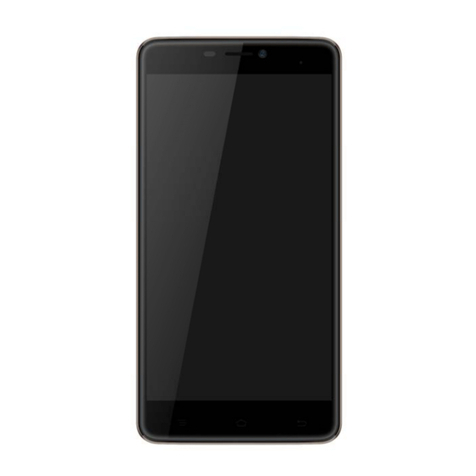
Volume key is at the right side of the phone. During a conversation, you can press the volume key to tune the sound
volume.
SEND A TEXT
1. From the Home screen,touch
2. Touch
3. Touch the To field,then enter a recipient.
4. Touch the Type message field,then enter a message
5. Touch Send the message
ADDING EMAIL ACCOUNTS
The first time you open Email, you are prompted to set up an email account. After that, you can configure Email to
send and receive email from additional accounts.
To add an email account: Open the Accounts screen. Touch menu icon and touch Add
account. In the Setup Email screen, enter your email address and password. Touch Next. Or,
if you need to enter email account settings the wizard can’t configure for you, touch Manual
setup, you’re prompted to enter your email account details. Enter any other information
requested by the type of account you’re adding and touch Done. Enter a name for the
account and touch Done. Email starts downloading your email messages and you can start
using it to send and receive messages using the new account.
SETTINGS
Get to know the settings in your phone so that you can personalize them to your own requirements. Go to Settings to
configure how your phone looks, sounds, communication, privacy, and operations in a variety of ways: