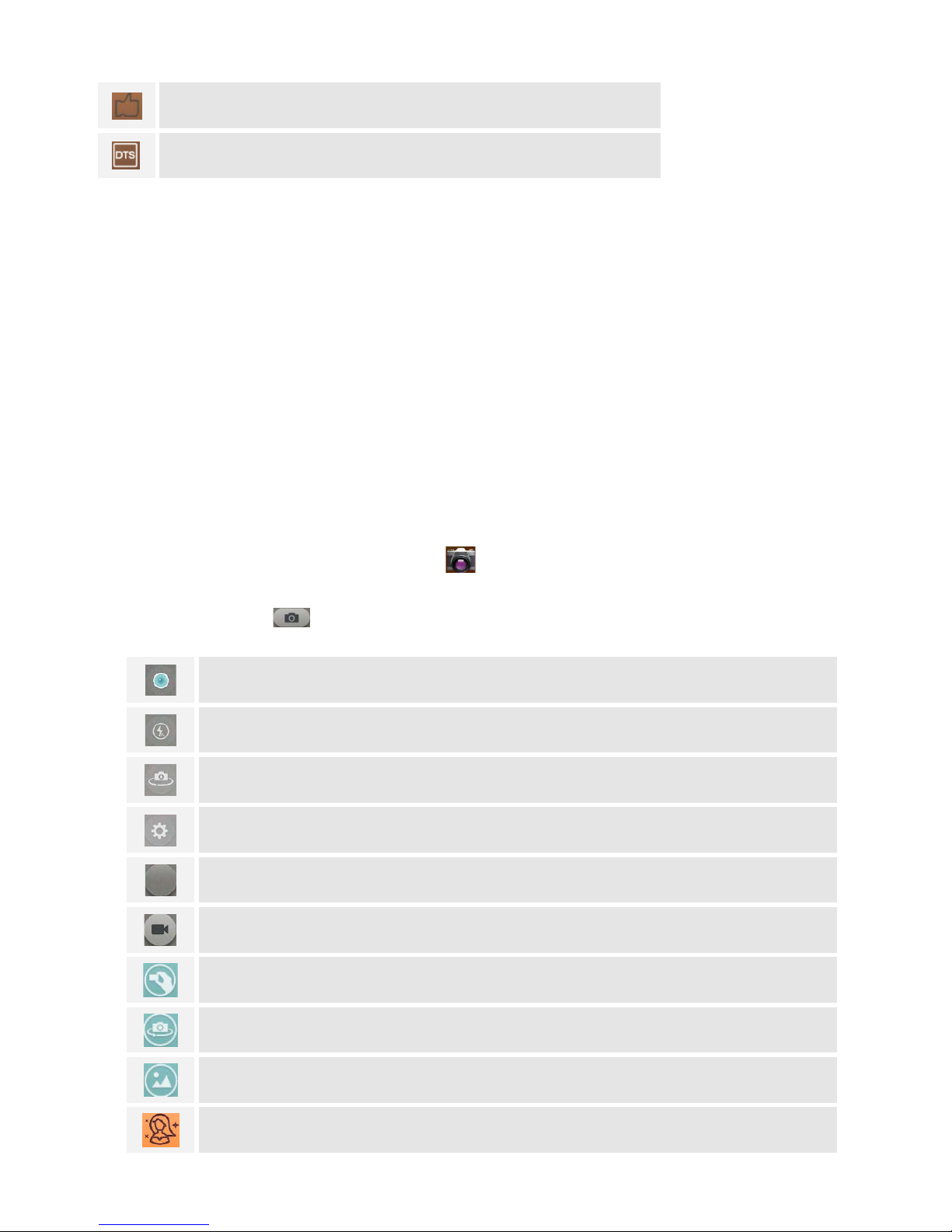
slide to choose style of Angel, Breeze, Charm, Frosty, Glow, Natural, Ocean, Rose,
filters can choose. Sepia, Antique, Lomo yellow, Grayscale, Emboss, Negative,
Lomo green, Lomo neutral, and Vignetting.
Slide to screen and choose the stamps when you take a photo.
Focus on PPT, whiteboards or books. Photos will be automatically adjusted.
SHOOT A VIDEO
1. Press the camera icon on the screen, and then touch video icon to transfer it.
2. Press the video button to begin filming,and press again to stop it.
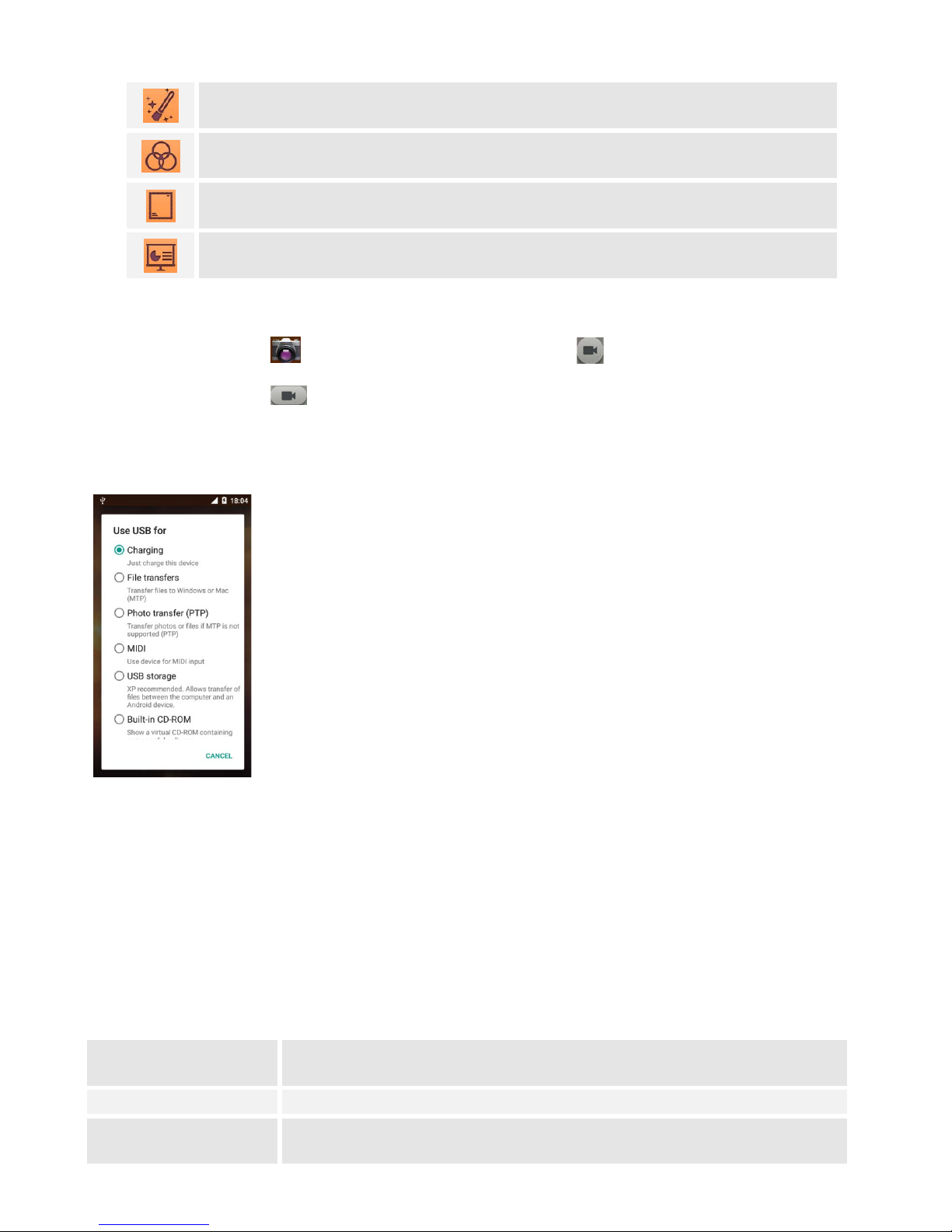
USE AS MODEM VIA USB
You can connect your phone to a computer with a USB cable, to transfer music, pictures, and other files between
your phone’s SD card and the computer.
CONNECT TO Wi-Fi NETWORKS
Wi-Fi is a wireless networking technology that can provide Internet access at distances of up to 100 meters,
depending on the Wi-Fi router and your surroundings.
Touch Settings ->All settings-> WLAN. Check Wi-Fi to turn it on. The phone scans for available Wi-Fi networks
and displays the names of those it finds. Secured networks are indicated with a Lock icon.
SETTINGS
Get to know the settings in your phone so that you can personalize them to your own requirements. Go to
Settings to configure how your phone looks, sounds, communication, privacy, and operations in a variety of ways.
Airplane mode Turn on the airplane mode. It will close your mobile network, WLAN, and
Bluetooth wireless connections.