9
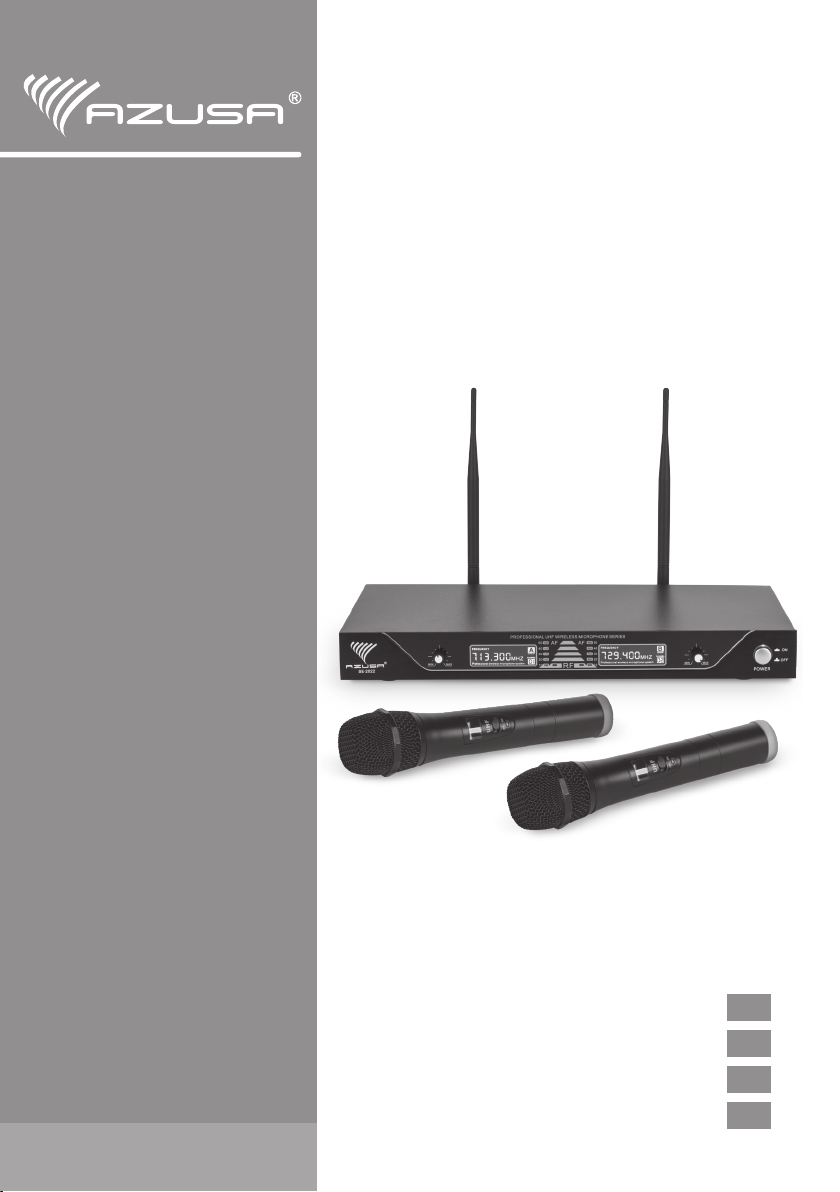
OWNER’S MANUAL MIK0126
EN
III. Instruction of use:
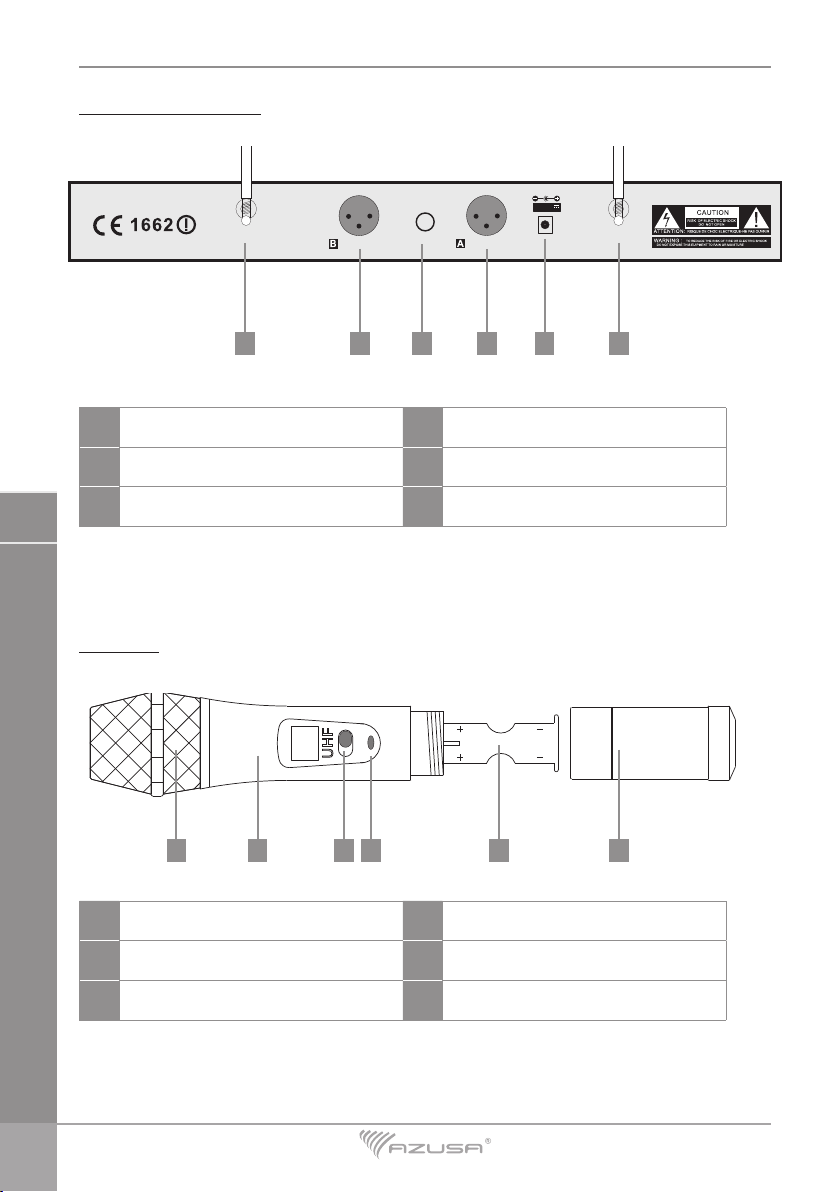
1. Connect antenna to antenna sockets at the back of the receiver. Make sure the antennas are
positioned upright.
2. Connect the receiver to AC power mains by power cable.
3. When connecting mixer or amplier, please connect the balance or mix output by cable to
mixer or amplier.
4. Insert batteries into microphone battery compartment. Make sure to close the battery
compartment before use. Always turn off the microphone before replacing batteries.
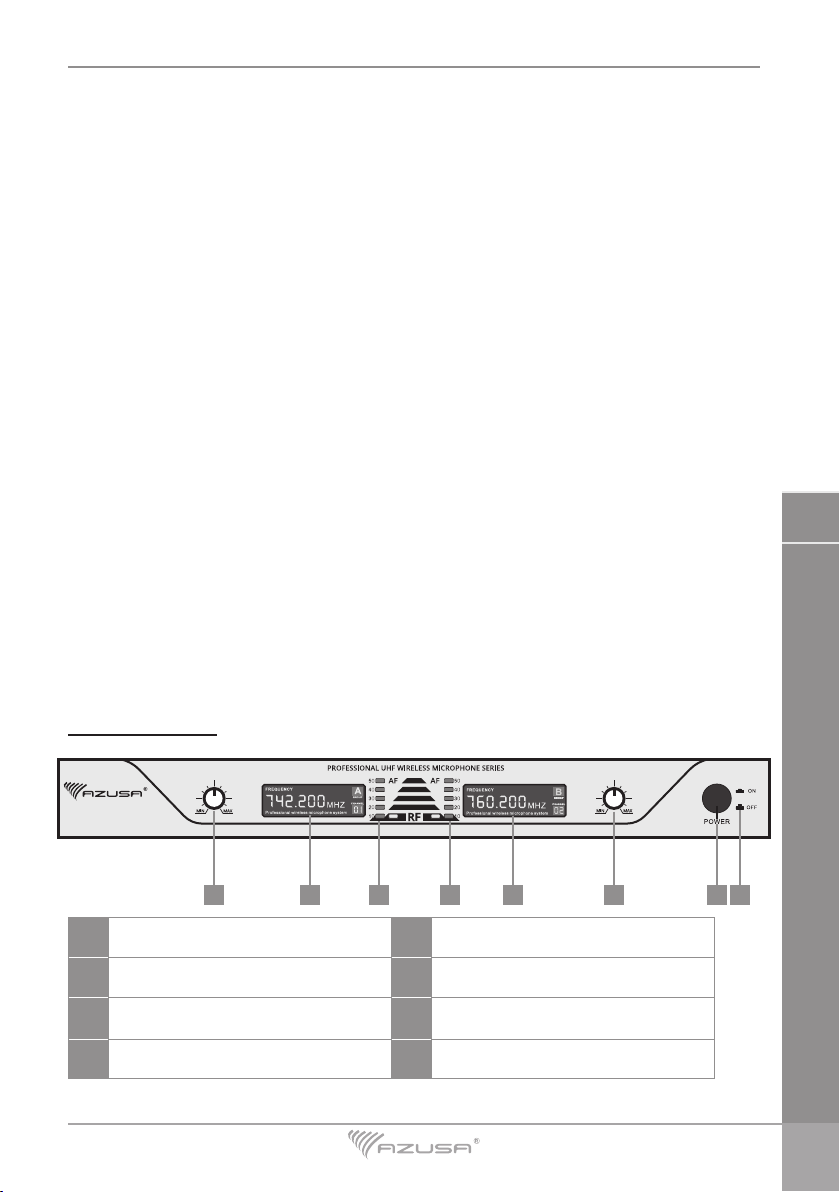
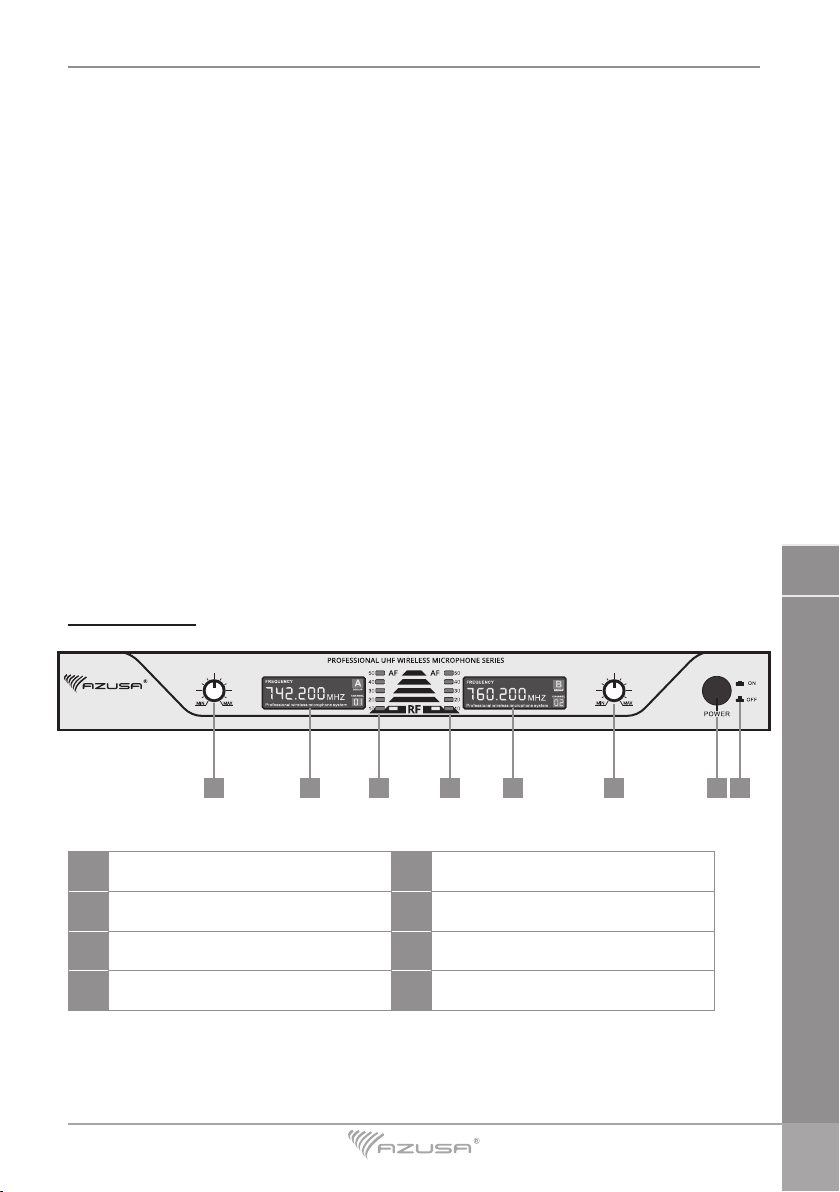
5. Turn the receiver on, by pushing in the power button.
6. Turn the microphone on, by sliding the switch to the side.
IV. Troubleshooting:
PROBLEM STATES TROUBLESHOOTING
No sound. • The power indicator of the
receiver is o.
• Check the power connection
of the receiver.
• The RF indicator of the
receiver is o.
• The transmitter’ s power
switch should be in the “ON”
position.
• Check the polarity of the
batteries in the transmitter.
• Replace the batteries if
necessary
• Check if the channel of the
transmitter is the same with
the receiver.
• The RF indicator is on and
the AF indicator is o.
• Adjust the volume switch on
the receiver.
• The RF and AF indicators
are on.
• Check the audio output line
connecting the receiver and
the amplier.
• Check the settings of the
amplier.
The receiver has noise; The
receiving distance is too short.
• The RF and AF indicators of
the receiving are ashing.
• There is frequency
interference; change the
channel. For example:
change the CH1 to CH10.
Adjust the squelch threshold. • The RF and AF indicators
are on.
• Adjust the volume of the
receiver to a suitable volume.
Distorted sound. • The indicator of the
transmitter is on. • Replace the battery.
Cannot adapt to the musical
instrument.
• The RF and AF indicators
are on.
• Adjust the receiver’s volume
control to make them
compatible.