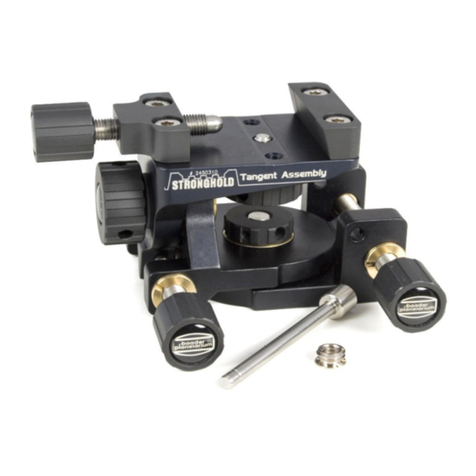
B y alternately loosening rotary knobs 1,2,3 and 4 –as in Figure V III–you can position your
cam era in frontofthe eyepiece in such a w ay thatthe opticalaxis ofthe eyepiece corresponds
w ith thatofthe cam era lens and the display detailyou are aim ing atappears on the display orin
the view finder.
C lam p screw s 1 and 2 are foradjusting height,clam p screw 3 is fordistance and clam p screw 4
forthe left/rightadjustm entofthe cam era casing.
Tighten clam p screw s 1,2,3 and 4 w hen you have found the detailyou are looking for.
To centre and focus the targeted objectin the telescope,sw ivelthe cam era aw ay from the
eyepiece,as show n in Figures IX and X .To do so,loosen rotary knob 2 and turn the cam era
bracketslightly to the left.
The resting points are particularly helpful.They also ensure thatthe cam era can be brought
back into the exactsam e position in frontofthe eyepiece.
O nce you have taken yourpictures w ith the B aaderD igiscoping-A dapterM icroS tage II,you put
itback into its hom e position and store itaw ay in the space-saving softleatherpouch.
C S 4
C S 2
C S 5
C S 1
C S 3