manuals.online logo
Brands
  1. Home
  2. •
  3. Brands
  4. •
  5. Bacharach
  6. •
  7. Batteries Pack
  8. •
  9. Bacharach BP90 User manual

Bacharach BP90 User manual

Popular Batteries Pack manuals by other brands

Acumentrics PACK-POWER SYSTEM Quick reference guide

Acumentrics

Acumentrics PACK-POWER SYSTEM Quick reference guide

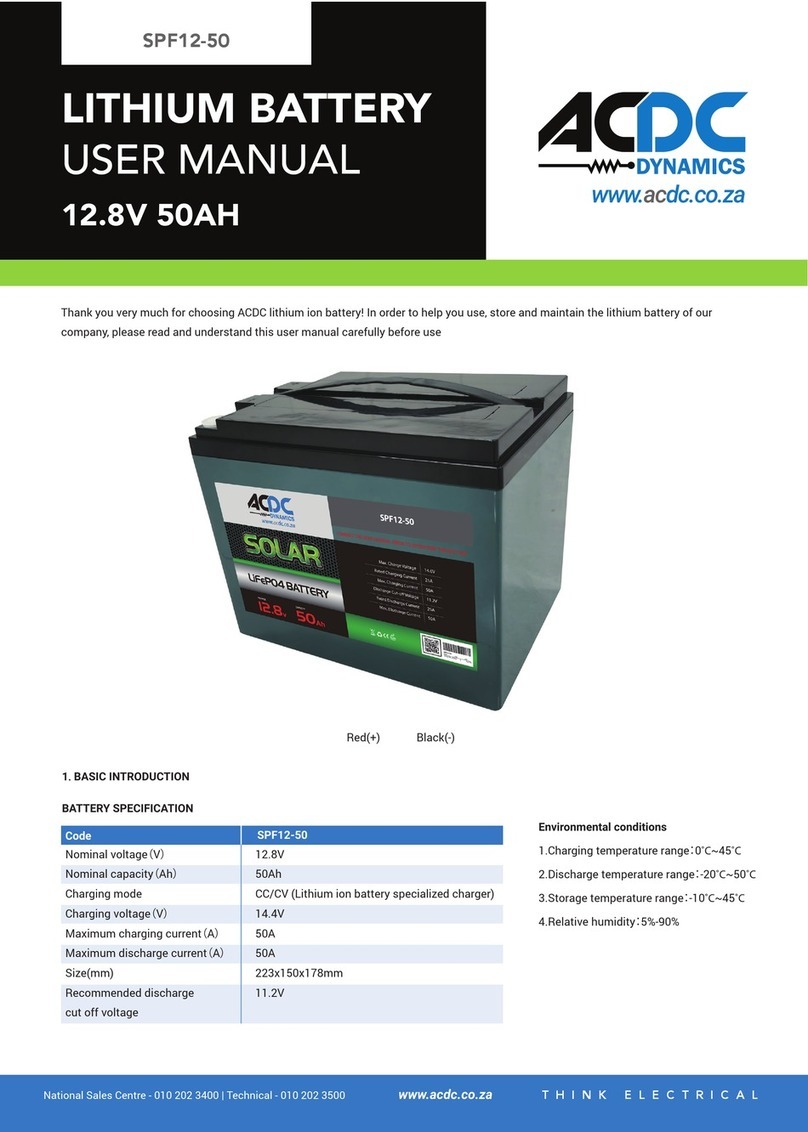
ACDC Dynamics SPF12-50 user manual

ACDC Dynamics

ACDC Dynamics SPF12-50 user manual

Aegis ABL-72020P user manual

Aegis

Aegis ABL-72020P user manual

Dyness TowerESS user manual

Dyness

Dyness TowerESS user manual

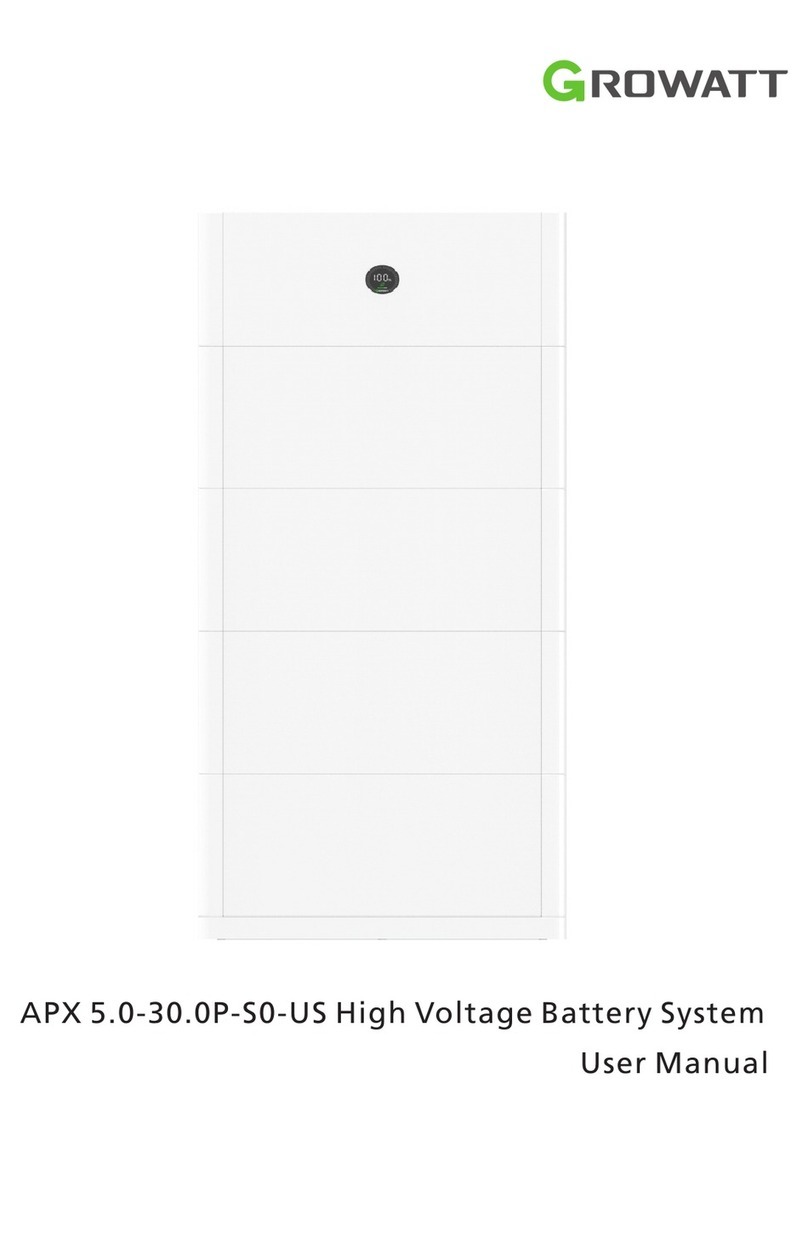
Growatt APX 5.0P-S0-US user manual

Growatt

Growatt APX 5.0P-S0-US user manual

CyberPower BCA Series installation manual

CyberPower

CyberPower BCA Series installation manual

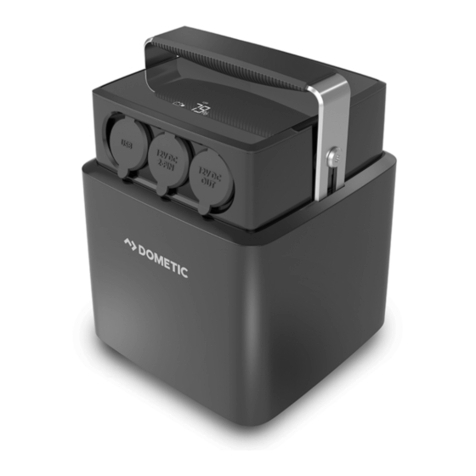
Dometic PLB40 operating manual

Dometic

Dometic PLB40 operating manual

V-TAC VT-48280-W2 instruction manual

V-TAC

V-TAC VT-48280-W2 instruction manual

Valence RT user guide

Valence

Valence RT user guide

Nikon MB-D14 user manual

Nikon

Nikon MB-D14 user manual

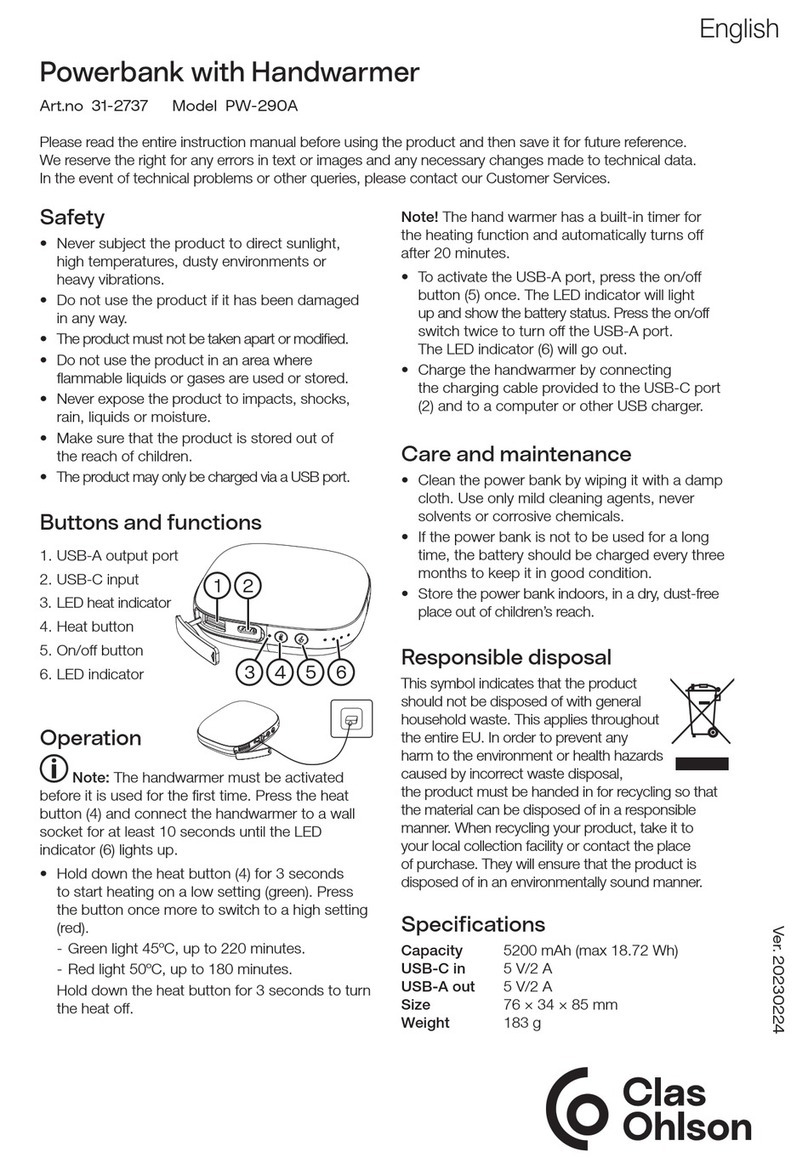
Clas Ohlson PW-290A quick start guide

Clas Ohlson

Clas Ohlson PW-290A quick start guide

EINHELL MULTI-Ah Power X-Change Plus Original operating instructions

EINHELL

EINHELL MULTI-Ah Power X-Change Plus Original operating instructions

IOGear GBP24V Series user manual

IOGear

IOGear GBP24V Series user manual

Samsung EB-U3300 quick start guide

Samsung

Samsung EB-U3300 quick start guide

ECTIVE LC Series instruction manual

ECTIVE

ECTIVE LC Series instruction manual

Narada 12REXC70 Operation manual

Narada

Narada 12REXC70 Operation manual

Festool BP 12 Original instructions

Festool

Festool BP 12 Original instructions

Simons Voss Technologies CR2450 quick guide

Simons Voss Technologies

Simons Voss Technologies CR2450 quick guide

manuals.online logo
manuals.online logoBrands
  • About & Mission
  • Contact us
  • Privacy Policy
  • Terms and Conditions

Copyright 2025 Manuals.Online. All Rights Reserved.

Product Leadership •Training •Service • Reliability
Battery Pack
For Gas Monitors
User Guide 3015-5848
Rev. 0 – December 2015
Battery Pack For Gas Monitors
2P/N:3015-5848 Rev. 0
Introduction
Thank you for selecting Bacharach products for your gas monitor needs. To ensure safe operation of this
equipment, please read and follow the information contained in this manual.
Technical Specifications
Model:
BP90
Capacity:
87 Watt-Hour
Battery Cell:
Lithium-Ion
Input Charging Port:
Acceptable Input Voltage Range DC 12-24V
Connector Size 5.5 x 2.1mm
Output Port (III) to Monitor:
Port III: 16V, 19V, 24V selectable
Connector Size: 5.5 x 2.5mm
Maximum Output Current: 3A ~3.5 A
Charging Time:
4-6 Hours
Size:
7.5” x 4.5” x 0.9” (or 186 x 114 x 22.5mm)
Weight:
1.4lb (621g)
Power Indicator:
4 level LED indicator
Built-in Protection Circuit:
Over-charge – Over-discharge
Over current – Over temperature
Short circuit protection
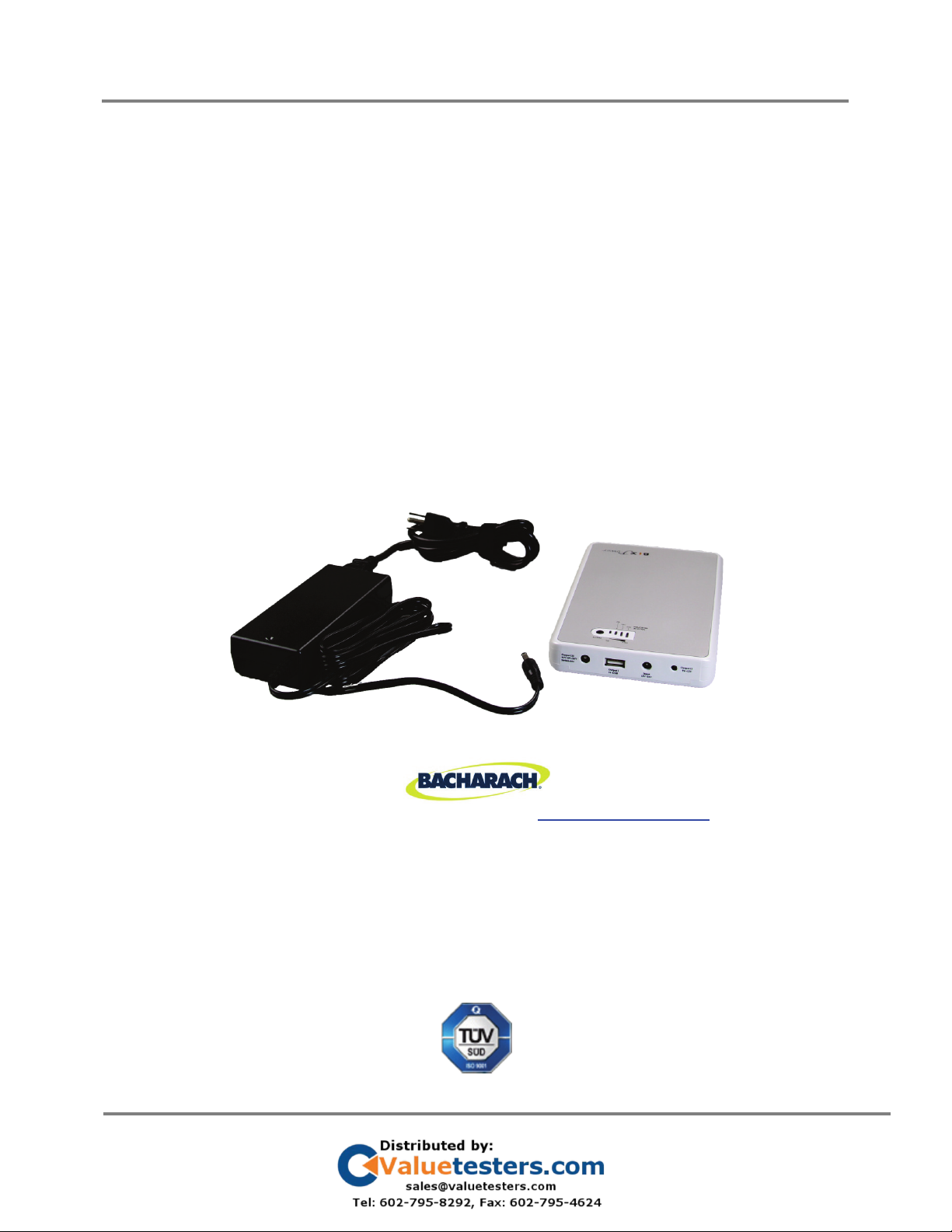
Components
Battery Pack For Gas Monitors
3P/N:3015-5848 Rev. 0
Operation
1. Charge the Battery: This battery can be charged from any 110V or 220V AC power source with the
provided AC charger. Plug the AC charger into the battery input port to charge the battery.
CAUTION: DO NOT connect any device to the battery output port when the battery is under
charging. The port III output voltage will be ~ 12.6V when the battery is charging.
The LED on the right will light up red. The remaining three LEDs will light up green and indicate the
charge level of the battery. One green LED indicates 30-60% battery charge, two green LEDs indicate 60-
90% battery charge, and all three green LEDs indicate a full charge.
NOTE:New batteries may stop charging before they are fully charged. If your battery stops
charging, remove the charger from the battery and reinsert it, reinitiating the charge
cycle. This may happen several times during the first few charges and is normal.
Battery may become warm during charging process. It is recommended to recharge
the battery before it is fully exhausted.
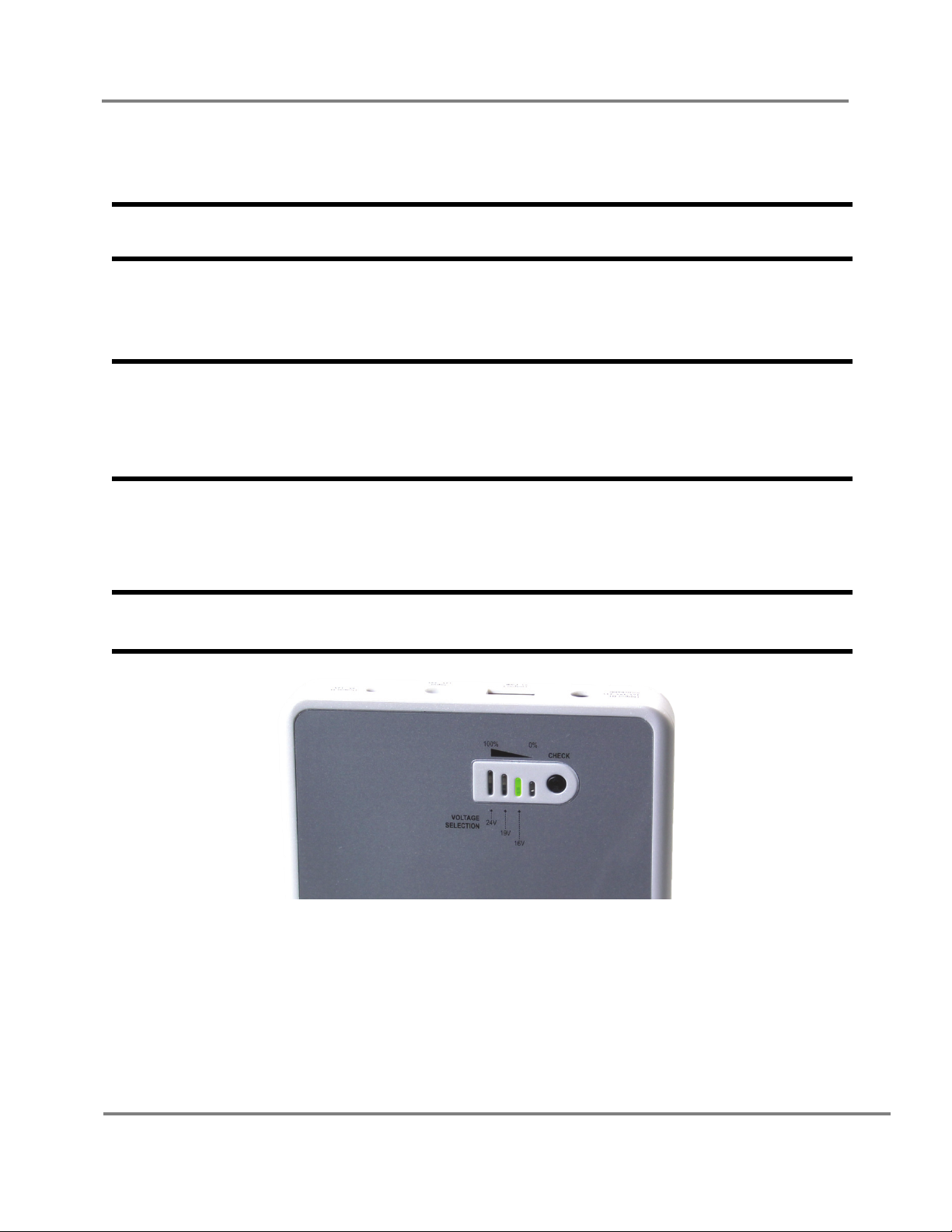
2. Set Output Voltage: Output port III can output three different voltages: 16V, 19V and 24V. When you
plug an output cord into the port, a LED will light up to indicate the current active output voltage. The
LEDs from right to left are 16V, 19V and 24V.
NOTE: Bacharach PGM-IR and H25-IR PRO dual-power instruments are designed to run at
16V.
To change the output voltage, first remove the output cable from the port (voltage locks whenever an
output cable is present.) Press and hold the “CHECK” button for three seconds. The LED that represents
the currently selected voltage will begin to flash. Press the check button again to switch to the next
voltage. When the desired voltage is reached, wait five seconds for the LED to stop flashing and the
voltage will be selected.
3. Connect To Monitor: Once the battery is charged and the correct voltage is selected, connect the
battery to your monitor as described in the user manual.

Battery Pack For Gas Monitors
4P/N:3015-5848 Rev. 0
Safety Information
•Do not connect this battery directly with any other battery, neither in serial nor in parallel. This
battery is designed to provide power independently only.
•Do not disassemble or modify the battery. The battery contains safety and protection devices
which if damaged may cause the battery to heat, ignite or explode.
•Never puncture, drop, crush, throw, hit, open or modify the battery or casing.
•Do not submerge the battery in water.
•Do not expose the battery to heat above 60°C (140°F) or incinerate.
•Do not place the battery in microwave ovens, high-pressure containers or on induction cookware.
•Do not place the battery in or near fire, or in direct sunlight. Heating the battery can damage the
safety circuitry, which can cause additional heating, rupture, or ignition.
•Do not insert any foreign objects into the charging port.
•Immediately discontinue use of the battery if while storing, charging or using, the battery emits an
unusual smell, feels hot to touch, changes color or shape or appears abnormal in any other way.
•In the event the battery leaks and the fluid gets into one’s eye, do not rub the eye. Rinse well with
water and immediately seek medical attention. If left untreated, the battery fluid could cause
damage to the eye.
•Always dispose of used batteries in accordance with local regulations.
•If this battery is misused or abused, it can result in personal injury from heat, smoke, fire or
explosion.
Website: www.mybacharach.com • E-mail: help@mybacharach.com
United States
Bacharach, Inc.
621 Hunt Valley Circle
New Kensington, PA 15068
USA
Phone: 724-334-5051
Fax: 724-334-5723
Ireland
Bacharach - Europe
114A Georges Street Lower
Dun Laoghaire, Dublin
Ireland
Phone: +353 1 284 6388
Fax: +353 1 284 6389
Canada
Bacharach - Canada
20 Amber St. Unit #7
Markham, Ontario L3R SP4
Canada
Phone: 905-470-8985
Fax: 905-470-8963
Printed in U.S.A.