manuals.online logo
Brands
  1. Home
  2. •
  3. Brands
  4. •
  5. Bakker Elkhuizen
  6. •
  7. Keypad
  8. •
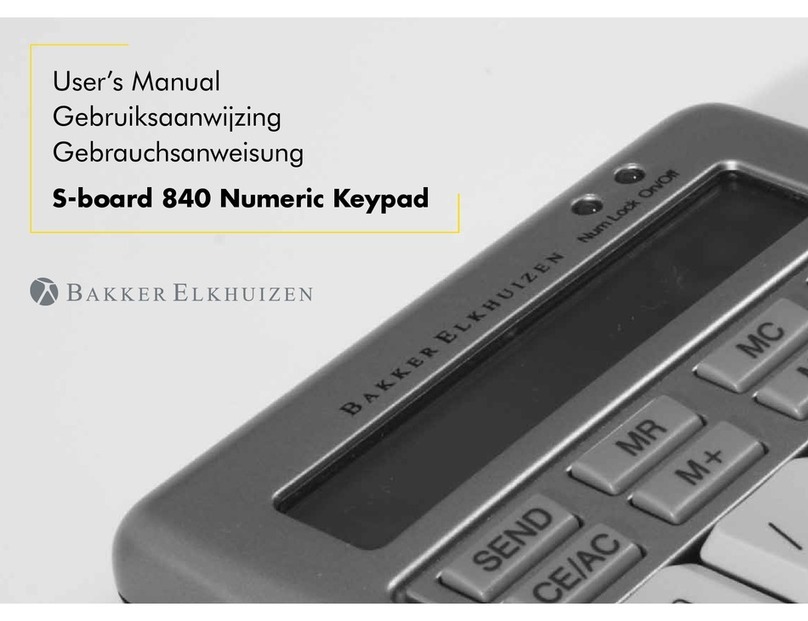
  9. Bakker Elkhuizen S-board 840 User manual

Bakker Elkhuizen S-board 840 User manual

Other Bakker Elkhuizen Keypad manuals

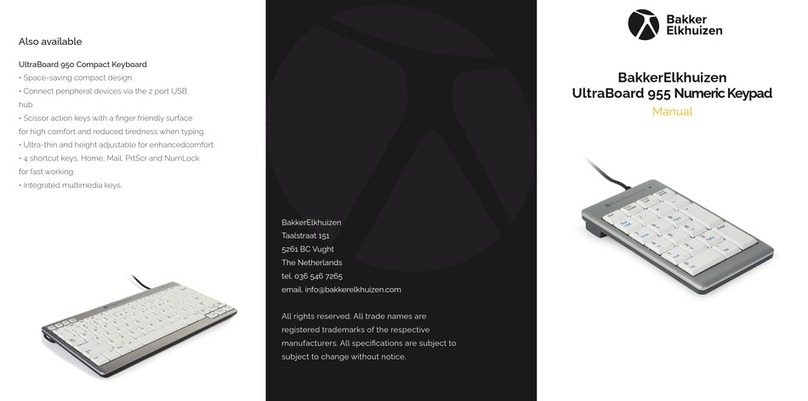
Bakker Elkhuizen UltraBoard 955 User manual

Bakker Elkhuizen

Bakker Elkhuizen UltraBoard 955 User manual

Bakker Elkhuizen S-board 840 User manual

Bakker Elkhuizen

Bakker Elkhuizen S-board 840 User manual

Popular Keypad manuals by other brands

AAA 6150RFAAA Installation and setup guide

AAA

AAA 6150RFAAA Installation and setup guide

Fermax MDS Installation and programming manual

Fermax

Fermax MDS Installation and programming manual

ACT ACT PRO 1030 manual

ACT

ACT ACT PRO 1030 manual

Cardin SSB Series manual

Cardin

Cardin SSB Series manual

Harman Kardon KP 1 Specifications

Harman Kardon

Harman Kardon KP 1 Specifications

CYP CR-KP1 Operation manual

CYP

CYP CR-KP1 Operation manual

Aeware k-35 Series Quick reference card

Aeware

Aeware k-35 Series Quick reference card

Aritech CS-175 Series user guide

Aritech

Aritech CS-175 Series user guide

Lenze AC Tech MC SERIES installation instructions

Lenze AC Tech

Lenze AC Tech MC SERIES installation instructions

Burg Wächter secuENTRY 7711 operating instructions

Burg Wächter

Burg Wächter secuENTRY 7711 operating instructions

Aeware in.k450 Tech book

Aeware

Aeware in.k450 Tech book

Lenze EPM-H410 operating instructions

Lenze

Lenze EPM-H410 operating instructions

Toshiba RKP007Z user manual

Toshiba

Toshiba RKP007Z user manual

Elmes Electronic KB1 quick start guide

Elmes Electronic

Elmes Electronic KB1 quick start guide

Clare Controls ClareOne CLR-C1-PNC Installation sheet

Clare Controls

Clare Controls ClareOne CLR-C1-PNC Installation sheet

FM Electronics 4180 quick start guide

FM Electronics

FM Electronics 4180 quick start guide

AMX MIO-PRESTIGE-S Dimensional drawing

AMX

AMX MIO-PRESTIGE-S Dimensional drawing

why pro WHY-KP user manual

why pro

why pro WHY-KP user manual

manuals.online logo
manuals.online logoBrands
  • About & Mission
  • Contact us
  • Privacy Policy
  • Terms and Conditions

Copyright 2025 Manuals.Online. All Rights Reserved.

All rights reserved. All trade names are registered trademarks
of the respective manufacturers listed. All specications are
subject to change without prior notice.
BakkerElkhuizen
Taalstraat 151
5261 BC Vught
The Netherlands
tel. +31 36 546 7265
fax. +31 36 546 7830
email. [email protected]
www.bakkerelkhuizen.co.uk
BakkerElkhuizen
S-board 840 Numeric Keypad
User Manual
FR DENL EN
Also available
S-board 840 Compact Keyboard
• Comes with multimedia keys and 2 USB ports (USB hub)
• Optimal layout: extra wide space-bar and
user-friendly positioned arrow keys
• Mobile: only 2 cm thick and lightweight
• Ergonomic: pleasurable typing feeling
(scissor mechanism instead of membranes)
• USB connection
Specications
• Product code: BNES840D* (*=lay-outs: US, UK, DE, BE, FR)
• Dimensions: 305 x 165 x 20 mm
• Weight: 480 g
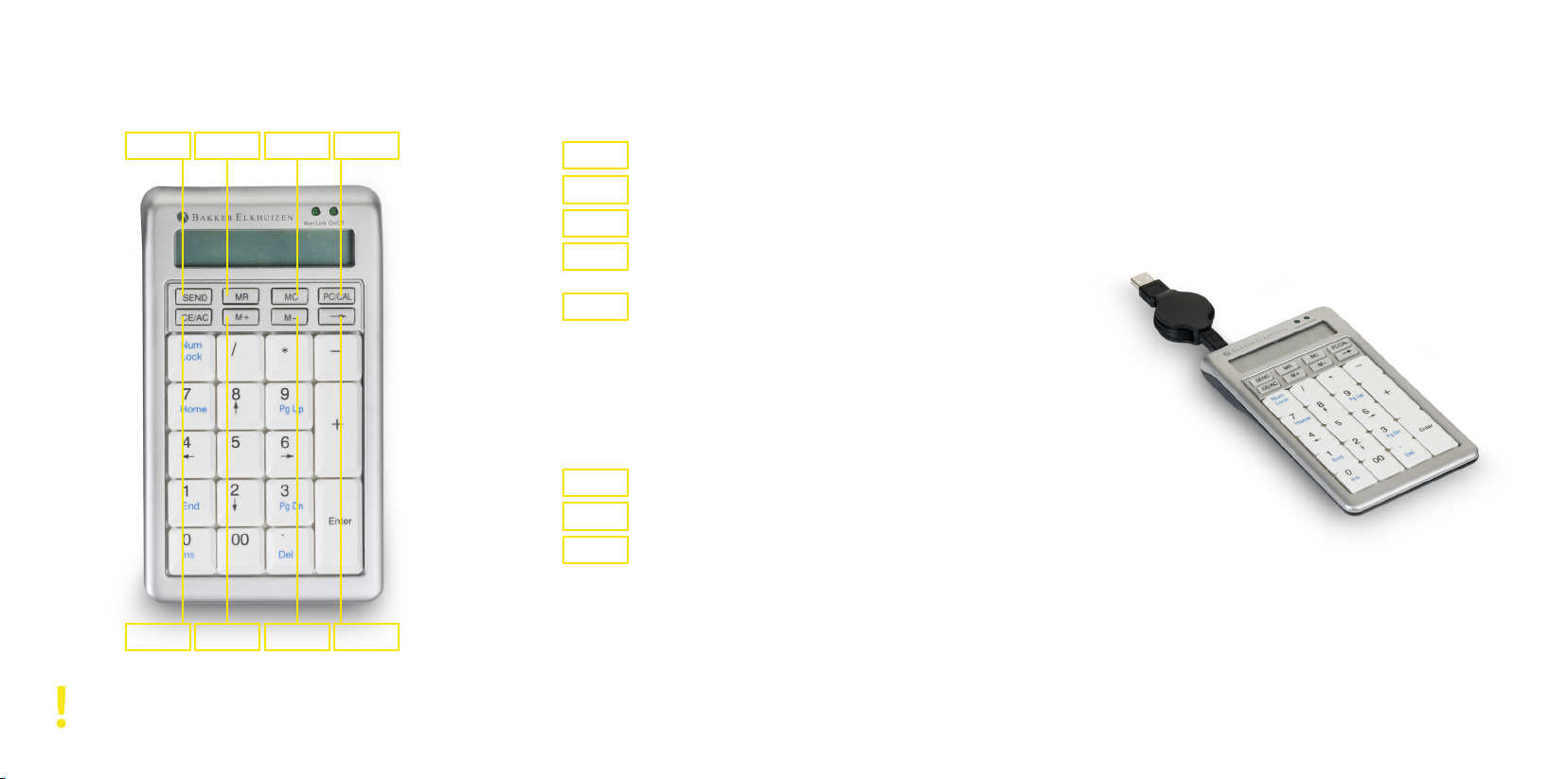
SEND MCMR PC/CAL
CE/AC M -M+ 
User’s Manual
S-board 840 Numeric Keypad
Send the calculation resuIt to host computer
Transfer content of memory register to display
Clear the memory
Switch between Keypad mode and calculator
mode when connected to computer
Keypad/calculator mode
After 10 minutes the keypad automatically
goes to a sleep mode, to save energy.
To restart working push this button
Calculator mode
Set display to ‘0’ and arter making digit entry
it clears the entry register
Add the result in the display to the memory
Subtract the resuIt display from the memory
Keypad mode
Back space function
Calculator mode
Delete the far right digit by shifting the display
value to the right
>
>
>
>
>
>
>
>
SEND
MC
MR
PC/CAL
CE/AC
M -
M+

Quick starting guide
1. Connect the keypad to one of the USB ports of
your computer.
2. After the hardware is found: Turn the Numeric
Keypad on, by pressing the ‘CE/AC’ button.
To extend the life of the S-Board 840 numeric, we
recommend that you use the supplied case when you
store your S-Board 840 numeric.