Table of Contents
Product Information
Safety...............................................................................................2
Product Overview.......................................................................3
User Information
Keypad Front View......................................................................4
Using the system.........................................................................5
Keypad Installation
Keypad Rear View .......................................................................8
Color Plate Conversion..............................................................9
External IR Connection ...........................................................10
Keypad Installation...................................................................11
Controller / Keypad Connection..........................................12
Specications / Warranty
Technical specications..........................................................13
Warranty.......................................................................................14
TABLE OF CONTENTS / pRODUCT OVERVIEW
Overview
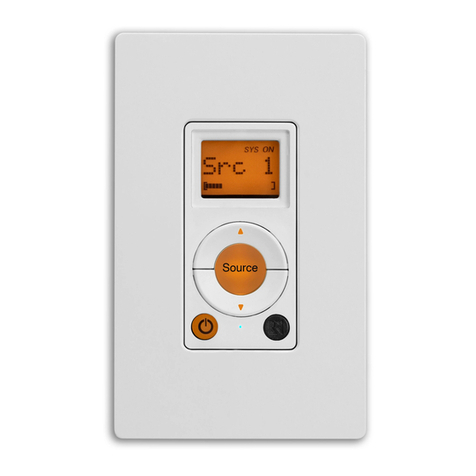
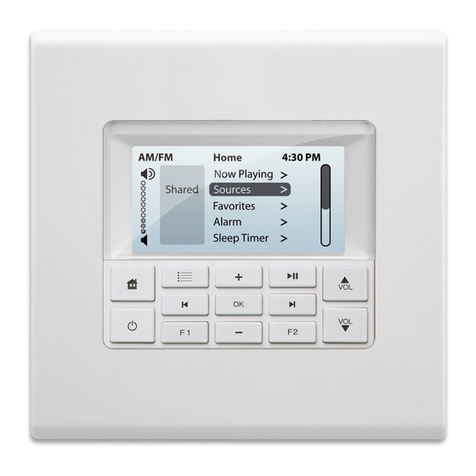
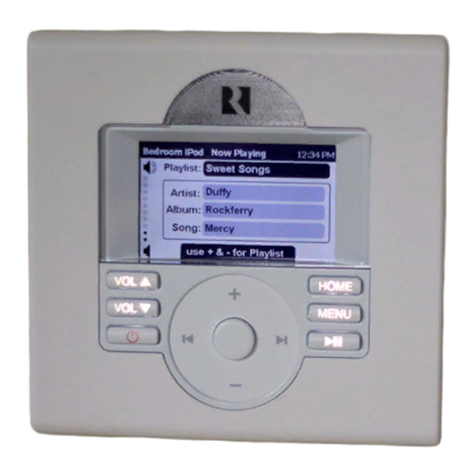
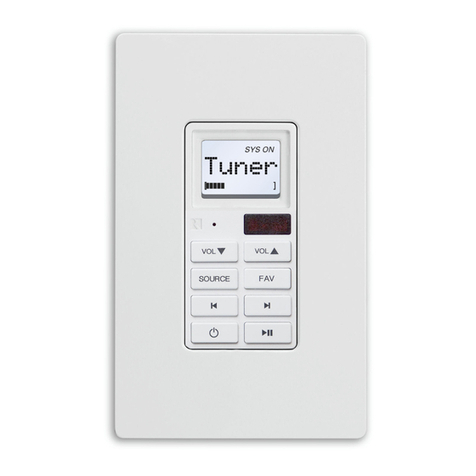
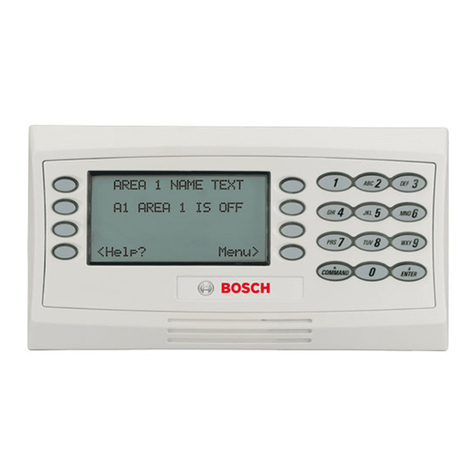
The MDK-C5 keypad is a beautiful wall-mounted interface
for the MCA-C5 controller and future C-series systems. It
features a gray scale screen, menus and navigation buttons
to easily nd and control music sources and to make
changes to system settings and room audio levels. The alarm
and sleep timer add extra functionality.
This double-gang keypad oers responsive hard buttons
to access power on/o, music pause, volume up/down,
and menu shortcuts. The OK button in the center activates
a menu choice and the navigation buttons allow you to
move through menus and lists, as well as provide source
controls. The buttons' LED brightness is adjustable and can
be dimmed at the owner's discretion. It also supports IR
reception for use with a remote control.
The gray scale LCD screen displays real-time information
such as Playlist, Channel, Station, Artist, Song Title, Genre,
and more from the RNET audio sources.
The MDK-C5 is designed to control an MCA-C5 controller
amplier multiroom audio system as well as future C-series
controllers. It controls Russound RNET sources, including the
SMS3 Smart Media Server, iBridge™ Dock, and the ST2 Tuner
with AM/FM and/or satellite radio.
Most controller and source setup functions are performed
through SCS-C5 programming software; however, a few
installation steps are completed through the MDK-C5
menus, including setting time and date, keypad brightness
and contrast, and adjusting room audio properties. The
MDK-C5’s installation screen provides a gateway for online
support for the system when needed.