manuals.online logo
Brands
  1. Home
  2. •
  3. Brands
  4. •
  5. Beam
  6. •
  7. Antenna
  8. •
  9. Beam RST202 User manual

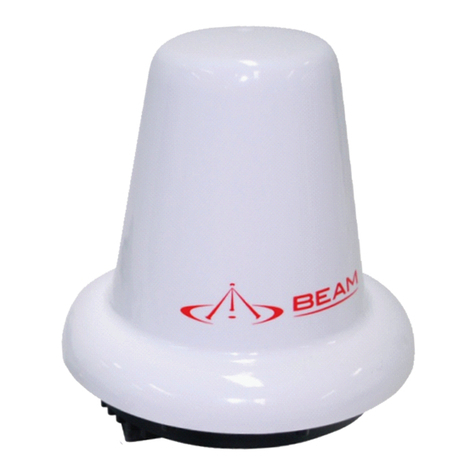
Beam RST202 User manual

Other Beam Antenna manuals

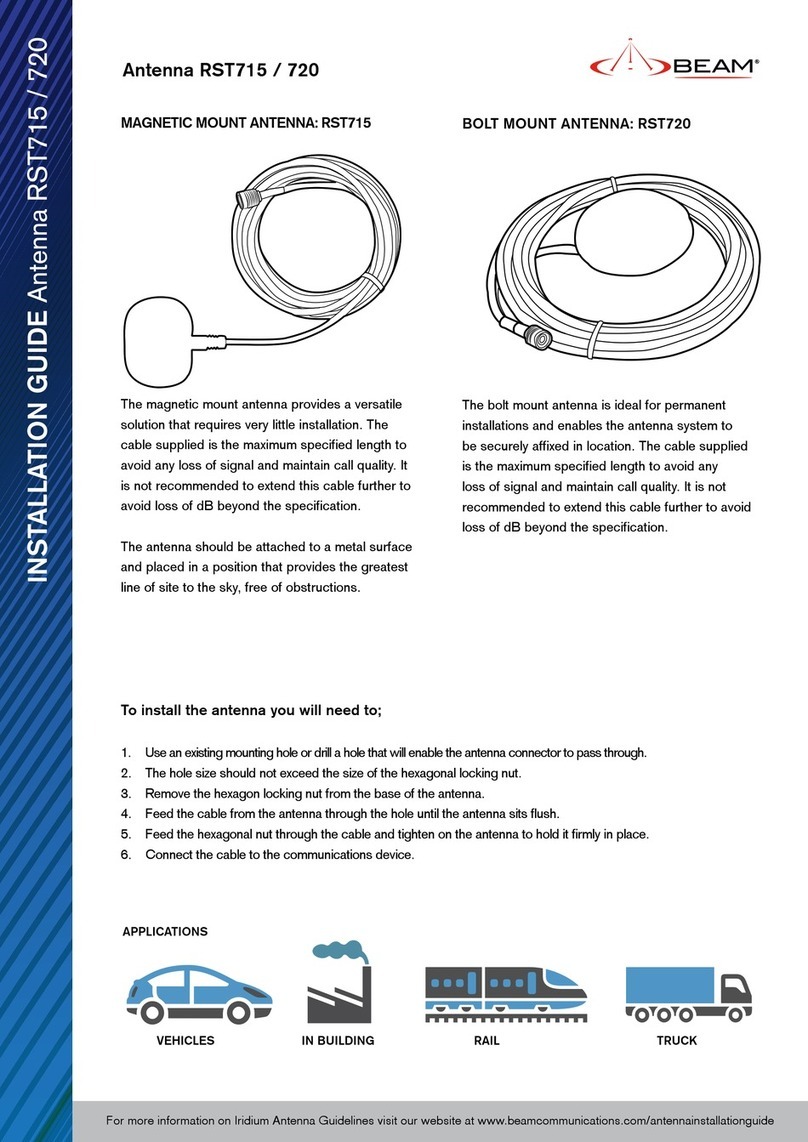
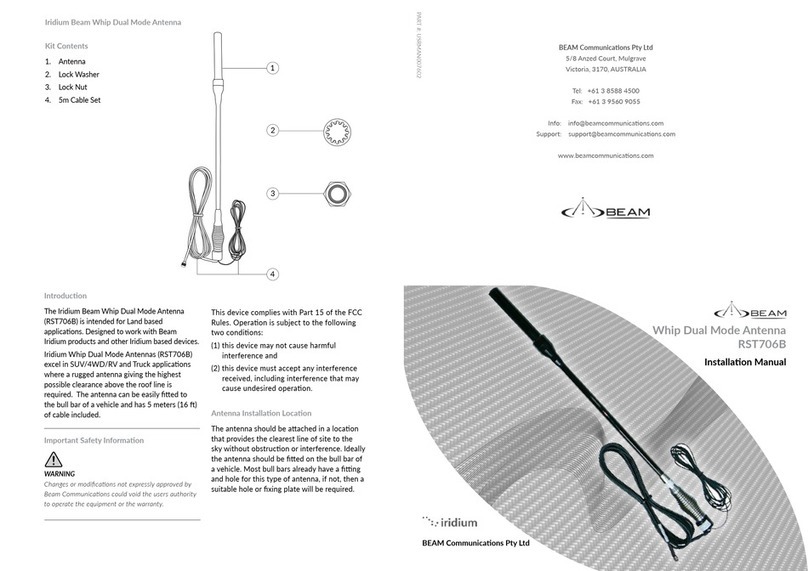
Beam RST720 User manual

Beam

Beam RST720 User manual

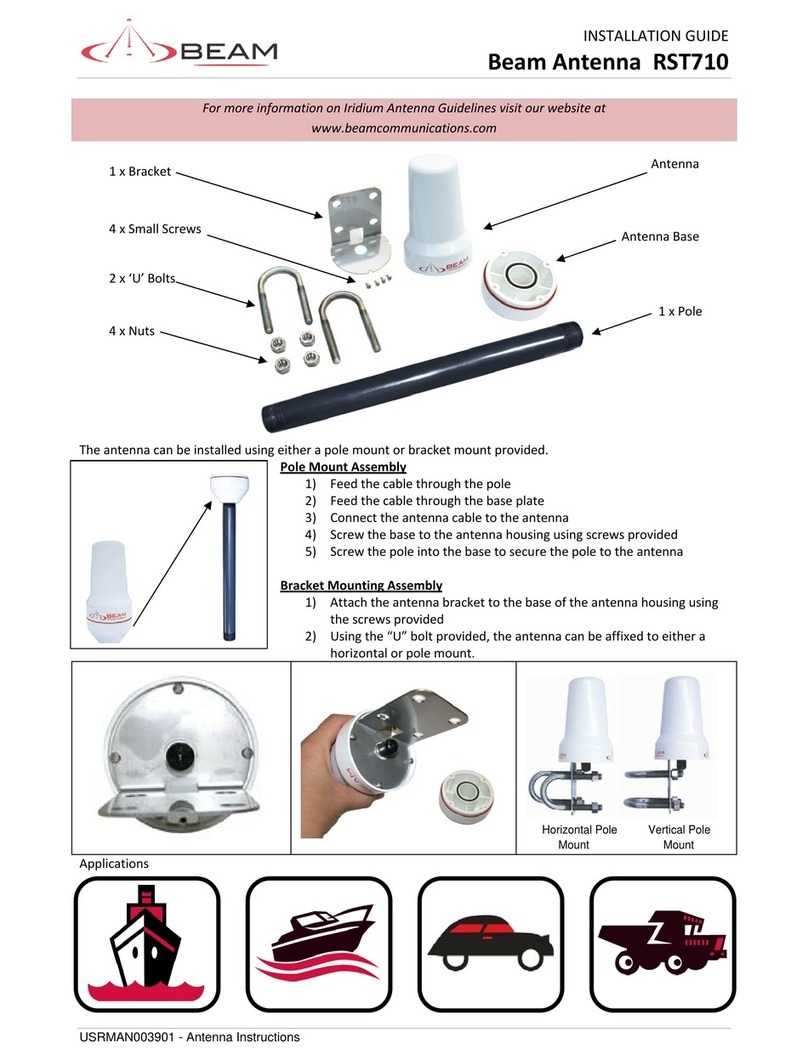
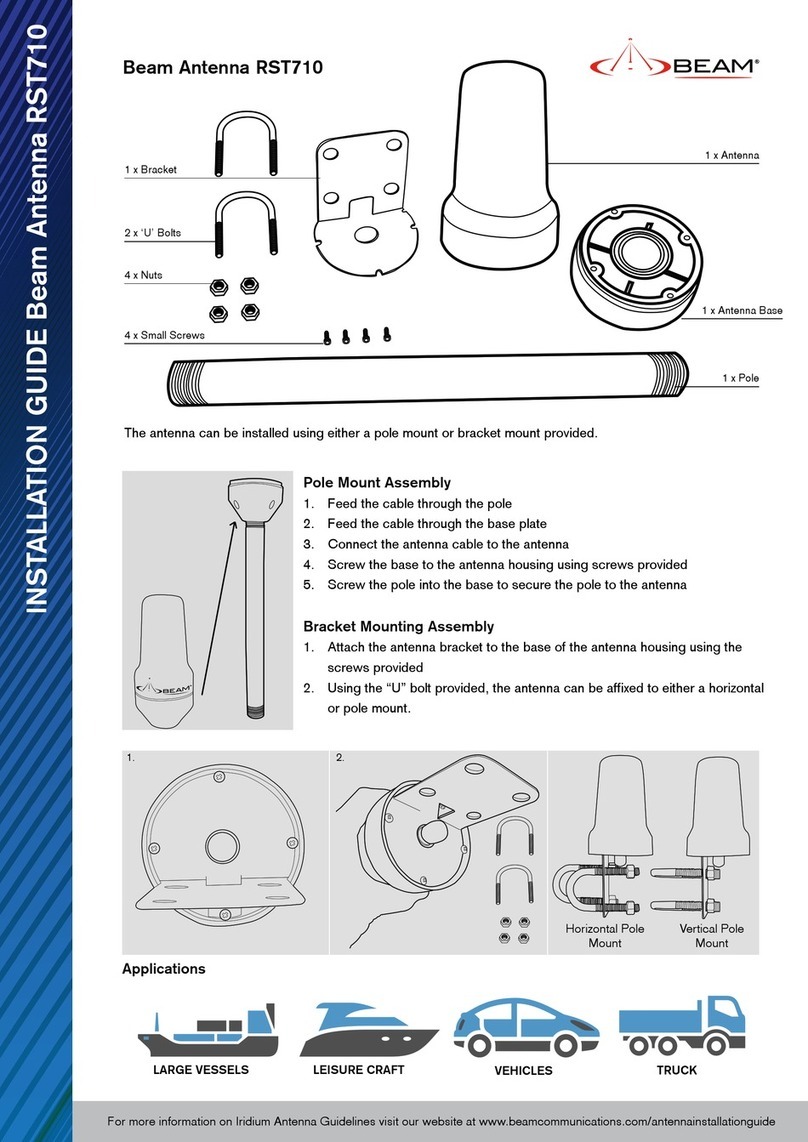
Beam RST710 User manual

Beam

Beam RST710 User manual

Beam RST710 User manual

Beam

Beam RST710 User manual

Beam RST740 User manual

Beam

Beam RST740 User manual

Beam RST210 User manual

Beam

Beam RST210 User manual

Beam RST700 User manual

Beam

Beam RST700 User manual

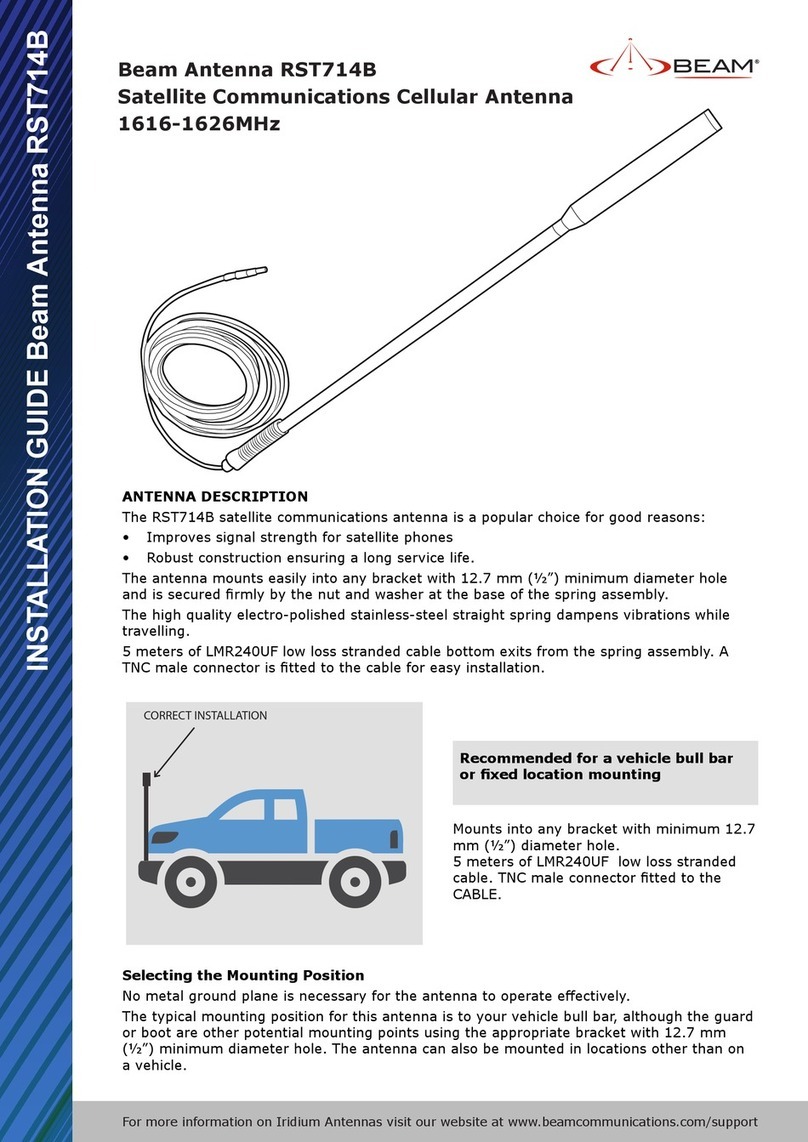
Beam RST714B User manual

Beam

Beam RST714B User manual

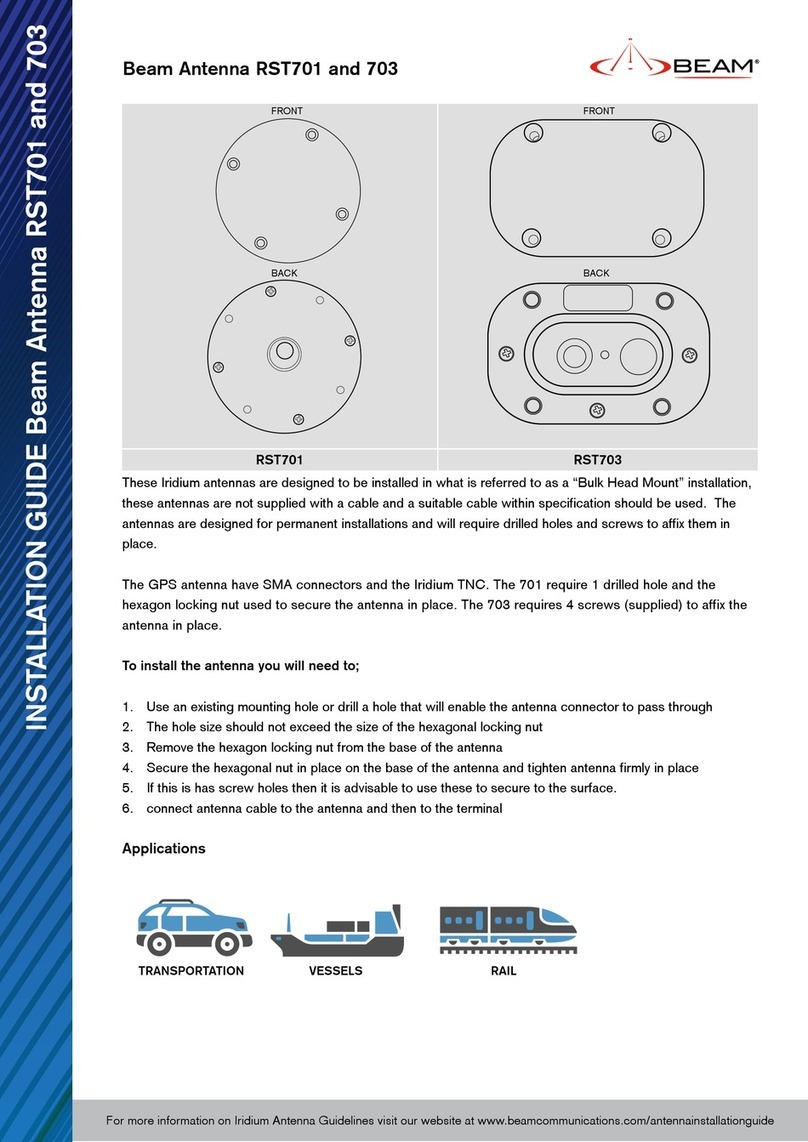
Beam RST703 User manual

Beam

Beam RST703 User manual

Beam Iridium RST740 User manual

Beam

Beam Iridium RST740 User manual

Beam RST220 User manual

Beam

Beam RST220 User manual

Beam RST705 User manual

Beam

Beam RST705 User manual

Beam RST706 User manual

Beam

Beam RST706 User manual

Beam RST715 User manual

Beam

Beam RST715 User manual

Beam ISD710 User manual

Beam

Beam ISD710 User manual

Beam Iridium User manual

Beam

Beam Iridium User manual

Beam RST215 User manual

Beam

Beam RST215 User manual

Beam RST720 User manual

Beam

Beam RST720 User manual

Beam RST701 User manual

Beam

Beam RST701 User manual

Beam ISD700 User manual

Beam

Beam ISD700 User manual

Beam RST710 User manual

Beam

Beam RST710 User manual

Beam RST715 User manual

Beam

Beam RST715 User manual

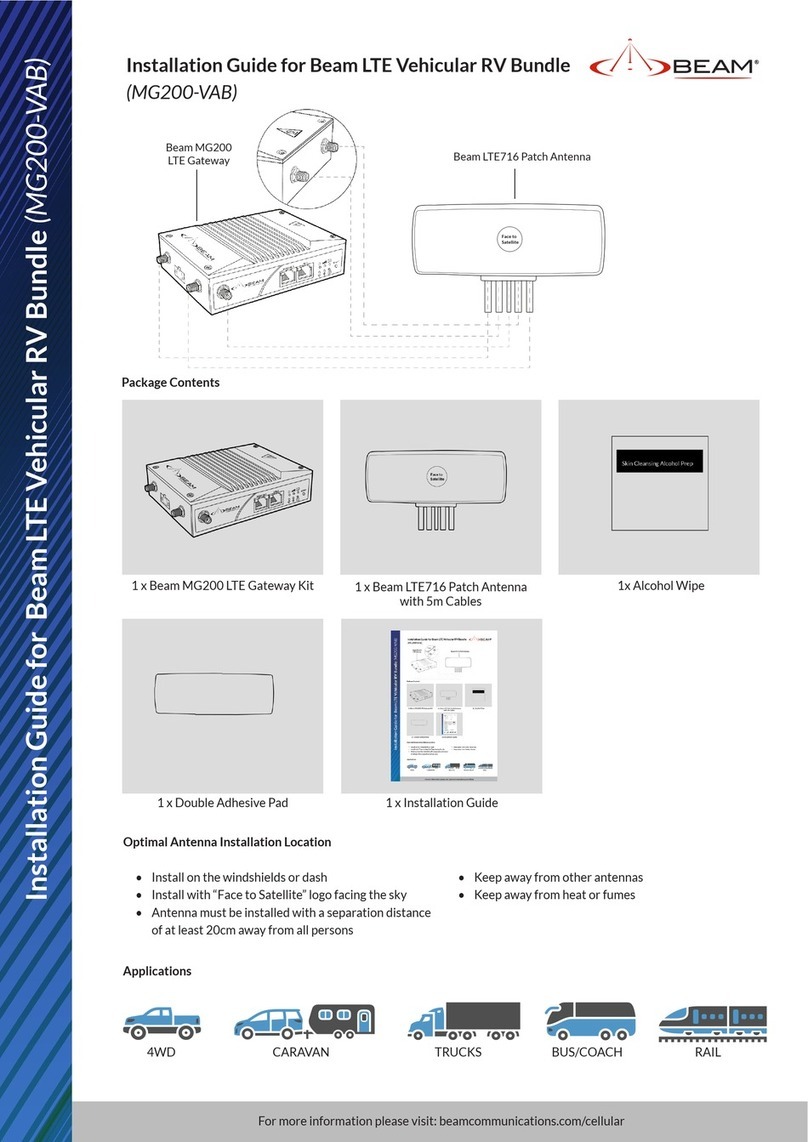
Beam MG200-VAB User manual

Beam

Beam MG200-VAB User manual

Beam RST714 User manual

Beam

Beam RST714 User manual

Beam ISD710 User manual

Beam

Beam ISD710 User manual

Popular Antenna manuals by other brands

Alfa Network APA-L01 Specifications

Alfa Network

Alfa Network APA-L01 Specifications

Naval PR-422CA Operation manual

Naval

Naval PR-422CA Operation manual

Feig Electronic ID ISC.ANTH200/200 Series manual

Feig Electronic

Feig Electronic ID ISC.ANTH200/200 Series manual

TERK Technologies TV44 owner's manual

TERK Technologies

TERK Technologies TV44 owner's manual

Directive Systems & Engineering DSE2324LYRMK quick start guide

Directive Systems & Engineering

Directive Systems & Engineering DSE2324LYRMK quick start guide

HP J8999A instructions

HP

HP J8999A instructions

MobilSat MSP-S Mounting instructions

MobilSat

MobilSat MSP-S Mounting instructions

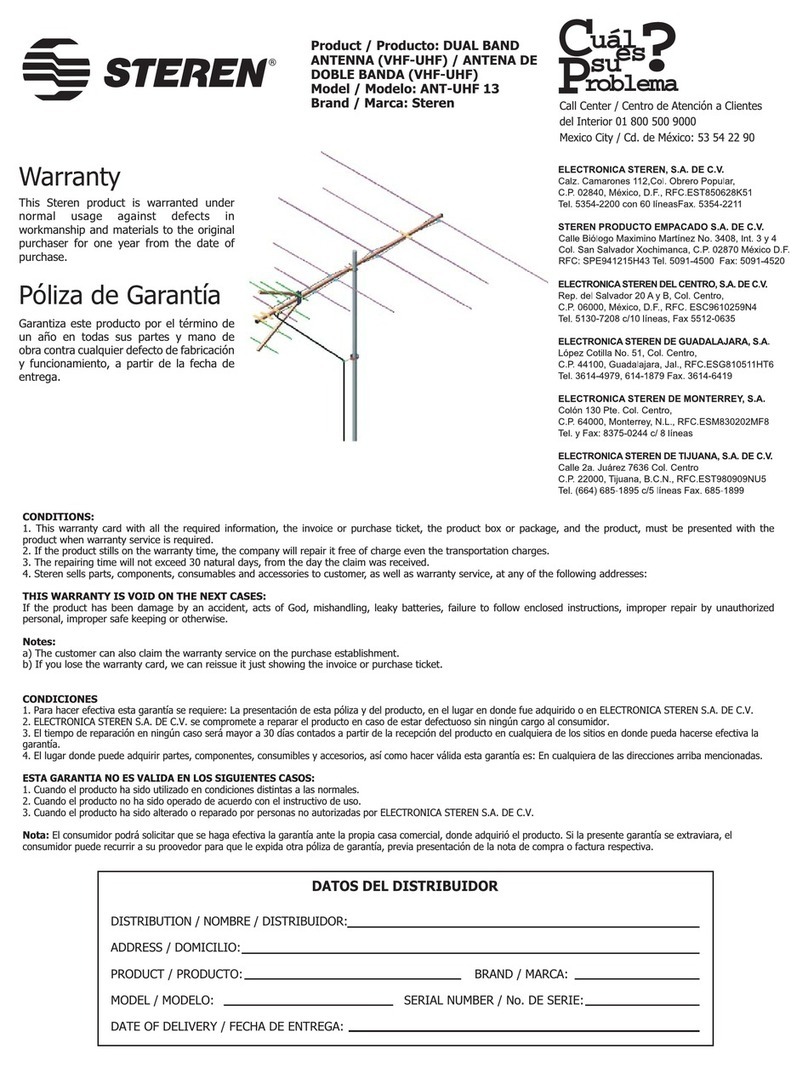
Steren ANT-UHF 13 instruction manual

Steren

Steren ANT-UHF 13 instruction manual

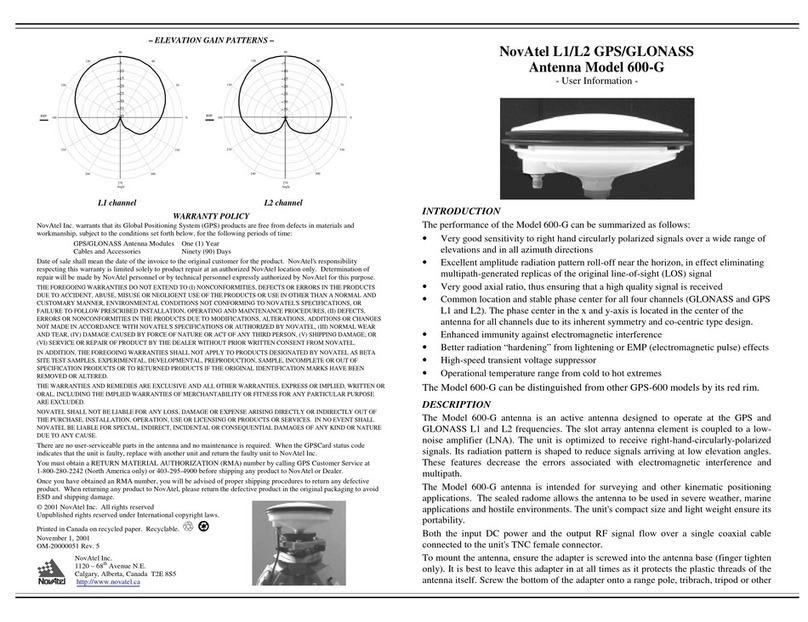
Novatel 600-G User information

Novatel

Novatel 600-G User information

Radio Shack Amplified VHF/UHF/FM Indoor Antenna owner's manual

Radio Shack

Radio Shack Amplified VHF/UHF/FM Indoor Antenna owner's manual

TRENDnet TEW-AO12O Specifications

TRENDnet

TRENDnet TEW-AO12O Specifications

Radio Shack 15-1837 owner's manual

Radio Shack

Radio Shack 15-1837 owner's manual

CommScope CMAX-OMFX-43M-I53 Installation instruction

CommScope

CommScope CMAX-OMFX-43M-I53 Installation instruction

Ramsey Electronics DAP25 Kit assembly and instruction manual

Ramsey Electronics

Ramsey Electronics DAP25 Kit assembly and instruction manual

COBHAM SAILOR 800 VSAT Replacement procedure

COBHAM

COBHAM SAILOR 800 VSAT Replacement procedure

Trango Systems AD900-9 Specification sheet

Trango Systems

Trango Systems AD900-9 Specification sheet

Steren ANT-100 user manual

Steren

Steren ANT-100 user manual

IWCS iriBelt II Quick start user guide

IWCS

IWCS iriBelt II Quick start user guide

manuals.online logo
manuals.online logoBrands
  • About & Mission
  • Contact us
  • Privacy Policy
  • Terms and Conditions

Copyright 2025 Manuals.Online. All Rights Reserved.

Installation Guide for Beam Mast/Pole/Rail Mount Dual Mode Antenna (RST202)
Installation Guide for Beam Mast/Pole/Rail
Mount Dual Mode Antenna (RST202)
For more information please visit: beamcommunications.com
Package Contents
A – Dual Mode Antenna B – Antenna Base C – Rubber Seal
D – Mounting Bracket E – 2 x U-Bolt, nuts/washers F – 4 x Hex Socket Bolts with Allen key
G – Iridium Fly Lead H – GPS Fly Lead
WARNING
Do not place the antenna anywhere there is a source of heat or fumes such as the ship’s exhaust.
Installation Guidelines
Antenna
Antenna installation is critical for optimum performance of your Iridium service. To ensure maximum
performance of the antenna system and to maximise availability and reliability of service the antenna must;
• have a clear line of site to the sky
• be clear and free of obstructions
• be clear of metal objects
• be located away from other transmitting devices
• be securely afxed in location
• not be located indoors
• be installed in conjunction with a certied cable
Antenna Cables
When installing antenna cables, follow these guidelines:
• Route and restrain cables to prevent them from vibrating or moving under normal conditions, which could result in
damage to the antenna or the coaxial cable connections.
• Wherever the cables contact structures, protect the cables from chang or abrasion. If a cable needs to be bent, avoid
kinking it, and ensure that each bend radius follows the cable supplier limits.
• Use coaxial sealant, shrink-wrap tubing, electrical tape, or another suitable product to seal all cable connections
appropriately to prevent moisture and corrosion damage from weather exposure.
• To minimize the loss of radio signal from the antenna to the terminal, the specic coaxial cable system between the
antenna and the other component should be less than 3db including connector loss.
Recommended Antenna Installation location
Applications
LARGE VESSELS LEISURE CRAFT BUILDING
F
u
l
l
V
i
s
i
b
i
l
l
i
t
y
8
o
A
C
D
E
H
G
B
F
For more information, please scan the barcode or visit beamcommunications.com
030192 R01
4. Hold the base against the antenna and align the screw holes
ready to screw them together. Use the four Hex Socket Bolts (F)
with the Allen key to screw the base to the antenna.
5. Pass the two y leads through the Mounting Bracket (D)
so the antenna can be screwed onto the brackets short
pole until tightly secured.
6. Using the U-Bolt, nuts and washers (E) provided, the antenna
can be afxed to either a horizontal or vertical pole mount.
7. Finally, connect the y leads to the respective GPS and
Iridium cable connectors of the main cables connected to
the Iridium terminal. It is recommended to use appropriate
strain relief to prevent the y leads from being pulled down.
Antenna Installation
1. Begin by putting the Rubber Seal (C) on the Antenna Base
(B). Make sure the rubber sits perfectly in the groove, then
pass the two y leads through the Antenna Base with the
TNC male and SMA male connectors on the antenna end.
2. Connect the Iridium Fly Lead (G) and GPS Fly Lead (H) to
the antenna ports. Make sure the connectors are securely
screwed in. Do not use hand tools to avoid breaking the
connectors. Hand tightening is recommended.
3. IMPORTANT: Form a 3cm ( 1” ) loop on the GPS Fly
Lead, as shown in the photo, pull the base up towards
the antenna and release the loop as you put the base up
to the antenna. Try to keep its shape, if it doesn’t repeat
forming the loop, this way it reduces tension on the cable
when you attach the base.
Horizontal Pole Mount Vertical Pole Mount
Rubber Seal (C)
Antenna Base (B)
Iridium Fly Lead (G)
GPS Fly Lead (H)
GPS Fly Lead (H)