7
Overview
The Adapter uses 128-bit AES encryption to block access from
the outside. By default, the protection is enabled. However,
it is recommended that you change the default network
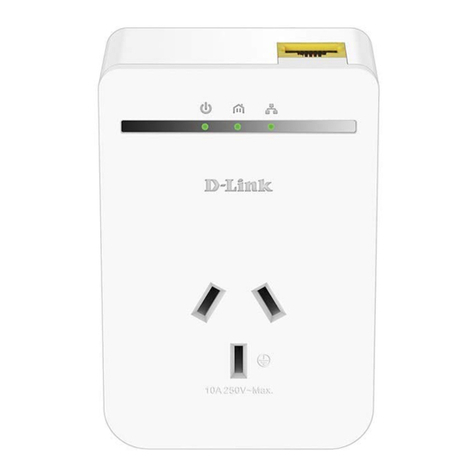
password with the “Encryption” button located on the units.
How to Use the Push Button
This section describes how to add new devices or remove old devices
from your HomePlug AV powerline network. Both can be accomplished
using the push button on the device. While doing this, you can monitor
the status and the progress of the process using the device’s LEDs.
Forming a HomePlug AV Logical Network
When creating a logical network for the first time with two
Powerline Adapters connected to the same power system that
you want to communicate with each other, follow these steps:
1. Press the encryption button on both devices A and B
for 10 seconds until the units’ LEDs flash and the units
reset. (This does not have to be at the same time.)
2. Wait for 30 seconds for the reset to be complete.
3. Press the encryption button on the first device A, which
is connected to your router, for less than 3 seconds.
4. Press the encryption button on the second device B for less
than 3 seconds. The button on B must be pressed within
1 minute of pressing the button on the first device A.
5. The Adapters should now connect; simply wait for the
connection to be established. The Power LED on both of the
devices should flash at 1-second intervals until the process
has been completed, in success or failure. The Power LED will
be illuminated constantly once the connection is established
successfully. If an error occurs, the Power LED on the device
on the existing network (A or B in this example) will flash until
the encryption button on the existing device is pressed again.
The new network password has now been saved to
the second unit. The password will not be lost, even
if the Adapters are unplugged from the wall.
CONFIGURATION