8 / 28
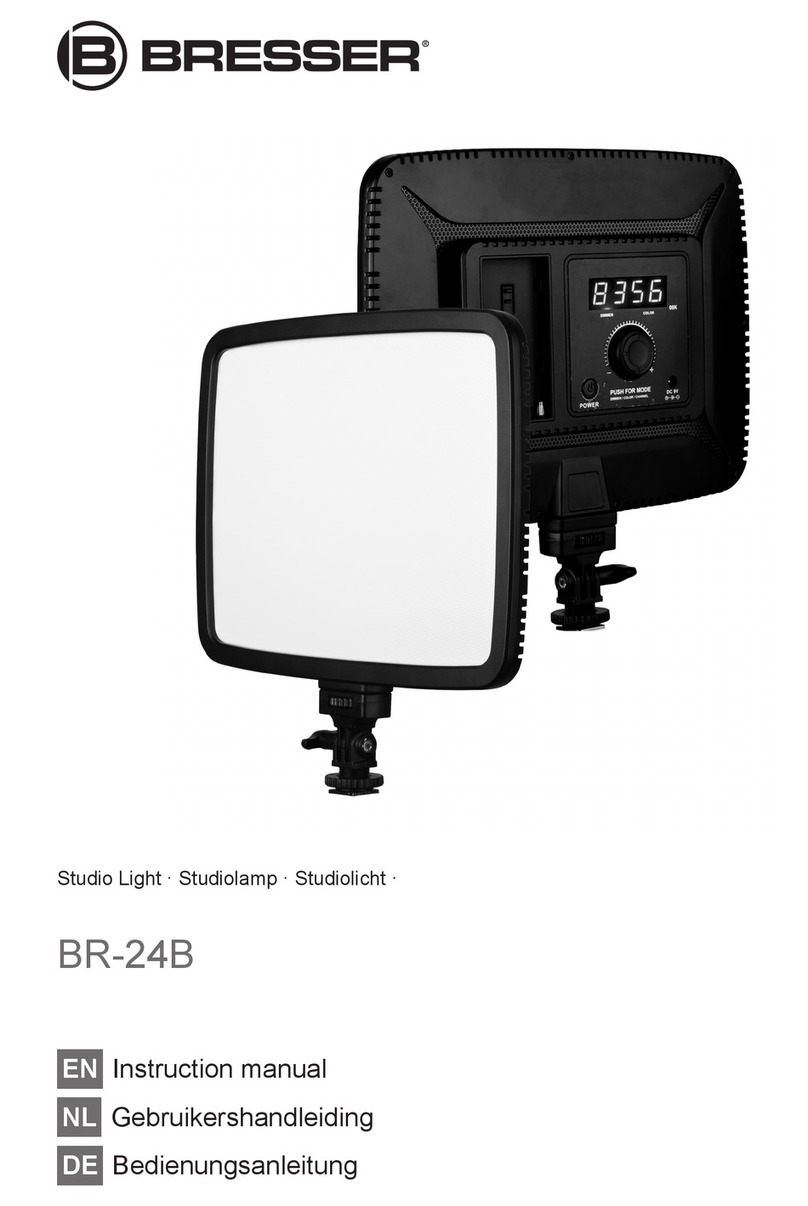
7 MODE Touch button (select setting mode) 8 ON/OFF Touch button (turn on/off device)
9 Function indicator (colour temperature) 10 DC connection socket for coaxial/barrel
connector
11 Battery socket (adding suitable batteries*
for mobile use) (optional)
12 Vents
13 DC power adapter with coaxial/barrel plug
*suitable battery types NP-F550, NP-F750 or NP-F960 not included
Scope of delivery:
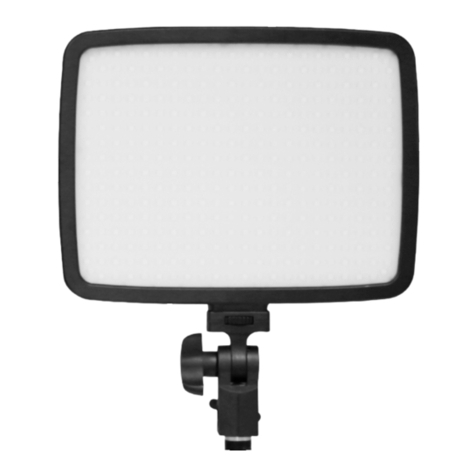
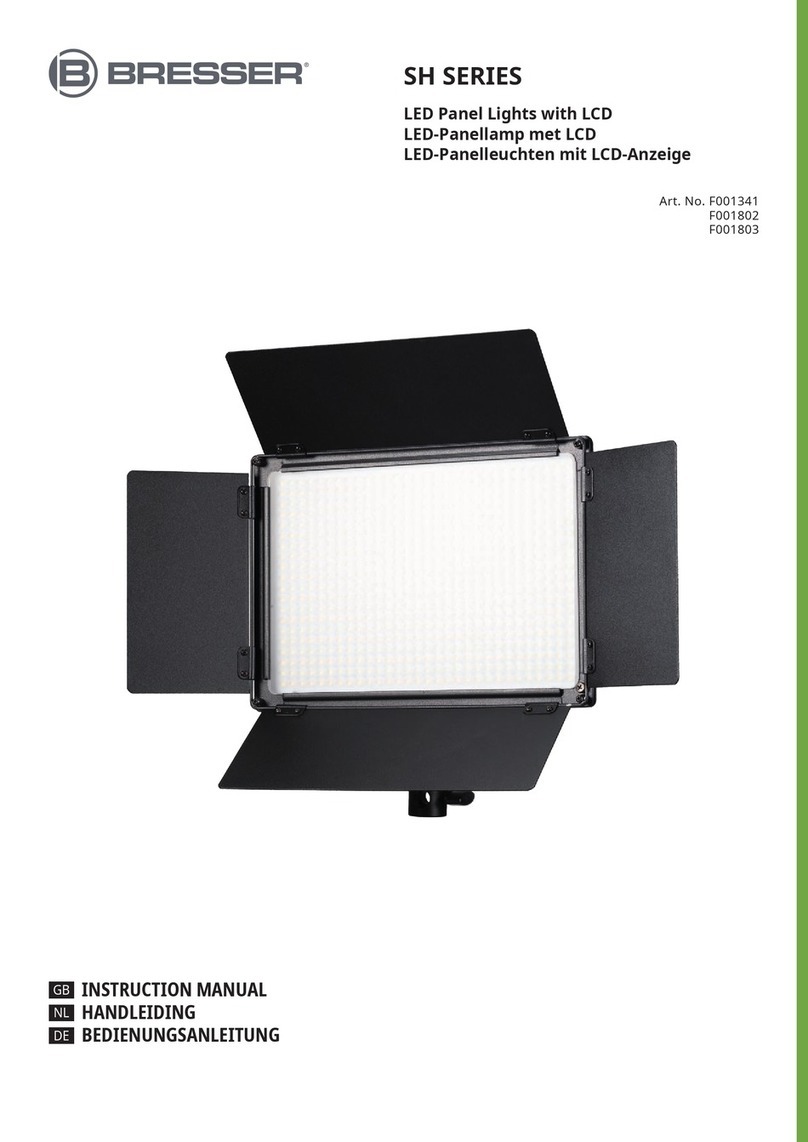
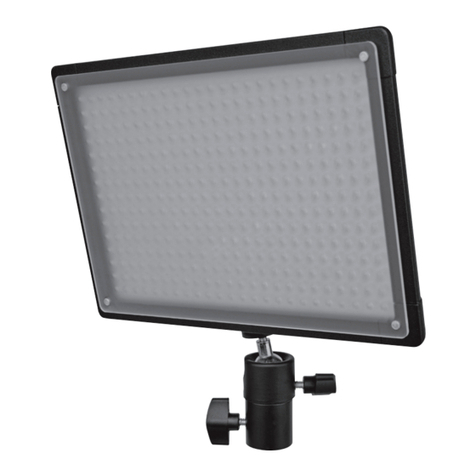
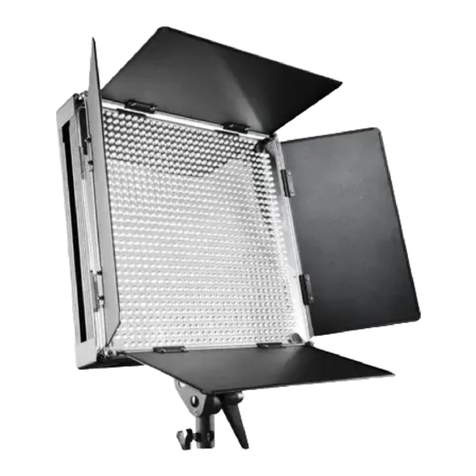
LED light (A), power adapter (B)
6 Establishing the power supply (mains operation)
WARNING!The device can not be operated at the same time by mains power adapter and by
battery!
1. Put the DC connector into the connection socket of the device.
2. Insert the mains plug into the power outlet.
CAUTION!Before switching on the device, make sure that only one voltage source is used
(power adapter or battery)!
3. Press On/Off button to turn the device on or off.
NOTICE!If the device is not used for a long time, disconnect the device from the power supply
(pull out mains plug or remove battery).
7 Power supply via battery (optional)
WARNING!The device can not be operated at the same time by mains power adapter and by
battery!
As an alternative to the power supply through mains voltage, the device can also be powered by a bat-
tery*.
NOTICE!Only use the type of battery described in this manual. Use of an unsuitable or unau-
thorized battery will damage the device and void the warranty.
1. Charge the rechargeable battery* completely.
2. Insert the battery into the battery socket at the backside of the housing.
CAUTION!Before switching on the device, make sure that only one voltage source is used
(power adapter or battery)!
3. Press On/Off button for approx. 2 seconds to turn the device on or off.
*not included
8 Lighting settings
1. Press MODE touch button several times to set the desired mode.
2. Depending on the selected mode, one of the following function indicators will light:
• function indicator 'Dimmer': light intensity from 10 (10%) to 99 (99%) settable stepless
• function indicator 'Color': color temperature from 32 (3,200K) to 56 (5,600K) settable stepless
3. Press UP touch button to increase the value in the corresponding mode.
4. Press DOWN touch button to decrease the value in the corresponding mode.