manuals.online logo
Brands
  1. Home
  2. •
  3. Brands
  4. •
  5. Bresser
  6. •
  7. Lighting Equipment
  8. •
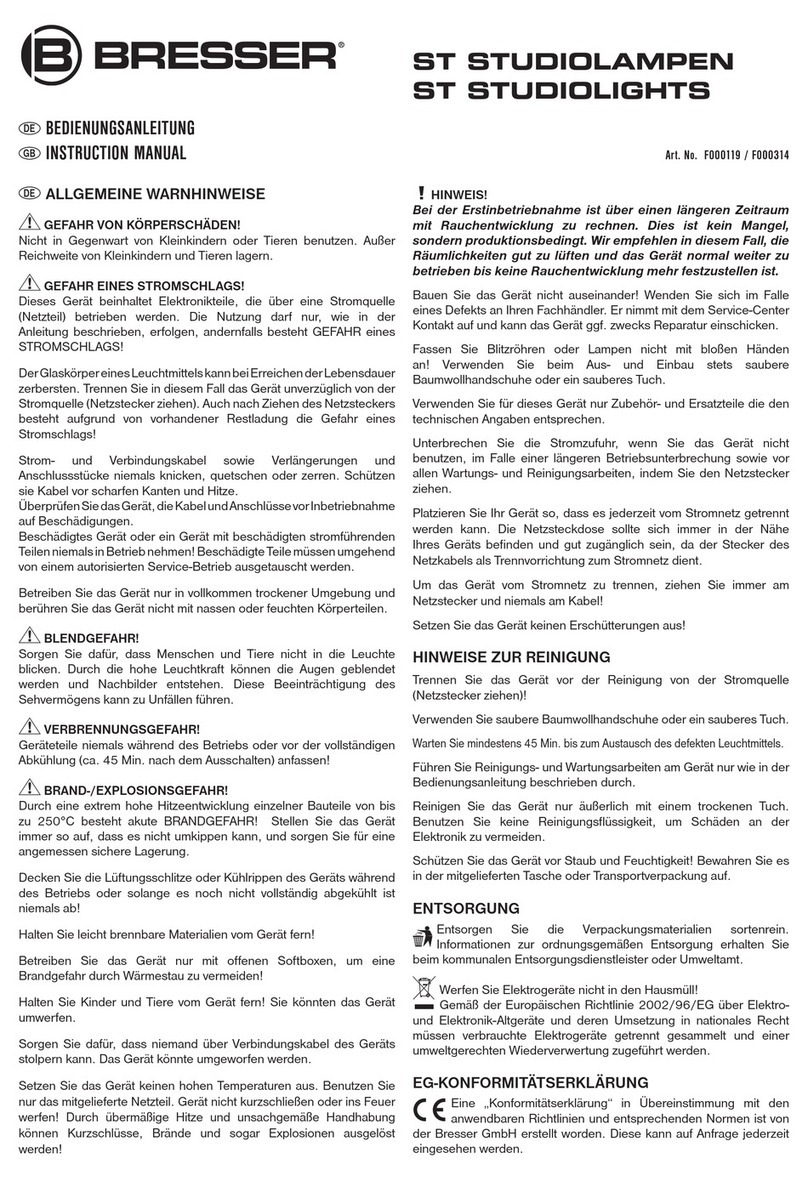
  9. Bresser BR-PHT 160 User manual

Bresser BR-PHT 160 User manual

This manual suits for next models

3

Other Bresser Lighting Equipment manuals

Bresser BR-D3000SL User manual

Bresser

Bresser BR-D3000SL User manual

Bresser BR-S150B PRO User manual

Bresser

Bresser BR-S150B PRO User manual

Bresser PT PRO Series User manual

Bresser

Bresser PT PRO Series User manual

Bresser BR-SP60 User manual

Bresser

Bresser BR-SP60 User manual

Bresser FM-300 User manual

Bresser

Bresser FM-300 User manual

Bresser BR-80SL User manual

Bresser

Bresser BR-80SL User manual

Bresser F004396 User manual

Bresser

Bresser F004396 User manual

Bresser BR-S36B User manual

Bresser

Bresser BR-S36B User manual

Bresser BR-S100B PRO User manual

Bresser

Bresser BR-S100B PRO User manual

Bresser SH Series User manual

Bresser

Bresser SH Series User manual

Bresser F001341SH User manual

Bresser

Bresser F001341SH User manual

Bresser BR-49RGB User manual

Bresser

Bresser BR-49RGB User manual

Bresser MM-05 User manual

Bresser

Bresser MM-05 User manual

Bresser ST STUDIOLIGHT User manual

Bresser

Bresser ST STUDIOLIGHT User manual

Bresser BR-S COB LED User manual

Bresser

Bresser BR-S COB LED User manual

Bresser BR-D1200BL User manual

Bresser

Bresser BR-D1200BL User manual

Bresser BR-2246B User manual

Bresser

Bresser BR-2246B User manual

Bresser BR-7RGB MINI TUBE User manual

Bresser

Bresser BR-7RGB MINI TUBE User manual

Bresser BR-2250 User manual

Bresser

Bresser BR-2250 User manual

Bresser F000589 User manual

Bresser

Bresser F000589 User manual

Bresser MM-12 User manual

Bresser

Bresser MM-12 User manual

Bresser BR-600BM User manual

Bresser

Bresser BR-600BM User manual

Bresser F000443 User manual

Bresser

Bresser F000443 User manual

Bresser SG Series User manual

Bresser

Bresser SG Series User manual

Popular Lighting Equipment manuals by other brands

Brizo 8SP-MU-4 manual

Brizo

Brizo 8SP-MU-4 manual

LUCE&LIGHT BROM 1.0 installation instructions

LUCE&LIGHT

LUCE&LIGHT BROM 1.0 installation instructions

IKEA BJÖRKSPIREA manual

IKEA

IKEA BJÖRKSPIREA manual

Laserworld Evolution Series ES-400RGB manual

Laserworld

Laserworld Evolution Series ES-400RGB manual

EuroLite LED B-40 user manual

EuroLite

EuroLite LED B-40 user manual

Qazqa Suplux SL 3 Black 103062 instruction manual

Qazqa

Qazqa Suplux SL 3 Black 103062 instruction manual

Commercial Electric 54568141 Use and care guide

Commercial Electric

Commercial Electric 54568141 Use and care guide

CREE LIGHTING 304 Series installation instructions

CREE LIGHTING

CREE LIGHTING 304 Series installation instructions

Goobay 49867 user manual

Goobay

Goobay 49867 user manual

ECOMAN ITALIA LED T8 instruction manual

ECOMAN ITALIA

ECOMAN ITALIA LED T8 instruction manual

Alkalite Krypton KT-81 user manual

Alkalite

Alkalite Krypton KT-81 user manual

Clas Ohlson GU10 manual

Clas Ohlson

Clas Ohlson GU10 manual

DTS DELTA 10 F user manual

DTS

DTS DELTA 10 F user manual

ring Solar Steplight manual

ring

ring Solar Steplight manual

One Stop Gardens 57696 Owner's manual & safety instructions

One Stop Gardens

One Stop Gardens 57696 Owner's manual & safety instructions

SIREM Swimeo A2 instructions

SIREM

SIREM Swimeo A2 instructions

Silvair MESH-CEDRP quick start guide

Silvair

Silvair MESH-CEDRP quick start guide

S&P PCRL80 manual

S&P

S&P PCRL80 manual

manuals.online logo
manuals.online logoBrands
  • About & Mission
  • Contact us
  • Privacy Policy
  • Terms and Conditions

Copyright 2025 Manuals.Online. All Rights Reserved.

DE INSTRUCTION MANUAL
BR-PHT 160/200
Photo tent
with LED lighting
Art. Nr. F004018 - F004019
GENERAL WARNINGS
DANGER OF BODILY INJURY!
Do not use in the presence of children or animals. Store out of reach
of children and animals.
RISK OF ELECTRIC SHOCK!
This unit contains electronic parts that are powered by a power
source (AC adapter or batteries). Follow the instructions carefully and
do not attempt to power this device with anything other than power
sources recommended in this instruction manual, otherwise there is
a DANGER of an ELECTRIC SHOCK!
The glass body of a lamp can shatter when it reaches the end of its
service life. In this case, immediately disconnect the device from the
power source (pull out the mains plug). Even after disconnecting the
mains plug, there is a risk of electric shock due to residual charge!
Never bend, squeeze or pull power cables, connecting cables,
extensions or connectors. Protect cables from sharp edges and heat.
Check this device, cables and connections for damage before use.
Never attempt to operate a damaged device, or a device with damaged
electrical parts! Damaged parts must be replaced immediately by an
authorized service agent.
Operate the device only in a completely dry environment and do not
touch the device with wet or damp body parts.
DANGER OF BLEND!
Make sure that people and animals do not look into the light. The
high luminosity can blind the eyes and cause afterimages. This
impairment of vision can lead to accidents.
FIRE/EXPLOSION HAZARD!
Always place the device in such a way that it cannot tip over and
ensure that it is stored in a reasonably safe place.
• Keep children and animals away from the device! You could knock
the device over.
• Make sure that no one can trip over connection cables of the device.
The device could be knocked over.
•
Do not expose the device to high temperatures. Use only the
supplied AC adapter. Do not short-circuit the device or batteries or
dispose of in re! Excessive heat and improper handling can cause
short circuits, res and even explosions!
IMPORTANT NOTE!
Do not disassemble the device! In the event of a defect, please contact
your dealer. They will contact the Service Center and can arrange the
return of this device for repair if necessary.
Disconnect the power supply by pulling the mains plug when the
appliance is not in use, in case of a longer interruption of operation
and before any maintenance and cleaning work.
Place your device so that it can be disconnected from the power
supply at any time. The power outlet should always be near your
appliance and should be easily accessible, as the plug of the power
cord serves as a disconnect device from the mains supply.
To disconnect the unit from the mains, always pull the mains plug
and never pull the cable!
Do not subject the device to excessive vibrations.
SCOPE OF DELIVERY (FIG. 1)
Long rods, 120cm (4x) Short rods, 100cm (12x) Large diffusion
blanket (1x) Corner pieces (8x) Connecting pieces (4x)
Background clips (3x) Power adapter (4x)

LED lights w. Connection cable (4x)

Diffusion blanket for lights (4x)
 Power cable w. switch (4x)  Background paper (1x)
 Black cover (1x)  Blue cover (1x)
GENERAL ASSEMBLY INSTRUCTIONS
Before assembly, remove all accessories from the package and lay
them out on a level surface.
Press the poles rmly into the corner pieces and connecting pieces
during assembly so that the cover later easier can be slipped over
the frame!













Fig. 1

MOUNTING (Fig. 2-11)
Step 1: Assemble the lower frame as shown. Assemble the vertical
rods in the corners of the lower frame.
Step 3: Open the straight zippers of the tent canvas so that it can be
pulled over the frame more easily.
Step 4: Close the straight zippers again.
Raise the photo tent.
kllklk
Step 2: Assemble the upper frame as shown and place it on the
vertical bars of the lower frame.








Fig. 2











Fig. 3 

Fig. 4
  /  
Fig. 5
Step 5: Hook the background clips to the back top tent pole as
shown.
Step 6: Attach the background paper to the background clips.




Fig. 7

Fig. 6

Step 7:
Attach the magnetic LED lights to the tent
poles in the corners at a 45 degree angle.
Depending on the motif, the luminaires
can be moved individually.
TIP:
2 lamps per pole provide all-round
lighting.
Step 8: (optional)
Attach the diffusion cloths with hooks to
the rods in front of the LED lights.
TIP:
The diffusion cloths create a softer, more
even light.
Step 9:
Lead the connection cables of the lights
through the holes in the tent canvas to
the outside.
Connect the connection cables to the
mains adapters. Connect the power
cables to the power adapters.


Fig. 8 Fig. 9 Fig. 10


Step 10: (optional)
Attach the large diffusion cloth to the front
(large opening) with Velcro.

Fig. 11 COMMISSIONING
1. Insert the Euro plug of the mains cable into the socket.
2. Switch on the lights using the switch on the mains cable.
Errors and technical changes excepted.
Manual_F004018-F004019_BR-PHT_en_BRESSER_v122020a
Bresser GmbH
Gutenbergstr. 2
46414 Rhede - Germany
 @BresserEurope
Contact
www.bresser.de/warranty_terms
WARRANTY