9
SETTING ALERTS
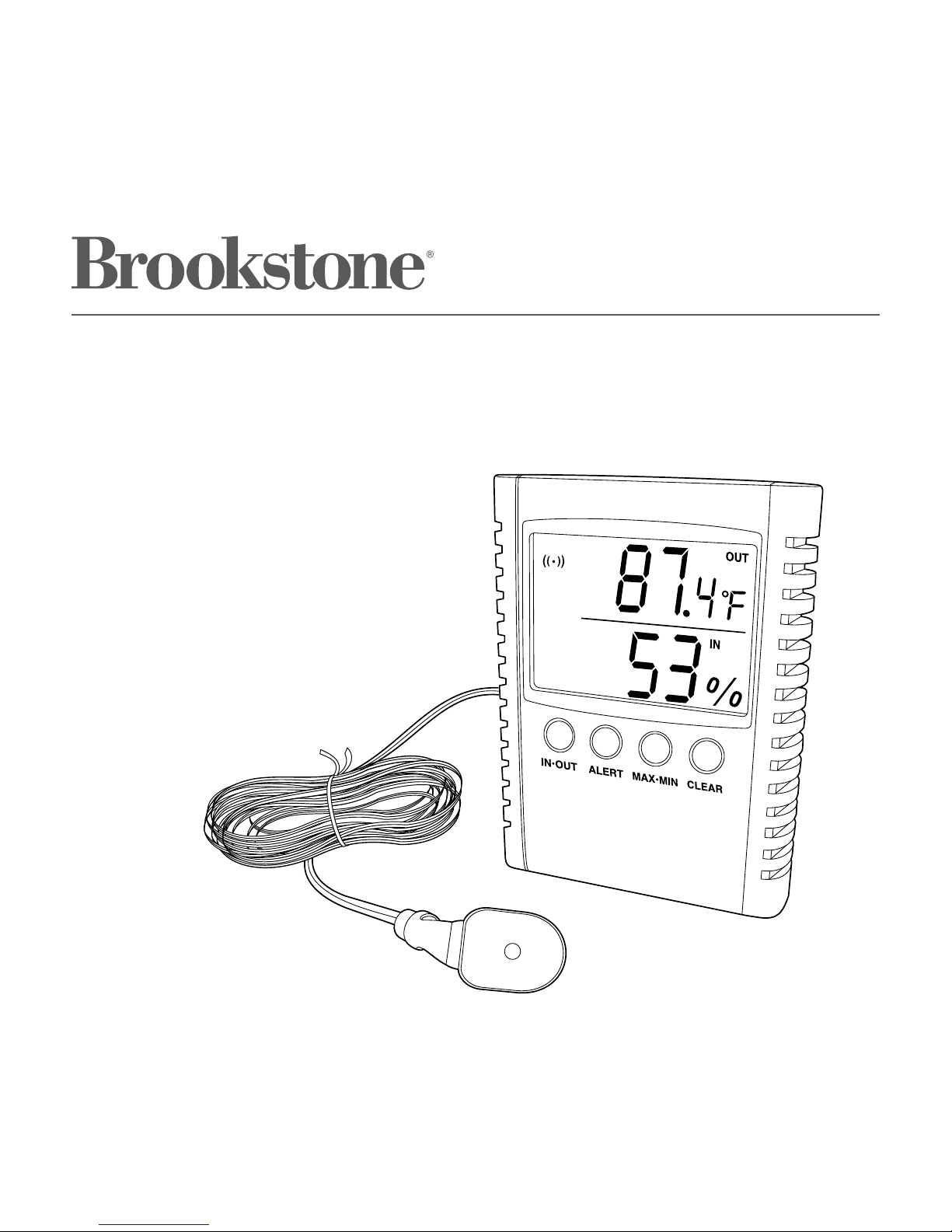
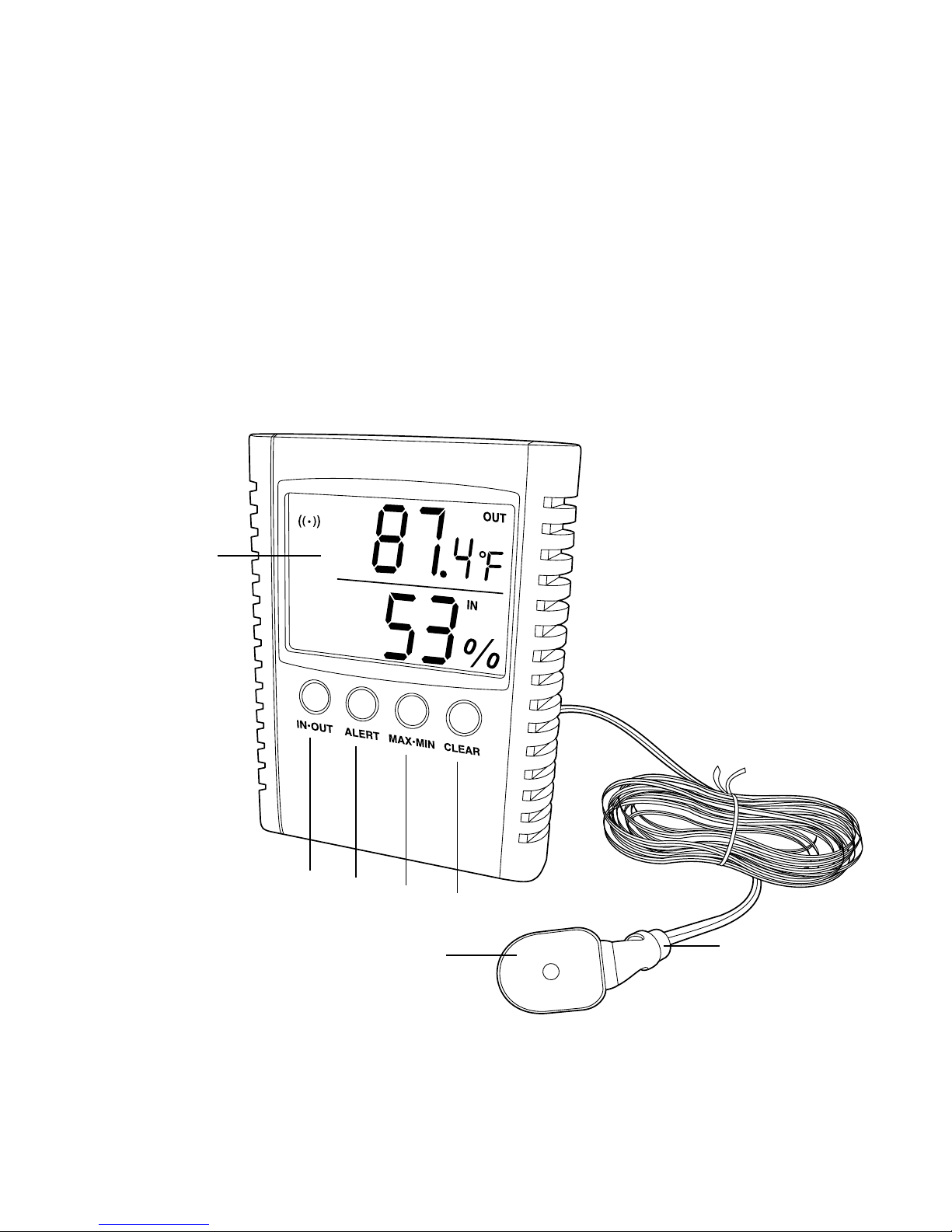
1. Press and release the ALERT button repeatedly until the desired channel
(e.g., Indoor High Temperature) is visible on the display.
2. Press and hold the ALERT button for 2 seconds. The present reading will flash.
Inside the BATTERY COMPARTMENT, press the “+” or “—” buttons to increase/
decrease the alert setting to the desired number.
3. When the desired number is showing, press the ALERT button to confirm the
setting. Press any other button or wait for 20 seconds to cancel setting.
4. While in the alert setting mode (the corresponding IN/OUT icon will be blinking)
press the “+” or “—” button inside the BATTERY COMPARTMENT to activate or
deactivate the alert mode. The icon ((•)) appears on the upper left of the LCD
display when alert mode is currently activated.
Note: You may also turn on the global alert mode by pressing the “+” button
while the unit is currently in alert mode (icon ((•)) is visible in the upper left
of the LCD display).
5. When alert mode is active and alert temperature and humidity are achieved,
an audible alert (beep) will sound. Press any button to deactivate.
Notes:
• The default pre-setting (after batteries are installed) of the low temperature
is -58°F, and the high setting is 230°F.
• The user setting(s), according to above indications, will be saved until the
next battery re-installation or the RESET button is pressed.
• The ((•)) icon can be set for each specific measurement (e.g., outside high
temperature). The ((•)) icon must be on for your setting to sound an alert.