manuals.online logo
Brands
  1. Home
  2. •
  3. Brands
  4. •
  5. Bubble Magic
  6. •
  7. Power Tools Accessories
  8. •
  9. Bubble Magic Pollen Tumbler Operating and safety instructions

Bubble Magic Pollen Tumbler Operating and safety instructions

Popular Power Tools Accessories manuals by other brands

Bosch OSC004 manual

Bosch

Bosch OSC004 manual

Rockler 57510 instructions

Rockler

Rockler 57510 instructions

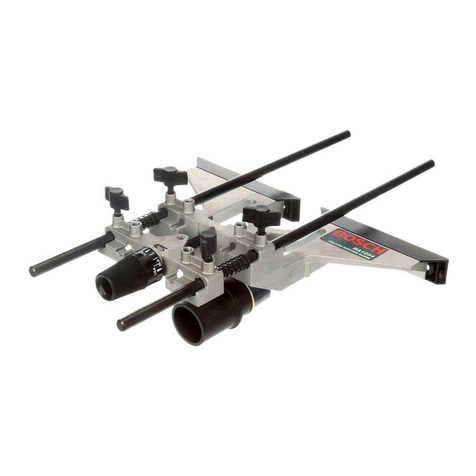
Bosch RA1054 Operating/safety instructions

Bosch

Bosch RA1054 Operating/safety instructions

Kitagawa SC N Series instruction manual

Kitagawa

Kitagawa SC N Series instruction manual

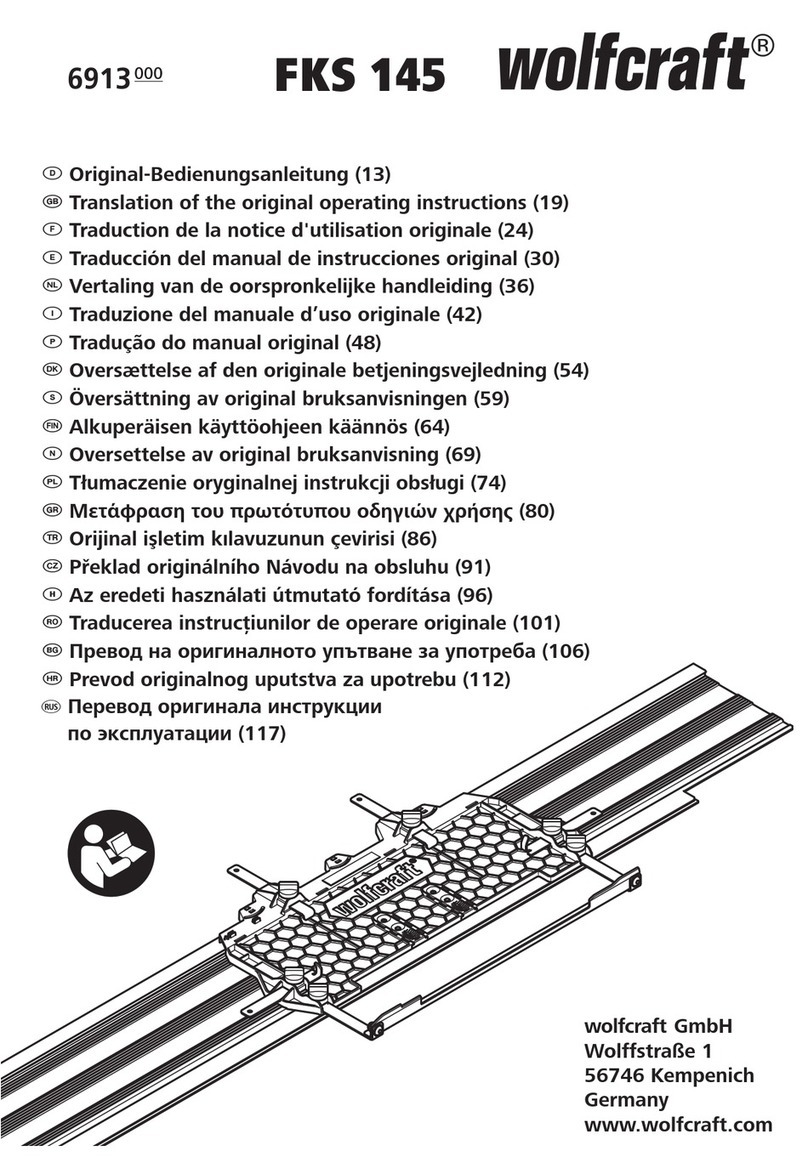
Wolfcraft FKS 145 Translation of the original operating instructions

Wolfcraft

Wolfcraft FKS 145 Translation of the original operating instructions

ADAMAS B32 Instructions for use

ADAMAS

ADAMAS B32 Instructions for use

STEINEL PROFESSIONAL 4007841009595 quick start guide
STEINEL PROFESSIONAL

STEINEL PROFESSIONAL 4007841009595 quick start guide

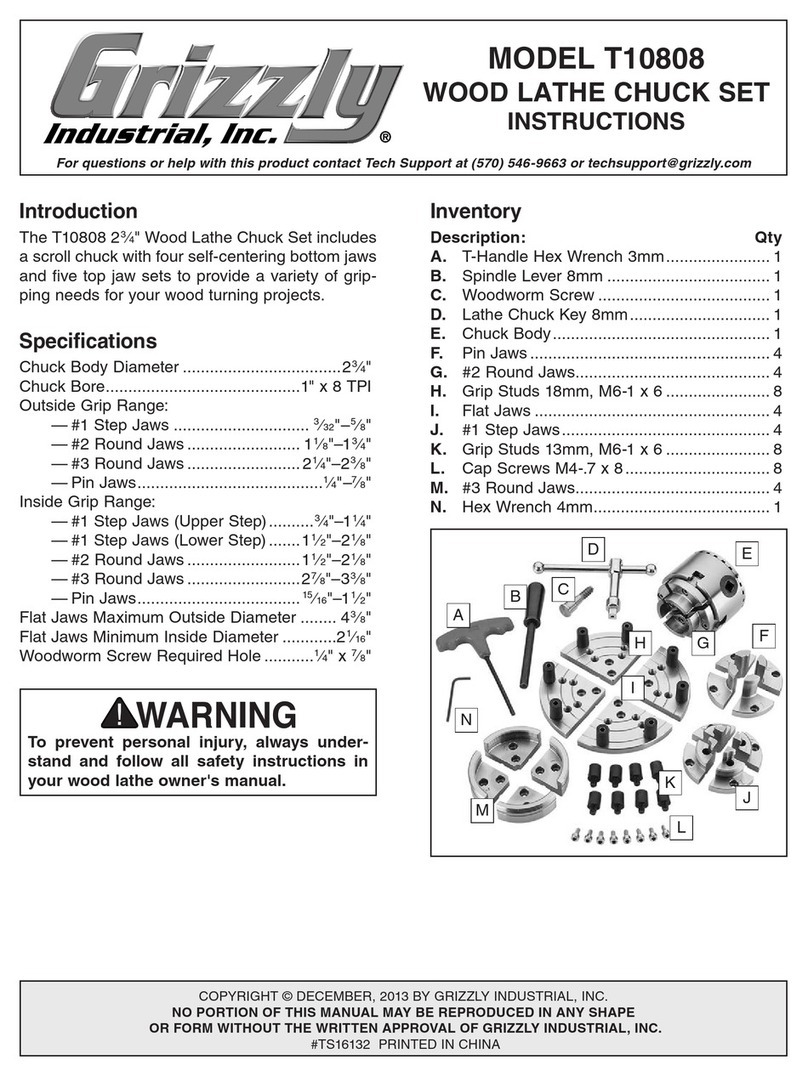
Grizzly T10808 instructions

Grizzly

Grizzly T10808 instructions

RG AVAK MaxDrill Series instruction manual

RG AVAK

RG AVAK MaxDrill Series instruction manual

Stihl 4850 490 0500 quick start guide

Stihl

Stihl 4850 490 0500 quick start guide

Husqvarna BV 30 Operator's manual

Husqvarna

Husqvarna BV 30 Operator's manual

Malco TurboShear HD TSHDRB Replacement instructions

Malco

Malco TurboShear HD TSHDRB Replacement instructions

TREND trend COMBI 650 user manual

TREND

TREND trend COMBI 650 user manual

Sealey Power Products AK456DX instructions

Sealey

Sealey Power Products AK456DX instructions

Dust Right Downdraft Table Assembly instructions

Dust Right

Dust Right Downdraft Table Assembly instructions

Toro 138-5050 installation instructions

Toro

Toro 138-5050 installation instructions

Ryobi AC04142 manual

Ryobi

Ryobi AC04142 manual

jbc CL6220 instruction manual

jbc

jbc CL6220 instruction manual

manuals.online logo
manuals.online logoBrands
  • About & Mission
  • Contact us
  • Privacy Policy
  • Terms and Conditions

Copyright 2025 Manuals.Online. All Rights Reserved.

Screen Replacement
by
Screen Replacement Instructions
TOOLS
Plier
Screwdriver
Knife
Staple Gun
Step 1
Step 2
Remove the stick-on end capping.
Use the screwdriver to pry up the nails one by one. In order to
move them more easily, you’d better prepare a screwdriver with
sharp head.
Step 3
Step 4
Once all nails pried up, use the plier to remove them.
Put the new mesh screen on the drum. Make sure the seam
ending inside.
Step 5
Step 6
Use the staple gun to fix one end first. Adjust your staple gun to
gain a perfect insert depth.
One hand pull the screen tightly and the other hand with staple
gun to fix it. In order to pull the screen tightly enough, you’d
better wear your gloves.
Step 7
Step 8
Cut the spare part by knife carefully.
Reinstall the stick-on end capping.
Replacement Screen for item 190150 - 125 micron
Replacement Screen for item 190150 - 145 micron
Replacement Screen for item 190150 - 185 micron
Replacement Screen for item 191500 - 125 micron
Replacement Screen for item 191500 - 185 micron
Replacement Screen for item 190500 - 125 micron
Replacement Screen for item 190500 - 145 micron
Replacement Screen for item 190500 - 185 micron
190125
190145
190185
191125
191145
191185
192125
192145
192185
Available Sizes