manuals.online logo
Brands
  1. Home
  2. •
  3. Brands
  4. •
  5. Bully Dog
  6. •
  7. Automobile Accessories
  8. •
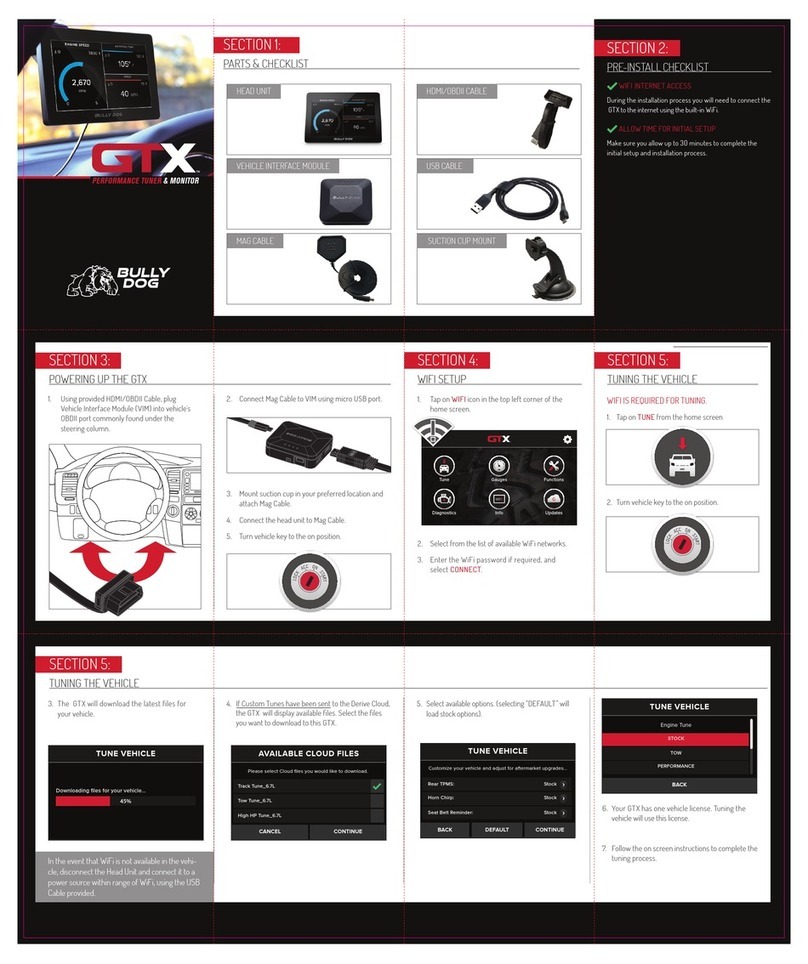
  9. Bully Dog gtx watchdog User manual

Bully Dog gtx watchdog User manual

Other Bully Dog Automobile Accessories manuals

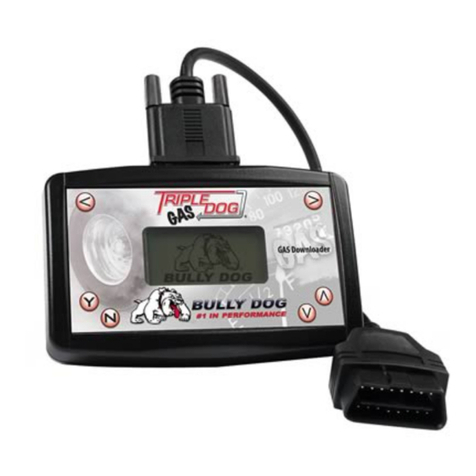
Bully Dog Triple Dog Gas User manual

Bully Dog

Bully Dog Triple Dog Gas User manual

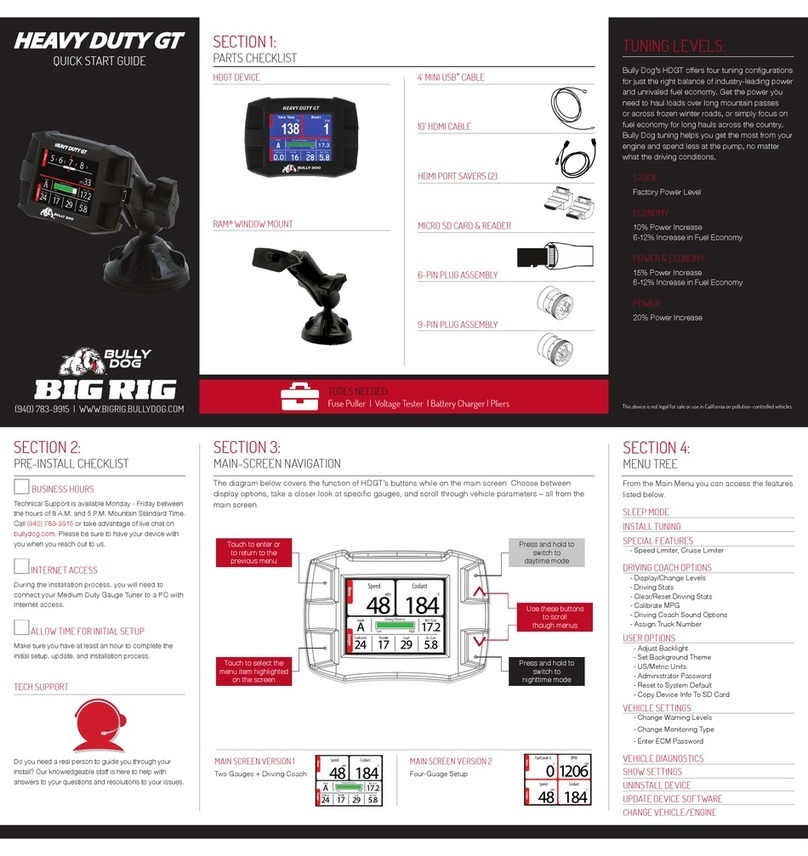
Bully Dog Big Rig HEAVY DUTY WD User manual

Bully Dog

Bully Dog Big Rig HEAVY DUTY WD User manual

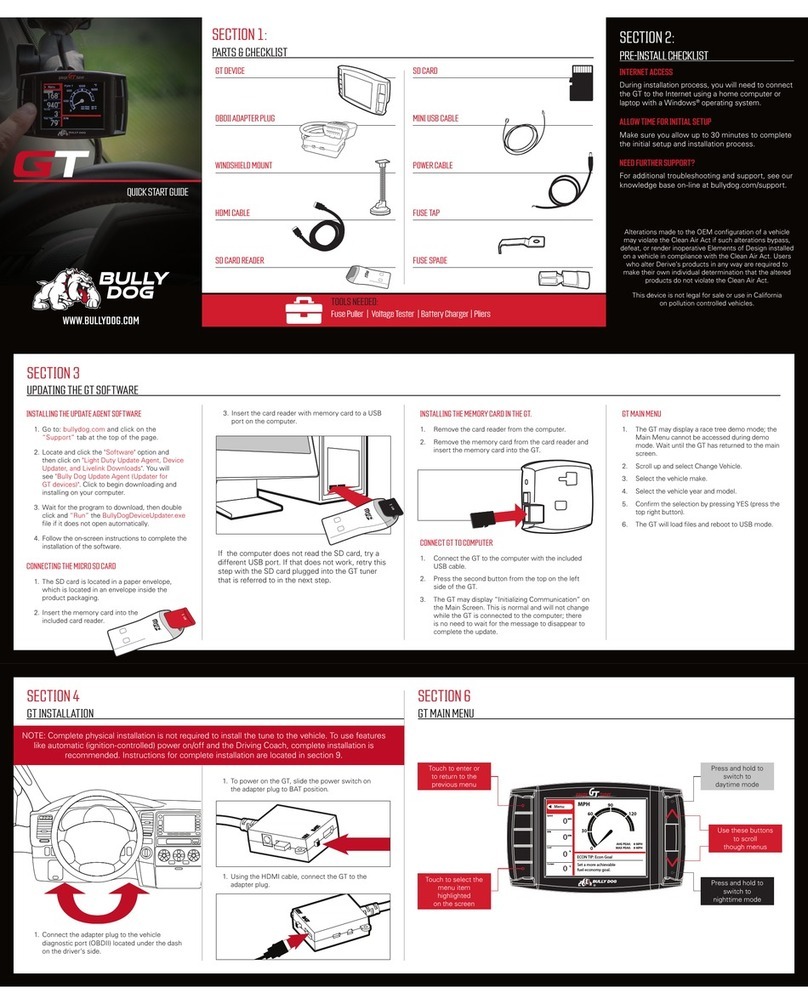
Bully Dog GT User manual

Bully Dog

Bully Dog GT User manual

Bully Dog GT User manual

Bully Dog

Bully Dog GT User manual

Bully Dog RAPID FLOW Cold Air Intake User manual

Bully Dog

Bully Dog RAPID FLOW Cold Air Intake User manual

Bully Dog GT User manual

Bully Dog

Bully Dog GT User manual

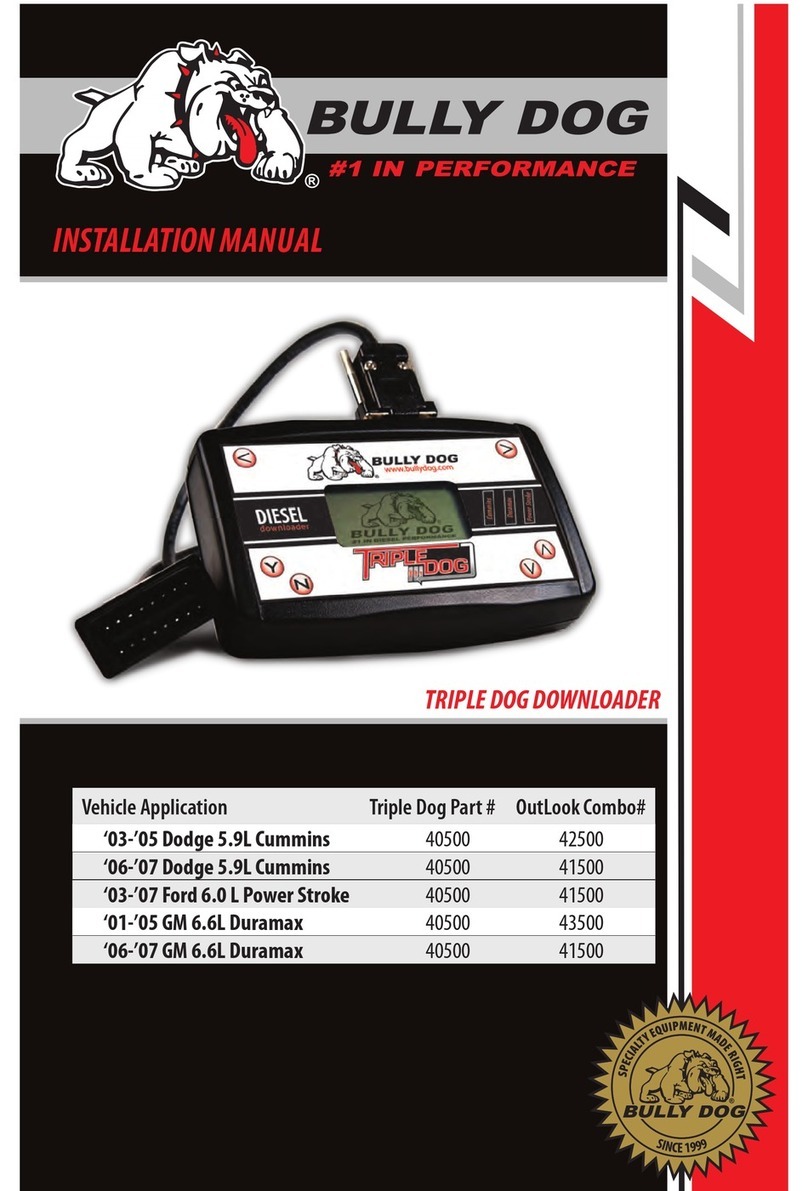
Bully Dog Triple Dog Downloader User manual

Bully Dog

Bully Dog Triple Dog Downloader User manual

Bully Dog 42215 User manual

Bully Dog

Bully Dog 42215 User manual

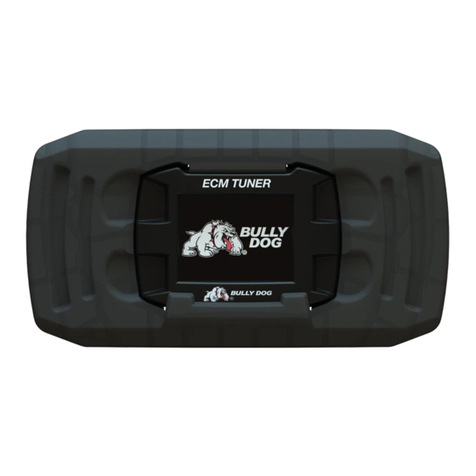
Bully Dog ECM Tuner User manual

Bully Dog

Bully Dog ECM Tuner User manual

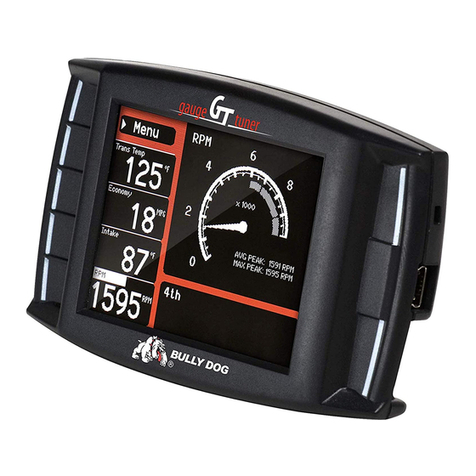
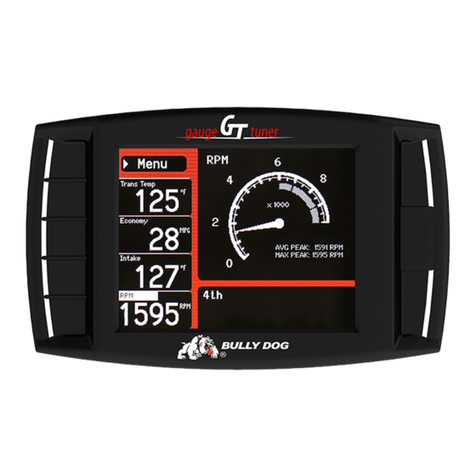
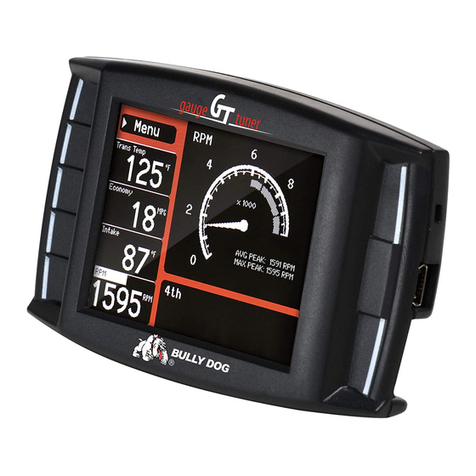
Bully Dog Gauge GT Tuner User manual

Bully Dog

Bully Dog Gauge GT Tuner User manual

Bully Dog GTX User manual

Bully Dog

Bully Dog GTX User manual

Bully Dog Heavy Duty GT User manual

Bully Dog

Bully Dog Heavy Duty GT User manual

Bully Dog PMT User manual

Bully Dog

Bully Dog PMT User manual

Popular Automobile Accessories manuals by other brands

Magneti Marelli AC161 Installation instruction

Magneti Marelli

Magneti Marelli AC161 Installation instruction

FDI uEZ GUI Start here

FDI

FDI uEZ GUI Start here

JCROffroad JT Install instructions

JCROffroad

JCROffroad JT Install instructions

Rostra VOXXElectronics 250-1930 owner's guide

Rostra

Rostra VOXXElectronics 250-1930 owner's guide

TOP VEHICLE TECH GR3FORD5 installation manual

TOP VEHICLE TECH

TOP VEHICLE TECH GR3FORD5 installation manual

Safe Fleet PRIME DESIGN AR-2000-BLK manual

Safe Fleet

Safe Fleet PRIME DESIGN AR-2000-BLK manual

Skoda Fabia Combi 5J Fitting instructions

Skoda

Skoda Fabia Combi 5J Fitting instructions

Camcar 40077 Al Mounting instructions

Camcar

Camcar 40077 Al Mounting instructions

Camcar 40089 AL Mounting instructions

Camcar

Camcar 40089 AL Mounting instructions

Impac Tradesman 2000 installation manual

Impac

Impac Tradesman 2000 installation manual

DVB OFFROAD BRSB-01 installation manual

DVB

DVB OFFROAD BRSB-01 installation manual

Safari Snorkel SS385HF installation guide

Safari Snorkel

Safari Snorkel SS385HF installation guide

ULTIMATE SPEED 279746 Assembly and Safety Advice

ULTIMATE SPEED

ULTIMATE SPEED 279746 Assembly and Safety Advice

SSV Works DF-F65 manual

SSV Works

SSV Works DF-F65 manual

ULTIMATE SPEED CARBON Assembly and Safety Advice

ULTIMATE SPEED

ULTIMATE SPEED CARBON Assembly and Safety Advice

Witter F174 Fitting instructions

Witter

Witter F174 Fitting instructions

WeatherTech No-Drill installation instructions

WeatherTech

WeatherTech No-Drill installation instructions

TAUBENREUTHER 1-336050 Installation instruction

TAUBENREUTHER

TAUBENREUTHER 1-336050 Installation instruction

manuals.online logo
manuals.online logoBrands
  • About & Mission
  • Contact us
  • Privacy Policy
  • Terms and Conditions

Copyright 2025 Manuals.Online. All Rights Reserved.

(940) 783-9915 | WWW.BULLYDOG.COM
QUICK START GUIDE
A WIFI CONNECTION IS REQUIRED FOR SETUP.
1. Tap the WIFI icon in the top left corner of the
home screen.
2. Select from the list of available WiFi networks.
3. Enter the WiFi password and select CONNECT.
4. Tap on UPDATE S from the home screen and
follow the onscreen instructions.
5. During the update process the GTX Watchdog
may restart.
SECTION 1:
PARTS & CHECKLIST
MAG CABLE
HEAD UNIT HDMI/OBDII CABLE
USB CABLE
SUCTION CUP MOUNT
SECTION 2:
PRE-INSTALL CHECKLIST
WIFI INTERNET ACCESS
During the installation process you will need to connect the
GTX Watchdog to the internet using the built-in WiFi. Also, in the
unlikely event that technical support is needed, internet access may be
required to troubleshoot.
ALLOW TIME FOR INITIAL SETUP
Make sure you allow up to 30 minutes to complete the initial setup and
installation process.
Technical Support is available Monday - Friday between the hours of
8 A.M. and 5 P.M. Mountain Standard Time and can be contacted via
phone at: (940) 783-9915 or through live chat at : www.bullydog.com.
If you need to contact Technical Support, please be sure to have your
device with you before initiating contact.
1. Using provided HDMI/OBDII Cable, plug
Vehicle Interface Module (VIM) into vehicle’s
OBDII Port commonly found under the
steering column.
2. Connect Mag Cable to VIM using micro USB Port.
3. Mount Suction Cup in your preferred location and
attach Mag Cable.
4. Connect the head unit to mag cable.
5. Turn vehicle key to the on position.
L
O
C
K
A
C
C
O
N
S
T
A
R
T
DIAGNOSTICS
Read and clear DTCs (Diagnostic Trouble Codes).
CUMMINS®UNLOCK
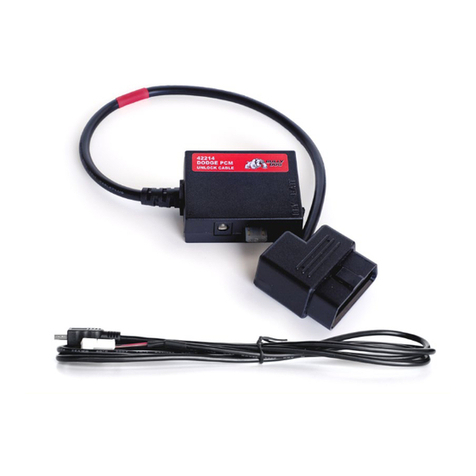
Unlock your 2013+ Dodge®Cummins vehicle for custom
tuning using the included Cummins Unlock Cable.
VEHICLE
View vehicle information including VIN and ECM data.
DEVICE
View the latest information about your GTX Watchdog
including the current software version and serial number.
UPDATES
Update your device using built-in WiFi. Receive the latest
software updates from the cloud.
WIFI
Connect to WiFi to receive the latest updates.
SETTINGS
Adjust settings and reset device.
GAUGES
Monitor critical engine data in real time and datalog
engine functions for playback using Bully Dog’s free
LiveLink™ software.
1. Tap on GAUGES from the home screen.
2. Select your vehicle from the list.
3. Default gauges show preselected options. Swipe
to move between configurable screen layouts.
Updates
Diagnostics
Gauges
Vehicle
Cummins® Unlock
Device
2013-2016 CUMMINS
All Other Vehicles
GAUGES
EXIT
Barometric Pressure
85 87
86.0
Boost
0 2.11
2.02
Control Module Voltage
11.36 14.36
14.17
Engine Fuel Rate
1 11
11
Engine RPM
627 2276
2185
Fuel Injection Timing
-10 4.8
4.4
Updates
Diagnostics
Gauges
Vehicle
Cummins® Unlock
Device
VEHICLE INTERFACE MODULE
In the event that WiFi is not available in the
vehicle, discconect the Head Unit and plug it into
a power source using the provided USB Cable.
CUMMINS®UNLOCK CABLE
SECTION 3:
POWERING UP THE GTX WATCHDOG:
SECTION 4:
SETUP YOUR DEVICE
SECTION 5:
HOME SCREEN
SECTION 6:
MONITORING:

DOC. # 40465B-99 V1.0
(940) 783-9915 | WWW.BULLYDOG.COM
SECTION 7:
CUSTOMIZING YOUR MONITORING EXPERIENCE
SECTION 8:
DIAGNOSTICS
SECTION 10:
CUMMINS UNLOCK
SECTION 9:
SETTINGS
SETTINGS > GENERAL
1. START GAUGES AFTER POWER ON device
will boot to the gauge screen.
2. USER SETTINGS RESET Removes all user
settings including brightness and saved
WiFi information.
3. FA CT OR Y RE S E T Returns device to factory
settings and removes all data from device.
1. Locate your Cummins Unlock cable.
2. Locate and disconnect the OEM 3-plug
connector on the back side of the intake
charge tube going to the manifold (on the
driver's side).
3. Plug Bully Dog Unlock Cable into OEM
3- Plug Connector.
4. Route other end of Unlock Cable 3-Plug
Connector from engine bay into cab through
driver's window. Do NOT run through firewall.
5. Connect Unlock Cable 3 Plug connector to Mini
USB port on HDMI Cable.
6. Plug OBDII/HDMI Cable into OEM OBDII port
located under dash.
7. Connect OBDII/HDMI Cable into VIM.
8. Power on GTX Watchdog.
9. Select CUMMINS UNLOCK from home
screen and follow on-screen instructions.
Tap anywhere on the screen to edit the configurable layout. Double tap to customize a specific gauge.
READ DTCs:
1. Select DIAGNOSTICS from the home screen.
2. Select READ DTCS from the menu.
3. Ensure the vehicle key is in the on position.
4. The device will display any DTCs available.
5. Select a DTC for more information.
CLEAR DTCs:
1. After selecting DIAGNOSTICS from home
screen, tap CLEAR DTCs.
LAYOUT
Change the layout of the current
gauge screen.
DATA
Select the gauge data.
BRIGHTNESS
Change the screen brightness, activate the
light sensor and select day/night themes. UNIT
Select the unit of display for
this data.
RESET
Reset maximum and minimum observed
data values. RANGE
Set the display range for the
selected data.
RECORD
Record datalog for playback using Bully
Dog LiveLink Software.
ALERT
Set visual and audio alerts.
DATASET
Select which set of vehicle data or DLX
you would like to monitor.
Barometric Pressure
85 87 1 11
672 2276
-10 4.8
0 2.11
11.36 14.36
86.0
Boost
2.02
Control Module Voltage
14.17
Engine Fuel Rate
11
Engine RPM
2185
Fuel Injection Timing
4.4
BRIGHTNESS RESET RECORD DATASET
LAYOUT
READ DTC
EXIT CONTINUE
TURN KEY ON
Turn the vehicle’s ignition key to the
ON position or push & hold the
Engine Start Button for 2-3 seconds.
DO NOT START the engine.
READ DTC
EXIT CLEAR DTCs
PO452
PO463
PO57C
PO625
EVAP SYSTEM PRESSURE SENSOR/SWITCH CIRCUIT LOW
STARTER RELAY A CIRCUIT
FUEL LEVEL SENSOR CIRCUIT HIGH
NO ADDITIONAL INFO AVAILABLE
GENERAL SETTINGS
START GAUGES AFTER POWER ON
USER SETTINGS RESET
FACTORY RESET
USER RESET
RESET
ON
Boost
Control module Voltage
Engine Fuel Rate
Engine RPM
MIN 0.00
MAX 14
UNIT K PA
ALERT OFF
BOOST
UNIT RANGE ALERT
DATA
L
O
C
K
A
C
C
O
N
S
T
A
R
T