manuals.online logo
Brands
  1. Home
  2. •
  3. Brands
  4. •
  5. Calibre
  6. •
  7. Respiratory Product
  8. •
  9. Calibre Wearable Respiratory Biometric Mask User manual

Calibre Wearable Respiratory Biometric Mask User manual

Popular Respiratory Product manuals by other brands

Dräger PSS Series Instructions for use

Dräger

Dräger PSS Series Instructions for use

ResMed MIRAGE SWIFT II 60891/1 user guide

ResMed

ResMed MIRAGE SWIFT II 60891/1 user guide

Omron COMP A-I-R NE-C801 instruction manual

Omron

Omron COMP A-I-R NE-C801 instruction manual

Ombra 63506 Instructions for use

Ombra

Ombra 63506 Instructions for use

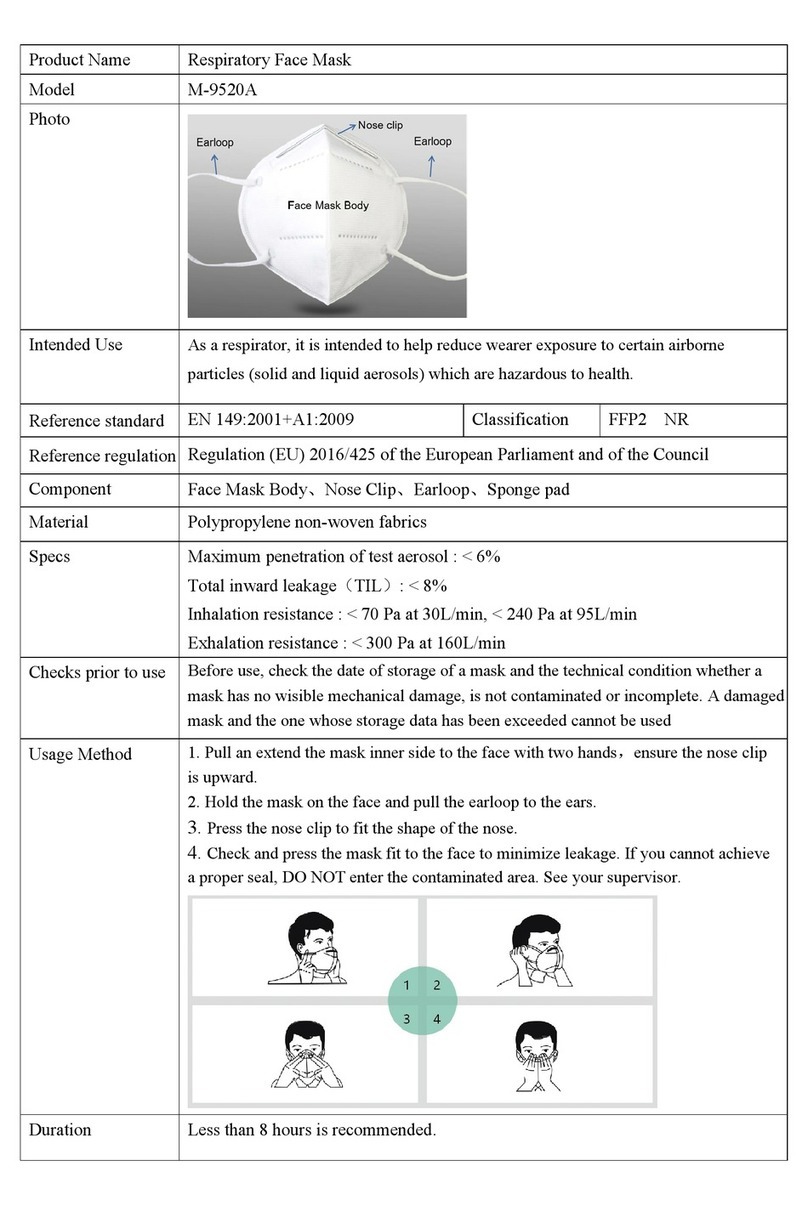
Lotus M-9520A quick start guide

Lotus

Lotus M-9520A quick start guide

CERES nosko nebulizer kit manual

CERES

CERES nosko nebulizer kit manual

Dr.Frei NE-SM1 user manual

Dr.Frei

Dr.Frei NE-SM1 user manual

North 5400 series instruction manual

North

North 5400 series instruction manual

John Bunn Neb-u-Lite LX2 user manual

John Bunn

John Bunn Neb-u-Lite LX2 user manual

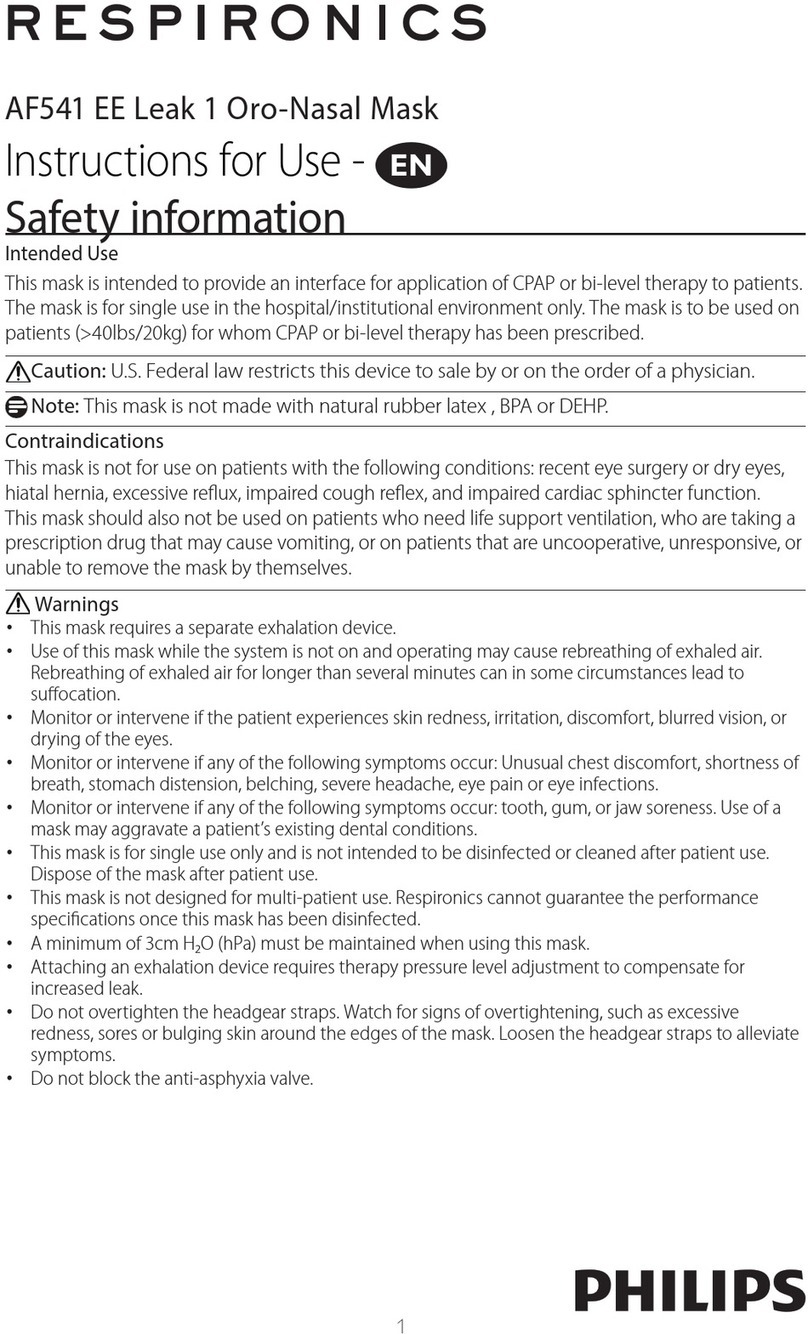
Philips Respironics EE Leak 1 AF541 Instructions for use

Philips

Philips Respironics EE Leak 1 AF541 Instructions for use

Sperian Panther Hip-Pac P9684 Series Operation manual

Sperian

Sperian Panther Hip-Pac P9684 Series Operation manual

Dräger X-plore 6570 quick start guide

Dräger

Dräger X-plore 6570 quick start guide

3M 8000 Series quick start guide

3M

3M 8000 Series quick start guide

Respironics SideStream HS860 Instructions for use

Respironics

Respironics SideStream HS860 Instructions for use

Sundstrom SR 500 Instructions for use

Sundstrom

Sundstrom SR 500 Instructions for use

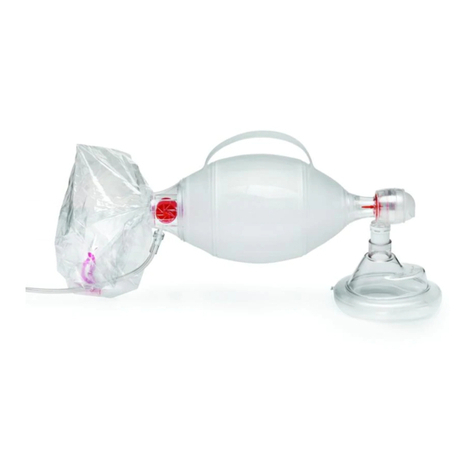
Ambu SPUR II Instructions for use

Ambu

Ambu SPUR II Instructions for use

BLS 8000 Instructions for the use

BLS

BLS 8000 Instructions for the use

Dräger saver PP Series Instructions for use

Dräger

Dräger saver PP Series Instructions for use

manuals.online logo
manuals.online logoBrands
  • About & Mission
  • Contact us
  • Privacy Policy
  • Terms and Conditions

Copyright 2025 Manuals.Online. All Rights Reserved.

0© 2022 Calibre Biometrics. All rights reserved.User Guide
1© 2022 Calibre Biometrics. All rights reserved.Part I: Getting Started󰾬 Step 1: Locate components󰾬 󰾬Inside you will find the facepiece (1), module (2), carry bag (3), charging cable (4) and “Style A” strap assembly (5). You may also have an alternative “Style B” strap (6) included with your Calibre. If you have received more than one facepiece or strap, put them aside for now. 󰾬󰾬 (1)(2)(4)(3)
2© 2022 Calibre Biometrics. All rights reserved.(6)(5)
3© 2022 Calibre Biometrics. All rights reserved.Step 2: Plug it in󰾬 Connect the larger end (USB-A) of the charging cable (4) to a standard USB-A socket (not included) and plug the small end (USB-C) it into the Calibre™ module as shown. 󰾬 The light bar (LB) on the module will pulsate while charging and turn solid when fully charged. 󰾬 Note: the initial charging also serves to “unlock” your Calibre from its locked shipping-safe mode.󰾬(LB)󰾬Tip: You can turn off the light bar at any time by triple-clicking (3 clicks) on the button on the front of the module. This only deactivates the light itself. It will not prevent charging or any other operation. Double-click again to re-enable the light.
4© 2022 Calibre Biometrics. All rights reserved.Step 3: Download the App The Calibre™ App is available in both the App Store and Google Play, simply scan the QR Code with your phone to download the Calibre App. Then follow the downloading instructions on your screen. 󰾬Tip: You can also go to calibrebio.com/download using your phone’s browser or search for Calibre Biometrics app in the App Store / Google Play.
5© 2022 Calibre Biometrics. All rights reserved.Step 4: Onboarding and Connecting to the Device󰾬 With your e-unit fully charged, unplug the unit from the charging cable. You will now need to push the button once so the unit is ready to connect. The light will be flashing when ready. Launch the Calibre™ App on your phone and follow the onboarding sequence. It will guide you through 2 simple steps (after which you are ready to use it). A.Creating an account/profile󰾬B.Making a wireless connection to your own Calibre (this can only be done from your app when the Calibre light bar is flashing). Did you know: •You will only have to do this the first time you connect your Calibre to your App. Afterwards, the app will re-connect with your Calibre with a single click on the button. •After first connection, no other phone can connect to your Calibre (unless you choose to “forget” your phone with a 10 second button press). That means nobody can “eavesdrop” on your Calibre.
6© 2022 Calibre Biometrics. All rights reserved.Step 5: Attach module to the facepiece Just push it in - You will hear a “click” when module is in place. Tip: To separate module from facepiece hold facepiece firmly in one hand and pull out the module with your thumb on one of its edges. No tools or special tricks required!(1)InsertionRemoval(2)
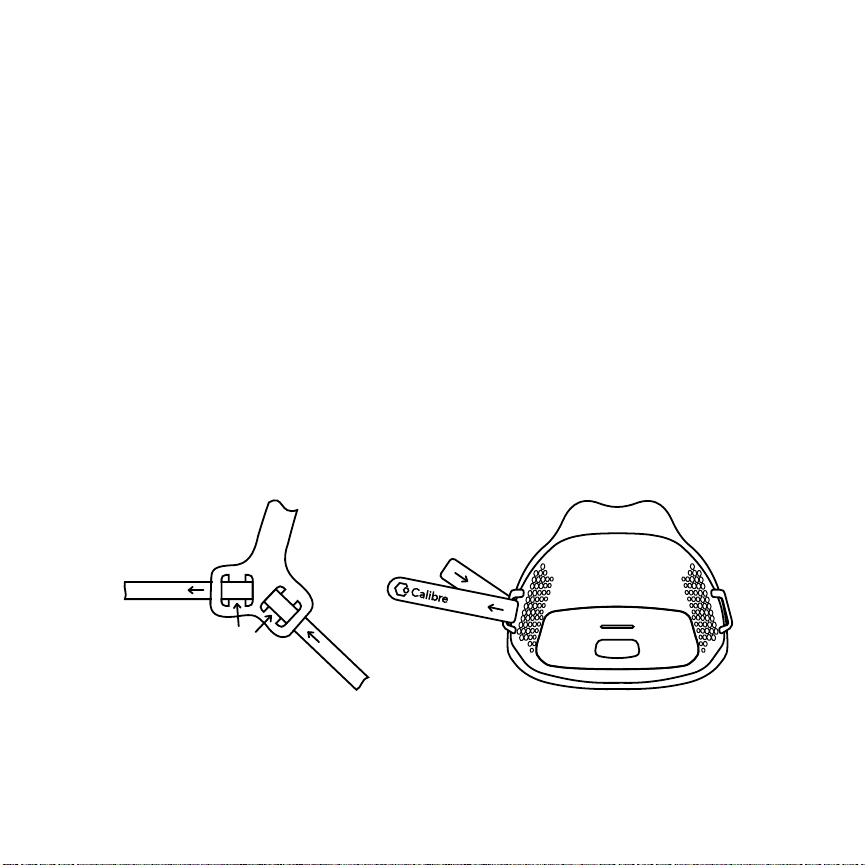
7© 2022 Calibre Biometrics. All rights reserved.Step 6: Attach the straps You can use Strap assembly “Style A” or “Style B” , but not both at the same time. There is no performance difference, only personal comfort preference. For “Style A”, the strap may already be attached to the headband (and facepiece), but if needed, thread the strap (7) though the slots (8) on the head band (9).󰾬 Loop each of the two strap tips through the anchors (10) on the facepiece, and fold each of the threaded tips back on itself, securing with the Velcro pad. Tip: Adjust strap in headband to get same length of strap on both sides!(9)(7)(8)(10)

8© 2022 Calibre Biometrics. All rights reserved. For Style B assembly (6), strap may already be attached to the facepiece, but if not, simply feed one strap about half-way through the right facepiece anchor (10). Attach the other strap half-way through the left facepiece anchor and attach one tip of each strap to the corresponding tip of the other strap using the two connector clamps provided. Both strap connectors go behind the head, with one branch above the ear while and the other below the ear. You can slide the strap in the anchor to get some more length on the upper branch as needed (see picture). (10)(6)
9© 2022 Calibre Biometrics. All rights reserved.Step 7: Adjust For Seal & Comfort With either style strap attached, pull the assembly down over your head with facepiece in front and the strap behind your head (think of pulling down Ski Goggles, but lower – under your nose). Make sure it covers your mouth while cradling the bottom your nose. 󰾬 Adjust the strap length for comfort and fit. The facepiece should be comfortable (no need to make it tight) while sealing securely but gently so that all breath flows through the hexagonal holes in the transparent facepiece. 󰾬 Once adjusted, you can take it off and put it back on anytime without additional adjustments.