manuals.online logo
Brands
  1. Home
  2. •
  3. Brands
  4. •
  5. CAME BPT
  6. •
  7. Intercom System
  8. •
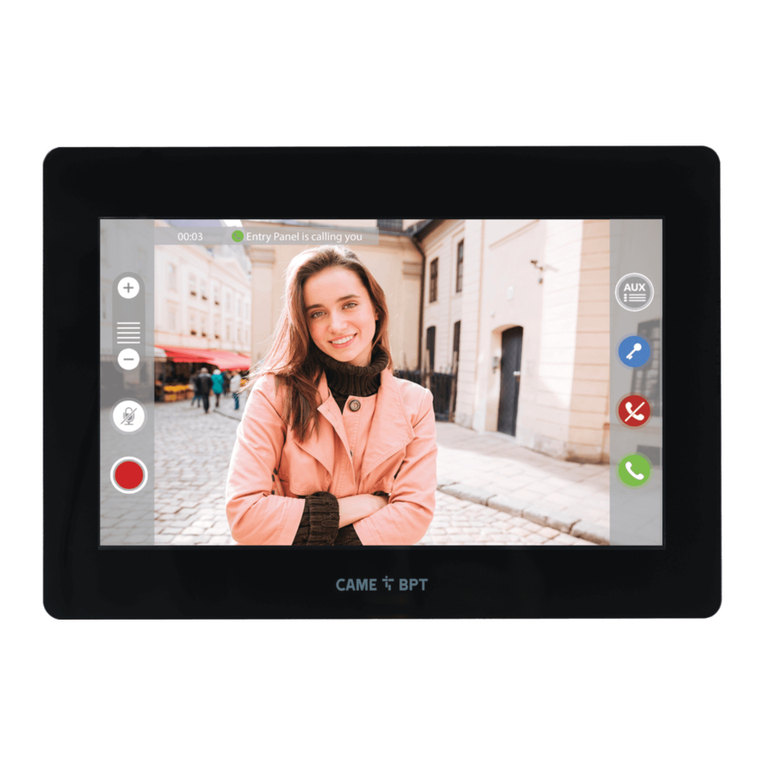
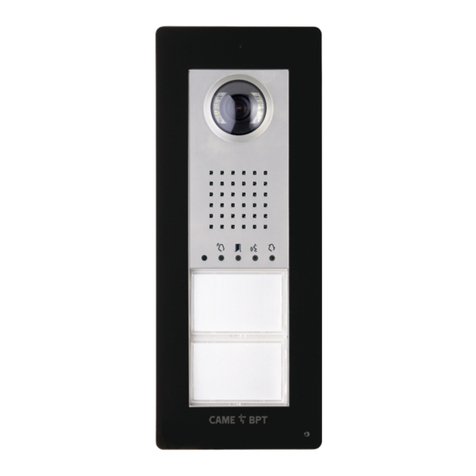
  9. CAME BPT EVKIT User manual

CAME BPT EVKIT User manual

Other CAME BPT Intercom System manuals

CAME BPT FUTURA X2 User manual

CAME BPT

CAME BPT FUTURA X2 User manual

CAME BPT THANGRAM User manual

CAME BPT

CAME BPT THANGRAM User manual

CAME BPT AGT V200 User manual

CAME BPT

CAME BPT AGT V200 User manual

CAME BPT THANGRAM Owner's manual

CAME BPT

CAME BPT THANGRAM Owner's manual

CAME BPT AGATA AUDIO User manual

CAME BPT

CAME BPT AGATA AUDIO User manual

CAME BPT PEC IP User manual

CAME BPT

CAME BPT PEC IP User manual

CAME BPT XTS 5IP WH Manual

CAME BPT

CAME BPT XTS 5IP WH Manual

CAME BPT AGATAKIT/X1-LVC User manual

CAME BPT

CAME BPT AGATAKIT/X1-LVC User manual

CAME BPT XTS 5IP WH Manual

CAME BPT

CAME BPT XTS 5IP WH Manual

CAME BPT XTS 7IP WH WIFI User manual

CAME BPT

CAME BPT XTS 7IP WH WIFI User manual

CAME BPT LVKIT User manual

CAME BPT

CAME BPT LVKIT User manual

CAME BPT MTM AUDIO ENTRY KIT User manual

CAME BPT

CAME BPT MTM AUDIO ENTRY KIT User manual

CAME BPT DC/IP ME Instruction sheet

CAME BPT

CAME BPT DC/IP ME Instruction sheet

CAME BPT DDC/08 VR User manual

CAME BPT

CAME BPT DDC/08 VR User manual

CAME BPT DC/08 Owner's manual

CAME BPT

CAME BPT DC/08 Owner's manual

CAME BPT PEC User manual

CAME BPT

CAME BPT PEC User manual

CAME BPT PEC IP Manual

CAME BPT

CAME BPT PEC IP Manual

CAME BPT AGATA AUDIO User manual

CAME BPT

CAME BPT AGATA AUDIO User manual

CAME BPT XTS 7 WIFI Series Manual

CAME BPT

CAME BPT XTS 7 WIFI Series Manual

CAME BPT XTS 7 WH WIFI User manual

CAME BPT

CAME BPT XTS 7 WH WIFI User manual

CAME BPT Agata C200 UK User manual

CAME BPT

CAME BPT Agata C200 UK User manual

CAME BPT DDVC/08 VR User manual

CAME BPT

CAME BPT DDVC/08 VR User manual

CAME BPT LVC/01 Owner's manual

CAME BPT

CAME BPT LVC/01 Owner's manual

CAME BPT FUTURA X1 User manual

CAME BPT

CAME BPT FUTURA X1 User manual

Popular Intercom System manuals by other brands

Videx VRDK1 (25H) Technical manual

Videx

Videx VRDK1 (25H) Technical manual

Auta COMPACT VISUALTECH manual

Auta

Auta COMPACT VISUALTECH manual

Aiphone LC-10S instructions

Aiphone

Aiphone LC-10S instructions

Aiphone PD-1 instructions

Aiphone

Aiphone PD-1 instructions

Aiphone JF-DVF-HID-I instructions

Aiphone

Aiphone JF-DVF-HID-I instructions

Comelit 4893M Technical manual

Comelit

Comelit 4893M Technical manual

MGL Avionics V16 manual

MGL Avionics

MGL Avionics V16 manual

SSS Siedle BVI 750-0 Installation & programming

SSS Siedle

SSS Siedle BVI 750-0 Installation & programming

urmet domus AIKO 1716/1 quick start guide

urmet domus

urmet domus AIKO 1716/1 quick start guide

urmet domus IPerVoice 1039 Installation

urmet domus

urmet domus IPerVoice 1039 Installation

Alpha Communications STR QwikBus TT33-2 Installation, programming, and  user's manual

Alpha Communications

Alpha Communications STR QwikBus TT33-2 Installation, programming, and user's manual

Monacor ICM-20H instruction manual

Monacor

Monacor ICM-20H instruction manual

Logenex A202CR Installation & programming

Logenex

Logenex A202CR Installation & programming

Quantum QR5 Installation and programming manual

Quantum

Quantum QR5 Installation and programming manual

EVGA XR1 quick guide

EVGA

EVGA XR1 quick guide

CyberData 011211 series Installation quick reference

CyberData

CyberData 011211 series Installation quick reference

Vidos duo M1021 user manual

Vidos

Vidos duo M1021 user manual

Savant DOR-SMS-00 Deployment guide

Savant

Savant DOR-SMS-00 Deployment guide

manuals.online logo
manuals.online logoBrands
  • About & Mission
  • Contact us
  • Privacy Policy
  • Terms and Conditions

Copyright 2025 Manuals.Online. All Rights Reserved.

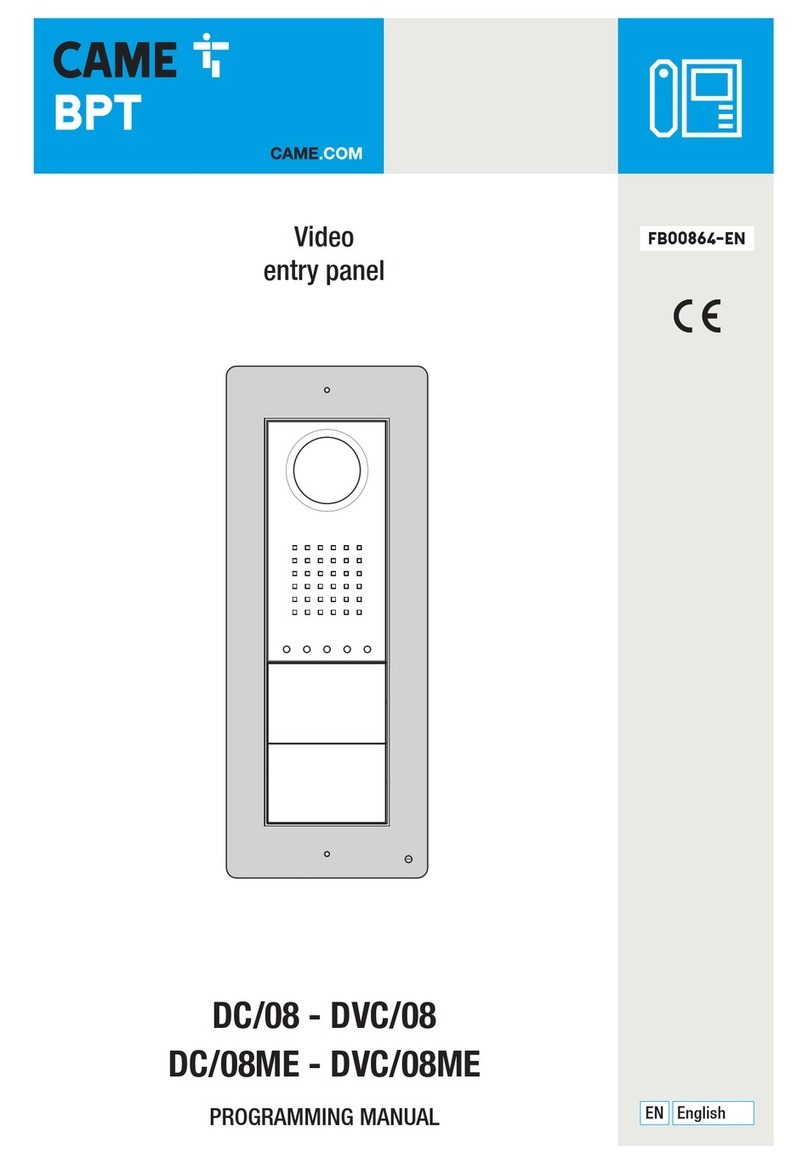
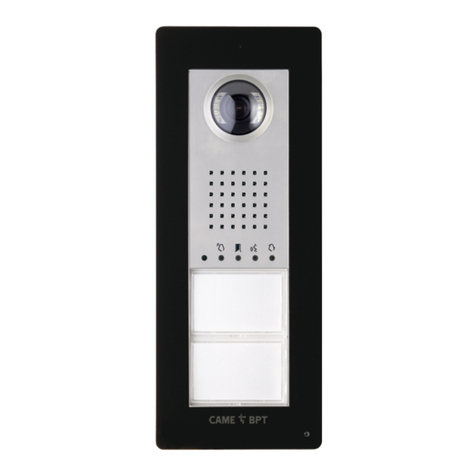
VA/01
DVC/01
DVC/01 ME
PEV/01
OPALE
INSTALLATION MANUAL
EVKIT
EN
English
FB01044-EN
VIDEO ENTRY KIT
1
2
A
B
C
D
EF
Page 2- Manual FB01044-EN - vers. 1- 01/2018- © Came S.p.A. - The contents of this manual may be changed, at any time, and without notice.
General Notes
• Read the instructions carefully before beginning the installation
and carry out the actions as specified by the manufacturer.
• The installation, programming, commissioning and mainte-
nance of the product must only be carried out by qualified tech-
nicians, properly trained in compliance with the regulations in
force, including health and safety measures and the disposal of
packaging.
• The installer must ensure that the information for the user,
where there is any, is provided and delivered.
• Before carrying out any cleaning or maintenance operation,
disconnect the devices from the power supply.
• The equipment must only be used for the purpose for which it
was expressly designed.
• The manufacturer declines all liability for any damage as a
result of improper, incorrect or unreasonable use.
The product complies with the applicable reference directives.
Dismantling and disposal. Dispose of the packaging and the
device properly at the end of its life cycle, according to the regu-
lations in force in the country where the product is used. The re-
cyclable components bear the symbol and code for the material.
The data and information provided in this manual are subject to
change at any time without prior notice. Measurements, unless
otherwise indicated, are in millimetres.
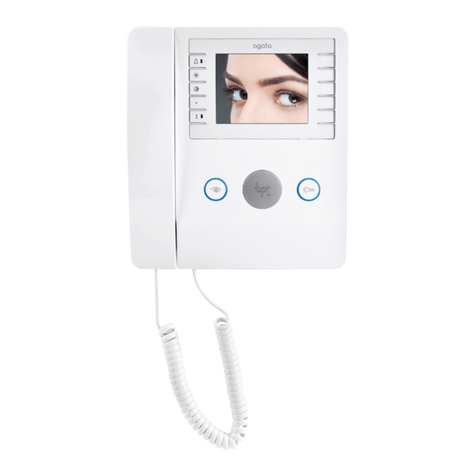
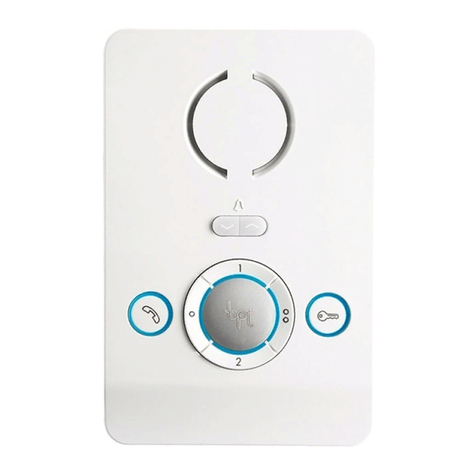
PEV/01
Installation
Remove the unit from the metallic support by sliding it after
pressing the plastic button A.
Fasten the metallic support to the round built-in box of Ø 60
mm Bor to the rectangular box 503 CDusing the provided
screws and observing the UP indication .
The recessed box must be fitted at a suitable height in relation
to the user.
Avoid excessive tightening of the screws.
Once the connections have been made, hook the video terminal
to the metal support EF.

1
2
Ð +
AL B
M/S
CL.RES
G
Page 3- Manual FB01044-EN - vers. 1- 01/2018- © Came S.p.A. - The contents of this manual may be changed, at any time, and without notice.
To release the unit from the metal support, press the plastic hook
and lift the terminal G.
Technical data
Type PEV
Maximum current draw (mA) 200
Current draw in stand-by mode (mA) < 1
Single LED current draw (mA) 1
Storage temperature (°C) -25 to +70
Video standard PAL/NTSC
LCD TFT colour display (inches) 3.5
Function of terminals
M1
AL Alarm input
–
+
Doorbell
BBUS line input
CL. RES - Closing resistance
CL.RES CL.RES CL.RES
1 2 3
XDV/304
M/S - Master/Slave selector
MASTER SLAVE
M/S M/S
In case of simultaneous call, the audio/video communication
will be activated on the MASTER extension only.
D
G
H
X 5
beep
I
X 5
beep
C
F
B
A
E
Page 4- Manual FB01044-EN - vers. 1- 01/2018- © Came S.p.A. - The contents of this manual may be changed, at any time, and without notice.
1- Going into Programming.
Press button 5 times in 5 secs A.
A short beep confirms that you have entered programming mode.
2- Programming the melody associated with a call from the entry panel.
To listen to the melodies in sequence, press key B.
To select the melody and exit programming, press key C.
To select the melody and continue with programming, press key D.
3- Programming the melody associated with a call from the front door.
To listen to the melodies in sequence, press key E.
To select the melody and exit programming, press key F.

To select the melody and continue with programming, press key G.

4- Programming the number of rings for the call.
Press key Has many times as you want it to ring (from 1 to 6 rings).
Three seconds after the last press of the key the call selected for the cho-
sen number of rings will be played back.
To exit programming, press key I.
☞See the entry panel documentation for call programming.
Setting melodies
☞All the programming stages described below must be carried out in sequence:
1
2
A
B
C
OPALEKP
1
B A
C B
D C
Page 5- Manual FB01044-EN - vers. 1- 01/2018- © Came S.p.A. - The contents of this manual may be changed, at any time, and without notice.
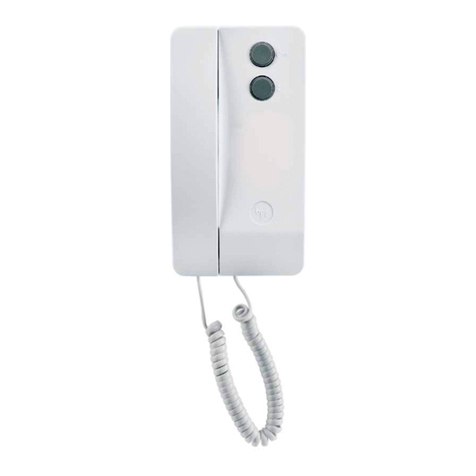
OPALE
Wall-mounted installation
Separate the unit body from the frame A.
Fasten the OPALEKP wall-mounting support (optional) to the
recessed box using the screws provided; the support is com-
patible with the following recessed box models: round 60 mm
Ø, 503 rectangular, 506E rectangular, and OPALESI (optional).
To guarantee better stability, fasten the support with the screws
and plugs provided 1. Fasten the frame to the wall-mounting
support using the screws provided, avoiding tightening them too
much 2.Wire up the terminal board and put it back in its com-
partment C. Attach the device to the frame D.
Recessed installation C
Wall in the OPALESI recessed box (optional) flush with the wall,
following the instructions on the mortar guard provided.
Fasten the frame to the recessed box using the screws provided,
avoiding tightening them too much 1.
Wire up the terminal board and put it back in its compartment
B. Attach the device to the frame C.
10mm
Ø
10mm
Ø
D
OPALEKP
1
B
C
D
E F
158
138
28.5 30.9
OPALEKP
E
Page 6- Manual FB01044-EN - vers. 1- 01/2018- © Came S.p.A. - The contents of this manual may be changed, at any time, and without notice.
Recessed installation on plasterboard wall D
Hold the box up against the plasterboard wall and mark the 4
reference points for installation 1.
Make 4 holes, 10 mm in diameter, at the reference points. Cut
the plasterboard to make a compartment for the box in the wall
B.
Remove the 2 tabs on the box as shown in the figure C.
Slot the fixing terminals in the box as shown in the figure D.
Fit the recessed box in the hole made in the wall E.
Click the bottom of the terminals into place. If the wall is thick-
er than 2 cm, you need to cut the joints holding the two parts
of the terminal together; this will allow you to slide the bottom
part of the terminal into the desired position and then tighten
the screws F.
H
I
Fam. Rossi
A
2
16-18VDC
F
G
Page 7- Manual FB01044-EN - vers. 1- 01/2018- © Came S.p.A. - The contents of this manual may be changed, at any time, and without notice.
Terminal board F
+Local power supply
16-18 VDC
–
BBUS line input
+Doorbell
–
AL Alarm input
Closing resistance (CL.RES) G
The jumper should be inserted in the last device in the line only.
Master/Slave selector (SKM) H
If two or more receivers have been configured to answer the
same call, the preview image of the caller is shown only on the
master device(s).
Power supply source selector (BUS/LOCAL) I
APosition of the jumper with locally powered device
2Position of the jumper with BUS-powered device
Technical data
Type OPALE
Power supply by BUS (VDC) 15-20
Separate X2 power supply (VDC) 16-18
Consumption (mA max) 250
Consumption in stand-by mode (mA)
<1
Single LED consumption (mA)
(call from porter, ringtone excluded) 1
Video standard PAL/NTSC
LCD TFT colour display (inches) 3.5
Protection rating (IP)
20
Storage temperature (°C) -25 to +70
Operating temperature (°C) 0 to +35
43,5
45
7,5 57
210
106
A
B
64,5
210
145
2
1
3
A
B
C
Page 8- Manual FB01044-EN - vers. 1- 01/2018- © Came S.p.A. - The contents of this manual may be changed, at any time, and without notice.
VA/01
Installation
The power supplier must ALWAYS be installed horizontally.
The device can be installed on a DIN rail (EN 50022) in an appro-
priate electric panel or it may be wall-mounted using the protec-
tive terminal covers.
For disassembly, proceed as shown in figure B-C.
For the overall dimensions see figure A.
NOTE. Proper ventilation is required if the power supplier is
installed in a metal container.
Technical data
Type VA/01
Power supply [VAC] 230
Max current demand [AAC] 0,35
Max energy dissipation [W] 25
Entry panels nominal power supply [VDC] 18
Entry panels current demand [A] 0,6
Entry panels peak power supply [VDC] 18
Entry panels peak current demand [A] 1,1 <15’’ (*)
Rising cable power supply [VDC] 20
Rising cable current demand [A] 0.8 for 1’
Rising cable current demand [A] 0.2 for 3’
Dimensions [DIN] 12
Storage temperature [°C] -25 ÷ + 70
Operating temperature [°C] 0 ÷ +35
Protection rating [IP] 30
(*) 1.6 A <15’’ with rising cable not connected or connected
separately.
MINI
USB
RS232 PROG
DL2 DL1
RFID
PROG
+
Ð
+12V
BIN1 BIN2 BIN3 BOUT
M1
A
D
1BC
D
Page 9- Manual FB01044-EN - vers. 1- 01/2018- © Came S.p.A. - The contents of this manual may be changed, at any time, and without notice.
Functions D
Terminal boards A
~Mains
~
Morsettiera M1
Aux 1 output Open Collector max 100 mA
+12V Common
Aux 2 output Open Collector max 100 mA
+ Entry panel power supply 18 VDC (*)
–
BIN1 BUS line input from entry panel 1
BIN2 BUS line input from entry panel 2
BIN3 BUS line input from entry panel 3
BOUT Busbar output
(*) The appliance is electronically protected against overloads
and short circuits.
Connectors
A RS232: Reserved for future use
B MINI USB: Connector for programming from a PC
C PROG button (**)
RFID PROG Jumper (**)
RFID
PROG
+
Ð
M1
A
RFID
PROG
+
Ð
M1
A
RFID
PROG
+
Ð
M1
A
Default Code entry Code deletion
LED
Colour Meaning
DL1 (**) Yellow Programming status
DL2 Green USB connected
(**) Refer to the “Programming".
VA/01
VA/01 VA/01
VA/01
VA/01
VA/01
VA/01
VA/01
VA/01 VA/01
VA/01
VA/01
VA/01 VA/01 VA/01
VA/01
130+320+500=950 mA <1100 mA 500+130+320+500=1450 mA >1100 mA
500 mA 500 mA 500 mA
320 mA 320 mA
130 mA 130 mA
35+35+35+130+130+35+130+35+35+35=635 mA >600 mA
130 mA 130 mA 130 mA35 mA 35 mA 35 mA 35 mA 35 mA 35 mA 35 mA
35+35+130+130+35+130+35+35=565 mA <600 mA
130 mA 130 mA 130 mA35 mA 35 mA 35 mA 35 mA 35 mA
Page 10 - Manual FB01044-EN - vers. 1- 01/2018- © Came S.p.A. - The contents of this manual may be changed, at any time, and without notice.
Absorption
With entry panel ‘on standby’ With solenoid lock ‘on’ With surveillance camera on
130 mA 130 mA 35 mA 320 mA 500 mA