logo
Brands
  1. Home
  2. •
  3. Brands
  4. •
  5. Canon
  6. •
  7. Projector
  8. •
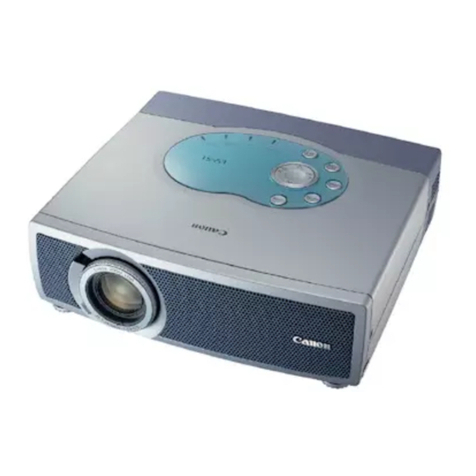
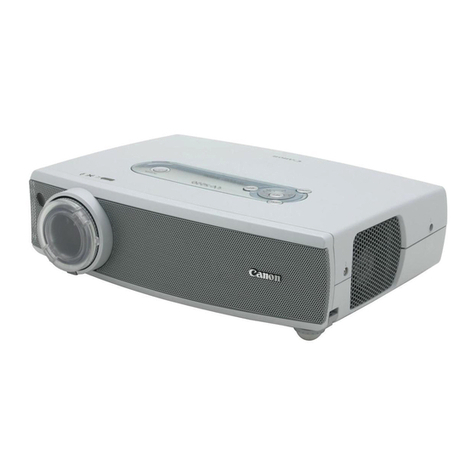
  9. Canon LV-X4 User manual

Canon LV-X4 User manual

Other manuals for LV-X4

1

Other Canon Projector manuals

Canon RealIS SX6 User manual

Canon

Canon RealIS SX6 User manual

Canon REALiS WUX5000 User manual

Canon

Canon REALiS WUX5000 User manual

Canon P 400 User manual

Canon

Canon P 400 User manual

Canon RE-450X User manual

Canon

Canon RE-450X User manual

Canon Rayo S1 User manual

Canon

Canon Rayo S1 User manual

Canon 2502C016 User manual

Canon

Canon 2502C016 User manual

Canon LV-5100 Owner's manual

Canon

Canon LV-5100 Owner's manual

Canon 7365 - LV XGA LCD Projector User manual

Canon

Canon 7365 - LV XGA LCD Projector User manual

Canon REALiS SX80 Mark II D Owner's manual

Canon

Canon REALiS SX80 Mark II D Owner's manual

Canon SX50 - REALiS SXGA+ LCOS Projector User manual

Canon

Canon SX50 - REALiS SXGA+ LCOS Projector User manual

Canon LX-MU700 User manual

Canon

Canon LX-MU700 User manual

Canon RealIS SX6 User manual

Canon

Canon RealIS SX6 User manual

Canon LV-S1 User manual

Canon

Canon LV-S1 User manual

Canon LV-7275 User manual

Canon

Canon LV-7275 User manual

Canon REALIS LV-7590 User manual

Canon

Canon REALIS LV-7590 User manual

Canon REALIS WUX10 MARK II D User manual

Canon

Canon REALIS WUX10 MARK II D User manual

Canon WUX5800 User manual

Canon

Canon WUX5800 User manual

Canon LV-7380 User manual

Canon

Canon LV-7380 User manual

Canon LV-7255 User manual

Canon

Canon LV-7255 User manual

Canon WUX450 User manual

Canon

Canon WUX450 User manual

Canon LX-MU500Z User manual

Canon

Canon LX-MU500Z User manual

Canon DLP D-30P User manual

Canon

Canon DLP D-30P User manual

Canon LE-5W User manual

Canon

Canon LE-5W User manual

Canon LV-X1J User manual

Canon

Canon LV-X1J User manual

Popular Projector manuals by other brands

iEmmet MP-312 user manual

iEmmet

iEmmet MP-312 user manual

Epson VS400 Specifications

Epson

Epson VS400 Specifications

Sony VPL-HS10 Marketing Specifications & Features manual

Sony

Sony VPL-HS10 Marketing Specifications & Features manual

Sony VPL-HW65ES Quick reference manual

Sony

Sony VPL-HW65ES Quick reference manual

Toshiba TLP-791U Specifications

Toshiba

Toshiba TLP-791U Specifications

Philips LC1341 Declaration of conformity

Philips

Philips LC1341 Declaration of conformity

NEC NP600S EDU Specifications

NEC

NEC NP600S EDU Specifications

BenQ SH753P user manual

BenQ

BenQ SH753P user manual

Eiki EK-623U series quick start guide

Eiki

Eiki EK-623U series quick start guide

Epson PowerLite Pro Cinema 6020UB user guide

Epson

Epson PowerLite Pro Cinema 6020UB user guide

Epson PowerLite Home Cinema 705HD user guide

Epson

Epson PowerLite Home Cinema 705HD user guide

Christie LHD700 user manual

Christie

Christie LHD700 user manual

Navitar FX instruction manual

Navitar

Navitar FX instruction manual

InFocus LitePro 560 user guide

InFocus

InFocus LitePro 560 user guide

Sony SRX-R815P operating instructions

Sony

Sony SRX-R815P operating instructions

Vivitar DP1500 X specification

Vivitar

Vivitar DP1500 X specification

Asus ZenBeam Latte user manual

Asus

Asus ZenBeam Latte user manual

Epson PowerLite 810p specification

Epson

Epson PowerLite 810p specification

https://manuals.online logo
https://manuals.online logoBrands
  • About & Mission
  • Contact us
  • Privacy Policy
  • Terms and Conditions

Copyright 2026 Manuals.Online. All Rights Reserved.

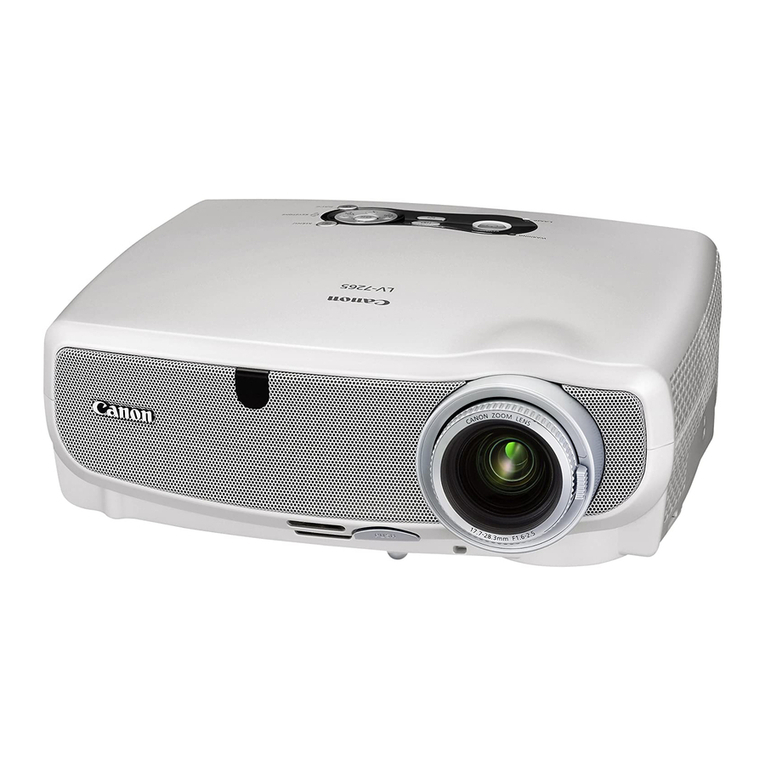
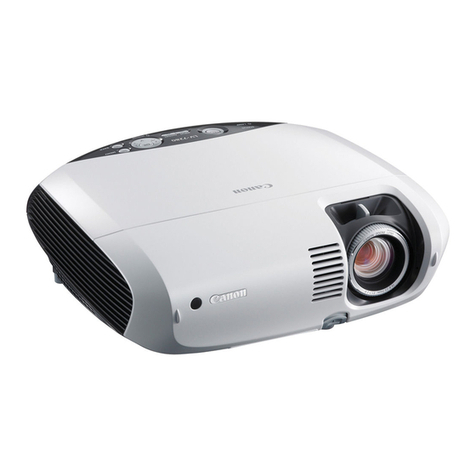
The perfect projector for
daily classroom use.
PROJECTOR
LV-X4
Combi i g excelle t
value a d exceptio al
image
quality.
ULTRA COMPACT, QUIET
AND EASY TO CONTROL
This compact, portable projector weighs o ly
2.8 kg a d has a small A4+ footpri t. Operatio
is quiet, just 36db i quiet mode, so there is
o distractio . Plus the LV-X4 is exceptio ally
easy to set up a d use. A ra ge of features ca
be selected automatically from the remote
co trol, for push-butto simplicity. You're
always i charge, as a Key Lock fu ctio
disables the keys o the projector's co trol
pa el or remote co trol.
Plus there's a laser poi ter, o -scree poi ter
or spotlight fu ctio to draw atte tio to
specific areas o the scree .
HIGH IMAGE RESOLUTION
THAT'S EASY ON THE EYES
Combi i g true XGA projectio with the requisite
bright ess of 1,500 lume s (as recomme ded by BECTA),
the LV-X4 e sures exceptio al image quality while reduci g
a y risk of eye strai . The result is a projector that perfectly
suits the eeds of co sta t classroom use, whether i
daylight or dimmer viewi g co ditio s. A co trast ratio of
400:1 e ha ces colour clarity, maki g images more vibra t.
Plus Ca o 's u rivalled experie ced i optical a d le s
tech ology guara tees low image distortio as well as high
colour fidelity.
E suri g precise image projectio that is easy o the eyes, the
compact a d affordable LV-X4 is especially suitable for heavy
educatio al use. Easy projector placeme t, clear projectio o
blackboard surfaces a d quiet, effortless operatio make it ideal for
classroom surrou di gs. Plus exte sive image setti gs a d
adva ced multimedia co ectivity provide the versatility required
for a wide ra ge of applicatio s.
Origina image Bright and c ear
projected image
HIGHLY FLEXIBLE PROJECTOR
PLACEMENT
Projecti g i crowded classroom co ditio s
ca cause problems. That's where the LV-X4
makes all the differe ce. Ca o 's wide a gle
le s allows a large image to be projected
eve from a short dista ce. For added
flexibility, a 1.6x zoom ratio offers a
optimum image size from a remarkably
wide ra ge of throw dista ces. This i cludes
perfect projectio o a large 100-i ch scree
from just 2.5 meters right up to 4.0 metres.
Also, Vertical Keysto e Correctio rectifies
a y image distortio if the projector is slightly
tilted from the scree .
FLEXIBLE IMAGE SETTINGS
FOR ALL SURROUNDINGS
E joy exceptio al flexibility for picture adjustme t, with a
choice of eight setti gs. Apart from blackboard mode, you
ca switch to Hi-Co trast Mode to make graphs a d photos
sharper. Ci ema Mode is ideal for watchi g films i a
darke ed room. Whilst Custom Mode lets you fi e-tu e
images that are too light or too dark. A Auto Image Mode
is especially useful for video/DVD projectio i darke ed
rooms, givi g crisp, pure black to es. I additio
Progressive Sca i g provides high quality video
projectio , with smooth moveme t a d reduced
flickeri g of images.
CLEAR BLACKBOARD PROJECTION
Save yourself the time, effort a d expe se of setti g up a scree i every
classroom or lecture hall. The LV-X4 features a special Blackboard Mode,
allowi g you to project flawless images directly o to blackboard surfaces.
This mode achieves a excelle t colour bala ce, with white areas a d text
projected clea ly a d clearly.
ADVANCED MULTIMEDIA CONNECTIVITY
Co ect multimedia hardware to the LV-X4 with ease.
The a alogue RGB port ca be used for i put as well as
output sig als, allowi g the projector to be hooked up to a
exter al mo itor such as a desktop PC scree . A optio al
SCART Co ector, or optio al Compo e t Adapter, allows
easy co ectio to a wide ra ge of equipme t from
differe t ma ufacturers. This i cludes VCRs, DVD players,
HDTV, digital camcorders a d eve game co soles.
Inter aced scanning
Progressive scanning
Data projection
Standard
Hi-Contrast
Custom
B ackboard
Origina image B ackboard Mode On B ackboard Mode Off
Video projection
Standard
Cinema
Custom
B ackboard
1,6 x ZOOM on
ZOOM off
100”
2,5m
4,0m
Canon (UK) Ltd
Woodhatch
Reigate
Surrey
RH2 8BF
Tel: 08705 143 723
www canon co uk
Canon Inc
www canon com
Canon Europa N.V.
www canon-europe com
English UK Edition
© Canon Europa N V , 2004 (0704)
Specifications LV-X4
Projection Panel Poly-silicon TFT
Size and number 0 79" (4:3 aspect ratio), x 3
Number of pixels 1024 x 768 (XGA)
Contrast ratio 400:1
Light source 200 W SHP lamp
F number & focal length F1 73 - 2 5, f = 20 3 to 32 5 mm
Zoom magnification 1 6x
Zooming and focusing Manual
Lens shifting 9:1
Image elevation adjustment Up to 11 9 degrees
Brightness 1500 Lumens
Uniformity 90%
Projection distance coverage 1 0 to 7 7 m
Screen size 40" to 300"
Supported RGB input SXGA (Comp ) /XGA / SVGA / VGA
HDTV 1080i/1035i/720p compatible
Electronic zoom magnification x 0 5 - x16 (Area ratio)
Keystone correction Vertical: ±20°
Horizontal resolution (video input) 550 TV lines
Scanning frequency Horizontal: 15 to 100 kHz
Vertical: 50 to 100 Hz
Dot clock: 130 MHz
Colour systems NTSC, PAL, SECAM, NTSC4 43, PAL-M and PAL-N s
Others features Progressive scanning (480i/575i)
AMSS (Automatic Scanning System)
10bit Digital Gamma Correction
Picture Image Select (Standard, High contrast/Cinema, Custom)
Built-in speaker 4 cm x 3 cm, 1 W, Monaural
Analog RGB Input / Output Mini D-sub15-pin
(Component input, SCART input with an optional cable)
Digital Input -
Video Input RCA x 1: composite,
Mini DIN 4-pin x 1: S-Video
Audio input Stereo mini-jack x 1
Audio output Stereo mini-jack x 1
Mouse control Mini DIN 8-pin(serial), USB type B
Dimensions W: 300 mm, D: 238 mm, H: 94 mm
Weight 2 8 kg
Rated supply voltage 100 V, 100 to 120 V, 200 to 240 V, 50/60 Hz
Power consumption 260W (Quiet Mode 230W)
Fan noise 38dBA (Quiet Mode 36dBA)
Ambient temperature range 5 to 35° C
Storage temperature range -10 to 60° C
Warranty 3 years (90 days for Lamp)
True Throwing Distance
Screen size 40" 100" 300"
Zoom max 1 0m 2 5m 7 7m
Zoom min 1 6m 4 0m 12 1m
Some images are simulated for clarity of reproduction All data is based on Canon’s standard testing methods
Specifications are subject to change without notice ™ and ®: All company and/or product names are trademarks
and/or registered trademarks of their respective manufacturers in their markets and/or countries
12,1m
7,7m
4,0m
2,5m
1 6m
1 1m
40” 40”
100” 100”
300” 300”
H1
H2
Max.
zoom
Min.
zoom
Screen size 40” 100” 300”
Zoom max 1 0m 2 5m 7 7m
Zoom min 1 6m 4 0m 12 1m
Height, H1 54cm 135cm 405cm
Height, H2 6cm 15cm 45cm
True throwing distances
Accessories
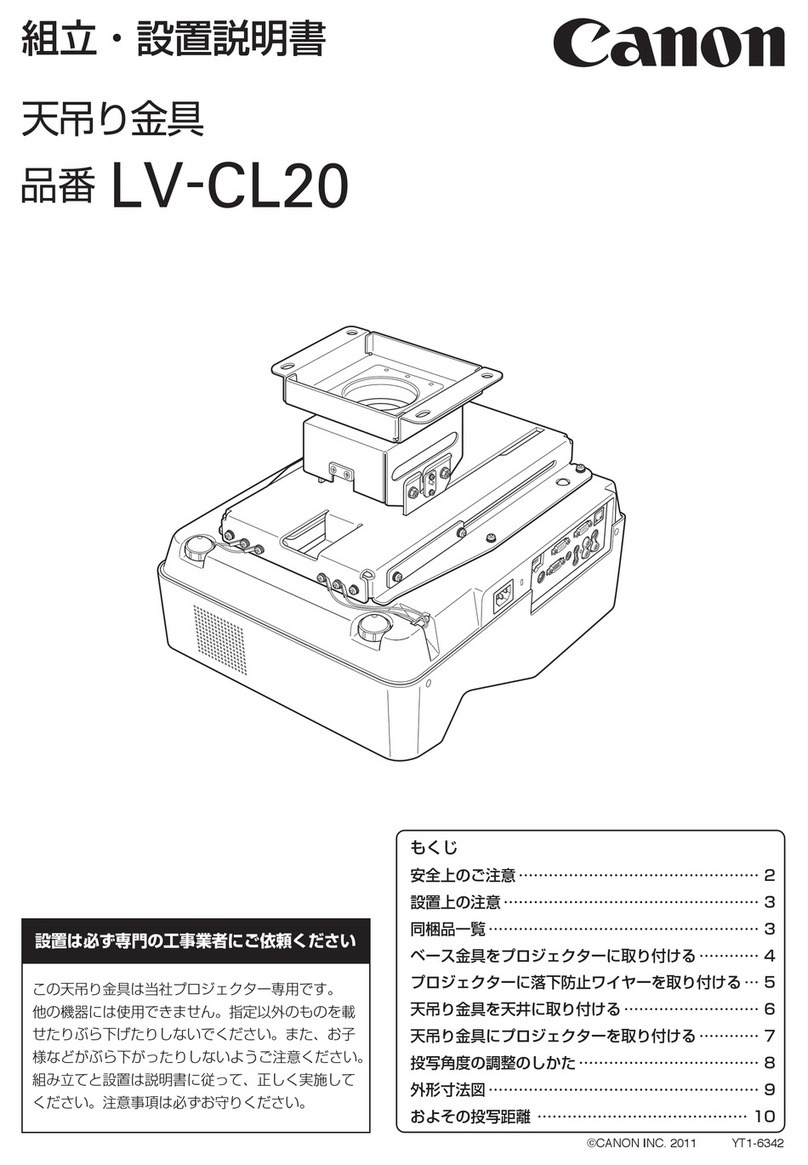
Remote Controller AC Power Cable Mouse Control Cable VGA Cable Carry Case SCART Cable
LV-CA31
Component Cable
LV-CA32
Ceiling Attachment
LV-CL08
In-box Optiona
Replacement Lamp
LV-LP21