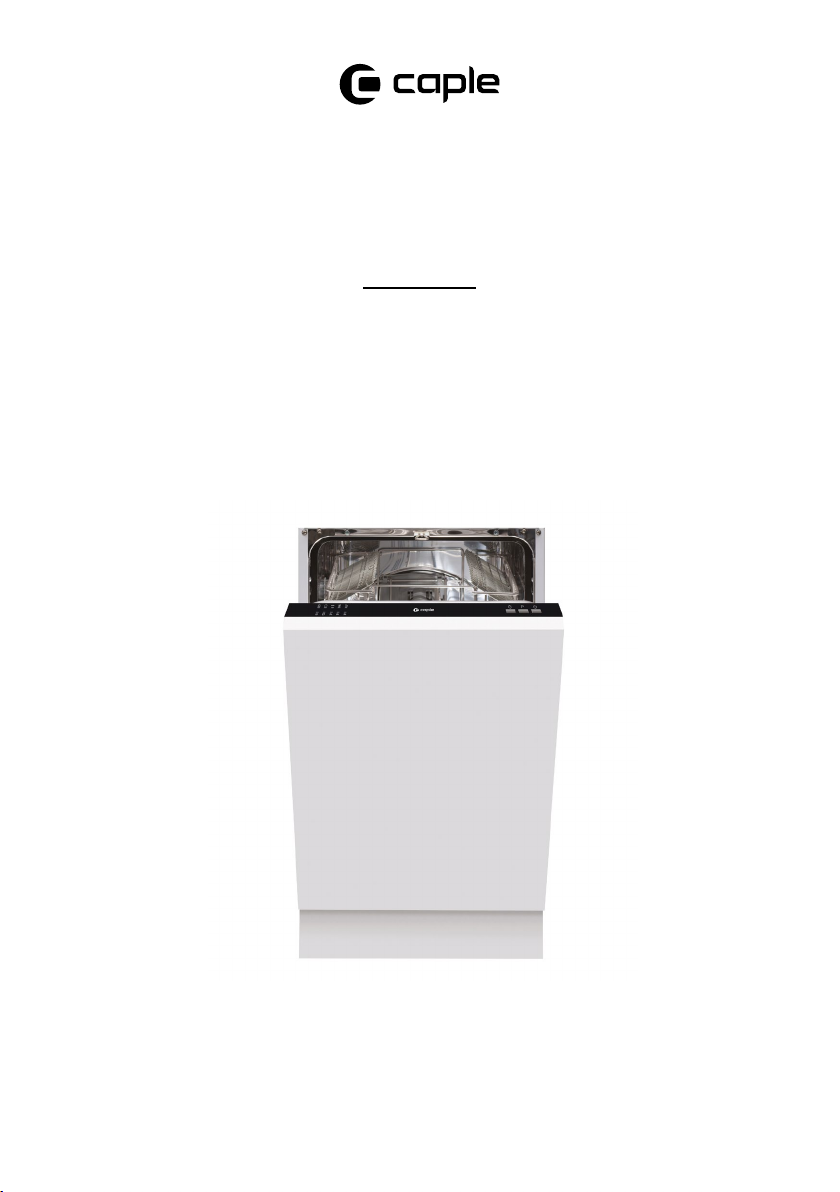
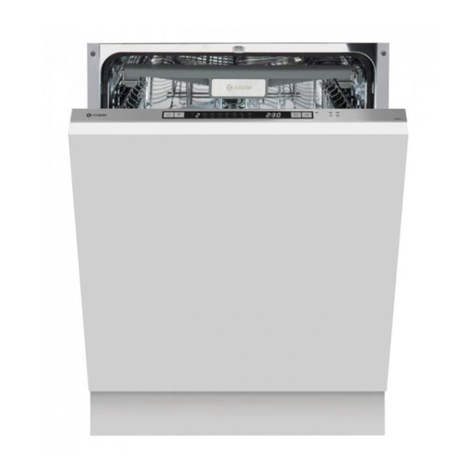
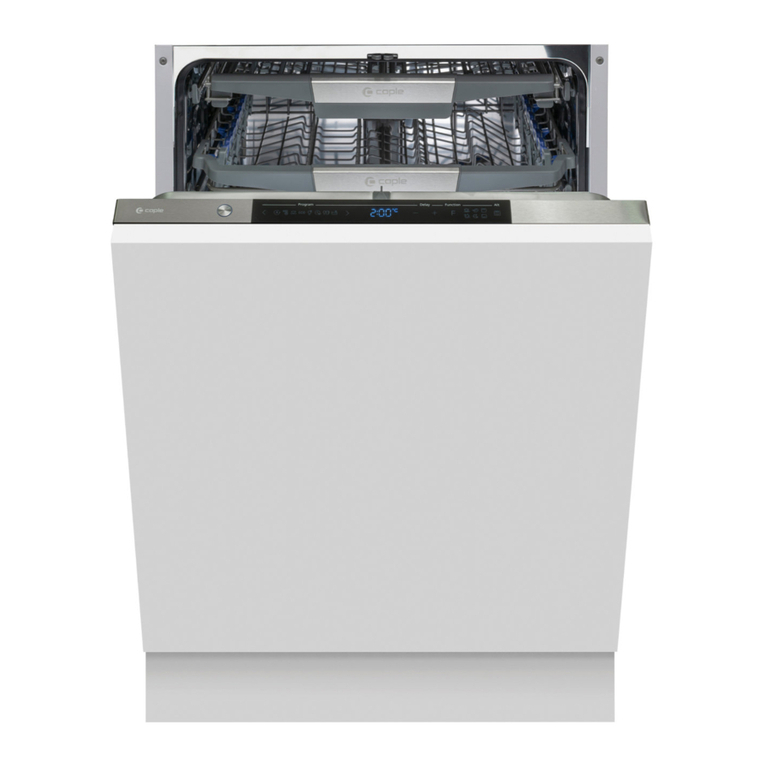
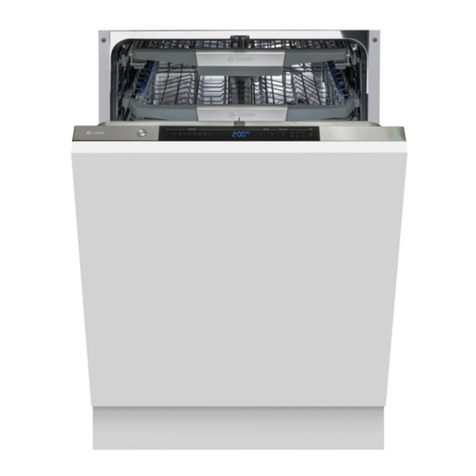
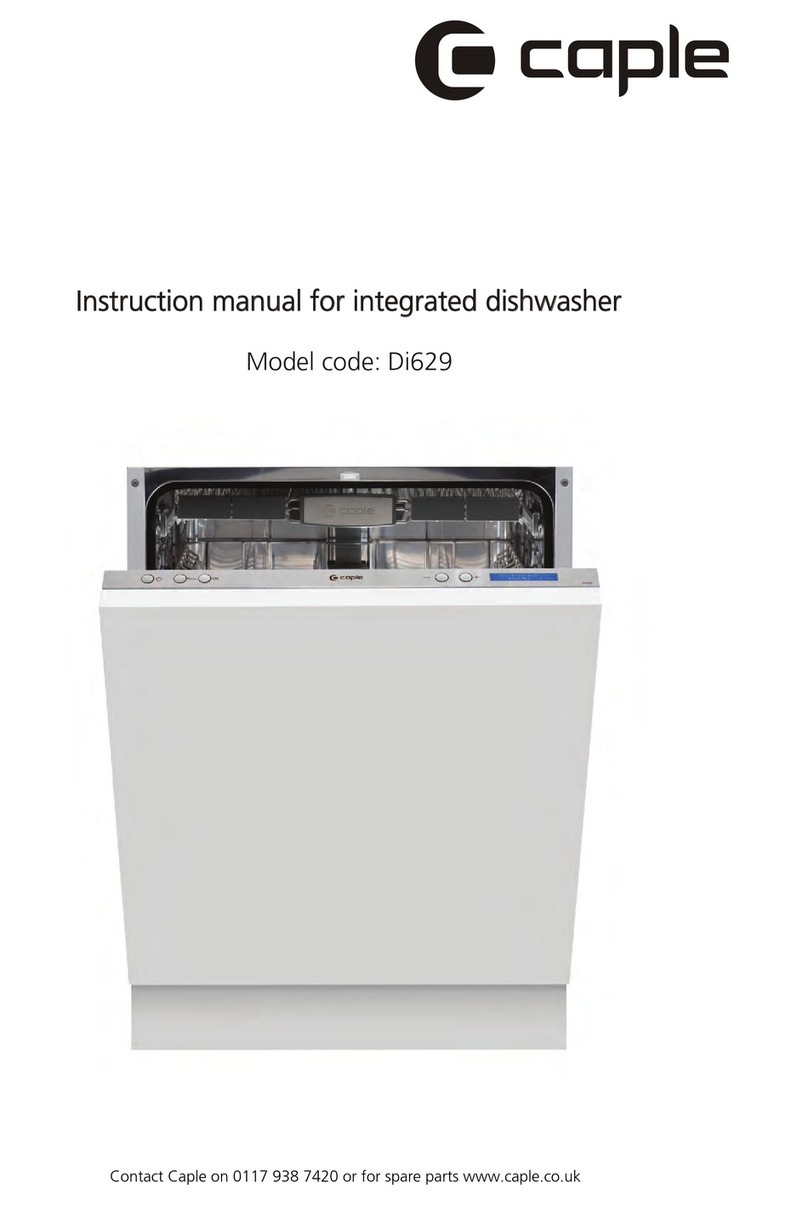
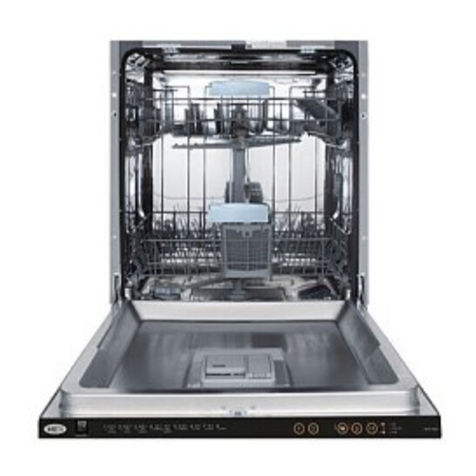
Instruction manual DI481 Instruction manual DI4818 9
Please keep this instruction manual for future reference Please keep this instruction manual for future reference
ENVIRONMENTAL PROTECTION
Waste electrical products should not be disposed of with household waste. Please recycle where
facilities exist. Check with your Local Authority or retailer for recycling advice. This appliance is
marked according to the European Directive on Waste Electrical and Electronic Equipment (WEEE).
By ensuring this product is disposed of correctly, you will help prevent potential negative
consequences for the environment and human health, which could otherwise be caused by
inappropriate waste handling of this product. The symbol on the product indicates that this
product may not be treated as household waste. Instead it shall be handed over to the applicable
collection point for the recycling of electrical and electronic equipment. Disposal must be carried
out in accordance with local environmental regulations for waste disposal.
For more detailed information about treatment, recovery and recycling of this product, please
contact your local council, your household waste disposal service or the retailer where you
purchased the product.
CE DECLARATIONS OF CONFORMITY
This appliance has been manufactured to the strictest standards and complies with all applicable
legislation, Low Voltage Directive (LVD) and Electromagnetic Compatibility (EMC).
WARRANTY:
Your new appliance is covered by warranty. The warranty card is enclosed - if it is missing, you
must provide the following information to your retailer in order to receive a replacement: date
of purchase, model and serial number (placed on the inside of the appliance storage drawer).
Registration can also be completed online by visiting www.caple.co.uk.
Ensure you keep your warranty card safe, you may need to show it to Caple Service together with
proof of purchase.
If you fail to show your warranty card you will incur all repair charges.
Spare parts are only available from Caple Service and spare parts authorised centres.
QUICK OPERATION GUIDE
For detailed operating method read the corresponding content on the instruction manual.
Switch on the appliance Open the door,press the On/Off button to switch on the appliance
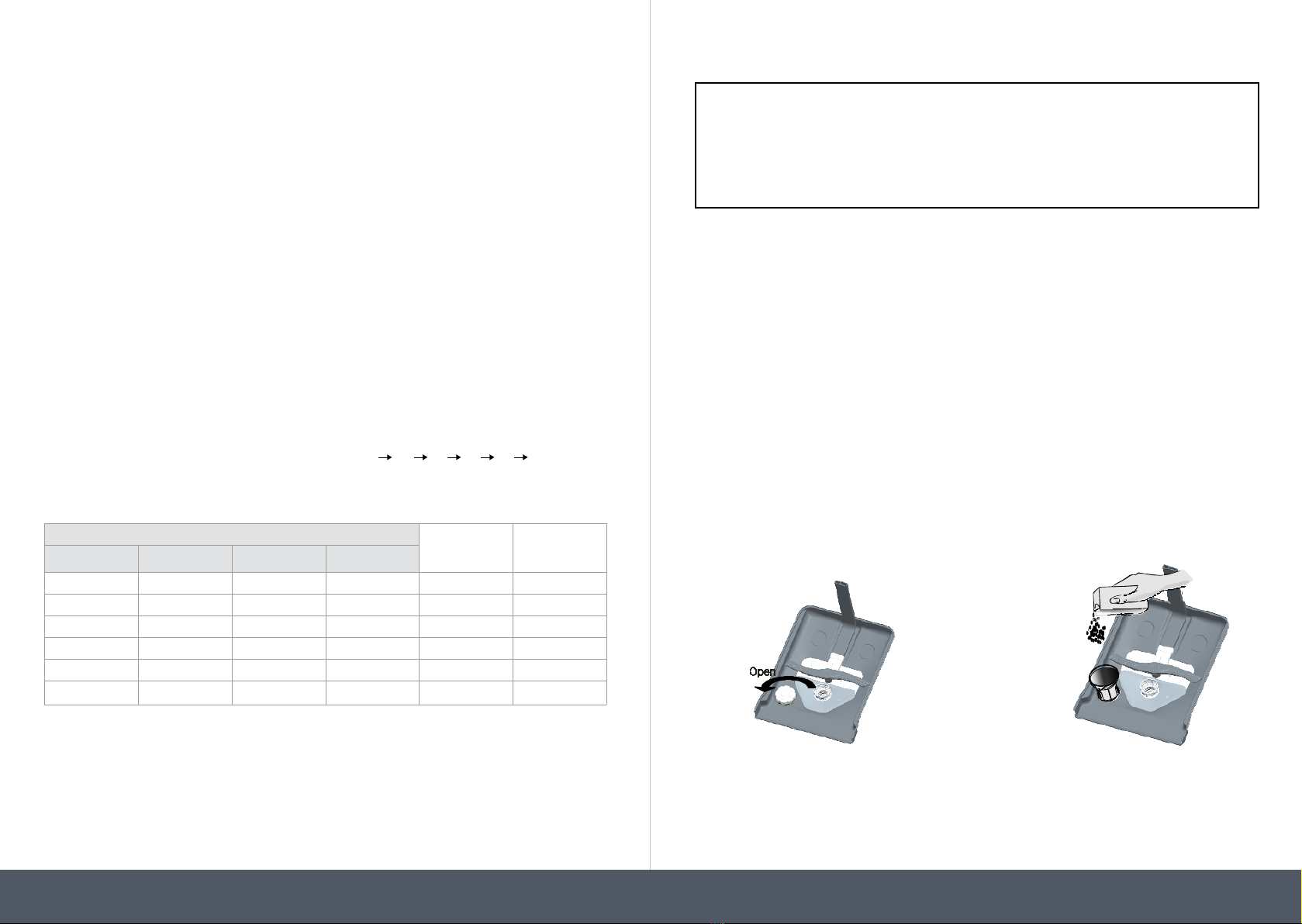
Fill the detergent
dispenser
Compartment A:
With each wash cycle.
Compartment B:
For programmes with prewash only.
(Follow the user instructions)
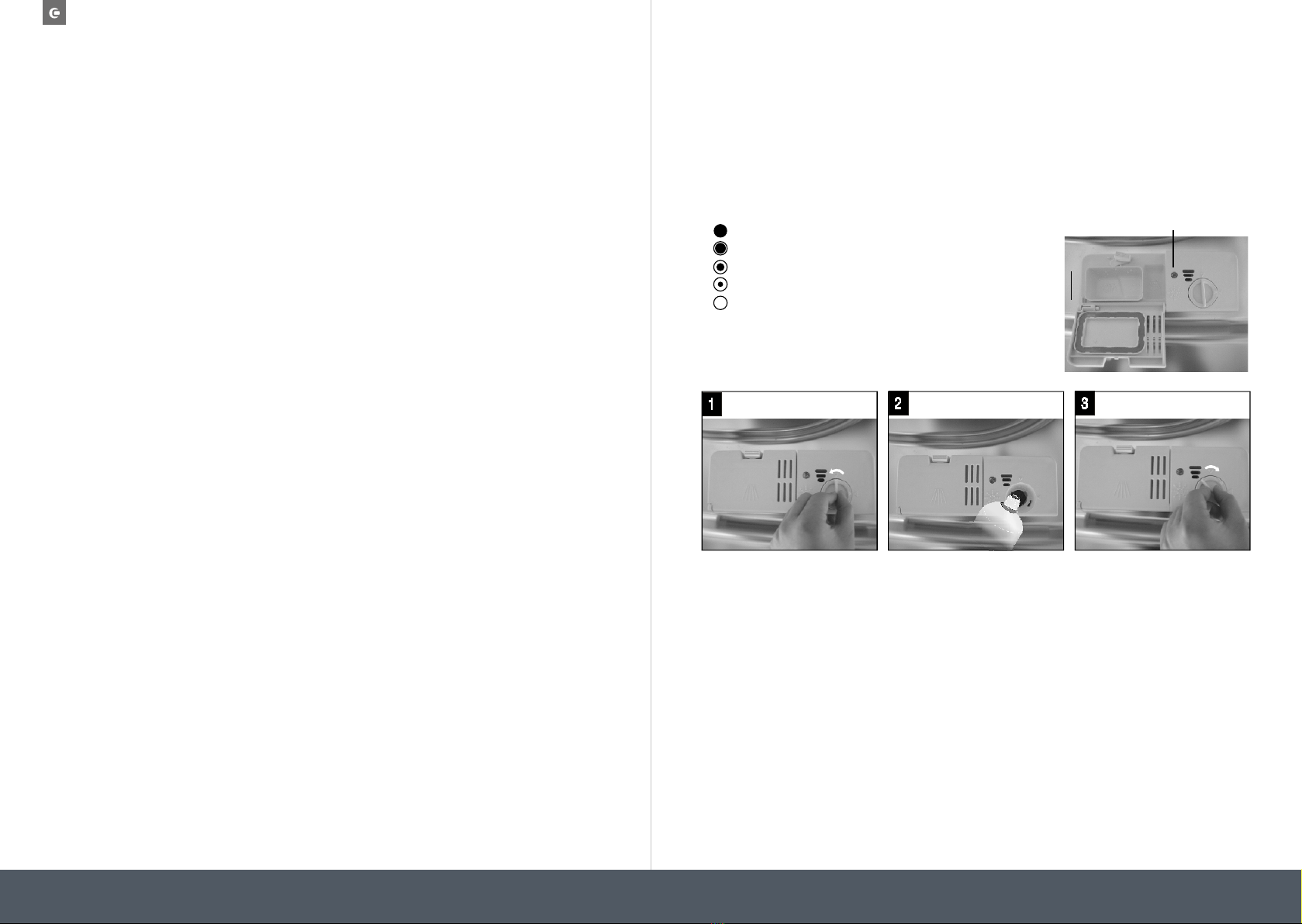
Check the Rinse
Aid level
Mechanical Indicator C:
Electric indicator on control panel
Check the regeneration
salt level Electric indicator on control panel
Load the baskets Scrape off any large amount of leftover food. Soften remnants of burnt food in pans, then
load the baskets. Refer to the dishwasher loading instructions
Select a programme Press the Programme button until the required programme lights up. (See the section entitled
“operation instruction”)
Running the dishwasher Close the door. The machine will start working at once.
Changing the
programme
1. A running cycle can only be modified if it has been running
for a short time. Otherwise the detergent may have already
been released and the water already drained. If this is the
case, the detergent dispenser must be refilled.
2. Open the door.
3. Press the Programme Button for 3 seconds to cancel the
running programme.
4. Select a new programme.
5. Close the dishwasher door to restart the dishwasher.
WARNING:
Open the door carefully. Hot
steam may escape when the door
is opened!
Add forgotten dishes
in the dishwasher.
1.Open the door a little to stop the dishwasher.
2.After the spray arms stop working, you can open the door
completely.
3.Add the forgotten dishes.
4.Close the door, the dishwasher will start running again
If the appliance is
switched off during a
wash cycle
If the appliance is switched off during a wash cycle, when
switched on again, please re-select the washing cycle and
operate the dishwasher according to the original Power-on
state).
Switch off the appliance
When the working cycle has finished, the buzzer of the dishwasher will sound 8 times, then
stop. Turn off the appliance using the On/Off Button. Since the appliance is standing by, it will
power off automatically after 30 minutes without any operation.
Unload the Dishwasher
WARNING:Wait a few minutes (about 15 minutes) before unloading the dishwasher
to avoid handling the dishes and utensils while they are still hot and more susceptible to
break. They will also dry better. Unload the appliance, starting from the lower basket.
With each wash cycle.
Compartment
For programmes with pre-wash only.
(Follow the user instructions!)
Electric indicator on control panel (if provided).
Check the rinse aid level
(On models with water softener system only.)
Electric indicator on control panel (if provided).
If there is no salt warning light in the control panel
(for some models), you can estimate when to fill the salt into
the softener by the number of cycles the dishwasher has run.
Check the regeneration
salt level
Load the baskets
Select a programm e
Turn on the water tap ,close t he door . The machine will start working after about 10 seconds.Runnin g the dishwasher
Switch off the appliance
Turn off the water tap,
unload the baskets
Fill the dete rgent dispenser
Warning: wait a few minutes (about 15 minutes) before unloading the d ishwasher to avoid handling
the dishes and utensils while they are still hot and more susceptible to break.
They will also dry be tter.Unload the appliance, starting from the lower b asket.
Changing the programme
Add forgotten dishe s in the
dishwasher.
Scrape off any large amount of leftover food. Soften remnants of burnt food in pans,
then load the baskets. Refer to the dishwasher loading instructions.
Press the Programme Button until the selected programme lights up.
( See the section entitled Operation instruction )“”
When the working cycle has finished, the buzzer of the
dishwasher will soun d 8 times, then stop .
Turn off the appliance using the On/Off B utton.
If the app liance is sw itched
off during a wash cycle.
Open the door carefully.
Hot steam may escape
when the door is opened!
If the app liance is switched off during a w ash cycle, when sw itched
on again, please re-select the washing cycle and operate the dishwasher
according to the original Power-on state ).
Switch on the appliance Open the door,press the On/Off button to switch on the appliance .
1.Open the door a little to stop the dishwasher.
2.After the spray arms stop working, you can open the door completely.
3.Add the forgotten dishes.
4.Close the door, the dishwasher will start running again after 10 seconds.
For detailed operating method read the corresponding content on the instruction manual.
1. A running cycle can only be modified i f it has been running for a shor t time. Otherwise the detergent
may have already been released and the water already drain ed. If this is the case, the detergent
dispenser must be refilled.
2. Open the door.
3. Press the for mo re than 3 seconds to cancel the running programme.
4. Select a new programme.
5. Restart the dishwasher.
Programme Button
5
A B