2
Introduction
Thank you for purchasing this Tablet PC.
The Tablet PC is equipped with a built-in wireless -, Bluetooth and 3G UMTS module. Running on
Android™ 7.0, Quad-Core processor und highly responsive capacitive multi-touch screen, it brings
you a wonderful user experience. The Tablet PC allows you to view photos, watch movies, read
e-book* as well as news, make phone calls and communicate with the whole world. This guide
serves to enable users to get to know familiar with the product as soon as possible. Here we have
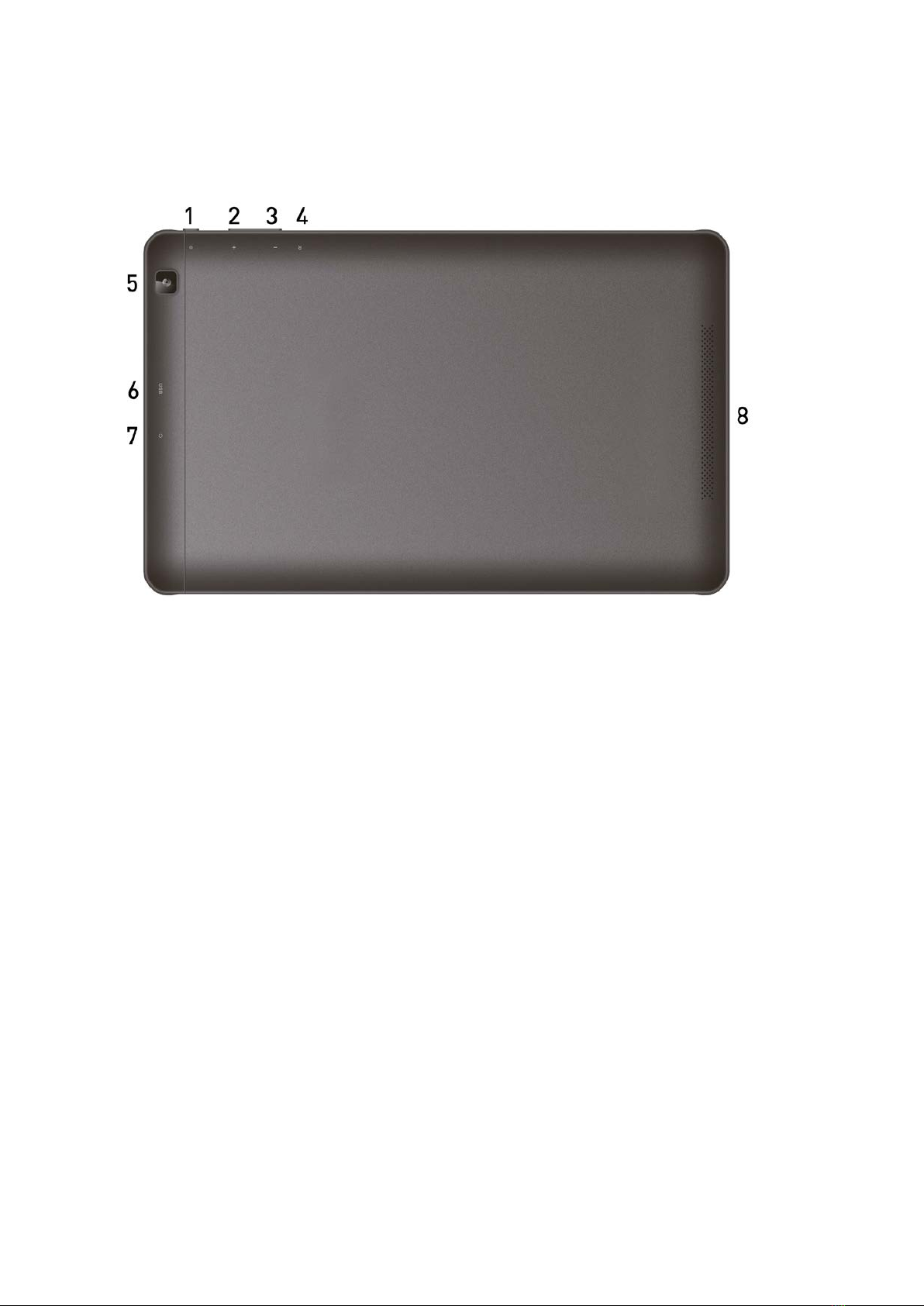
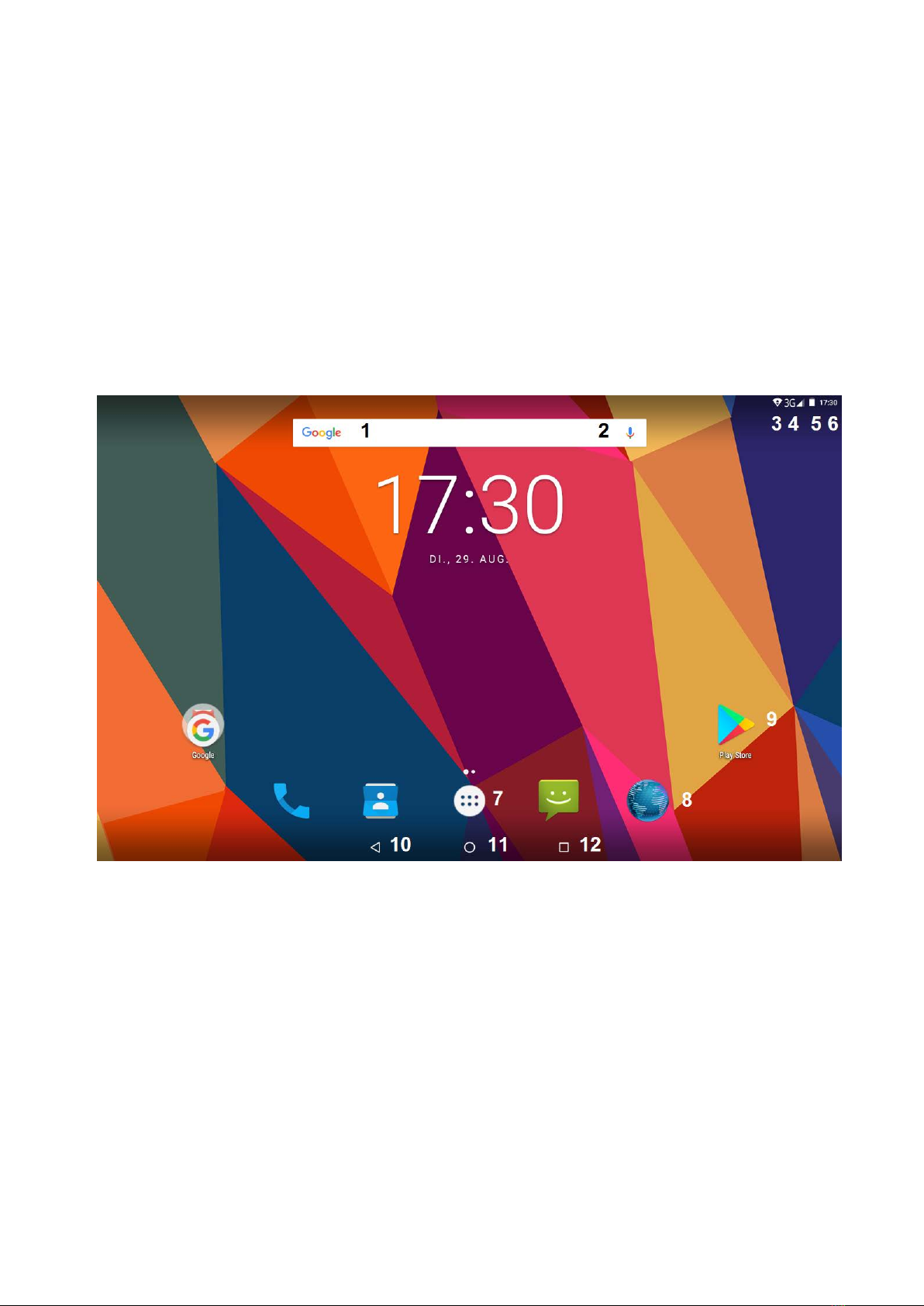
made a brief introduction to the key layout and definitions in figures and words.
Before beginning, please read this user manual carefully.
*Software not included
The content of this manual must not be reproduced, also not partial.
Important Notes
1. Charge the battery for at least 12 hours before initial start-up.
2. The display protective film protect the display during storage and transportation. Please
remove this protective film, when the Tablet PC is used.
Precautions before use
1. This product is suitable for use in non-tropic areas below 2,000 meters
2. Prevent this product from falling to the ground, it could be strongly damaged.
3. Keep the product and all accessories out of the reach of small children.
4. Keep the product away from rain, moisture, dust, chemical, direct sunlight and heat source and
heat, for example longer storage in the car. Some parts and the built in rechargeable battery
could be deformed.
5. Avoid using it in the strong magnetic and strong electrostatic environment as well as during
thunderstorms as much as possible.
6. Once any water or other liquid splashes on to this product, close it immediately and do not use
until it dries out.
7. Do not clean this product with any detergent containing chemical element or other liquid to
avoid causing damage due to corrosion and becoming damp. If cleaning is really necessary,
clean it with dry soft cloth tissue paper.
8. Handle the screen gently. To clear fingerprints or dust on the screen, use soft cloth dedicated
for camera lens instead of gauze. Do not place objects on the Tablet PC, the display could be
damaged.
9. Please back up your important files at any time to avoid loss.
10. Please do not disassemble the Tablet PC and power adapter by yourself; otherwise you will
lose the right to warranty.
11. Do not use the product if it is mechanically damaged.
12. Do not disconnect the Tablet PC from power suddenly, when formatting or uploading and
downloading, which can lead to program errors.