Section
5.1
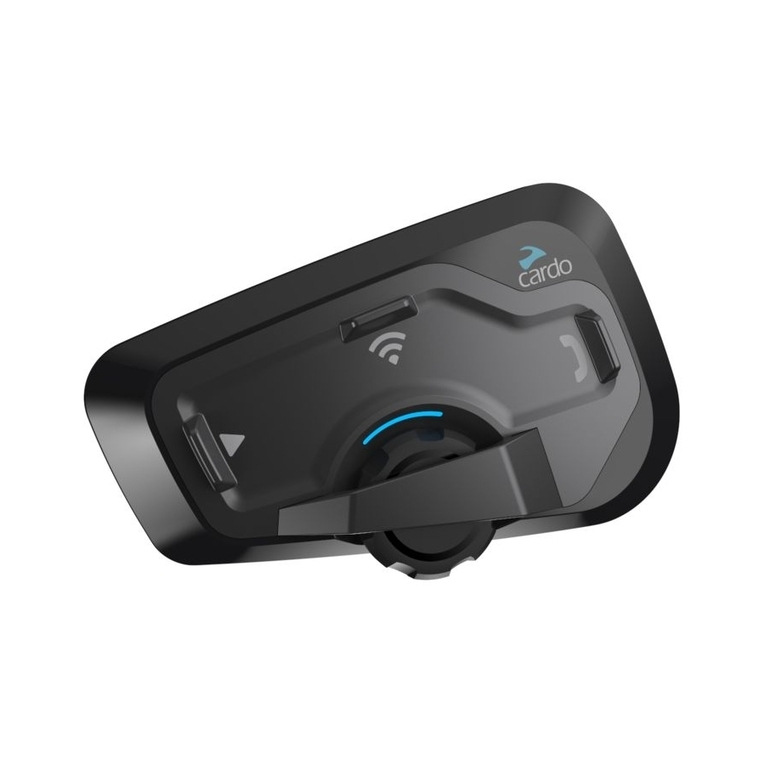
“One+8” Intercom
Toggling
(between cardo SHO-1
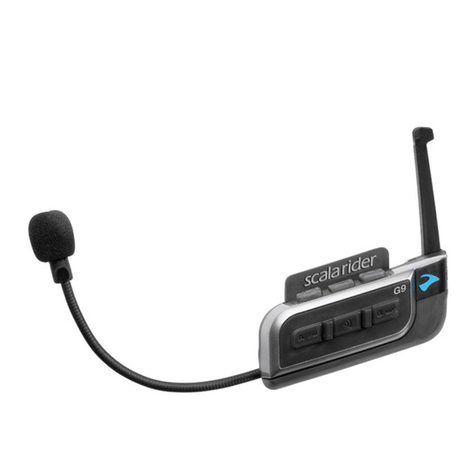
and scala rider G9 only)
2-way Intercom conversations
within a group of up to eight other
“One+8” Buddies
Section
5.2
Intercom with Channels
“A” and “B”
(with other scala rider
models)
Intercom Conferencing (2-way,
3-way and 4-way) using Channels
“A” and “B”
Section
5.3
Click-to-Link
(with compatible
models)
1-on-1 spontaneous intercom
conversations with random riders
near you who are not already
paired to your cardo SHO-1
5.1 “ONE+8” INTERCOM TOGGLING
Pair with up to 8 other devices (“One+8” Buddies) and
connect with them one at a time by saying their name.
5.1a CONFIGURING YOUR BUDDYNAME
Before using “One+8” Intercom, you should assign your device a
Buddy Name, so that other “One+8” participants can call you by
this name.
If you change your Buddy Name, you must pair again with your
“One+8” Buddies for their device to receive your new Buddy Name.
Visit the Cardo Community to congure your Buddy Name (see
Section 3). Until you congure a Buddy Name, your unit will be
known by its generic “One+8” Buddy name, “cardo SHO-1”.
Hear Your
Buddy Name In Standby, tap and simultaneously. You will
hear the Buddy name of your cardo SHO-1 through the
speakers.
Play Paired
Buddy List In Standby, press for 2 seconds
5.1bPAIRING WITHA“ONE+8”INTERCOMBUDDY
1. In Standby, press for 5 seconds to enter pairing mode.
2. Repeat on the second cardo SHO-1.
3. If pairing was successful, a purple light appears for 2 seconds.
NOTES:
• If your cardo SHO-1 already has a full list of 8 paired “One+8”
Intercom Buddies, pairing another buddy will replace the buddy
that you have not spoken to for the longest time.
• For pairing with “One+8” Buddies using scala rider G9 units see
www.cardosystems.com/sho1compatibility.
Pairing Online – Cardo Community®
You can also nd your friends and add them to your “One+8”
Buddy list via the Cardo Community website at:
http://community.cardosystems.com
5.1cPAIRED DEVICE INDICATION
You can see which units within a range of 20m are your “One+8”
Intercom Buddies.
Paired Device
Indication
In Standby, press and for 2 seconds
If “One+8” Buddies are within range, the LEDs on both
units will turn PURPLE for 2 seconds
5.1dCALLING“ONE+8”INTERCOM BUDDIES
There are two ways to start an intercom call with “ONE+8” buddies.
OPTION 1: Voice Connect VOX
Speak any word loudly into the microphone. When you hear the
Voice Command tone, say the name of a ”One+8” Intercom Buddy
i.e. “John Smith”
8
| cardo SHO-1