Contents
1
Getting Started with Your Phone ............................ 7
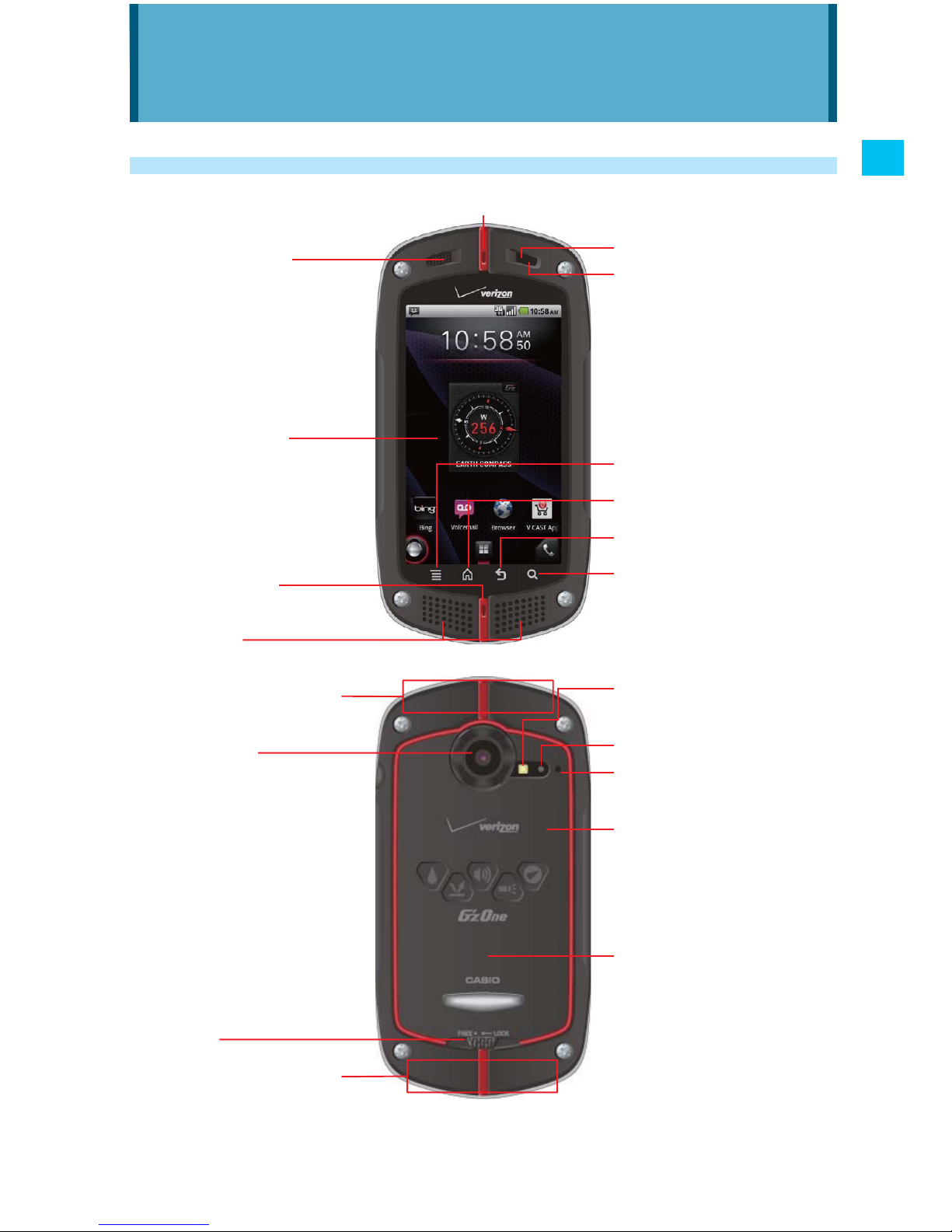
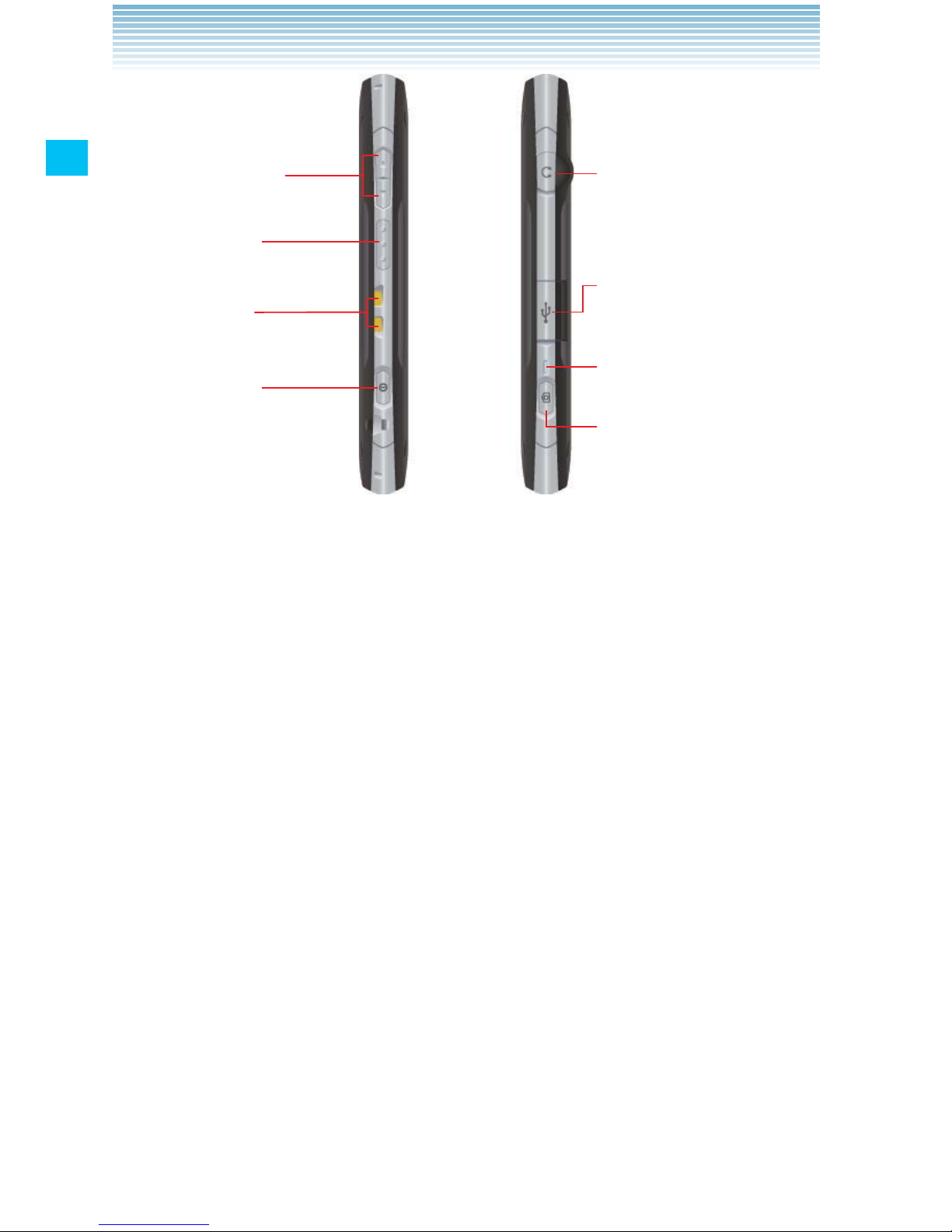
Phone overview ...........................................................................7
Feature overview .......................................................................11
Installing and removing the battery ...........................................13
Removing and installing a microSD card ..................................16
Charging the battery..................................................................21
Touchscreen operations ............................................................22
Turning the phone on and off.....................................................25
Initial setup ................................................................................25
Basics...................................................................... 28
Turning the screen on and off....................................................28
Getting to know the Home screen .............................................29
Monitoring your phone’s status..................................................31
Managing notifications ..............................................................33
Opening and switching applications.........................................35
Customizing the Home screen ..................................................40
Working with widgets.................................................................42
Working with menus...................................................................48
Quickly connecting to your contacts .........................................49
Placing your phone in Silent mode............................................50
Placing your phone in Airplane mode .......................................51
Personalizing your phone ..........................................................51
Locking your screen ..................................................................52
Optimizing battery life................................................................53
Updating your phone’s system software ...................................54
Receiving a notice to update your system software..................55
Checking for phone system software updates manually...........55
Entering and editing text ....................................... 56
Entering text...............................................................................56
Editing text.................................................................................61
Phone ...................................................................... 64
Placing a call .............................................................................64
Answering a call ........................................................................66
Operation during a call..............................................................67
Managing multiple calls.............................................................69
Working with the Call log ...........................................................70