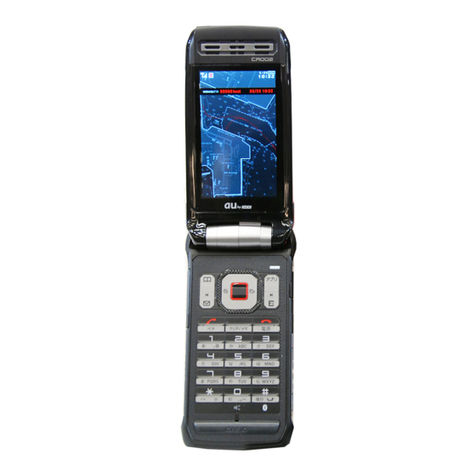
Casio CA007 User manual

CA007 User Manual
Introduction
Thank you for purchasing the CA007. Before using your cell phone, be sure to read this PDF manual to ensure correct
usage. After you have finished reading this manual, store this PDF manual and the printed manuals in safe places so you
can retrieve them whenever you need them.
Manuals for the CA007
The CA007 comes with the Instruction Manual.
●For learning the basics:
Read this manual.
●For learning details on using each function:
Read the supplied Instruction Manual (Japanese). Be sure to read the Safety Precautions "安全上のご注意" to ensure
proper usage of the CA007.
The keyword searchable au Online Manual is also available on the au homepage:
http://www.au.kddi.com/manual/index.html
To access from EZweb: R⇒Top Menu/Search ⇒
auお客さまサポート
(au Customer Support) ⇒
オンラインマニュアル
(Online Manual)
Scan this QR code to access the au Online Manual. ▶
•

1
Illustrations and Screenshots in This Manual
Note on Illustrations
The illustrations in this manual may look different from the actual cell phone in shape, color and typeface. The key
illustrations are also simplified as shown below.
Key Illustration Key Illustration
①&⑤cjsa
②L⑥%
③N⑦R
④
123
456
789
*0#
⑧C
⑨F
⑩)
⑪(
Note on Screenshots
The screenshots in this manual are simplified and may look different from the actual cell phone screens.
The display design themes of your cell phone vary by model color.
■
■
•
⑩
⑪
⑦
⑧
⑥
⑤
⑨
①
③
②
④
⑩
⑪
⑦
⑧
⑥
⑤
⑨
①
③
②
④

2
Notes on Cell Phone Use
Cell Phone Etiquette
The cell phone always emits weak radio waves when power
is on.
Use the cell phone in an enjoyable and safe manner without
forgetting to be considerate of others around you.
Use of cell phones is not allowed in some places.
Do not use the cell phone while you are driving. Doing
so is both dangerous and prohibited by law.
Using a cell phone in an aircraft is prohibited by law.
Set Airplane Mode to ON and turn the cell phone
power off.
Radio waves from cell phones may interfere with
medical electrical equipment.
Some people close to you in crowded places such
as packed trains may be using a cardiac pacemaker.
Turn the cell phone off in such places.
Abide by the rules of hospitals and other medical
institutions where it is forbidden to use or carry cell phones.
Be considerate of where you use the cell phone and
how loudly you talk.
Do not make calls in theaters, museums, libraries, and
other similar places. Turn power off or turn on manner
mode not to disturb others around you by ring tones.
Do not use the cell phone on a street where you might
interrupt the flow of pedestrians.
Move to areas where you will not inconvenience others
on trains or in hotel lobbies.
●
•
•
●
•
•
●
•
•
•
Refrain from talking in a loud voice.
Obtain the permission of other people before you take
their photos with the cell phone's camera.
Do not record information with the cell phone's camera
in bookstores and other locations where taking photos
is not permitted.
Do Not Use the Cell Phone While Driving!
Turn off your cell phone or put it in Drive Mode while
driving.
Do not use the cell phone while driving a car/motorcycle
or riding a bicycle. It may result in a traffic accident. Using
a cell phone while driving is prohibited by law. Using a
cell phone while riding a bicycle may also be punishable
by law.
Prohibited!
Looking at a cell phone display
Talking on a cell phone while holding it
Drive Mode
In Drive Mode, a Japanese message meaning "I'm
driving now, so I can't answer your call." is played
when a call is received, and asks the caller to leave a
message on the answer memo.
When the standby screen is displayed, press , use
to select Drive, and then press (Set).
•
•
•
•
•
3
Disaster Message Board Service
When a large scale disaster occurs, you can register
your safety information from EZweb. The registered
information can be referred from anywhere in Japan from
EZweb or Internet.
When a large scale disaster occurs,
from an au phone, you can register your
safety information (i.e. your condition
and comments) to the 災害用伝言板
(Disaster Message Board) created on
the EZweb.
After registration of your safety
information, e-mail is sent to your family
or acquaintances you have previously
designated to notify that your safety
information has been uploaded to
the 災害用伝言板 (Disaster Message
Board).
You can inquire for safety information
of a person by entering his/her phone
number from EZweb or Internet.*
* To inquire from other carriers' cell
phone, a PHS or PC, access
"http://dengon.ezweb.ne.jp/".
Access
R⇒Top Menu/Search ⇒
災害用伝言板
(Disaster Message Board)
http://dengon.ezweb.ne.jp/
•
•
•
Registered information is stored until the service set
up for the disaster ends.
The maximum available number of registrations is 10
per phone number. When the number of registrations
exceeds 10, the oldest one is overwritten.
The demonstration of this service can be referred to
anytime by pressing ⇒Top Menu/Search ⇒
auお客さまサポート
(au Customer Support) ⇒
調べる
(Search) ⇒
災害用伝言板(デモ版)
(Disaster Message Board (Demo Version)).
To view the Disaster Message Board in English, select
English from the top menu of the Disaster Message
Board.
•
•
•
•
Registering
safety
information
Registering
safety
information
Inquiring
for safety
information
Inquiring
for safety
information
4
Contents
Introduction
Illustrations and Screenshots in This Manual
1
Notes on Cell Phone Use 2
Cell Phone Etiquette …………………………………… 2
Do Not Use the Cell Phone While Driving!…………… 2
Disaster Message Board Service …………………… 3
Contents 4
Getting Ready 6
Checking the Contents of the Box …………………… 6
Names of Parts ………………………………………… 7
Charging the Battery Pack …………………………… 8
Learning the Basics …………………………………… 9
Turning On Power ……………………………………… 10
Switching the Display Language to English ………… 10
Initial Setup of E-mail and EZweb …………………… 10
Checking Your Phone Number and E-mail Address … 10
Display Indicators ……………………………………… 11
Changing Your E-mail Address ……………………… 12
Security Code and Passwords………………………… 13
Making and Answering Calls 14
Making a Call …………………………………………… 14
Making an International Call…………………………… 14
Answering a Call ……………………………………… 15
Returning a Call (Outgoing History/Incoming History
) … 16
One-ring Calls…………………………………………… 16
Adjusting the Earpiece Volume during a Call ……… 16
Turning On Manner Mode……………………………… 16
Changing the Incoming Ring Tone …………………… 17
Adjusting the Incoming Ring Tone Volume ………… 17
Turning On the Answer Memo………………………… 18
Global Functions 19
Setting Area …………………………………………… 19
Calling to Japan from Overseas ……………………… 19
Character Input 20
Character Entry Modes ………………………………… 20
Entering Alphanumeric Characters …………………… 20
Entering E-mail Addresses …………………………… 21
Entering Pictograms/Decoration-Emojis/Symbols/
Face Marks ……………………………………………… 22
Phone Book 23
Saving a Phone Book Entry …………………………… 23
Dialing from the Phone Book ………………………… 23
Editing Phone Book Entries …………………………… 23
Saving a Phone Number from the Incoming
or Outgoing History …………………………………… 24
5
Mail 25
Using E-mail …………………………………………… 25
Creating and Sending E-mail Messages …………… 25
Reading Received E-mail Messages ………………… 26
Reading an E-mail Message
with an Attached Photo or Movie……………………… 26
Replying to Received E-mail Messages……………… 27
Using C-mail …………………………………………… 28
Creating and Sending C-mail Messages …………… 28
Reading Received C-mail Messages ………………… 28
Camera 29
Taking a Photo ………………………………………… 29
Viewing Photos ………………………………………… 29
EZweb 30
Accessing Sites ………………………………………… 31
Bookmarking Frequently Accessed Pages ………… 32
Viewing Bookmarked Pages ………………………… 32
Checking Charges ……………………………………… 33
Downloading Chaku-Uta-Full-Plus®/Chaku-Uta-Full®/
Chaku-Uta®……………………………………………… 33
Bluetooth 34
Registering Bluetooth®Devices ……………………… 34
Using Bluetooth®Functions …………………………… 34
USB Connection 35
Connecting to PCs……………………………………… 35
FCC Notice 36
6
Getting Ready
Checking the Contents of the Box
The box contains the cell phone and accessories.
Cell phone
Battery pack
Instruction Manual (Japanese)
Warranty (Japanese)
Safety Precautions (Japanese)
The following accessories are not included.
- microSD memory card - Desktop holder - AC adapter
- USB cable - Earphone jack conversion adapter - Stereo earphone
Purchase a specified AC adapter (sold separately).
•
•
•
•
•
•

7
Names of Parts
From the Front■
Earpiece
Optical sensor
Display
Built-in antenna
Battery pack/
cover
FeliCa mark
Number keys
Answer key
Mail key
Address
book key
Infrared port
Center key
Cursor key
Microphone
LED indicator
Sub display
Camera lens
Strap eyelet Manner key
Speaker
Camera start
indicator
Built-in TV
antenna
Built-in antenna
Photo light/
Pocket light
Application key
Clear/News key
Camera/Light key
End/Power key
EZ key
External connection jack
Charging terminals
External connection
jack cover
au IC-Card*
*Do not remove this card unnecessarily as your phone number is recorded on it.
Earpiece
Optical sensor
Display
Built-in antenna
Battery pack/
cover
FeliCa mark
Number keys
Answer key
Mail key
Address
book key
Infrared port
Center key
Cursor key
Microphone
LED indicator
Sub display
Camera lens
Strap eyelet Manner key
Speaker
Camera start
indicator
Built-in TV
antenna
Built-in antenna
Photo light/
Pocket light
Application key
Clear/News key
Camera/Light key
End/Power key
EZ key
External connection jack
Charging terminals
External connection
jack cover
au IC-Card*
*Do not remove this card unnecessarily as your phone number is recorded on it.
From the Back■From the Sides■
8
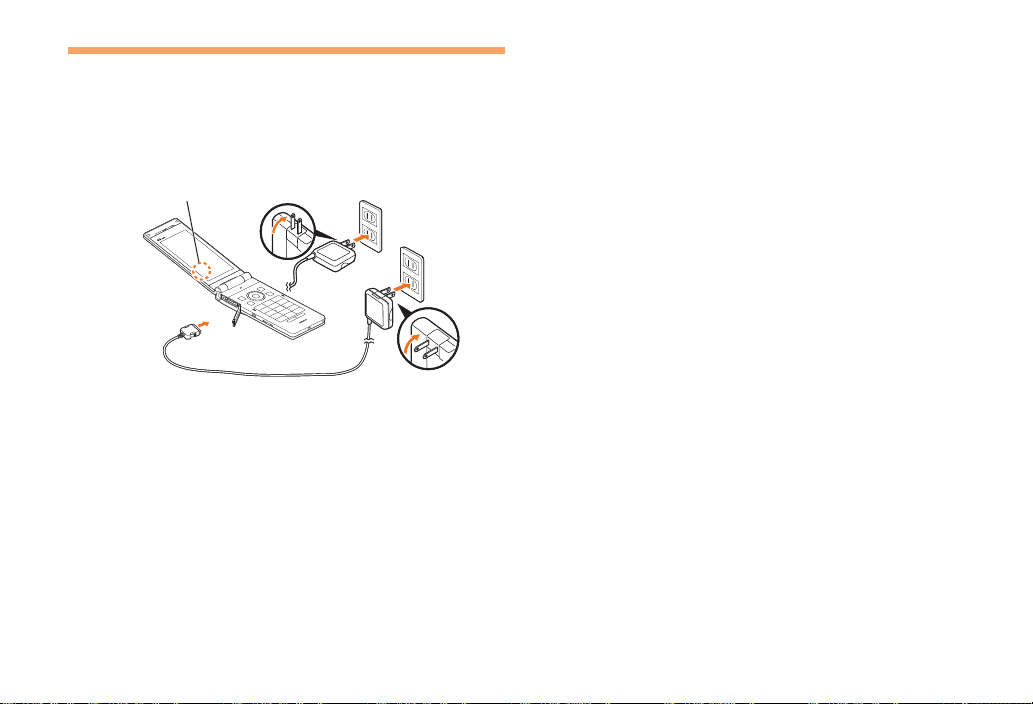
Confirm that the indicator lights.
Charging: A charge beginning sounds and the
indicator lights.
Charging finished: A charge completion sounds and
the indicator goes out.
➡
•
•
Charging the Battery Pack
The battery pack is not fully charged at the time of purchase.
Be sure to charge the battery pack before using the cell
phone for the first time.
An AC adapter is not included. Purchase a specified AC
adapter (sold separately).
Connect a specified AC adapter to the cell
phone.
Check the shape of the connector of the AC adapter
and then plug it straight into the power terminal of the
cell phone.
Unfold the power plug of the AC adapter and
plug it into a 100 V AC power outlet.
•
➡
•
➡
Indicator
1
3
2
Indicator
1
3
2
Table of contents
Other Casio Cell Phone manuals
Casio
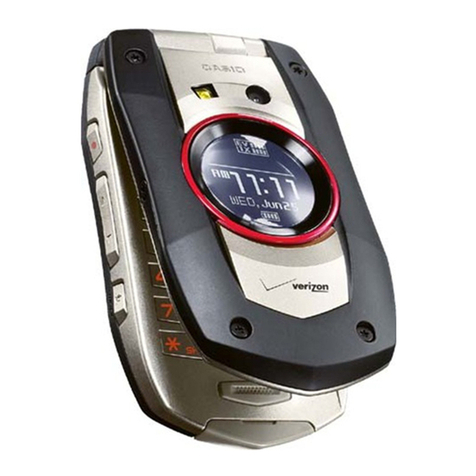
Casio GZONE TYPE-S PTT User manual

Casio
Casio BOULDER GzOne User manual
Casio
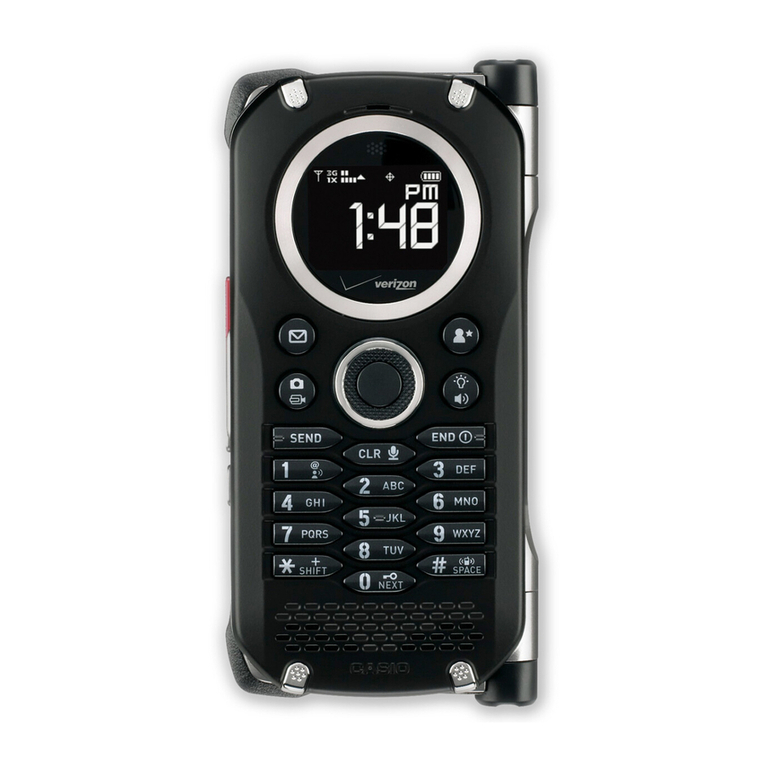
Casio G'zOne Brigade User manual
Casio
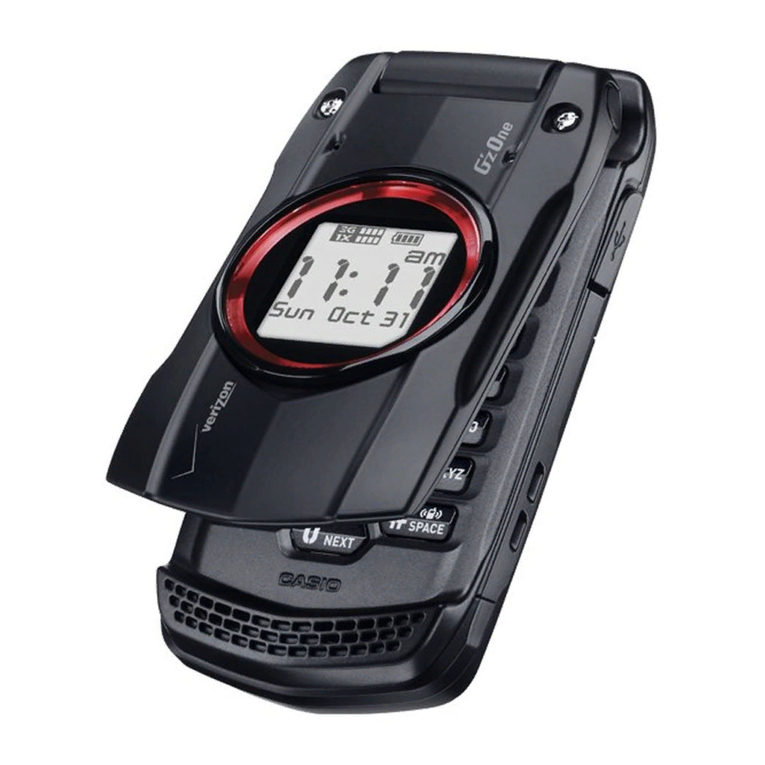
Casio G'zOne Ravine User manual
Casio
Casio WSD-F10 User manual
Casio
Casio au KDDI CA003 User manual
Casio
Casio W62CA Assembly instructions
Casio
Casio C781 User manual
Casio
Casio A5512CA Installation guide
Casio
Casio G'zOne Rock User manual
Casio
Casio G'zOne Commando User manual

Casio
Casio G'zOne COMMANDO 4G LTE User manual
Casio
Casio W52CA User manual
Casio
Casio Ravine 2 User manual
Casio
Casio W43CA User manual
Casio
Casio W63CA Installation guide
Casio
Casio GZONE TYPE-V User manual

Casio
Casio W51CA User manual
Casio
Casio G'zOne COMMANDO 4G LTE Service manual
Casio
Casio CA006 User manual