Operation Guide 5382/5465/5508
E-9
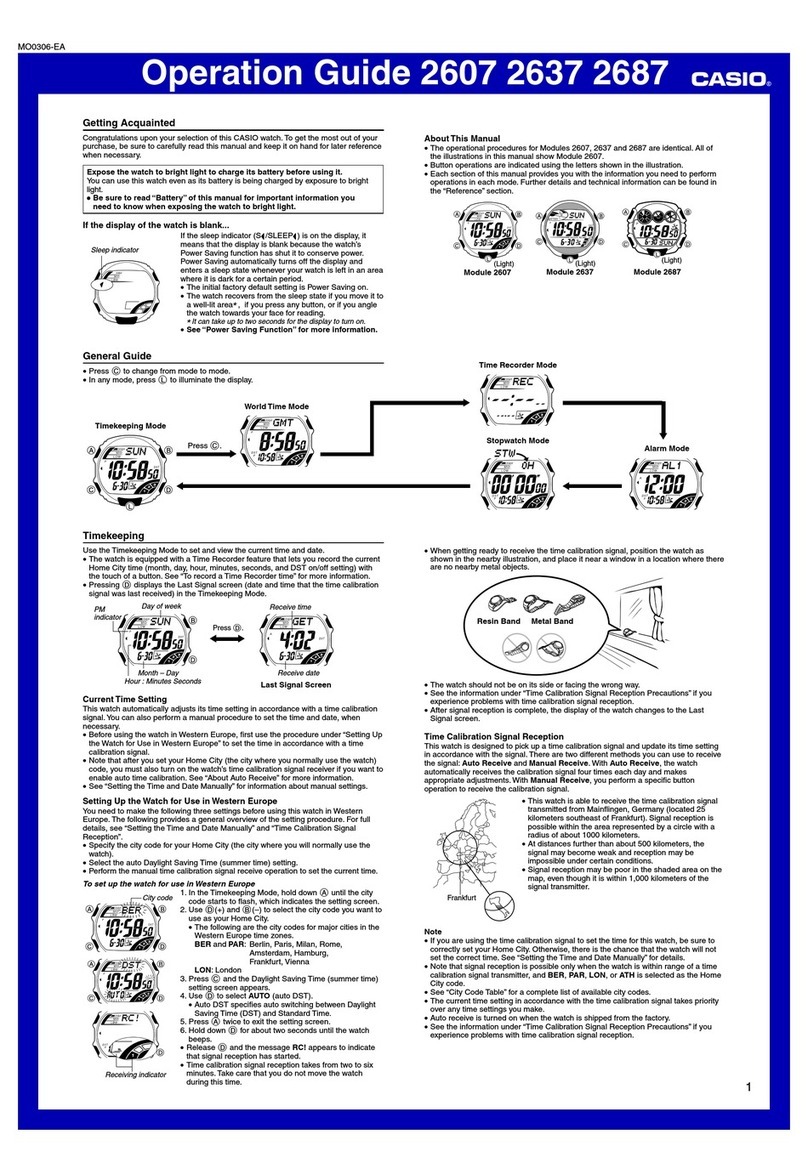
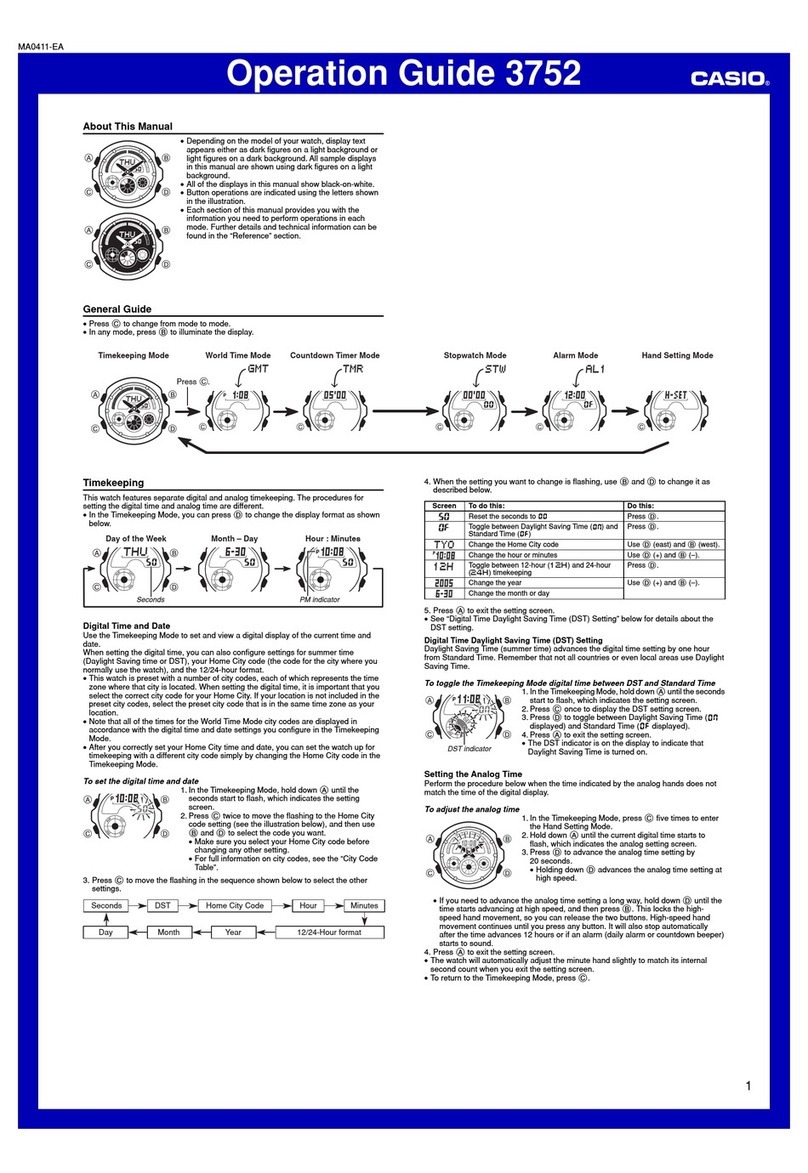
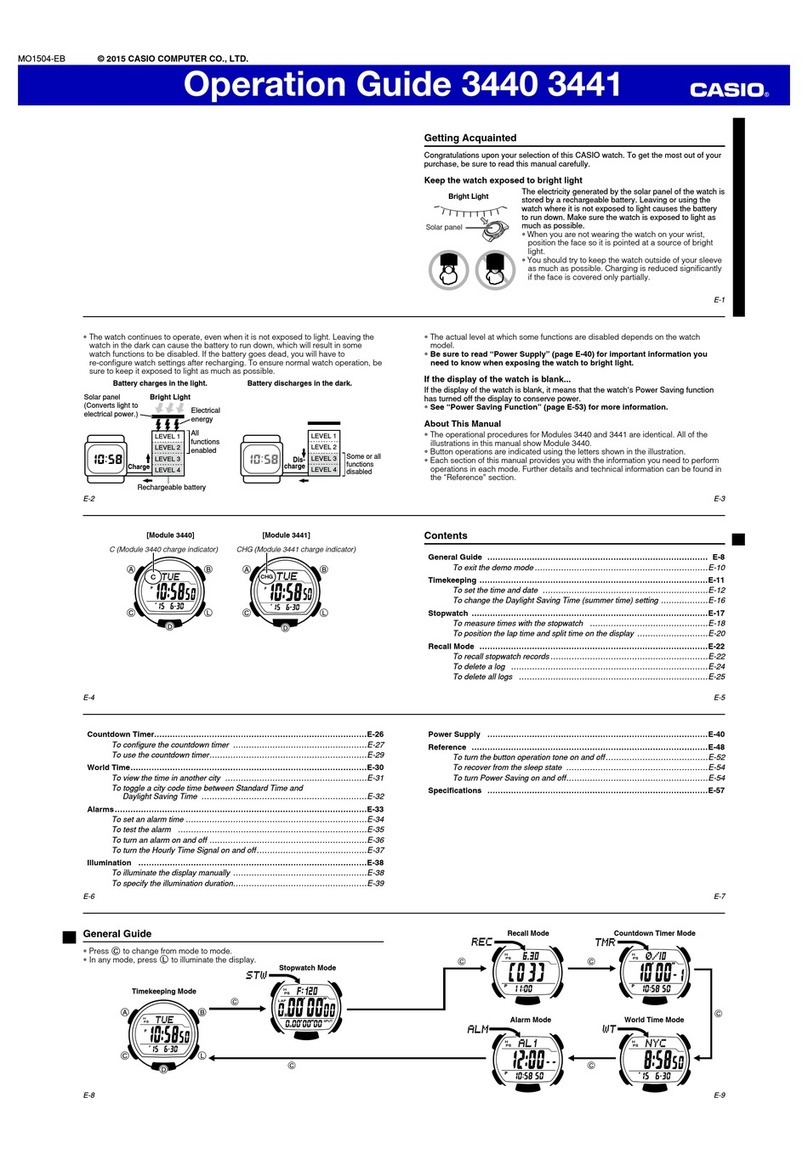
Mode Reference Guide
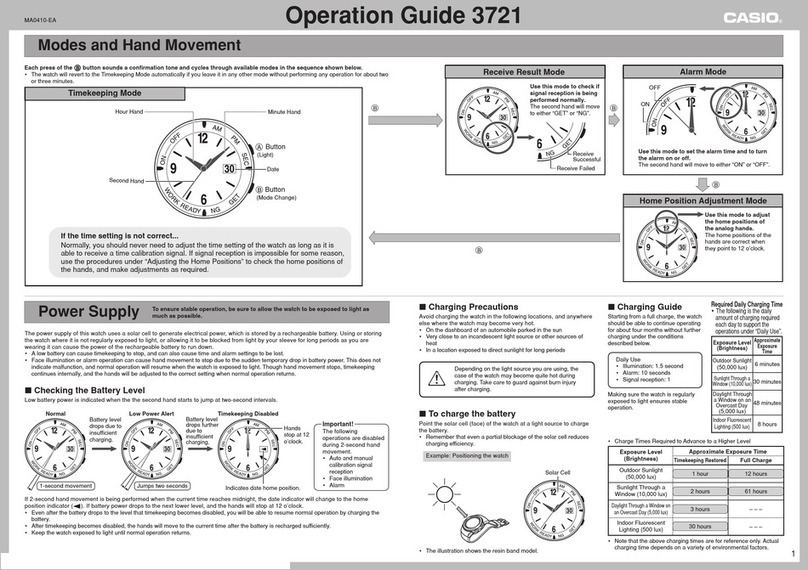
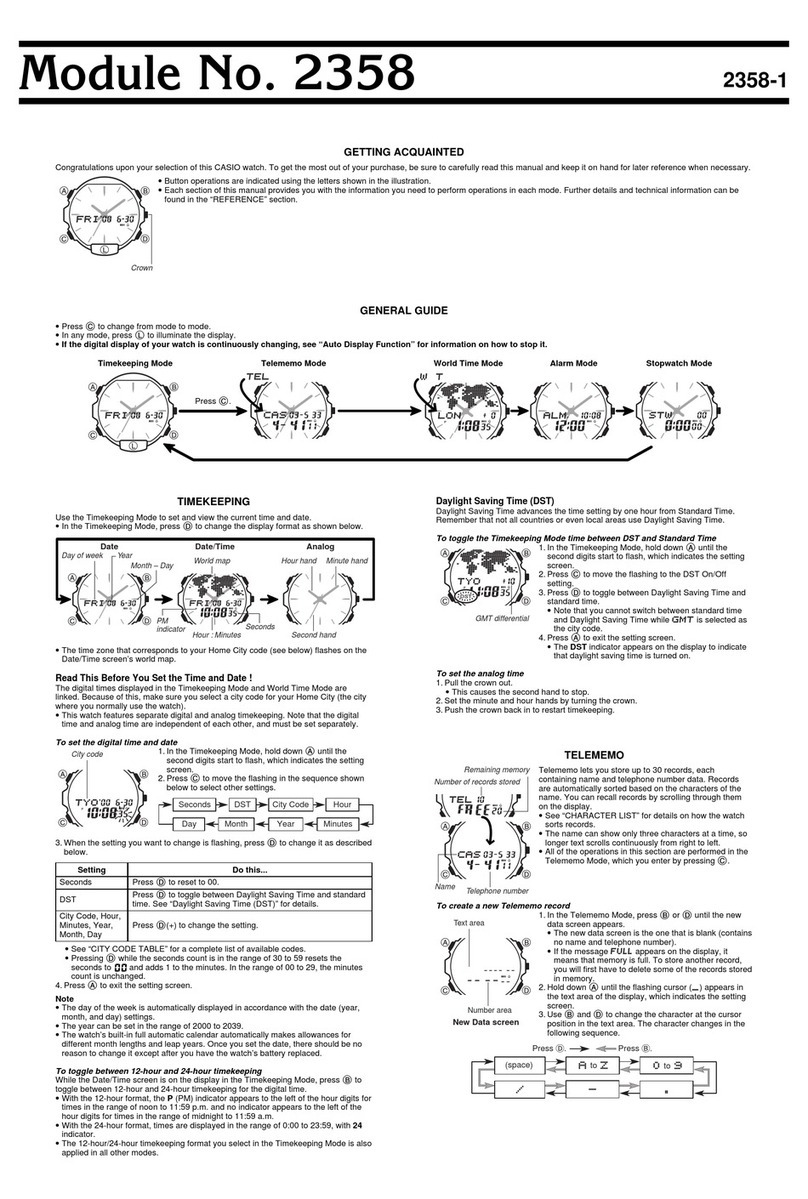
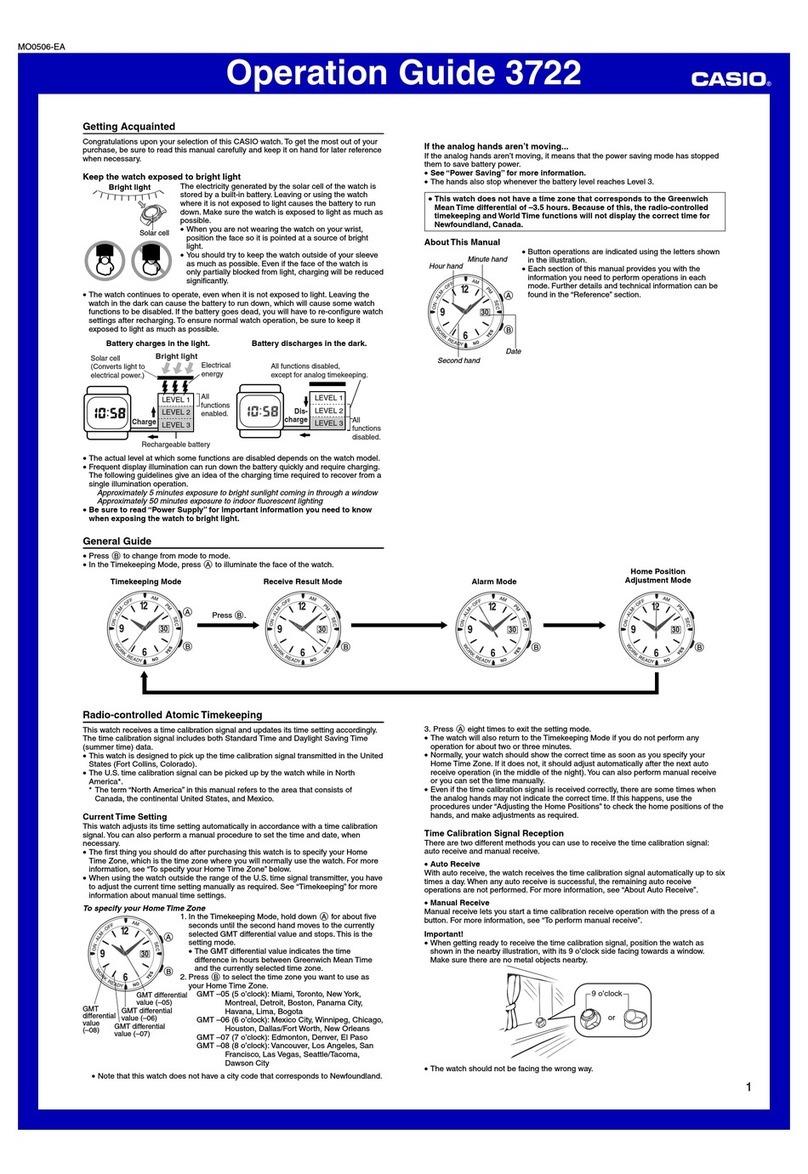
The mode you should select depends on what you want to do.
To do this: Enter this mode: See:
xView the current time in the Home City
xView the current time in one of 48 cities
(31 time zones) around the globe
All Modes E-10
xView the current date in the Home City
xConfigure Home City and daylight saving time (DST)
settings
xConfigure time and date settings
Timekeeping Mode
E-15
E-17
E-20
xConfigure World Time City and daylight saving time
(DST) settings World Time Mode E-24
xUse the stopwatch to measure elapsed time Stopwatch Mode E-27
xUse the countdown timer Countdown Timer Mode E-30
xSet an alarm time Alarm Mode E-33
E-8
Adjusting Hand Positions . . . . . . . . . . . . . . . . . . . . . . . . . . . . . . . . . . . . . . . . . E-38
To adjust hand positions . . . . . . . . . . . . . . . . . . . . . . . . . . . . . . . . . . . . . . . . E-38
Button Operation Tone . . . . . . . . . . . . . . . . . . . . . . . . . . . . . . . . . . . . . . . . . . . E-40
To turn the button operation tone on and off . . . . . . . . . . . . . . . . . . . . . . . . . E-40
Troubleshooting. . . . . . . . . . . . . . . . . . . . . . . . . . . . . . . . . . . . . . . . . . . . . . . . . E-42
Main Indicators . . . . . . . . . . . . . . . . . . . . . . . . . . . . . . . . . . . . . . . . . . . . . . . . . E-43
Specifications. . . . . . . . . . . . . . . . . . . . . . . . . . . . . . . . . . . . . . . . . . . . . . . . . . . E-44
Operating Precautions . . . . . . . . . . . . . . . . . . . . . . . . . . . . . . . . . . . . . . . . . . . E-46
User Maintenance . . . . . . . . . . . . . . . . . . . . . . . . . . . . . . . . . . . . . . . . . . . . . . . E-57
E-7
Countdown Timer . . . . . . . . . . . . . . . . . . . . . . . . . . . . . . . . . . . . . . . . . . . . . . . E-30
To enter the Countdown Timer Mode. . . . . . . . . . . . . . . . . . . . . . . . . . . . . . . E-30
To configure the countdown timer . . . . . . . . . . . . . . . . . . . . . . . . . . . . . . . . . E-31
To perform a countdown timer operation . . . . . . . . . . . . . . . . . . . . . . . . . . . . E-32
To stop the alarm . . . . . . . . . . . . . . . . . . . . . . . . . . . . . . . . . . . . . . . . . . . . . E-32
Using the Alarm . . . . . . . . . . . . . . . . . . . . . . . . . . . . . . . . . . . . . . . . . . . . . . . . . E-33
To set an alarm time . . . . . . . . . . . . . . . . . . . . . . . . . . . . . . . . . . . . . . . . . . . E-33
To test the alarm . . . . . . . . . . . . . . . . . . . . . . . . . . . . . . . . . . . . . . . . . . . . . . E-34
To turn an alarm and the Hourly Time Signal on and off . . . . . . . . . . . . . . . . . E-35
To stop the alarm . . . . . . . . . . . . . . . . . . . . . . . . . . . . . . . . . . . . . . . . . . . . . E-35
Illumination. . . . . . . . . . . . . . . . . . . . . . . . . . . . . . . . . . . . . . . . . . . . . . . . . . . . . E-36
To turn on illumination . . . . . . . . . . . . . . . . . . . . . . . . . . . . . . . . . . . . . . . . . . E-36
To change the Illumination Duration . . . . . . . . . . . . . . . . . . . . . . . . . . . . . . . . E-36
E-6
Adjusting the Current Time and Date Settings . . . . . . . . . . . . . . . . . . . . . . . .E-20
To configure the digital time and date settings . . . . . . . . . . . . . . . . . . . . . . . . E-20
Checking the Current Time in a Different Time Zone . . . . . . . . . . . . . . . . . . . E-24
To enter the World Time Mode. . . . . . . . . . . . . . . . . . . . . . . . . . . . . . . . . . . . E-25
To view the time in another time zone . . . . . . . . . . . . . . . . . . . . . . . . . . . . . . E-25
To specify standard time or daylight saving time (DST) for a city. . . . . . . . . . . E-26
Using the Stopwatch . . . . . . . . . . . . . . . . . . . . . . . . . . . . . . . . . . . . . . . . . . . . . E-27
To enter the Stopwatch Mode . . . . . . . . . . . . . . . . . . . . . . . . . . . . . . . . . . . . E-27
To perform an elapsed time operation . . . . . . . . . . . . . . . . . . . . . . . . . . . . . . E-28
To pause at a split time . . . . . . . . . . . . . . . . . . . . . . . . . . . . . . . . . . . . . . . . . E-28
To measure two finishes . . . . . . . . . . . . . . . . . . . . . . . . . . . . . . . . . . . . . . . . E-28
E-5
Contents
About This Manual. . . . . . . . . . . . . . . . . . . . . . . . . . . . . . . . . . . . . . . . . . . . . . . . E-2
Things to check before using the watch . . . . . . . . . . . . . . . . . . . . . . . . . . . . . . E-4
Mode Reference Guide . . . . . . . . . . . . . . . . . . . . . . . . . . . . . . . . . . . . . . . . . . . . E-9
Timekeeping. . . . . . . . . . . . . . . . . . . . . . . . . . . . . . . . . . . . . . . . . . . . . . . . . . . . E-15
To swap your Home City and World Time City . . . . . . . . . . . . . . . . . . . . . . . . E-16
Configuring Home City Settings . . . . . . . . . . . . . . . . . . . . . . . . . . . . . . . . . . . . E-17
To configure Home City settings . . . . . . . . . . . . . . . . . . . . . . . . . . . . . . . . . . E-17
To change the Daylight Saving Time (summer time) setting . . . . . . . . . . . . . . E-19
E-4
Things to check before using the watch
1. Check the Home City and the daylight saving time (DST) setting.
Use the procedure under “To configure Home City settings” (page E-17) to configure
your Home City and daylight saving time settings.
Important!
xProper World Time Mode data depend on correct Home City, time, and date
settings in the Timekeeping Mode. Make sure you configure these settings
correctly.
2. Set the current time.
xSee “Adjusting the Current Time and Date Settings” (page E-20).
The watch is now ready for use.
E-3
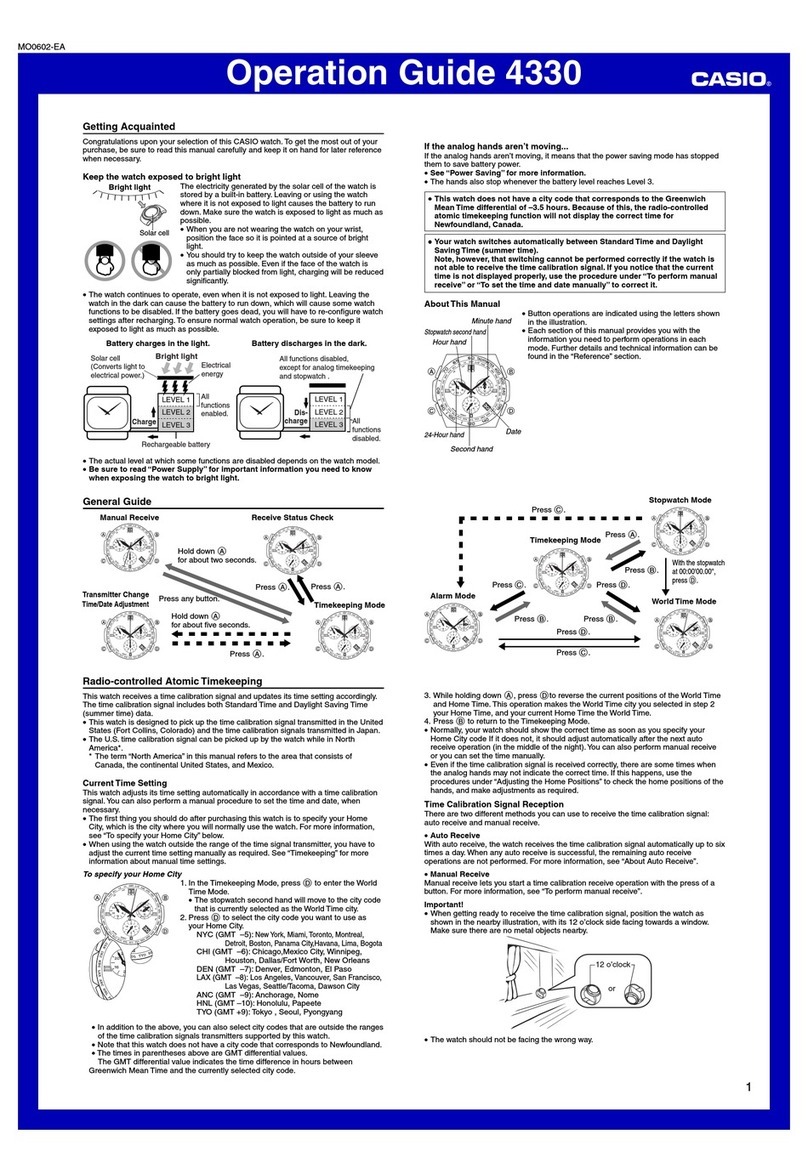
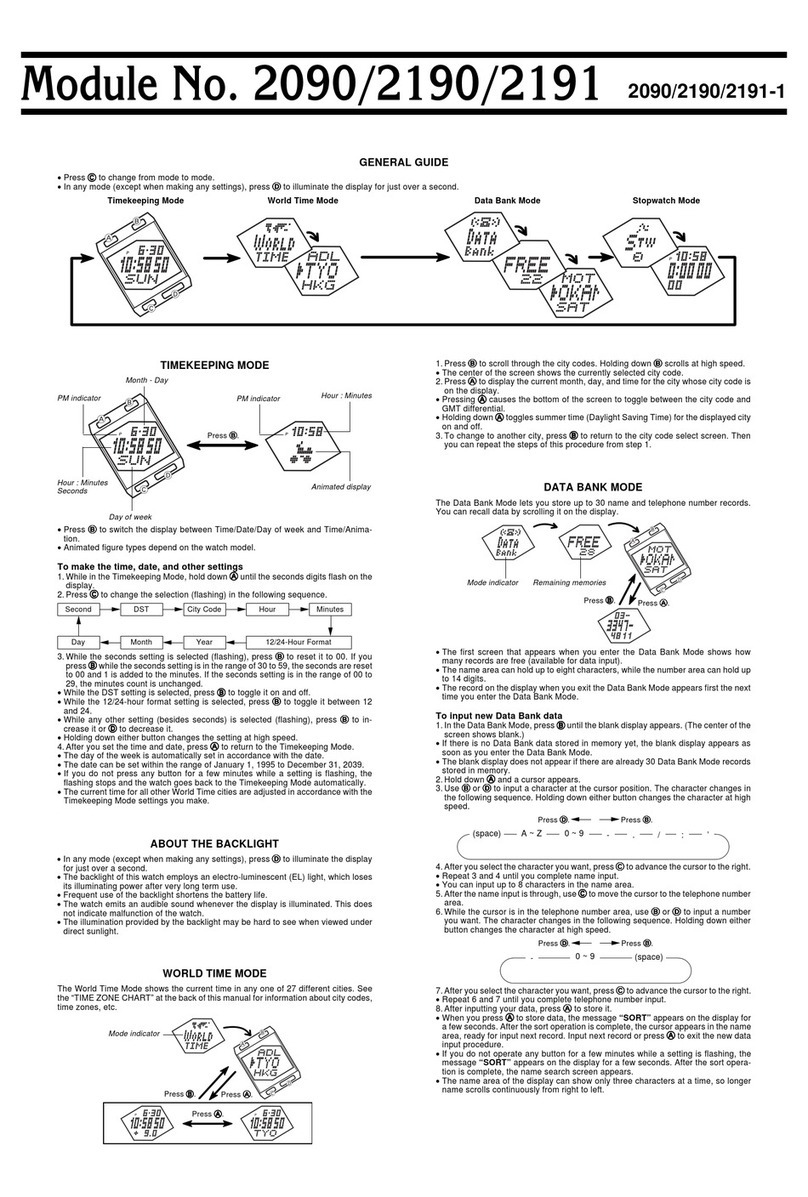
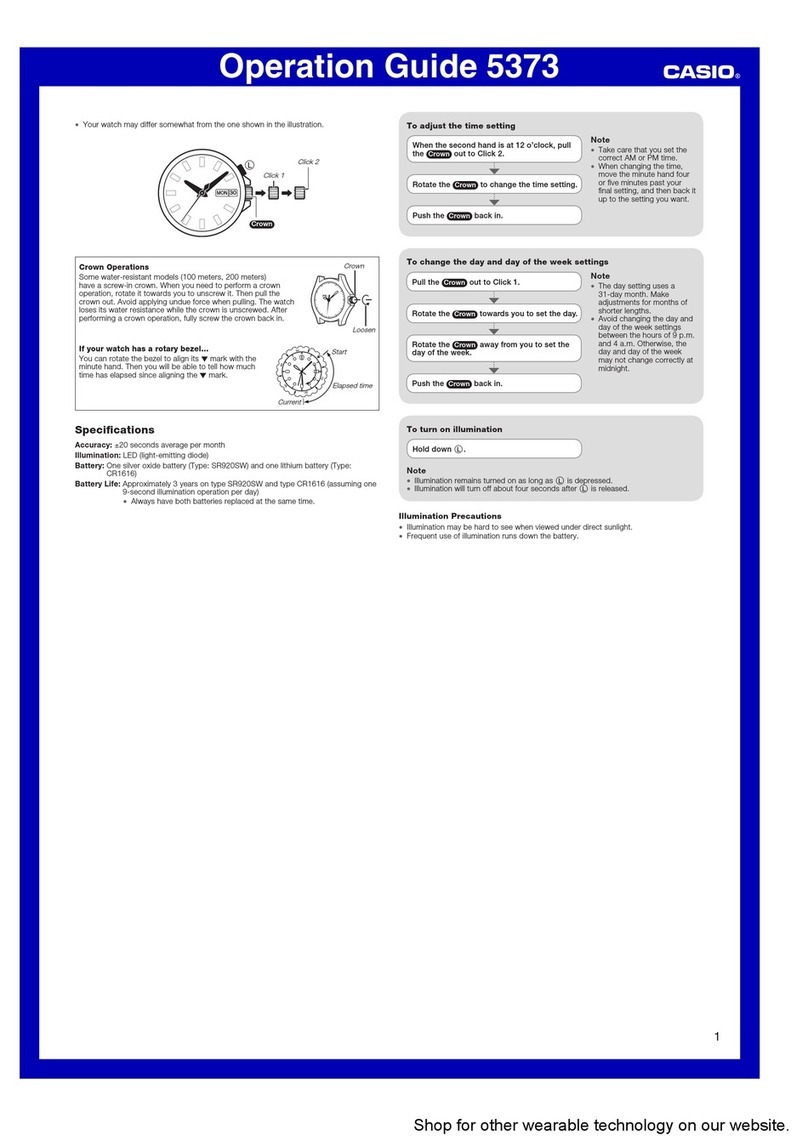
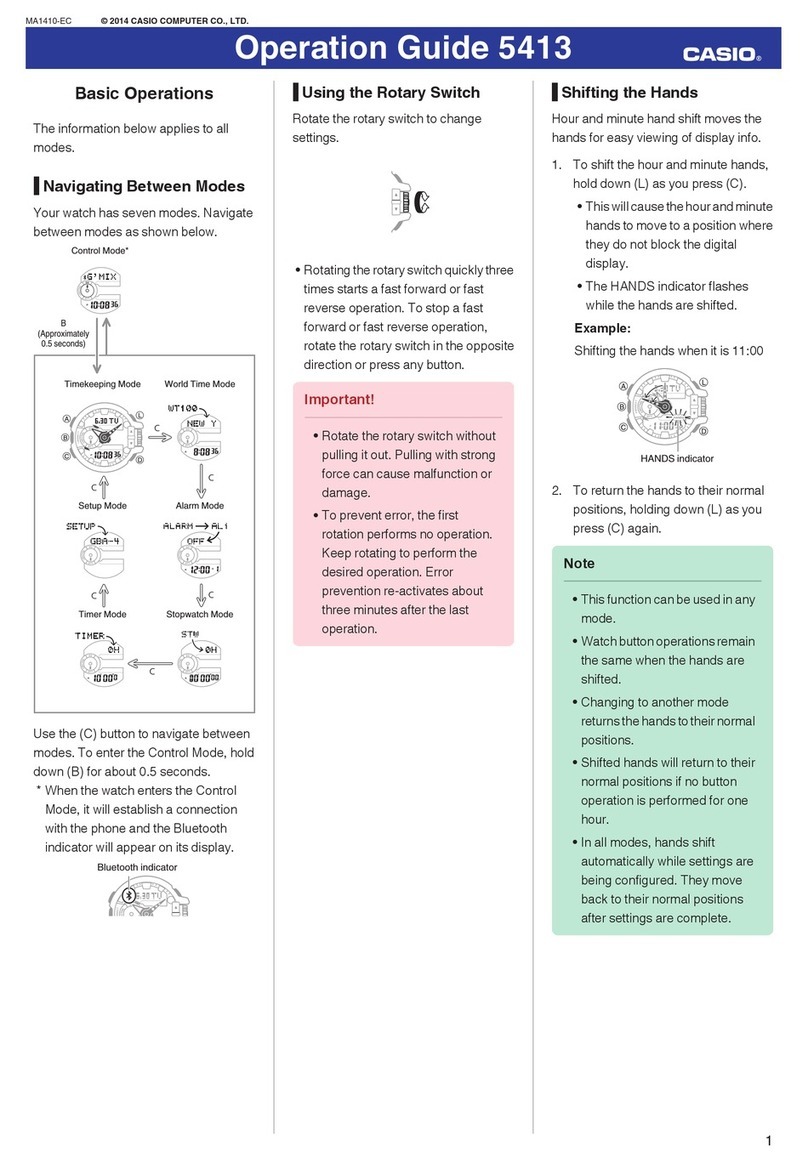
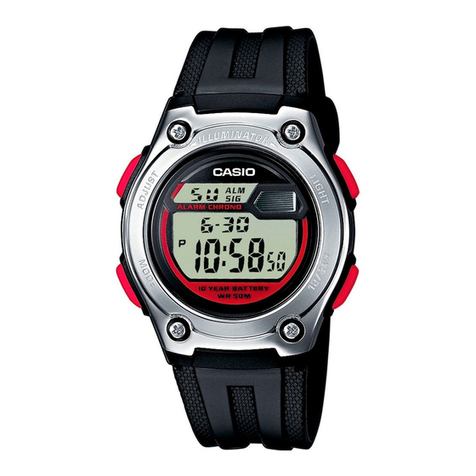
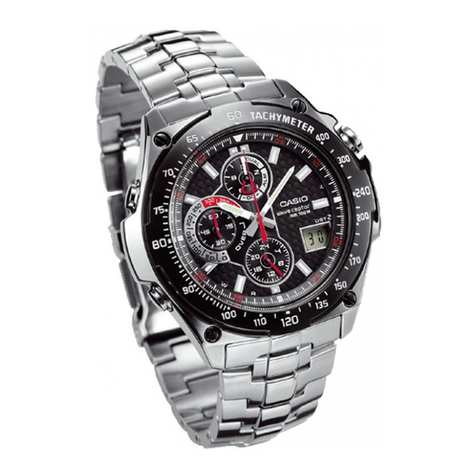
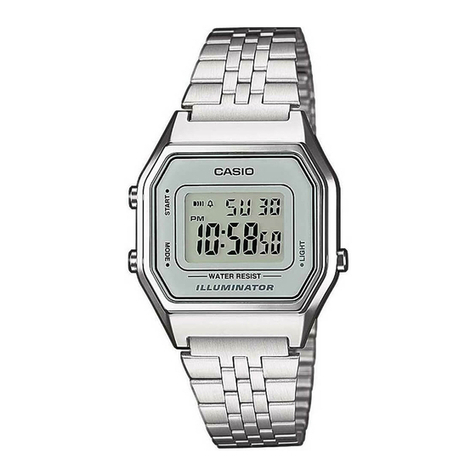
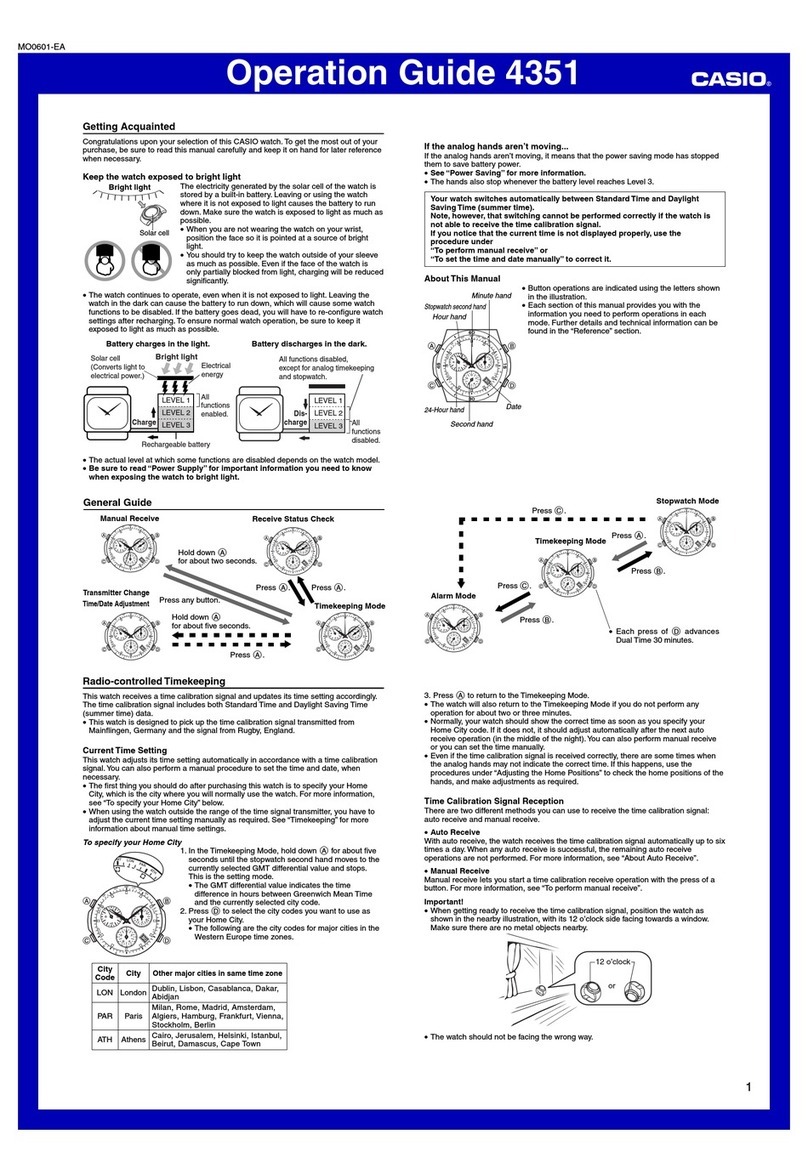
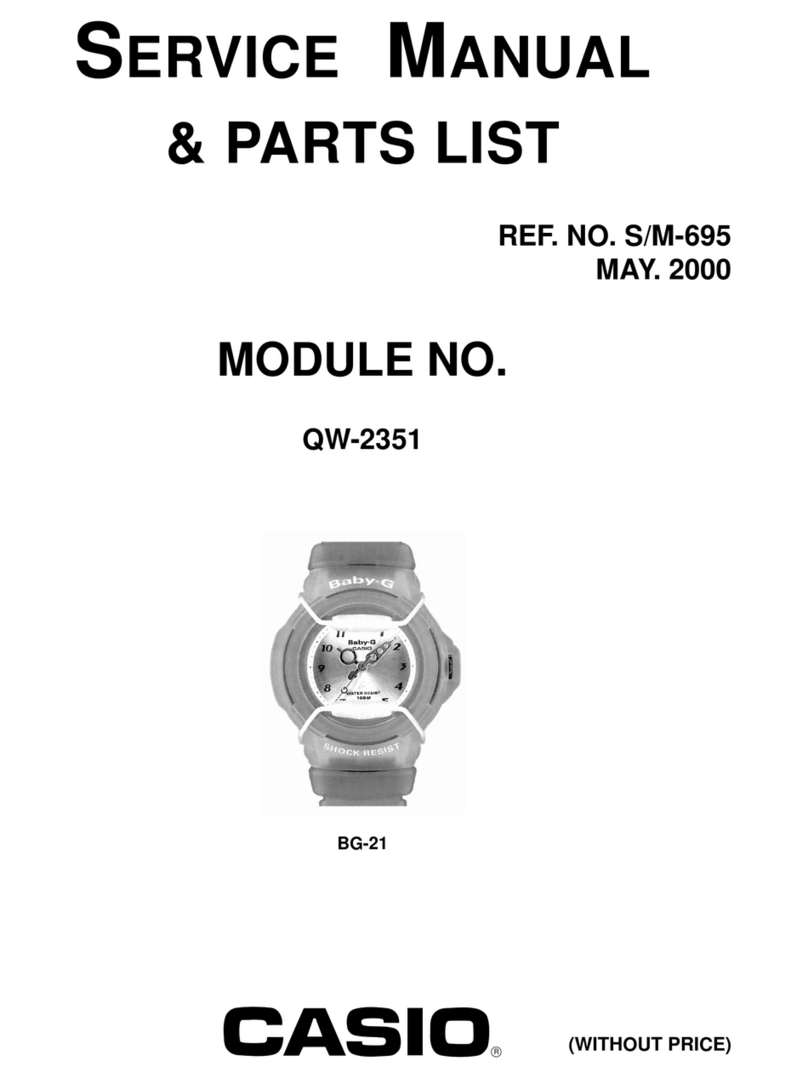
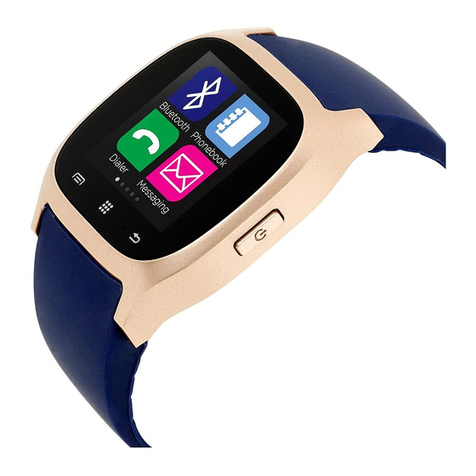
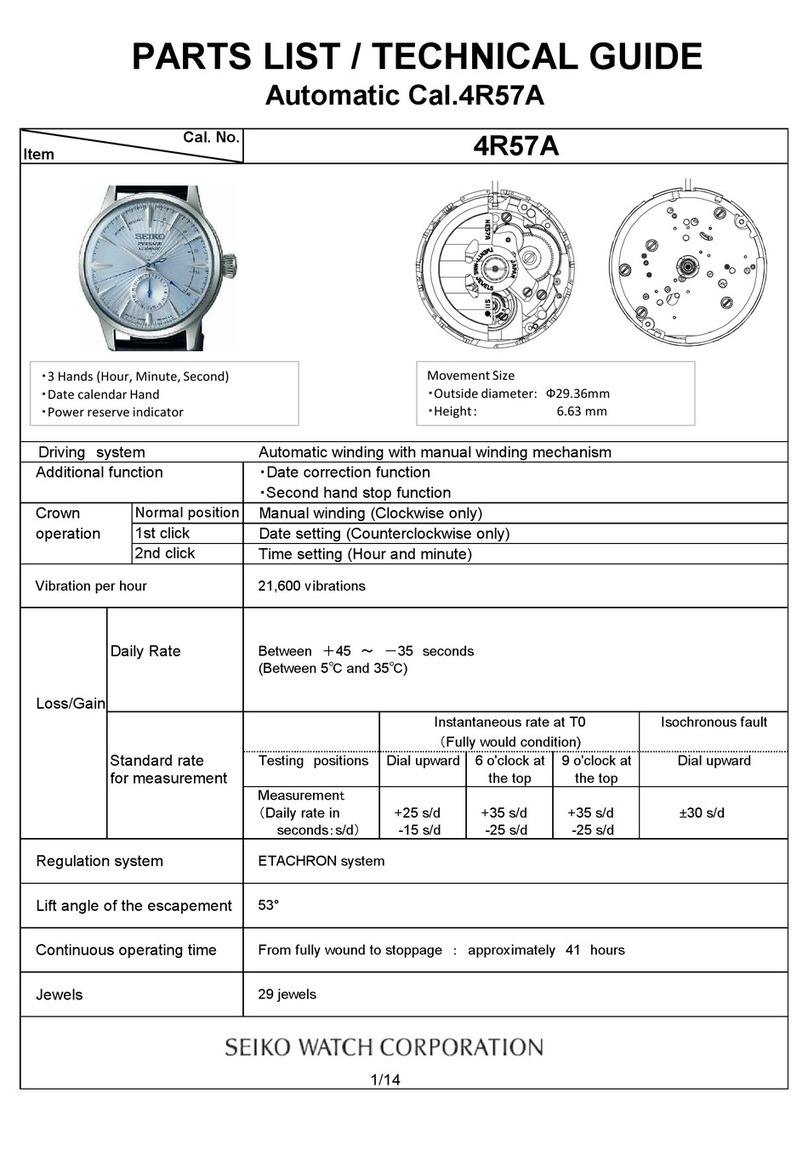
Module 5382 Module 5465 Module 5508
E-2
About This Manual
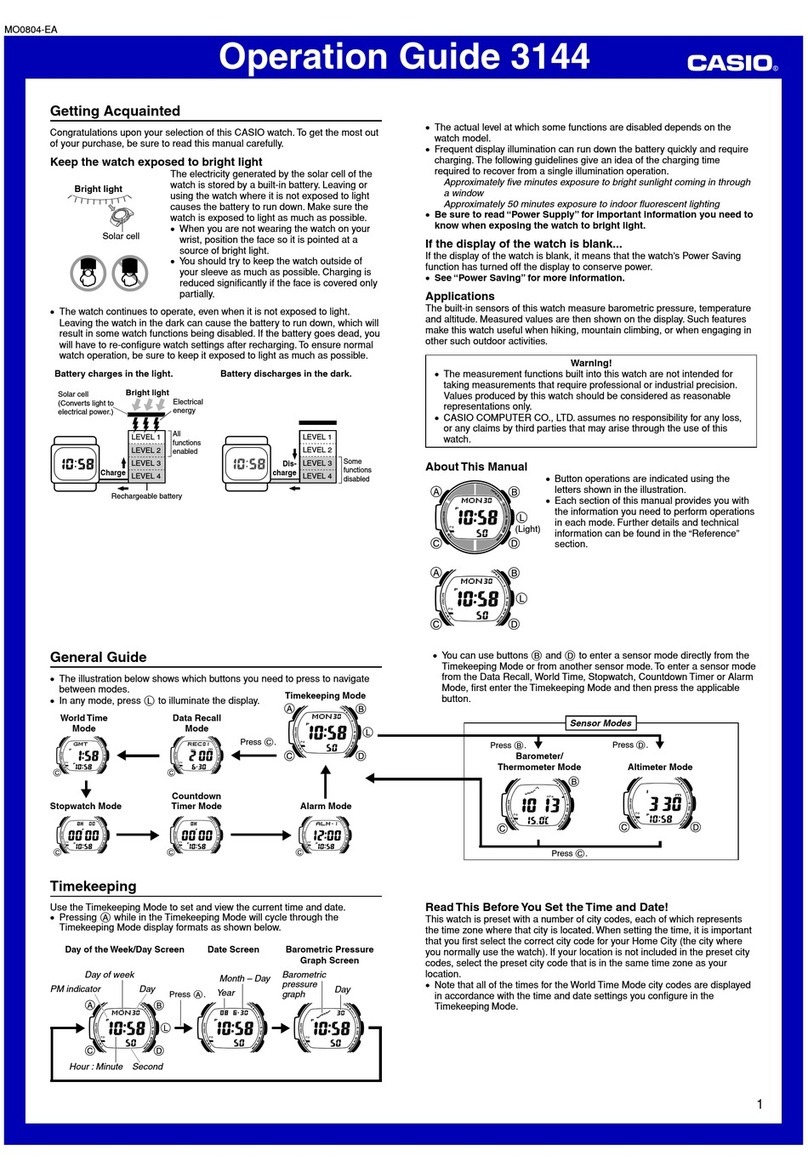
xThe operational procedures for Modules 5382, 5465 and 5508 are identical. All of
the illustrations in this manual show Module 5382.
xDepending on the model of your watch, display text appears either as dark figures
on a light background, or light figures on a dark background. All sample displays in
this manual are shown using dark figures on a light background.
xButton operations are indicated using the letters shown in the illustration.
xNote that the product illustrations in this manual are intended for reference only,
and so the actual product may appear somewhat different than depicted by an
illustration.
E-1
ENGLISH
Congratulations upon your selection of this CASIO watch.
To ensure that this watch provides you with the years of service for which it is
designed, carefully read and follow the instructions in this manual, especially the
information under “Operating Precautions” and “User Maintenance”.
Be sure to keep all user documentation handy for future reference.
MA1608-EA © 2015 CASIO COMPUTER CO., LTD.