manuals.online logo
Brands
  1. Home
  2. •
  3. Brands
  4. •
  5. Celestron
  6. •
  7. Food Warmer
  8. •
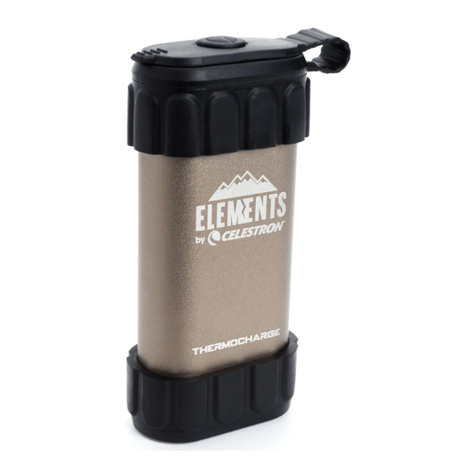
  9. Celestron Gamekeeper ThermoCharge 93550 User manual

Celestron Gamekeeper ThermoCharge 93550 User manual

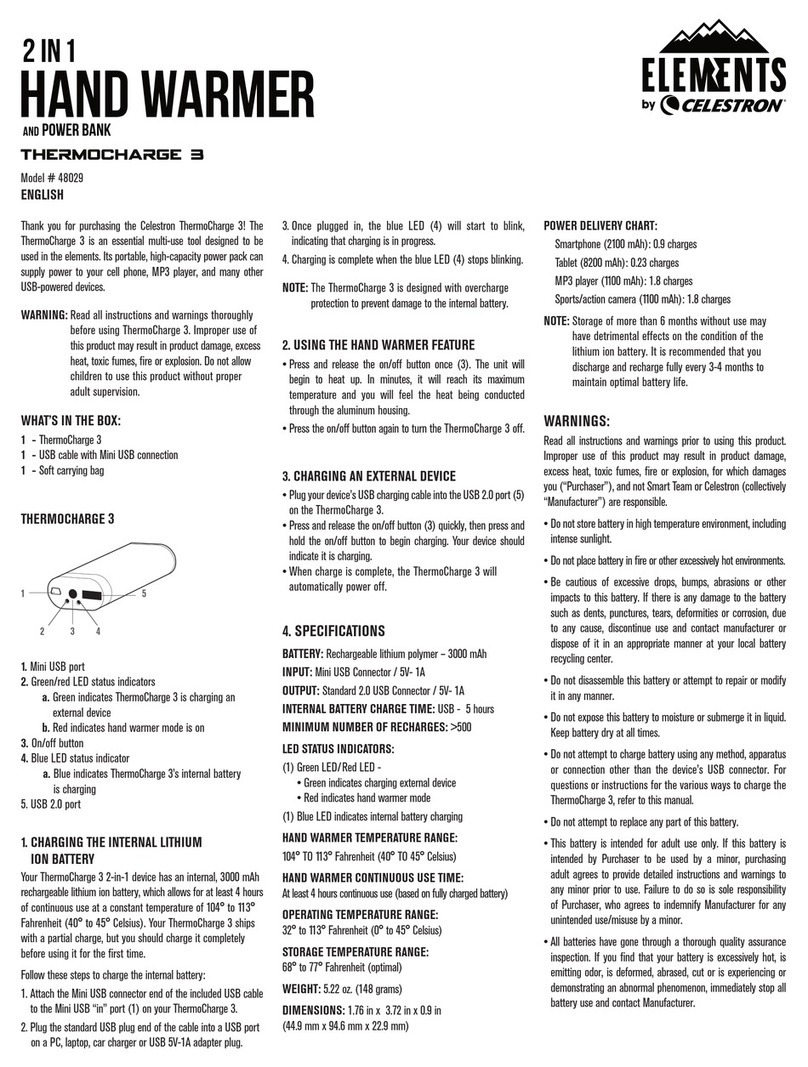
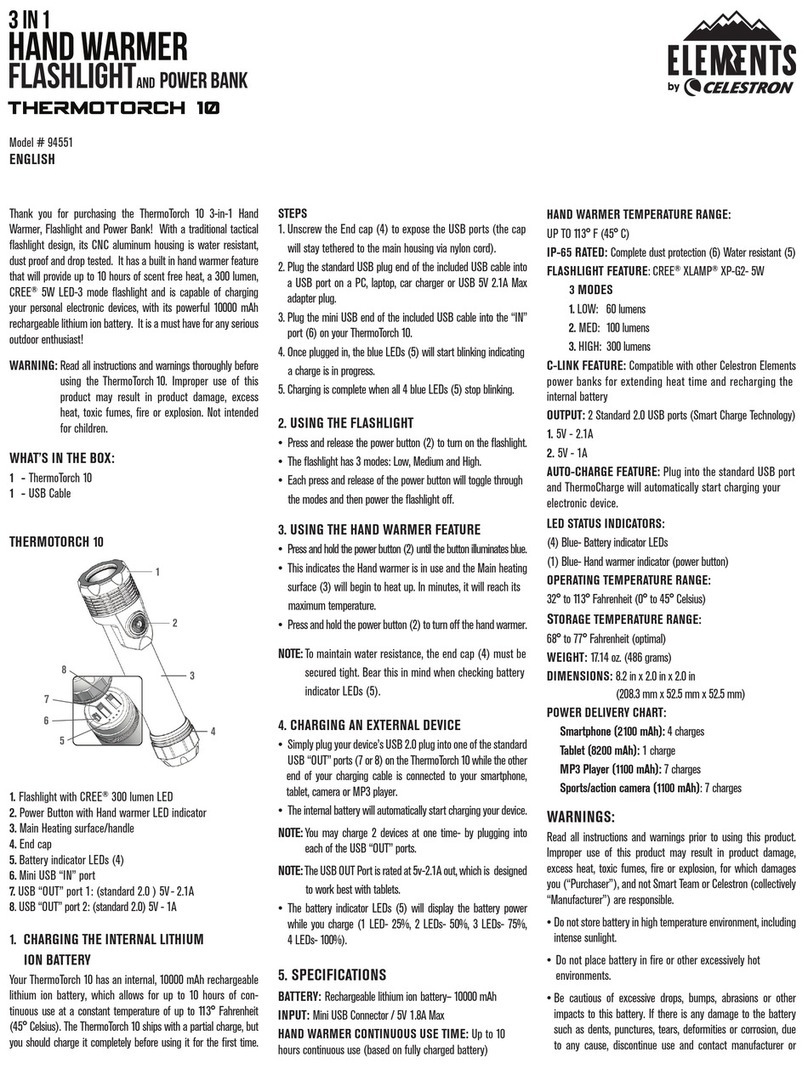
Other Celestron Food Warmer manuals

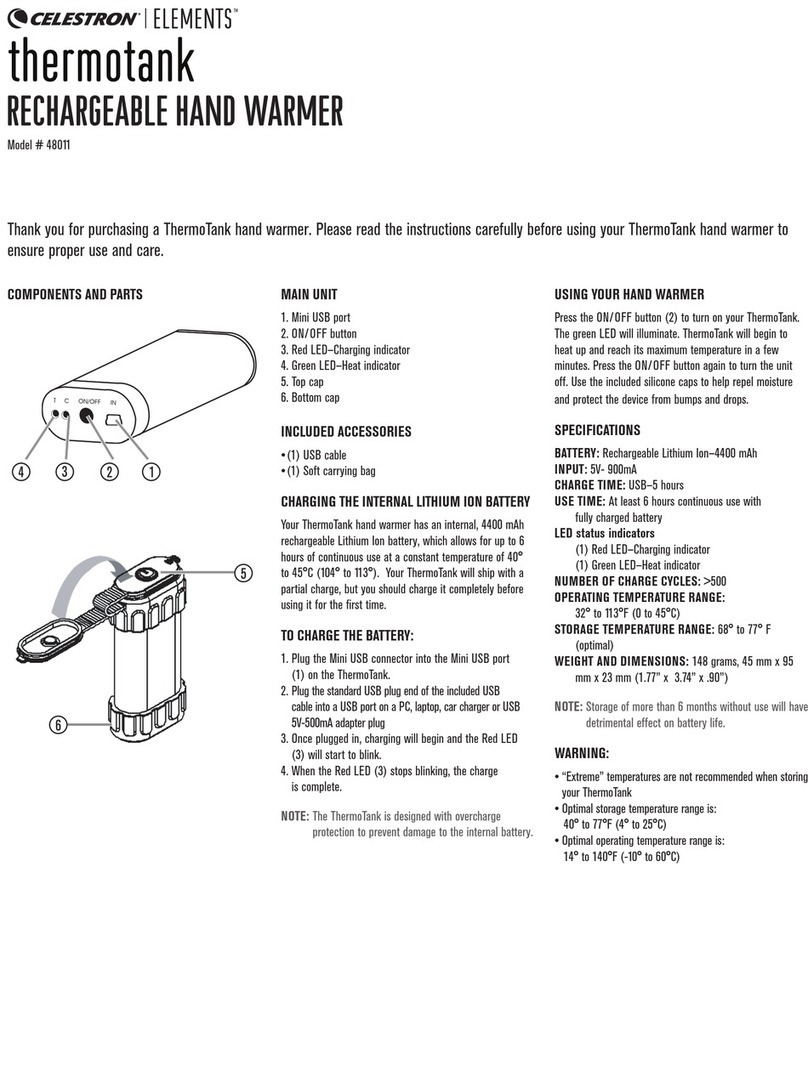
Celestron Elements ThermoTank 48011 User manual

Celestron

Celestron Elements ThermoTank 48011 User manual

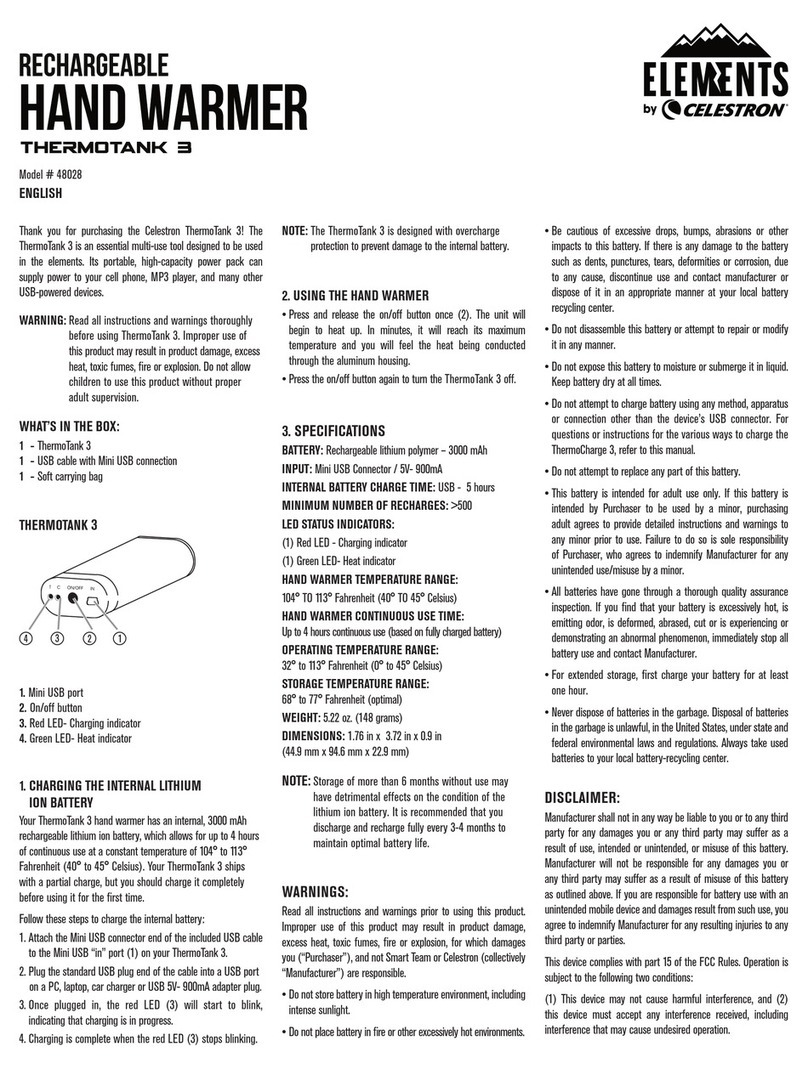
Celestron ELEMENTS ThermoTank 3 User manual

Celestron

Celestron ELEMENTS ThermoTank 3 User manual

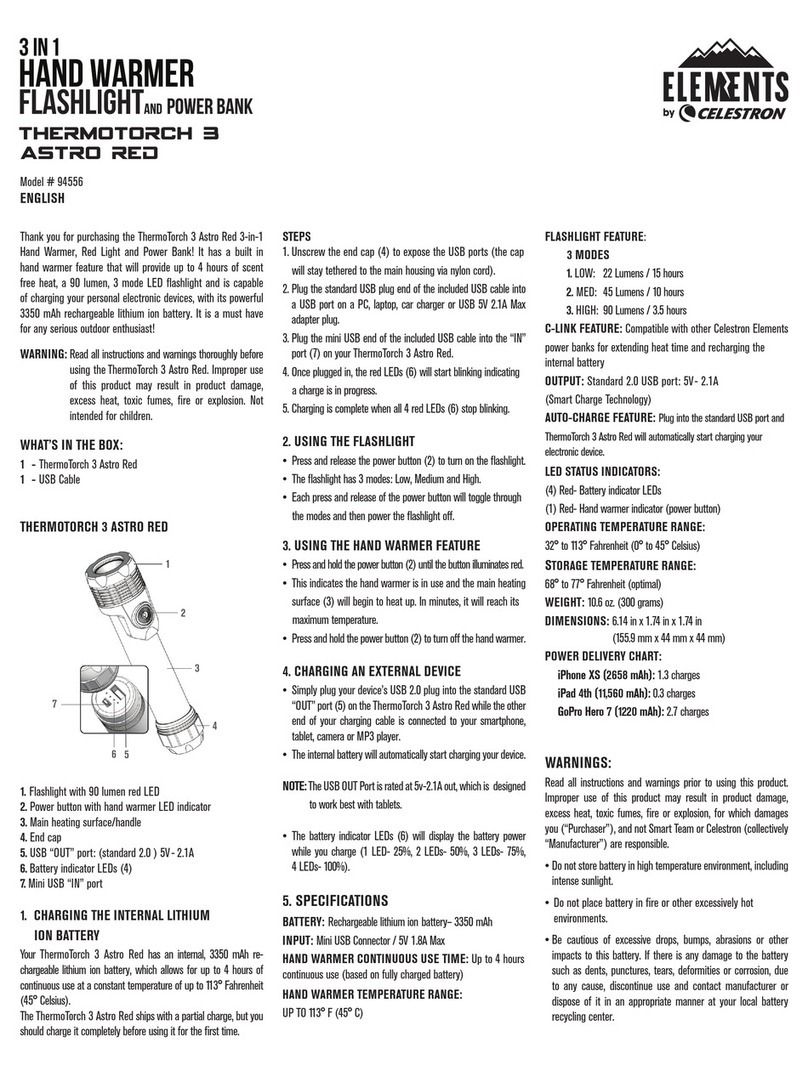
Celestron ELEMENTS THERMOTORCH 3 ASTRO RED User manual

Celestron

Celestron ELEMENTS THERMOTORCH 3 ASTRO RED User manual

Celestron ELEMENTS ThermoTorch 10 User manual

Celestron

Celestron ELEMENTS ThermoTorch 10 User manual

Celestron ELEMENTS ThermoCharge 3 User manual

Celestron

Celestron ELEMENTS ThermoCharge 3 User manual

Celestron Elements 48012 User manual

Celestron

Celestron Elements 48012 User manual

Popular Food Warmer manuals by other brands

Avantco Equipment 177W800 120 user manual

Avantco Equipment

Avantco Equipment 177W800 120 user manual

Ameda PENGUIN Instructions for use

Ameda

Ameda PENGUIN Instructions for use

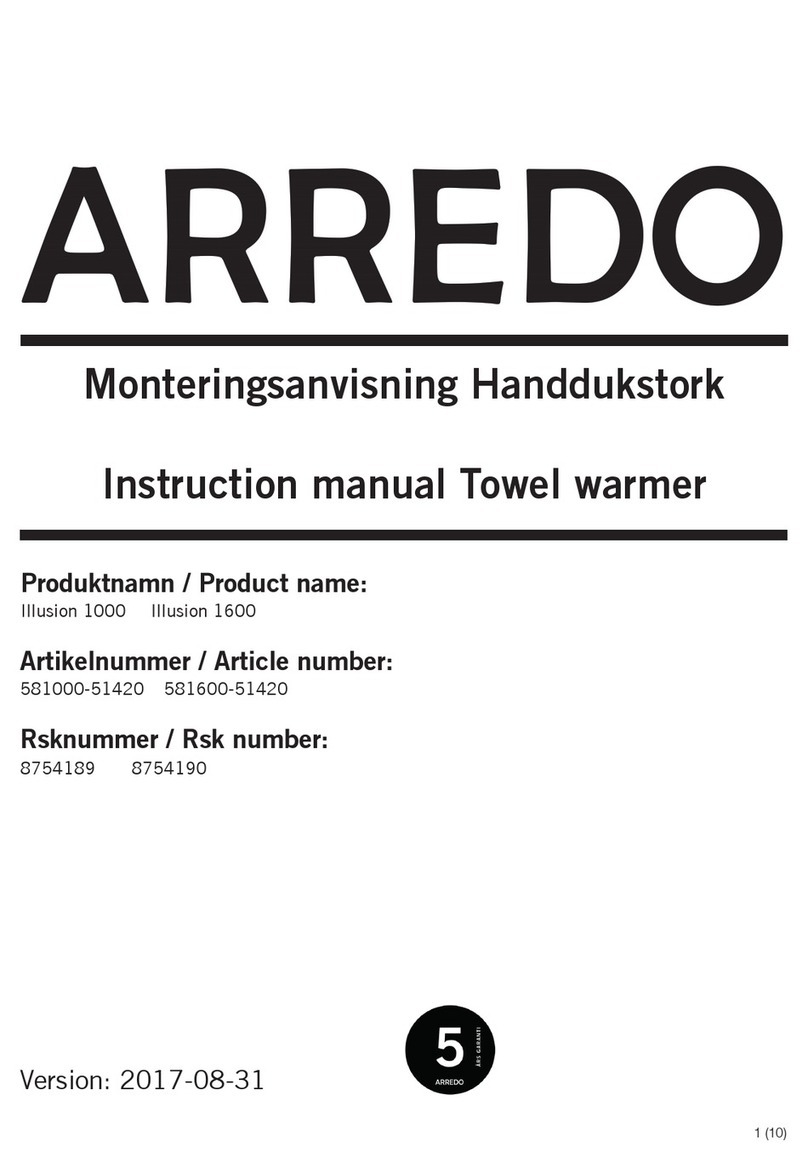
ARREDO Illusion 1000 instruction manual

ARREDO

ARREDO Illusion 1000 instruction manual

Moffat BKRW3 Operating and service manual

Moffat

Moffat BKRW3 Operating and service manual

Hupfer SPTW-2/EBF operating instructions

Hupfer

Hupfer SPTW-2/EBF operating instructions

Kontour K1043E installation guide

Kontour

Kontour K1043E installation guide

Hatco Glo-Ray GRMW-3 Replacement parts list

Hatco

Hatco Glo-Ray GRMW-3 Replacement parts list

HATO Macho Nacho FST-1-MN Installation and operating manual

HATO

HATO Macho Nacho FST-1-MN Installation and operating manual

Wittco 500-CW Installation & operation manual

Wittco

Wittco 500-CW Installation & operation manual

Wells SS-276ULT Specifications

Wells

Wells SS-276ULT Specifications

Kerbl FastHeat Instructions for use

Kerbl

Kerbl FastHeat Instructions for use

Johnson Kaldino Instructions for use

Johnson

Johnson Kaldino Instructions for use

KRATOS 29М-008 manual

KRATOS

KRATOS 29М-008 manual

Wells M227 Series owner's manual

Wells

Wells M227 Series owner's manual

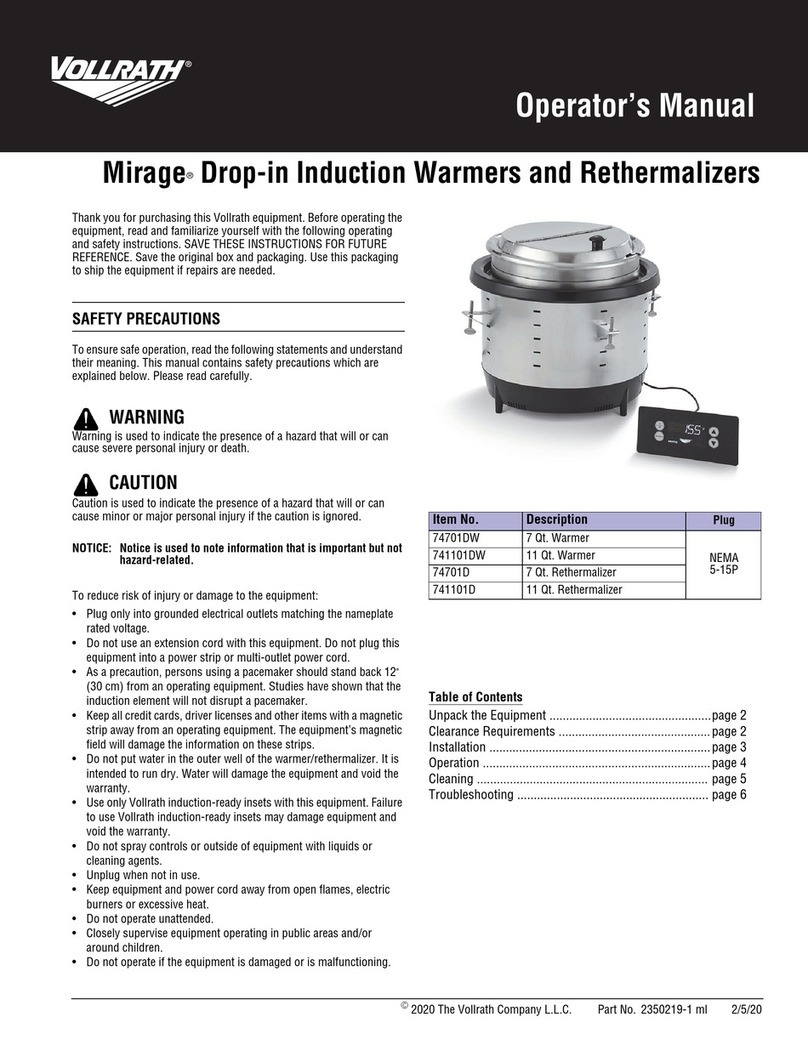
Vollrath Mirage 74701DW Operator's manual

Vollrath

Vollrath Mirage 74701DW Operator's manual

Amba RADIANT RSWH-P installation instructions

Amba

Amba RADIANT RSWH-P installation instructions

Homecraft BS15BS instruction manual

Homecraft

Homecraft BS15BS instruction manual

Hatco PW Series Installation and operating manual

Hatco

Hatco PW Series Installation and operating manual

manuals.online logo
manuals.online logoBrands
  • About & Mission
  • Contact us
  • Privacy Policy
  • Terms and Conditions

Copyright 2025 Manuals.Online. All Rights Reserved.

Thank you for purchasing the ThermoCharge- rechargeable
power pack & hand warmer! The ThermoCharge is an essential
multi-use tool designed to be used in the elements. Its hand
warmer feature provides long lasting heat, while its portable,
high-capacity power pack can supply power to your smartphone,
MP3 player, and many other USB-powered devices.
WARNING: Read all instructions and warnings thoroughly
before using. Improper use of this product may re-
sult in product damage, excess heat, toxic fumes,
fire or explosion. Do not allow children to use this
product without proper adult supervision.
INCLUDED IN THE BOX ARE:
1 - ThermoCharge Rechargeable Power Pack & Hand Warmer
1 - USB cable with Mini USB connection
1 - Soft carrying bag
1 - Upper silicone protective cap
1 - Lower silicone protective cap
PARTS CALLOUT
1. Mini USB IN port
2. Green/red LED status indicators
a. Green indicates the ThermoCharge is charging an
external device
b. Red indicates hand warmer mode is on
3. On/off button
4. Blue LED status indicator
a. Blue indicates the internal battery is charging
5. USB 2.0 OUT Port
6. Top silicone cap
7. Bottom silicone cap
1. CHARGING THE INTERNAL LITHIUM
ION BATTERY
Your ThermoCharge 2-in-1 device has an internal, 4400 mAh
rechargeable lithium ion battery, which allows for up to 6 hours
of continuous use at a constant temperature of 40° to 45° Celsius
(104° to 113° Fahrenheit). It ships with a partial charge, but you
should charge it completely before using it for the first time.
Follow these steps to charge the internal battery:
1. Plug the standard USB plug end of the included USB cable
into a USB port on a PC, laptop, car charger or USB 5V-500mA
adapter plug.
2. Once plugged in, the blue LED (4) will start to blink, indicating
that charging is in progress.
3. Charging is complete when the blue LED (4) stops blinking.
NOTE: The ThermoCharge is designed with overcharge protection
to prevent damage to the internal battery
2. USING THE HAND WARMER FEATURE
• Press and release the on/off button once (3). The unit will begin
to heat up. In minutes, it will reach its maximum temperature
and you will feel the heat being conducted through the alumi-
num housing.
• Press the on/off button twice to turn off.
• Use the included caps when extra protection is needed. These
silicone caps help repel moisture and protect the device should
it be dropped on a hard surface.
3. CHARGING AN EXTERNAL DEVICE
• Plug your device’s USB charging cable into the USB 2.0 OUT
port (5).
• Press and release the on/off button (3) quickly, then press and
hold the on/off button to begin charging. Your device should
indicate it is charging.
• When charge is complete, the ThermoCharge will automatically
power off.
4. SPECIFICATIONS
BATTERY: Rechargeable lithium polymer – (2) x 2200 mAh
INPUT: Mini USB Connector / 5V- 900 mA
OUTPUT: Standard 2.0 USB Connector / 5V- 1A
INTERNAL BATTERY CHARGE TIME: USB - 5 hours
MINIMUM NUMBER OF RECHARGES: >500
LED STATUS INDICATORS
(1) Green LED/Red LED -
• Green indicates charging external device
• Red indicates hand warmer mode
(1) Blue LED indicates internal battery charging
HAND WARMER TEMPERATURE RANGE
40° TO 45° Celsius (104° TO 113° Fahrenheit)
HAND WARMER CONTINUOUS USE TIME
At least 6 hours continuous use (based on fully charged battery)
OPERATING TEMPERATURE RANGE
0° to 45° Celsius ( 32° to 113° Fahrenheit)
STORAGE TEMPERATURE RANGE
68° to 77° Fahrenheit (optimal)
WEIGHT 5.22 oz. (148 grams)
DIMENSIONS
1.77 in x 3.74 in x .90 in (45 mm x 95 mm x 23 mm)
POWER DELIVERY CHART
iPhone 5 (1540 mAh) 1.7 to 1.8 hours
iPhone 4 (1400 mAh) 1.5 to 1.6 hours
iPhone3 /ipod (1200 mAh) 1.3 to 2.4 hours
MP3 (300 mAh) 30 minutes
NOTE: Storage of more than 6 months without use may have detrimental
effects on the condition of the lithium ion battery. It is recommended
that you discharge and recharge fully every 3-4 months to maintain
optimal battery life.
WARNINGS:
Read all instructions and warnings prior to using this product.
Improper use of this product may result in product damage,
excess heat, toxic fumes, fire or explosion, for which damages
you (“Purchaser”), and not Smart Team or Celestron (collectively
“Manufacturer”) are responsible.
• Do not store battery in high temperature environment, including
intense sunlight.
• Do not place battery in fire or other excessively hot
environments.
• Be cautious of excessive drops, bumps, abrasions or other
impacts to this battery. If there is any damage to the battery
such as dents, punctures, tears, deformities or corrosion, due
to any cause, discontinue use and contact manufacturer or
dispose of it in an appropriate manner at your local battery
recycling center.
• Do not disassemble this battery or attempt to repair or modify
it in any manner.
• Do not expose this battery to moisture or submerge it in liquid.
Keep battery dry at all times.
• Do not attempt to charge battery using any method, apparatus
or connection other than the device’s USB connector. For
questions or instructions for the various ways to charge the
Rechargeable Power Pack & Hand Warmer, refer to this manual.
• Do not attempt to replace any part of this battery.
1
7
2 4
6
5
3
Model # 93550

• This battery is intended for adult use only. If this battery
is intended by Purchaser to be used by a minor, purchasing
adult agrees to provide detailed instructions and warnings to
any minor prior to use. Failure to do so is sole responsibility
of Purchaser, who agrees to indemnify Manufacturer for any
unintended use/misuse by a minor.
• If you find that your battery is excessively hot, is emitting odor,
is deformed, abrased, cut or is experiencing or demonstrating
an abnormal phenomenon, immediately stop all battery use and
contact Manufacturer.
• For extended storage, first charge your battery for at least
one hour.
• Never dispose of batteries in the garbage. Disposal of batteries
in the garbage is unlawful, in The United States, under state
and federal environmental laws and regulations. Always take
used batteries to your local battery-recycling center.
DISCLAIMER:
Manufacturer shall not in any way be liable to you or to any third
party for any damages you or any third party may suffer as a
result of use, intended or unintended, or misuse of this battery.
Manufacturer will not be responsible for any damages you or
any third party may suffer as a result of misuse of this battery
as outlined above. If you are responsible for battery use with an
unintended mobile device and damages result from such use, you
agree to indemnify Manufacturer for any resulting injuries to any
third party or parties.
This device complies with part 15 of the FCC Rules. Operation is
subject to the following two conditions:
(1) This device may not cause harmful interference, and (2)
this device must accept any interference received, including
interference that may cause undesired operation.
NOTE: This equipment has been tested and found to comply with
the limits for a Class B digital device, pursuant to part 15
of the FCC Rules. These limits are designed to provide
reasonable protection against harmful interference in a
residential installation. This equipment generates uses and
can radiate radio frequency energy and, if not installed
and used in accordance with the instructions, may cause
harmful interference to radio communications. However,
there is no guarantee that interference will not occur in a
particular installation. If this equipment does cause harmful
interference to radio or television reception, which can be
determined by turning the equipment off and on, the user
is encouraged to try to correct the interference by one or
more of the following measures:
1. Reorient or relocate the receiving antenna.
2. Increase the separation between the equipment
and receiver.
3. Connect the equipment into an outlet on a circuit
different from that to which the receiver is connected.
4. Consult the dealer or an experienced technician for help.
CAUTION: To comply with the limits of the Class B digital device,
pursuant to Part 15 of the FCC Rules, this device is
comply with Class B limits. All peripherals must be
shielded and grounded. Operation with non-certified
peripherals or non-shielded cables may results in
interference to radio or reception.
MODIFICATION: Any changes or modifications not expressly
approved by the grantee of this device could
void the user’s authority to operate the device.
Torrance, CA 90503
TEL (800) 421-9649 | celestron.com
Copyright 2016 Celestron | All rights reserved.
(Products or instructions may change without
notice or obligation.)
Designed and intended for those 14 years of age
and older.
Official Licensed Product of Mossy Oak®
Gamekeeper® West Point, MS