manuals.online logo
Brands
  1. Home
  2. •
  3. Brands
  4. •
  5. CertaUPS
  6. •
  7. Batteries Pack
  8. •
  9. CertaUPS C300R User manual

CertaUPS C300R User manual

Other manuals for C300R

1

Popular Batteries Pack manuals by other brands

Acumentrics PACK-POWER SYSTEM Quick reference guide

Acumentrics

Acumentrics PACK-POWER SYSTEM Quick reference guide

ACDC Dynamics SPF12-50 user manual

ACDC Dynamics

ACDC Dynamics SPF12-50 user manual

Aegis ABL-72020P user manual

Aegis

Aegis ABL-72020P user manual

Dyness TowerESS user manual

Dyness

Dyness TowerESS user manual

Growatt APX 5.0P-S0-US user manual

Growatt

Growatt APX 5.0P-S0-US user manual

CyberPower BCA Series installation manual

CyberPower

CyberPower BCA Series installation manual

Dometic PLB40 operating manual

Dometic

Dometic PLB40 operating manual

V-TAC VT-48280-W2 instruction manual

V-TAC

V-TAC VT-48280-W2 instruction manual

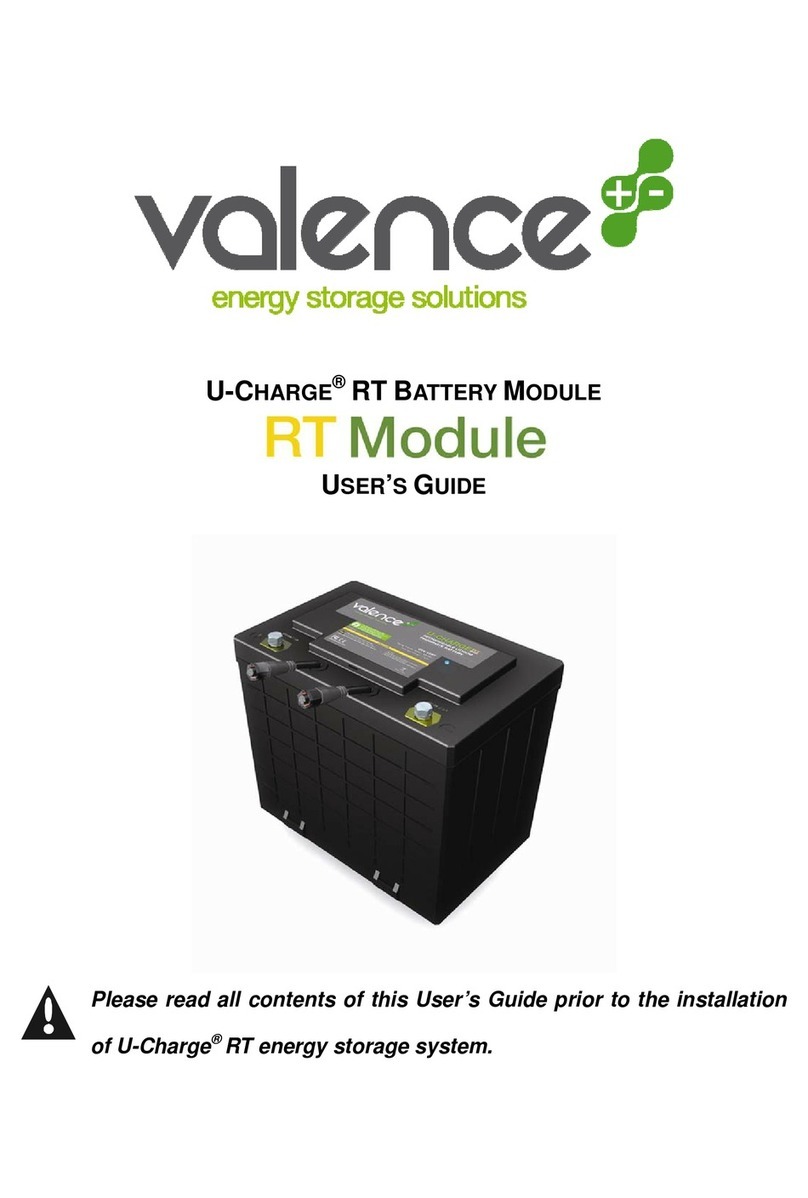
Valence RT user guide

Valence

Valence RT user guide

Nikon MB-D14 user manual

Nikon

Nikon MB-D14 user manual

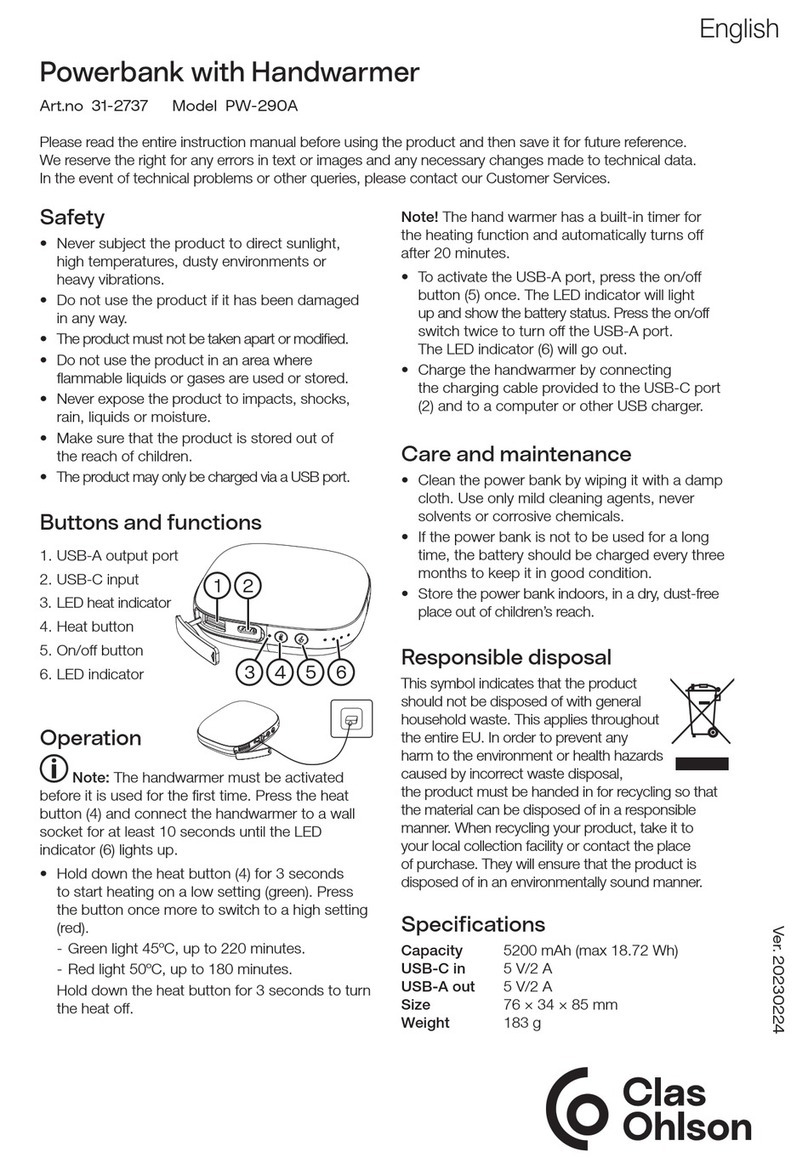
Clas Ohlson PW-290A quick start guide

Clas Ohlson

Clas Ohlson PW-290A quick start guide

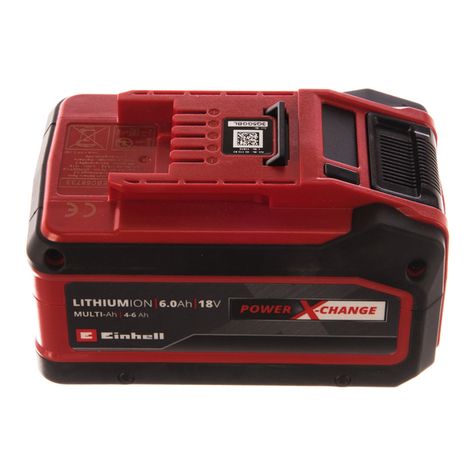
EINHELL MULTI-Ah Power X-Change Plus Original operating instructions

EINHELL

EINHELL MULTI-Ah Power X-Change Plus Original operating instructions

IOGear GBP24V Series user manual

IOGear

IOGear GBP24V Series user manual

Samsung EB-U3300 quick start guide

Samsung

Samsung EB-U3300 quick start guide

ECTIVE LC Series instruction manual

ECTIVE

ECTIVE LC Series instruction manual

Narada 12REXC70 Operation manual

Narada

Narada 12REXC70 Operation manual

Festool BP 12 Original instructions

Festool

Festool BP 12 Original instructions

Simons Voss Technologies CR2450 quick guide

Simons Voss Technologies

Simons Voss Technologies CR2450 quick guide

manuals.online logo
manuals.online logoBrands
  • About & Mission
  • Contact us
  • Privacy Policy
  • Terms and Conditions

Copyright 2025 Manuals.Online. All Rights Reserved.

Service and support
WWW.CERTAUPS.COM
[email protected]
T: +44 (0)1246 431 431
External Battery Pack
C300R
1000-3000VA
Installation/Manual
1
1. Introduction
This manual has been written for the intention of aiding the
owner of a Certa C300R in connecting External Battery Modules
(EBMs) to their UPS. This guide provides easy to follow, step
by step instructions so that the user can connect battery
modules to their UPS at any date with ease, after receiving the
system. This manual contains instructions for both singular and
multiple additions to be made to the number of battery modules
connected to the UPS device, with separate sections for both
Tower and Rackmount configuration.
Tower configuration will require that the reader has kept the
extended UPS stands which will have been sent with the UPS.
Please ensure that prior to the installation of any EBMs that the
protected equipment has been disconnected from the UPS and
that the UPS has been powered down. This is advised as it will
reduce the chance of electrical shock and will also prevent any
damage from potentially being caused to the protected
equipment whilst work is carried out on the UPS device.

2
If connecting EBMs into a Rackmount system check that you
have the required available space before commencing the work.
The EBMs require 2U Rack space for each unit that is being
connected to your UPS.
The instructions will follow from the next page. Both images and
typed instructions are given to ease the process for the UPS
owner. The first instructions describe how to connect a single
EBM in both Tower configuration and then Rackmount
configuration. This is then followed by the instructions for
connecting multiple EBMs in both configurable formats. Refer
to the contents page to determine the page number for the
instructions that best apply to your scenario.
3
2. Connecting a single EBM
2.1 Connecting the EBM in Tower Configuration:
In order to configure one or more EBMs with the UPS in tower
configuration the UPS owner will need the extended UPS stands
that were sent with the UPS.
Please Note: Remember to disconnect the protected
equipment and power down the UPS before installing any
EBMs this will prevent damage to the equipment and reduce
the chance of electrical shock.
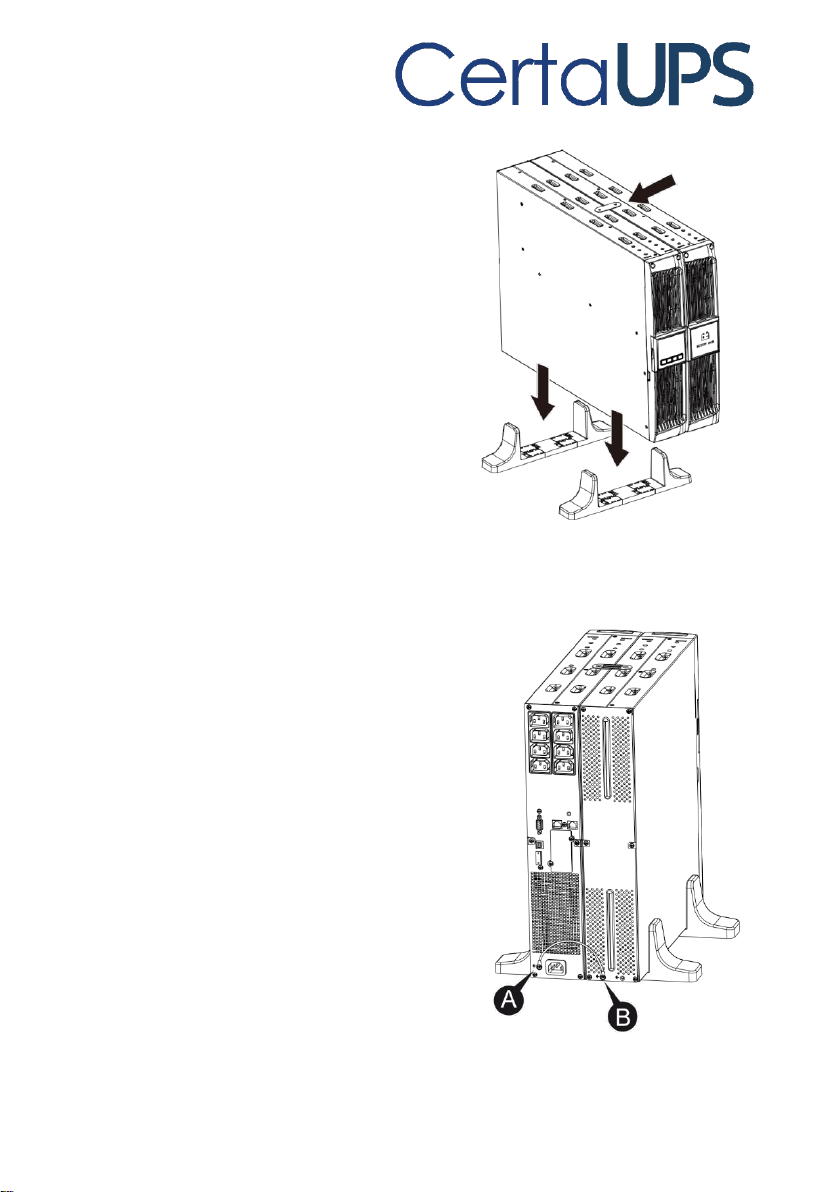
1.Firstly position the UPS and EBM within the extended
UPS stands then slide the stands to either end of the
tower. This will prevent the UPS from falling to either
side.
4
2.Next, tighten the screw on the
UPS cover for stabilisation and to
make the configuration secure.
3.Connect an Earth line from the
UPS (port A) to the EBM (port B).
5
4.Take off the front panel. To do this remove the 2 top
screws from the front of the UPS and carefully take out
the LCD screen and remove the screw that’s behind it.
Finally push inward the small gate on the side of the front
panel in order to remove it. This then enables you to
connect battery terminal (A) from the UPS to the EBM
terminal (B) shown below. After doing this reassemble
the front panel.
6
5.Once the EBM has been successfully connected to the
UPS and the front panel has been reassembled correctly
the UPS needs to be configured to recognise the EBM
has been installed. To do this, refer to the instructions
on page 16.
6.Finally after configuring the UPS to recognise the EBM,
the protected equipment can be reconnected to the UPS.
Please make sure that the load equipment is turned off
before connecting all loads into the output C13/C19
ports.
2.2 Connecting the EBM in Rackmount Configuration:
Connecting EBMs in rack form will take up additional rack
space. Please ensure that you have adequate room within the
rack prior to installation.
Please Note: Remember to disconnect the protected
equipment and power down the UPS before installing any
EBMs. This willprevent damage to the equipment and reduce
the chance of electrical shock.
7
1. Using the same method as assembling the UPS in rack
form, assemble the EBM into the rack-mounting above
or below the UPS. It’s recommended that the EBM is
installed according with where the most available room
is present as this will allow for future expansions to the
number of EBMs connected to your UPS.
8
2. Connect an earth line from the UPS (port A) to the EBM
(port B)
3. Take off the LCD box, and unscrew the internal screws.