Installation Instructions PL-1
4
READ INSTRUCTIONS
Read all instructions before starting the installation.
INSPECT INSTALLATION
LOCATION
Because of the wide variety of possible mounting
situations, Chief Manufacturing only provides general
guidelines for the typical pole-mounted installation.
Study the following information carefully, and make
adjustments as necessary to fit your specific installation.
WARNING
Be especially aware of the overall weight of the
equipment, which includes weight of projector and
attaching hardware. There is a potential for personal
injury or equipment damage if the projector is not
adequately mounted.
INSTALLATION
This manual contains installation procedures that cover
pole-mounted applications:
NOTE: Omit Step1 thru 3 and proceed to Step 4 if the
projector is already installed on the 1-1/2” NPT pipe.
1. If projector is mounted, remove projector and SLB.
2. Loosen the thumbnuts and disconnect your projector
from the RPA.
3. Install the RPA mount on the 1-1/2” NPT pipe as
described in the instructions for your RPA mount.
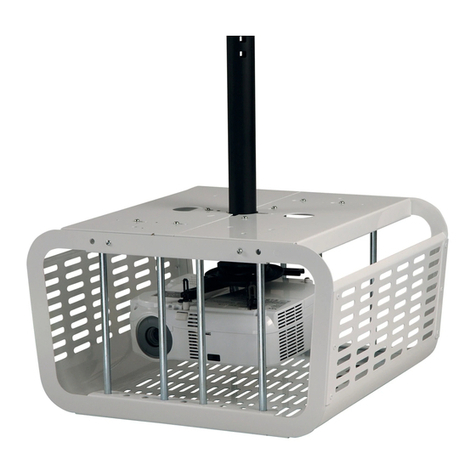
4. Unlock and open the PL-1.
5. Align set screw of RPA with key lock of cage (see
Figure 2).
6. Tilt the lock side of the PL-1 down and route the RPA
thru the hole in the PL-1 (see Figure 3).
7. Set PL-1 on RPA (see Figure 4).
Figure 2. Align Set Screw & Key Lock
.
Figure 3. Place PL-1 on RPA
Figure 4. PL-1 on RPA
Set Screw
Key Lock