NU1 User Manual
Setting Up
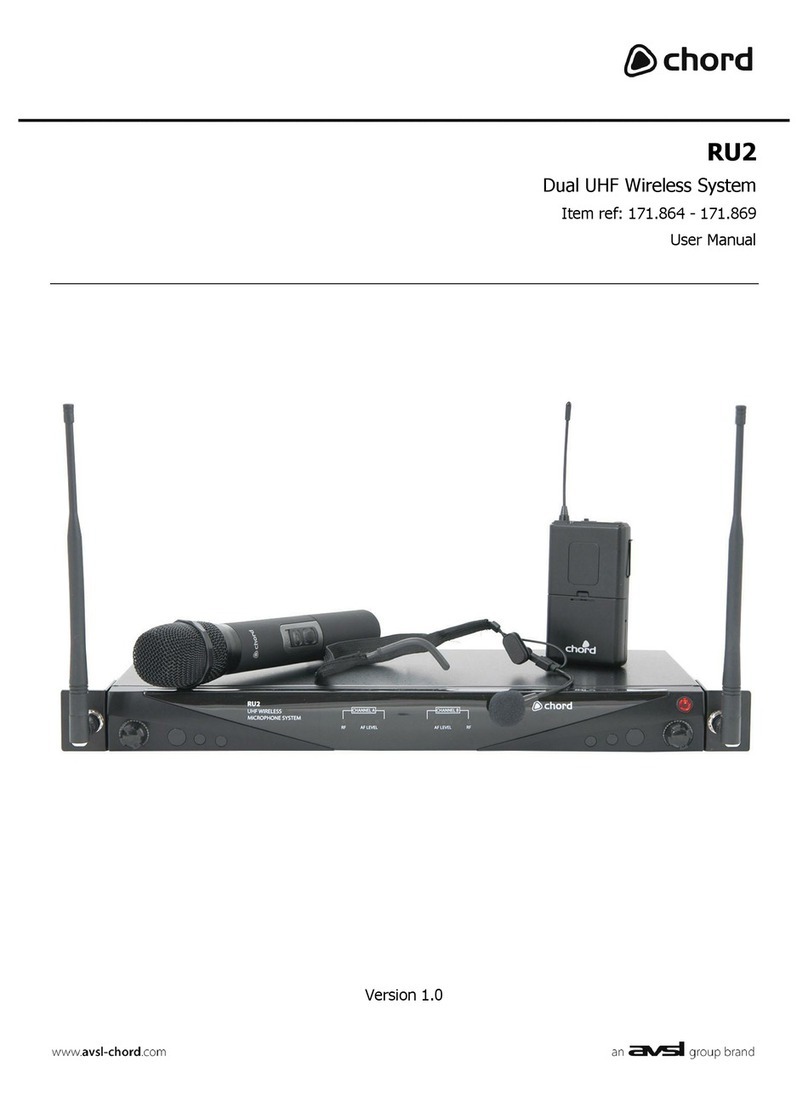
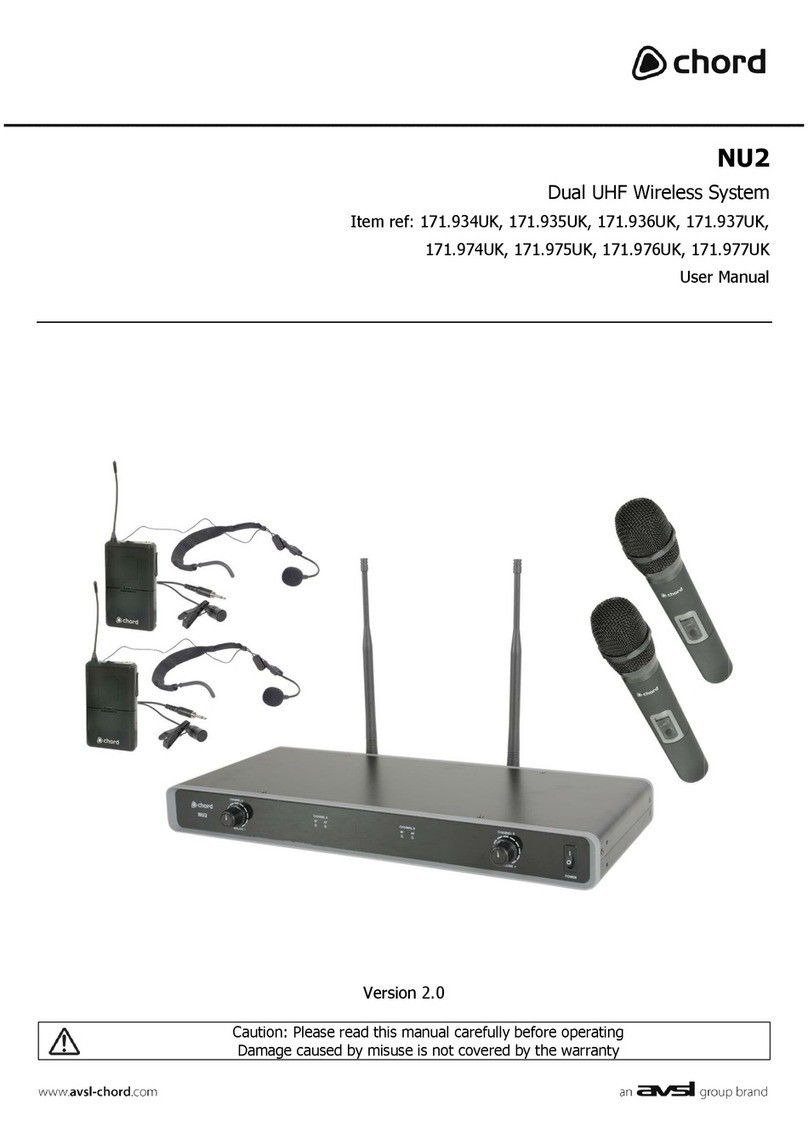
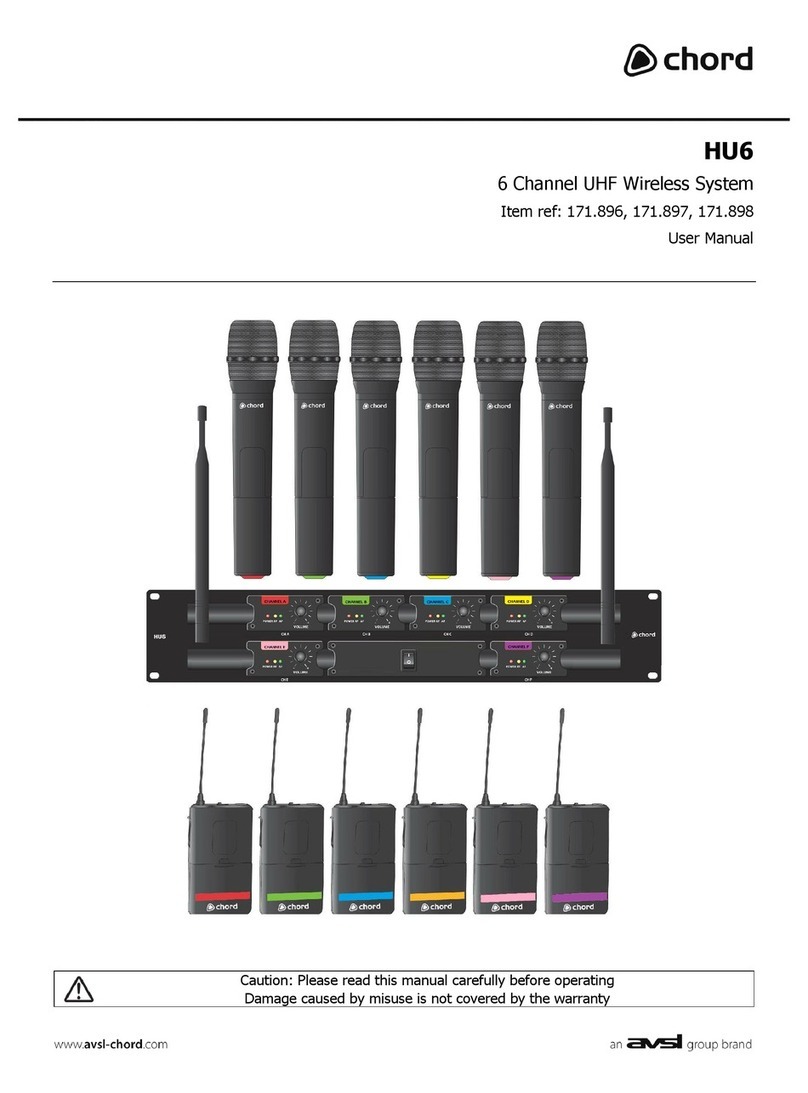
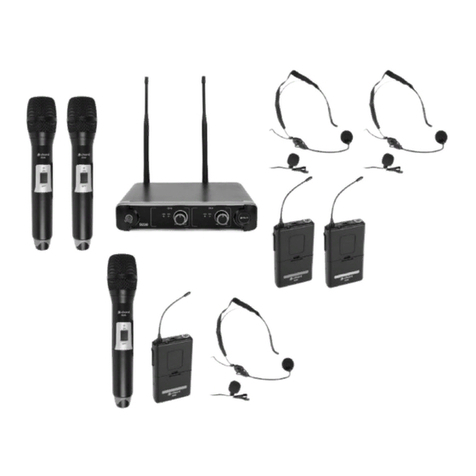
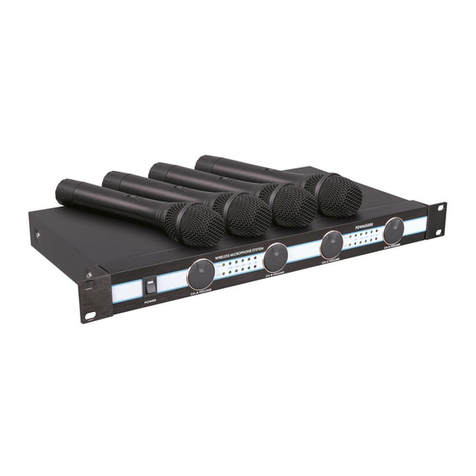
Insert the supplied AA batteries into the handheld transmitter by carefully unscrewing the base to
reveal the battery compartment inside the microphone body, connect the batteries (ensure + and -
are the correct way round for each cell) and carefully screw the base back on. For bodypack
transmitters, squeeze and flip forward the front cover to reveal the battery compartment and insert
AA batteries, observing correct polarity. Connect the 3.5mm jack connector from the neckband or
lavalier microphone to the input on top of the bodypack transmitter and rotate to secure the thread.
Position the receiver within the best available line of sight to the transmitter and connect the DC jack
of the supplied power adapter to the receiver and the plug-top to the mains outlet.
Connect the aerial to the BNC connector on the rear panel or alternatively, attach to the rack ear,
connecting via the BNC extension lead supplied. Turn mic level down on the receiver.
A choice of unbalanced 6.3mm jack or balanced XLR output is available on the rear panel of the
receiver. Connect a jack or XLR (optional) lead to the relative output connector, turn down the
volume of any equipment (mixer, amplifier etc.) that the signal will be fed into and then connect the
jack or XLR to the equipment.
Warning! - take care not to point the microphone towards speakers –this can cause damaging
feedback (loud whistle or howling noise) –try to aim the microphone away from the speaker
cabinets.
Operation
Switch on power to the receiver unit.
Move the switch on the handheld or bodypack transmitter to the first notch (MUTE) –the LED should
light momentarily. Move on another notch (Fully ON) and gradually increase the microphone level on
the receiver, then increase the volume on the mixer or amplifier until the sound from each
microphone can be heard through the equipment. (Note: if output is low from the neckband or
lavalier microphone, it may be necessary to adjust Gain control inside the bodypack unit).
During use, it may be useful for the reception of the microphone to be muted for a short period of
time (e.g. to avoid feedback when walking across the front of a speaker or avoid handling noise
when placing the microphone down momentarily or adjusting a neckband microphone). In these
circumstances, it may be better to move the transmitter switch to the “MUTE” position, which
maintains the radio frequency carrier signal but mutes the microphone input. When this switch is
moved back to the “ON” position, the sound will be immediately restored without waiting for the
radio signal to be reinstated.
If the wireless system is not to be used for more than a few seconds, it is preferable to slide the
transmitter switch to the “OFF” position, which mutes and deactivates the radio signal and powers
down the transmitter. Turn down the volume of the mixer or amp and then switch off the receiver.
Unplug signal leads from the receiver and mixer or amplifier when moving or packing away. If the
system is not to be used for long periods of time, remove the batteries from the transmitters and
unplug the power adapter from the receiver and the mains outlet. Folding away or removing the
antenna can also help avoid damage when the system is not in use.