2
Welcome!
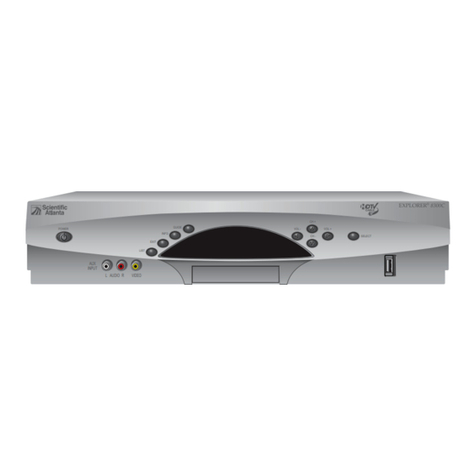
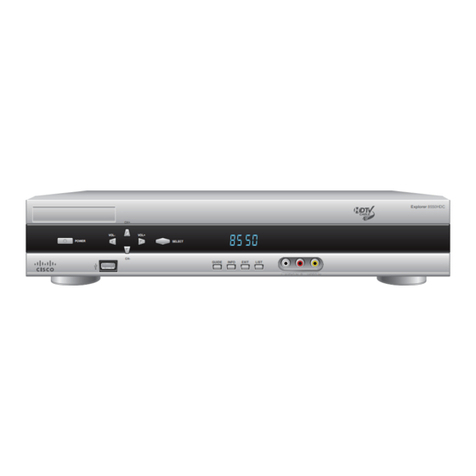
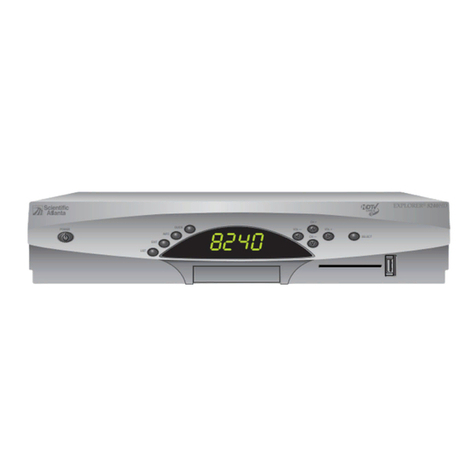
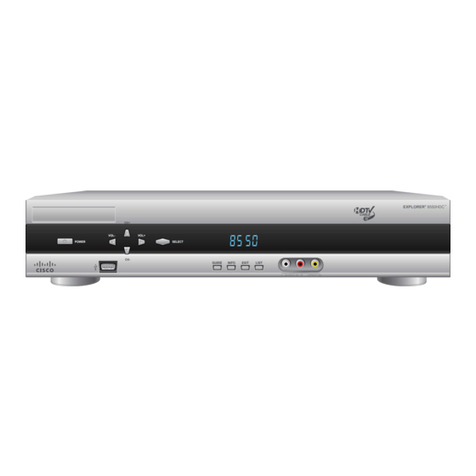
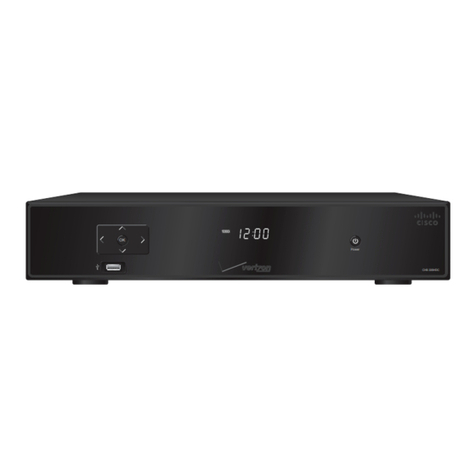
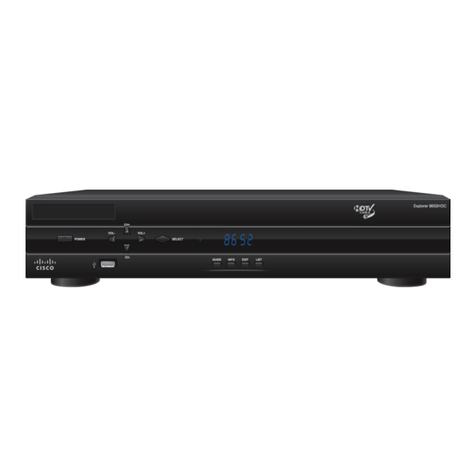
With the Explorer® 8000™
Digital Video Recorder (DVR),
you can easily record your
favorite programs and then
play them back anytime. The
built-in DVR and Picture-
In-Picture (PIP) features
give you complete control,
convenience, and choice
when watching TV. Use your
DVR to control the following
features...
Control live TV
The telephone is ringing and you do not want to miss any scenes of your
favorite live TV program. DVR lets you PAUSE the live program, or REWIND
and PLAY a portion of it again, or FAST-FORWARD it to catch up to live TV.
Sports fans can enjoy complete control by using INSTANT REPLAY,SLOW
MOTION, and FRAME ADVANCE AND REWIND to watch their favorite play
again.
Record TV programs without a VCR
RECORD and save your favorite TV programs to the DVR to watch later.
When two of your favorite TV programs are scheduled at the same time,
RECORD one program to the built-in recorder while watching the other!
Never miss your favorite programs that are scheduled at the same time.
Simply RECORD both programs at the same time. While recording both
programs, you can play back a third program you have already recorded.
RECORD a single episode or all episodes of your favorite TV programs.
RECORD one of your favorite TV programs and at the same time, access any
advanced application, such as video-on-demand (VOD).
Not sure if you have room to RECORD new programs? Checking your
available recording space is easy with the recording space used feature.
Watch two TV programs at the same time
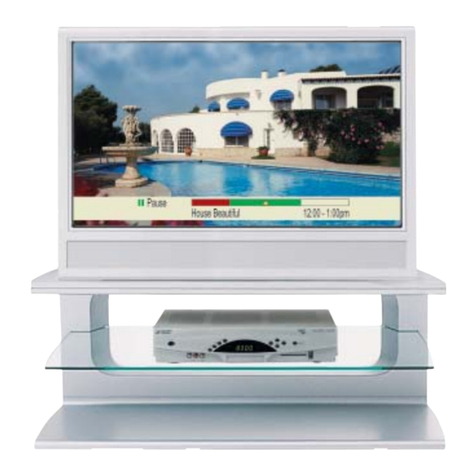
PIP is built into the Explorer 8000 DVR, so you can watch two live programs
at the same time on any make or model TV that is connected to your DVR.
When something exciting occurs in the PIP program, you can easily swap the
PIP into the Main screen. Once that program is in the Main screen, you can
pause or record it.
When the PIP screen is covering a “must see” moment on the Main screen,
simply MOVE the PIP screen to a dierent corner of your TV screen.
Let’s Get Started!