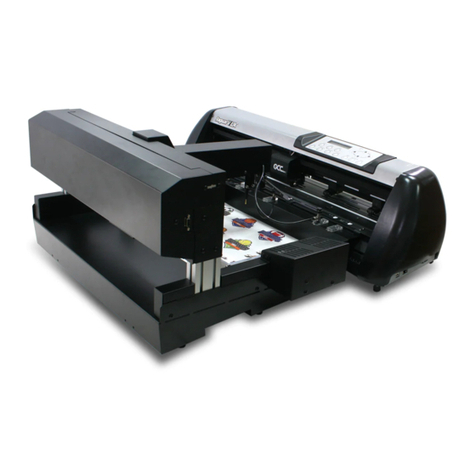
Citizen CL-S521 User manual

Auto-Cutter
User’s Manual
(For CL-S52X/53X/62X/63X,
CL-S400DT,CL-E720/E730/E720DT)

-2-
Contents
Notice............................................................................................ 3
SAFETY SIGNS that must be strictly observed!..................... 4
1. Function ............................................................................... 6
2. Main specications of auto-cutter .................................. 6
3. Checking items inside the accessory box ...................... 7
4. Auto-cutter settings........................................................... 8
5. Cut position ....................................................................... 10
6. Cut settings........................................................................ 11
7. Auto cut-length detection .............................................. 12
8. User maintenance ............................................................ 13
9. Troubleshooting ............................................................... 15

-3-
Notice
1. Before use, be sure to read this manual and understand. And keep
it handy for reference when needed.
2. Do not handle, disassemble or repair any parts other than those
specied in this manual.
3. The contents of this manual may be changed without prior notice.
4. Reproduction, transfer or transmission of the contents of this
manual without prior consent is strictly prohibited.
5. We are not liable for any damage resulting from the use of this
manual, regardless of omissions, errors or misprints.
6. We are not liable for any problems resulting from the use of
optional products or consumable supplies other than those
specied in this manual.
7. Please contact us if there are any mistakes or ambiguities within
this manual.
8. If there are missing or incorrectly collated pages in this manual,
contact us to obtain a new manual.

-4-
SAFETY SIGNS
that must be strictly observed!
To prevent personal injury or property damage, the following must be strictly
observed.
zThe degree of possible injury and damage due to incorrect use or
improperly following instructions specied is described below.
W
ARNING
Indicates a situation which, if not observed
and handled properly, could result in death or
serious injury.
CA
UTION
Indicates a situation which, if not observed
and handled properly, could result in personal
injury or property damage.
This is a mark to call attention to the reader.
W
ARNING
Do not perform the following. If ignored, these may cause damage to
the auto-cutter, breakdown, overheating, smoke, re or electric shock.
If the auto-cutter is damaged or breaks down, turn o the power to the
printer and remove the power cord from the outlet and then consult your
supplier.
zDo not open the auto-cutter during operation.
The cutting blade can be very dangerous. Also, this can cause damage.
zPrevent foreign matter from entering small openings of the
auto-cutter
Inserting your nger or other foreign matter in the small openings of the
auto-cutter can be extremely dangerous and can damage the cutter.
zThe user should never install or remove the auto cutter.

-5-
CA
UTION
zAvoid the following conditions to ensure proper operation of the
auto-cutter.
The cutting blade can be very dangerous. Also, this can cause
damage.
Room temperature is less than 5°C or more than 40°C.
Humidity is less than 30% or more than 80%.
Dusty
Direct sunlight
Chemicals
Vibrations or impacts
zWhen cutting media (paper)
Do not operate auto-cutter without loading paper. This can cause
damage to the cutter.
Use the standard media (paper). Otherwise, problems such as
paper jams may occur.
Remove any dust or particles from the paper guide and path
periodically.
{When auto-cutter is cleaned, turn o the power to the printer
and remove the power cord from the outlet beforehand.
{Clean the main body of the auto-cutter with a soft cloth that
is soaked in a thinned neutral detergent. Do not use volatile
solvent such as benzene and thinner, which can cause
discoloration.
{When the cutter blade becomes dirty, contact your supplier
or a service representative.

-6-
1. Function
The auto-cutter units are designed to cut various media such as labels, tickets
and tags precisely and accurately as the setting cut length.
2. Main specications of auto-cutter
Cutting method: Guillotine cutter
Maximum cut paper thickness: 0.25 mm (0.01”)
Minimum cut paper length: 25.4 mm (1”)
Cut paper width: Maximum: 118 mm (4.65”)
Minimum: 25.4 mm (1”)
Durability:
Number of cuts:
Minimum 300,000 times
(for a paper thickness of 60 to less than 150 µm)
Minimum 100,000 times
(for a paper thickness of 150 to 250 µm)
Note
zMedia with adhesive substance may be excluded from the number of cuts.
zThe number of cuts can vary according to the quality of the paper.
Media and paper types:
Roll or label (continuous, die-cut, fanfold, tag and ticket).
However, the following paper cannot be used:
zPaper with thickness of 0.06 mm (0.0024”) or less
zRoll paper with paper core diameter of 50 mm (2”) or less
Note
Using paper other than the specied types may cause problems such as
paper jams, so the paper specication must be checked before use.
Cut accuracy:
zCut length tolerance: ±1.0 mm or less
zLeft and right cut tolerance: ±1.0 mm or less
Note
Cutting position can be adjusted using
printer commands (see page 12).
CA
UTION
zWhen using adhesive media, dot not cut
labels itself. Adjust the printer to cut the
liner only. If label glue sticks to the cutter
blades, irregular cutting will occur.
Direction of paper feed
Left and right cut tolerance:
±1.0 mm or less
Cut length tolerance: ±1.0 mm or less

-7-
3. Checking items inside the accessory box
Note
Auto-cutter is not available for the printer with the peeler.
You should check that all of the following items are inside the accessory box.
If any are missing, please contact your supplier.
Cutter Stand Unit ...................................................................................... 1 piece
Cutter Unit ................................................................................................... 1 piece
Screws ......................................................................................................... 2 pieces
User’s Manual ............................................................................................. 1 piece
Cutter Stand UnitCutter Unit
Screws (2) User’s Manual

-8-
4. Auto-cutter settings
“Cut On” menu will be selected automatically when the auto-cutter is
installed; thus, the printer can be used without adjustment. However, some
printers may not have the “AutoCongure” function. In this case, select the
“After Print” menu of the menu setup mode, and the“Cut On”menu on the
“Function Select” menu. If the printer has the “AutoCongure” function, the
“AutoCongure” menu will be printed out in front of “Function Select” menu
when you print the “Current Setup”.
Note
See the printer’s User’s Manual (CD-ROM) for details on“Print Menu Settings”.
Loading Media (For CL-S52X/53X/62X/63X/CL-E720/E730/E720DT)
(1) Press the printhead lever, and then open the head unit and sensor arm.
Printhead lever
(2) With scissors, cut the end of the media loaded in the media holder.
(3) Feed the end of the media through the cutter assembly until the end
extends 10 mm past the cutter cover.
(4) Close the head unit and sensor arm.
Approx. 10 mm
(5) The cutter will operate one time when the FEED key is pressed.

-9-
Loading Media (For CL-S400DT)
(1) Press the cover open lever, and then open the printer cover.
Cover open
lever
(2) With scissors, cut the end of the media loaded in the media holder.
(3) Feed the end of the media through the cutter assembly until the end
extends 10 mm past the cutter cover.
(4) Close the Printer cover.
Approx. 10 mm
(5) The cutter will operate once when the FEED key on the control panel is
pressed.
CA
UTION
zWhen a paper jam has occurred, or when the auto cutter has
malfunctioned, your supplier or your service representative. Never
attempt to repair the auto cutter yourself, it could result in a risk of
injury.

-10-
5. Cut position
The following diagram gives the distance from the media sensor and the
thermal printhead to the cutter blade.
25.7 mm (1.01")*
24.0 mm (0.94")**
51.1 mm (2.01")*
49.4 mm (1.94")**
25.4 mm (1.00")
Platen
Media cut position
Cutter blade
Printhead position
Sensor position
Note
The measurements shown here are approximate.
* CL-S52X/53X/62X/63X/E720/E730/E720DT
** CL-S400DT
Other manuals for CL-S521
7
This manual suits for next models
4
Table of contents
Other Citizen Cutter manuals
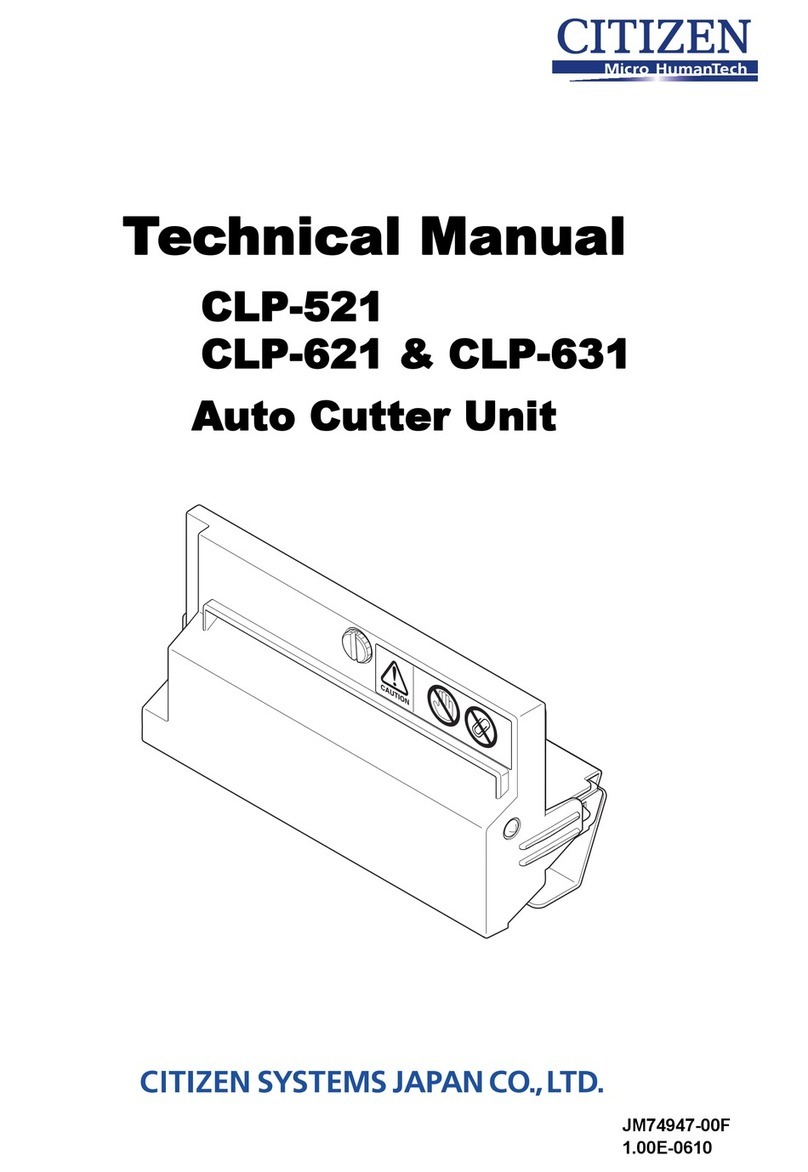

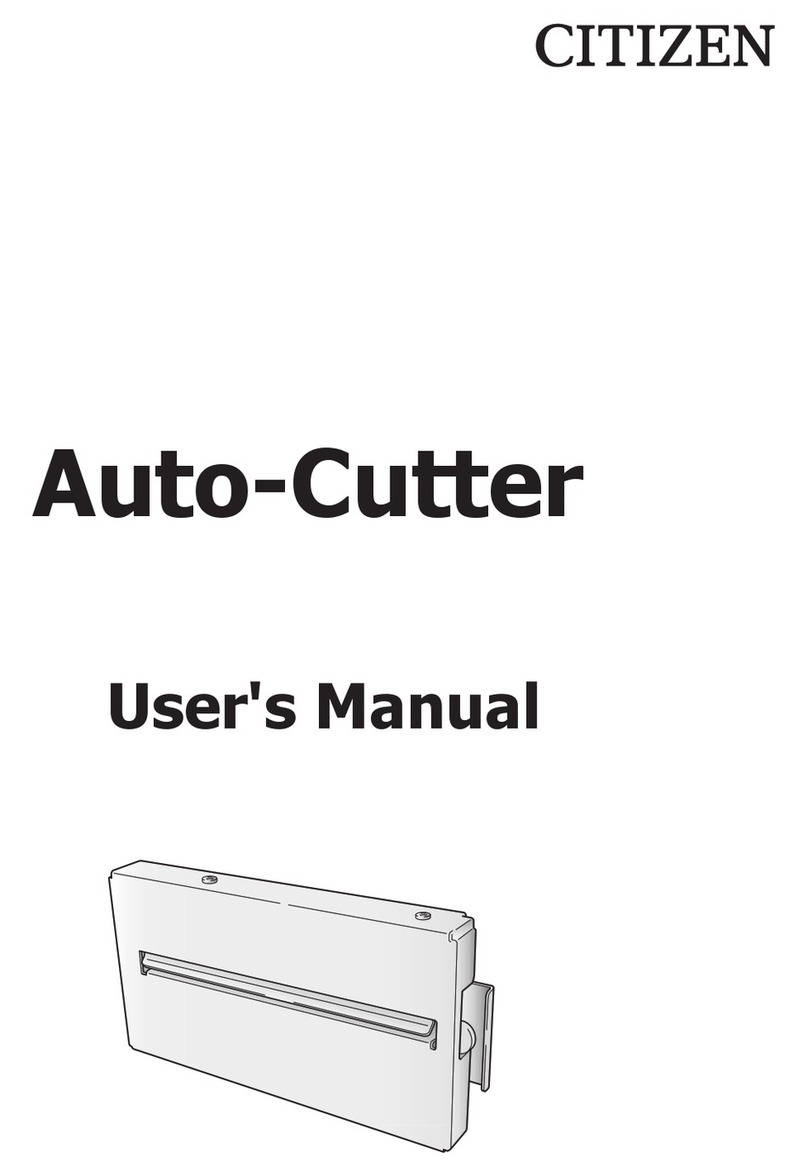
Popular Cutter manuals by other brands

Milwaukee
Milwaukee HEAVY DUTY M12 FCOT Original instructions
Makita
Makita DCS552 instruction manual
SignWarehouse.com
SignWarehouse.com Bobcat BA-60 user manual
Makita
Makita 4112HS instruction manual

GEISMAR STUMEC
GEISMAR STUMEC MTZ 350S manual
Hitachi
Hitachi CM 4SB2 Safety instructions and instruction manual