3
English
Operation
Charging the battery
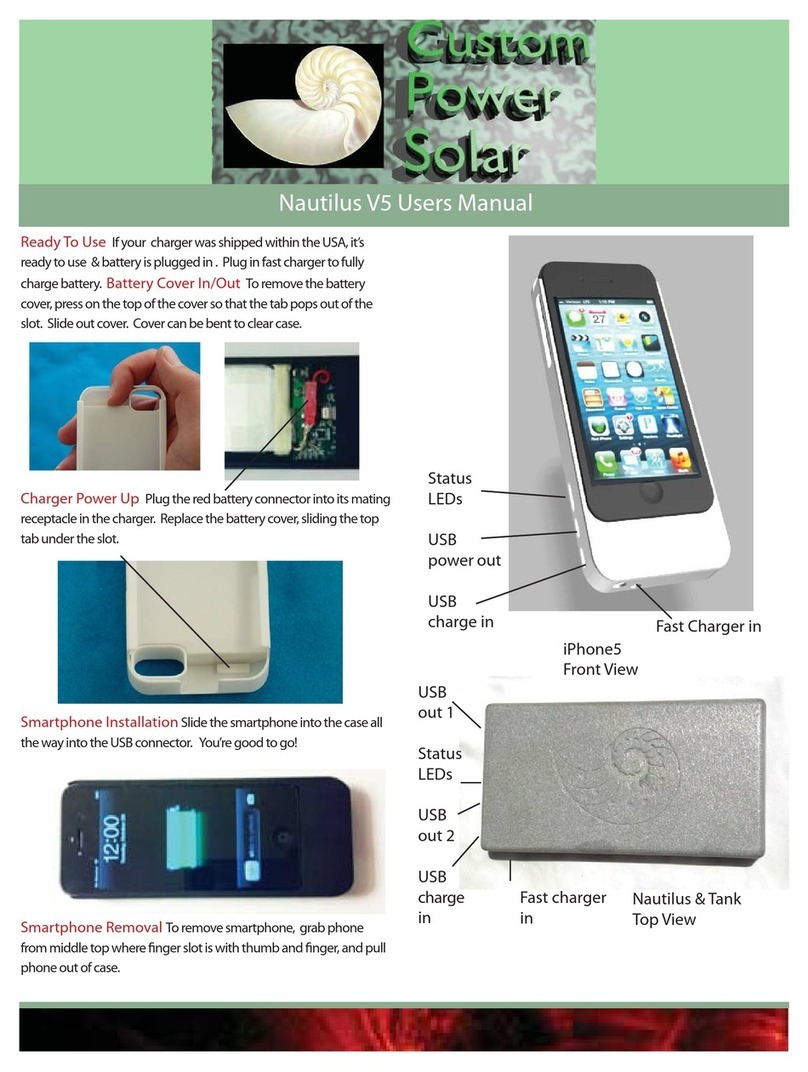
1. Connect the provided cable between the USB port (4) on the battery and
the USB port on your PC/MAC or USB charger.
2. When the battery is charging the green LED indicator (1) will flash.
3. When the battery is fully charged the charging will be interrupted and
the green LED indicator will shine constantly.
Keeping your iPhone 4 charged
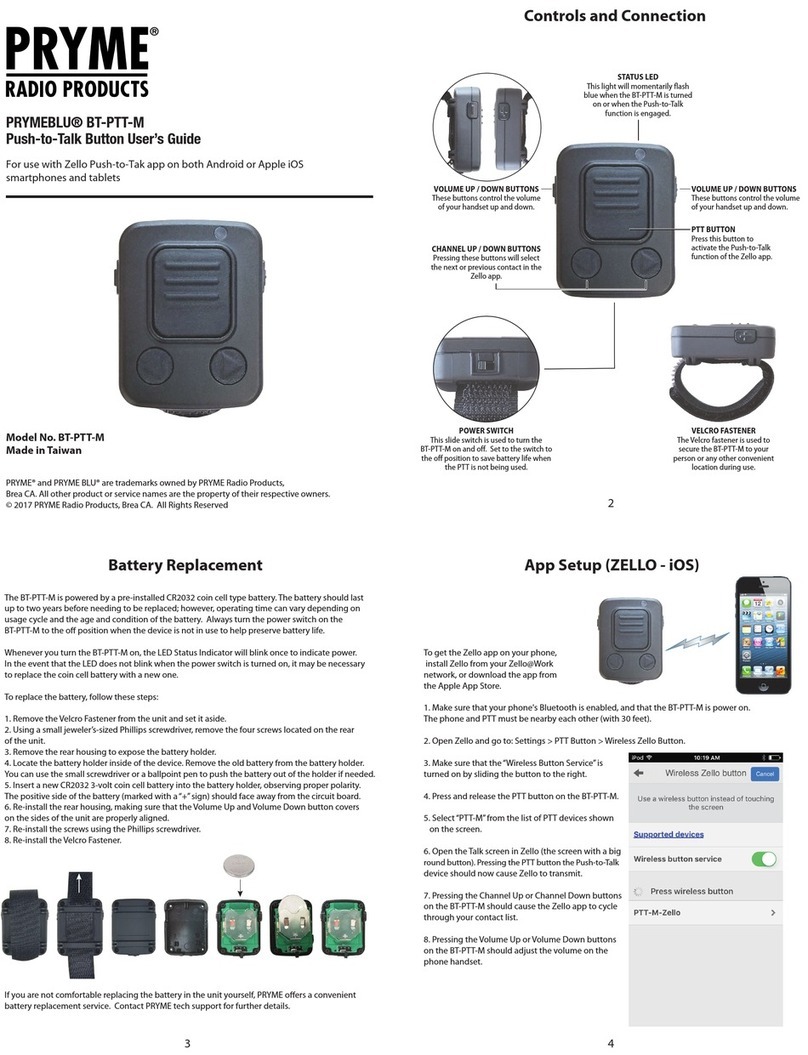
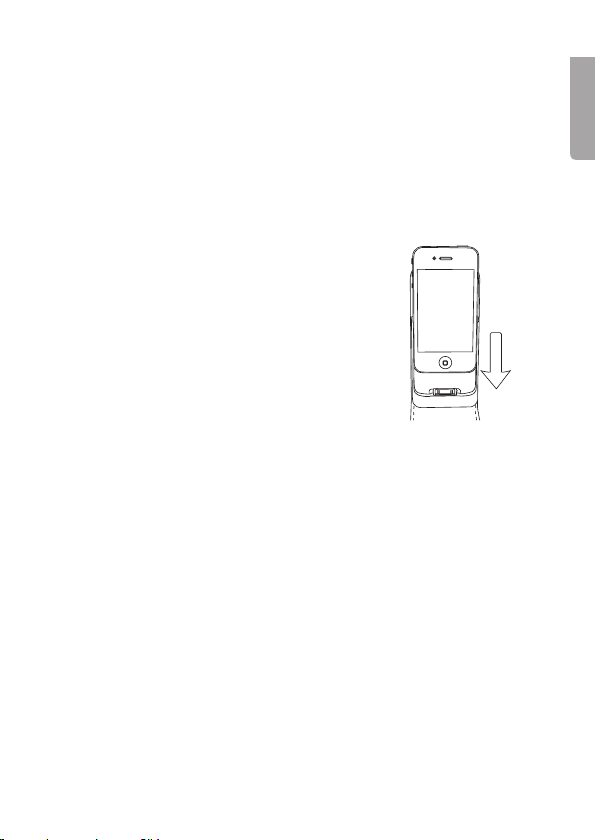
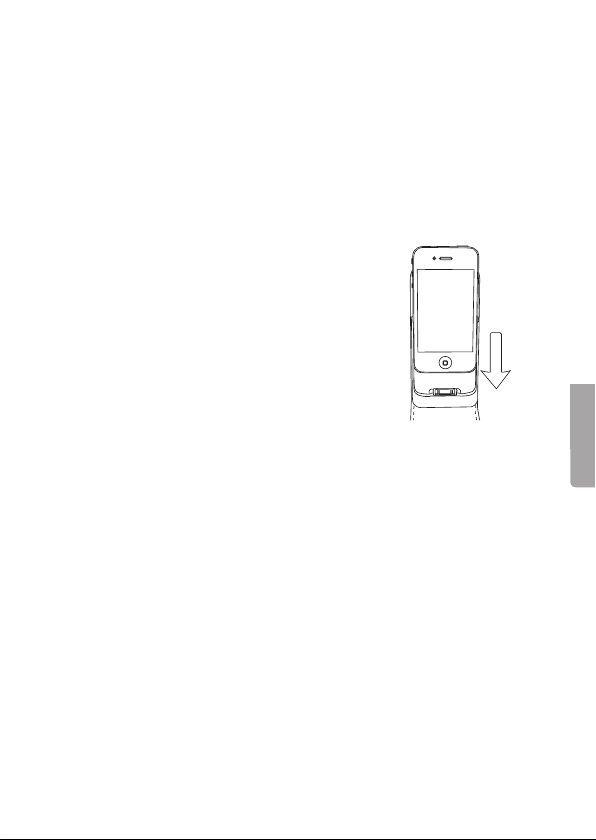
1. Carefully slide your iPhone 4 into the case,
making sure that it plugs into the docking port
at the bottom of the case.
2. Press the On/Off switch (2) to begin charging
the phone from the case’s built-in battery.
The LED indicator will shine blue when
the phone is charging.
3. Press the On/Off switch again to stop the phone
charging, the LED indicator will go out.
Care and maintenance
• Charge the battery every third month if it is not used for a long time.
• Keep the case dry and away from corrosive substances.
• Do not clean the case using corrosive substances, soap or solvents.
Disposal
Follow local ordinances when disposing of this product.
If you are unsure how to proceed, contact your local authority.
Specifications
Input power 5 V/500 mA
Output power 5 V/1 A
Capacity 1300 mAh
Size 132 × 63 × 21 mm
Weight 70 g