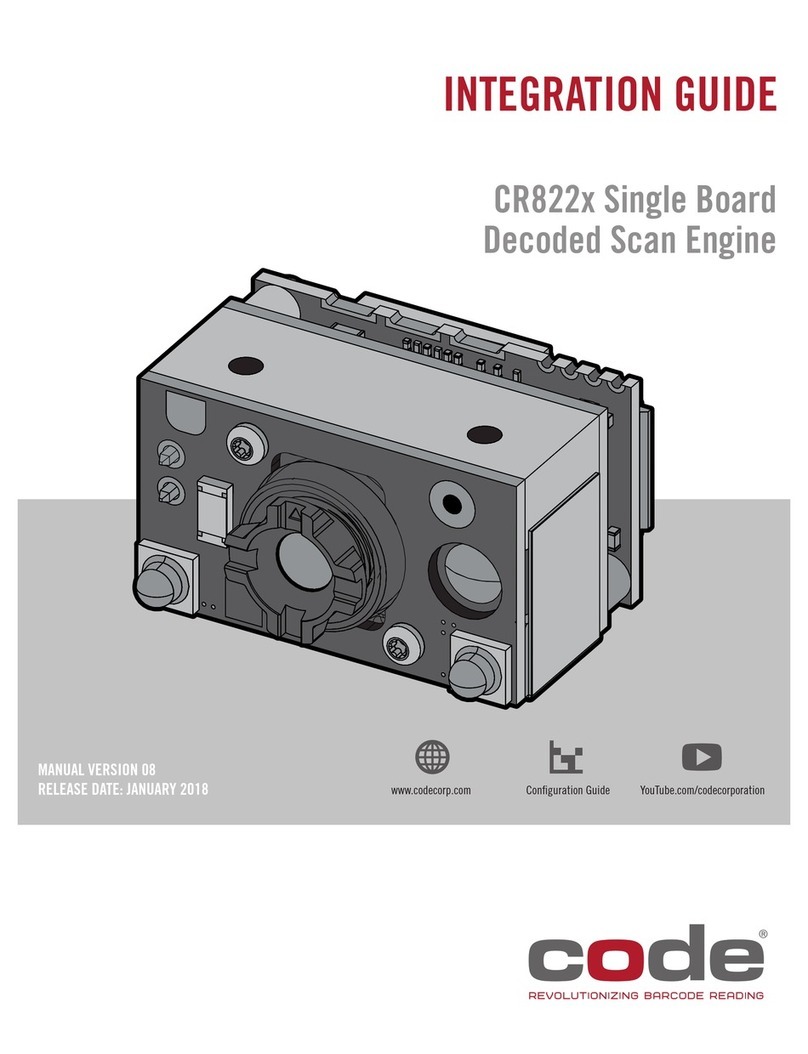
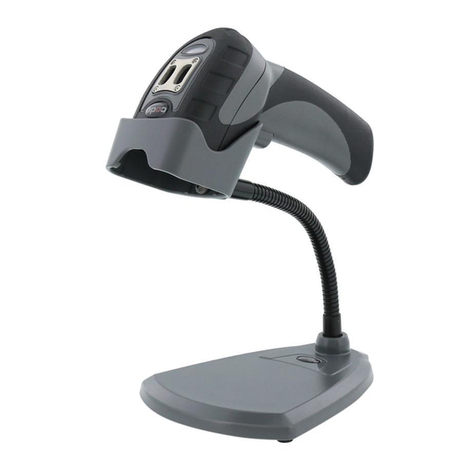
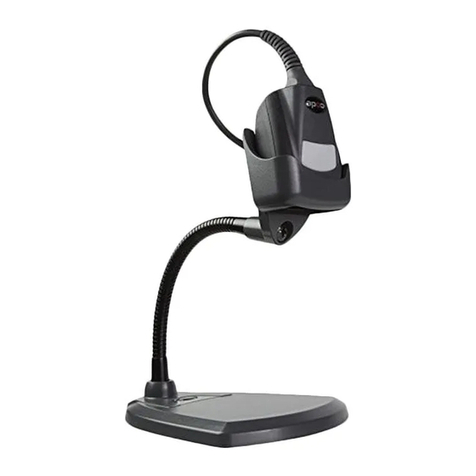
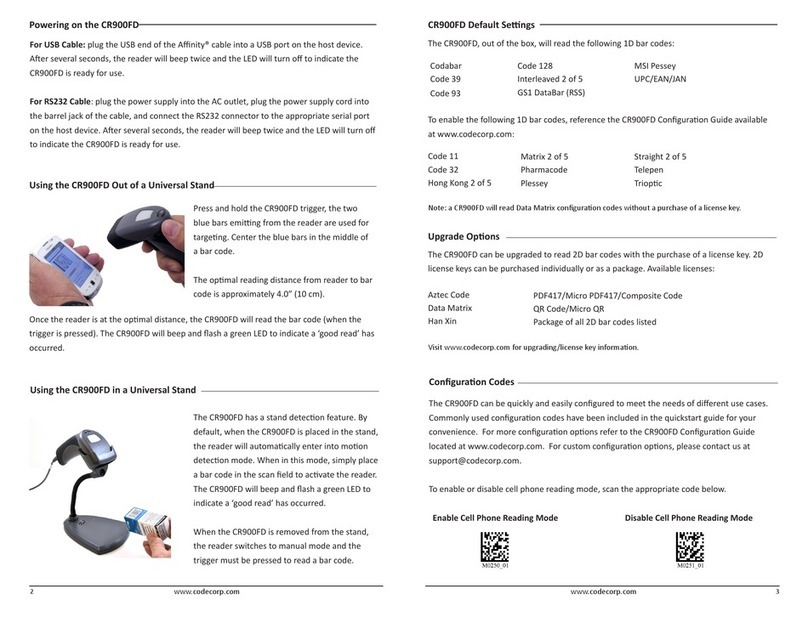
Code CORTEXJPOS CR6000 User manual

CR6000
MANUAL VERSION 01
RELEASE DATE: JUNE 2014
Configuration Guidewww.codecorp.com YouTube.com/codecorporation
USER MANUAL
APAC: ENGLISH

2
D020400_01_CR6000_User_Manual
Statement of Agency Compliance
Code Reader™ 6000 User Manual
The Code Reader™ 6000 (Model #: CR6022_01) has been tested for compliance with FCC regulations and was found to be
compliant with all applicable FCC Rules and Regulations.
IMPORTANT NOTE: To comply with FCC RF exposure compliance requirements, this device must not be co-located or
operate in conjunction with any other antenna or transmitter
CAUTION: Changes or modications not expressly approved by the party responsible for compliance could void the user’s
authority to operate the CR6022_01 equipment.
The Code Reader 6000 has been tested for compliance to CE standards and guidelines and was found to conform to
applicable CE standards, specically the EMC requirements EN 55024, ESD EN 61000-4-2, Radiated RF Immunity EN
61000-4-3, PFMF EN 6100-4-8, EFT EN 61000-4-4, Conducted RF Immunity EN 61000-4-6, and EN 55022 Class B
Radiated Emissions and Class B Conducted Emissions.
Code voids product warranty if the hard case has been opened or tampered with in any way.
External Power Supply: MFG: Group West. Model: 6UA-05-1200. Rating: 5VDC, 1.2A.
版权 © 2015 Code Corporation.
版权所有.
本手册中描述的软件只能根据其许可协议的条款使用。
本出版物的任何部分不得以任何形式复制或未经典公司书面许可,任何手段。这包括电子或机械装置,例如复印或记录在信息存储和检索系
统。
本技术文档提供AS-IS。此外,该文件并不代表对规范公司的承诺。代码公司不保证它的准确性,完整性或无差错。任何使用的技术文档的是
在用户的风险。代码公司保留恕不另行通知本文档中包含的规格等信息变更的权利,读者应该在所有的情况下,咨询公司的代码,以确定是
否有任何这样的变化已经作出。代码公司不得对本文包含的技术或编辑错误或遗漏承担责任;也不对因提供,执行或使用本材料而导致的意外
或间接损害。代码公司不承担所产生的或与本文所述的任何产品或应用程序的应用或使用有关的任何产品责任。
没有获发牌照,或者通过暗示,或以其他方式规范公司的任何知识产权。任何使用规范公司的硬件,软件和/或技术是由自己的协议的约束。
以下是商标或Code注册商标:
CodeXML®, Maker, QuickMaker, CodeXML®Maker, CodeXML® Maker Pro, CodeXML®Router, CodeXML® Client SDK, CodeXML®Filter,
HyperPage, CodeTrack, GoCard, GoWeb, ShortCode, GoCode®, Code Router, QuickConnect Codes, Rule Runner®, Cortex®, CortexRM,
CortexMobile, Code, Code Reader, CortexAG, CortexStudio, CortexTools, Afnity®, and CortexDecoder.
本手册中提及的所有其它产品名称可能是其各自公司的商标,特此声明。
软件Code产品包括有专利或发明的专利正在申请中的主题。 查看专利信息 http://www.codecorp.com/legal/patents.php
读码器软件使用了Mozilla的SpiderMonkey JavaScript引擎,这是根据Mozilla公共许可证1.1版本的条款分发。
读码器软件部分基于独立JPEG小组的工作的一部分。.
Code Corporation, 12393 S. Gateway Park Place, Ste. 600, Draper, Utah 84020
http://zh.codecorp.com

3
D020400_01_CR6000_User_Manual
目录
1.0 - 插上和拔下电缆.......................................................................................... 4
2.0 - 安装和卸载电缆.......................................................................................... 5
3.0 - 设置 .......................................................................................................... 5
4.0 - 支架外使用 CR6000 ................................................................................... 6
5.0 - 支架上使用 CR6000 ................................................................................... 6
6.0 - 优化 DPM .................................................................................................. 6
7.0 - 阅读模式和条码类型 ................................................................................... 6
8.0 - 動作範囲.................................................................................................... 7
9.0 - 阅读器反馈 ................................................................................................ 7
10.0 - 码制默认开启 ........................................................................................... 8
11.0 - 码制默认关闭 ........................................................................................... 8
12.0 - 阅读器 ID 和固件版本 ............................................................................... 8
13.0 - CR6000 外形尺寸 .................................................................................... 9
14.0 - USB 电缆(含引脚)示例.......................................................................... 9
15.0 - RS232 电缆(含引脚)示例 ...................................................................... 9
16.0 - 阅读器引脚分配...................................................................................... 10
17.0 - CR6000 维护......................................................................................... 10
18.0 - 质保 ...................................................................................................... 11

4
D020400_01_CR6000_User_Manual
CR6000 USB 2.0 线缆 RS232 线缆 5VDC
充电电源
1.0 - 插上和拔下电缆

5
D020400_01_CR6000_User_Manual
2.0 - 安装和卸载电缆
3.0 - 设置
2x
10 Sec.
1
1
2
3
4
5

6
D020400_01_CR6000_User_Manual
4.0 - 支架外使用 CR6000 5.0 - 支架上使用 CR6000
25 mm
90°
25 mm
°
90
7.0 - 阅读模式和条码类型
阅读模式 条码类型
自动(默认) 通过自动调节该照明为各种DPM条形码最佳读取读取点刻和激光蚀刻痕迹。
暗场 选 项 :
1. 读取 dot peen marks 在15-45度角
2. 读取 laser-etched marks 在90度角
3. 读取 dot peen marks 在15-45度角, 读取 laser-etched marks 在90度角
漫光明 选项 ::
4. 读取 dot peen marks 在90度角
5. 读取 laser-etched marks 在90度角
6. 同时读取 dot peen and laser-etched marks 在90度角
直接亮 读取打印在纸上的条形码。
曲面 读取 dot peen marks 和laser-etched marks 印刷在弯曲表面以90°角。
6.0 - 优化 DPM
该CR6000阅读器默认为自动模式。读模式自动调整,优化各种DPM条码的性能。如果应用程序仅涉及一种类型的DPM条形码时, CR6000 ,
可以进一步通过使特定读数模式,对于条形码最适增强。为了优化DPM读,请参阅位于 http://zh.codecorp.com/les.php 的CR6000配置指南。
°
°
°°
°
°
°
°
条码读取性能将根据标记和表面类型而有所不同。请参阅位于CR6000配置指南。要改变阅读方式,请参考位于 http://zh.codecorp.com/les.
php 的 CR6000 配置指南

7
D020400_01_CR6000_User_Manual
9.0 - 读者反馈
模式 LED 声音 振动
CR6000 成功接通电源 发光二极管闪烁绿色 1 蜂鸣 振动
CR6000 成功与主机通信(通过电缆) LED 是关 2 蜂鸣声 振动
尝试解码 LED 是关 无 无
成功解码和数据传输 发光二极管闪烁绿色 1 蜂鸣 振动
未成功解码和数据传输 发光二极管闪烁绿色 2 蜂鸣声 振动
成功解码并处理配置条形码 发光二极管闪烁绿色 4 蜂鸣声 振动
8.0 - 工作范围
注意:基于条形码质量和读取环境工作范围可能有所不同。
CR6000 高对比度标签和DPM性能
测试条形码 英寸(毫米)(最小) 英寸(毫米)(最大)
3 mil Code 39 1.0” (25 mm) 2.0” (50 mm)
7.5 mil Code 39 0.8” (20 mm) 5.9” (150 mm)
10.5 mil GS1 DataBar 0” (0 mm) 5.9” (150 mm)
13 mil UPC 0.6” (15 mm) 7.9” (200 mm)
4.2 mil DM 0.6” (15 mm) 1.8” (45 mm)
5 mil DM 0.6” (15 mm) 2.4” (60 mm)
6.3 mil DM 0.2” (5 mm) 3.0” (75 mm)
10 mil DM 0” (0 mm) 3.9” (100 mm)
20.8 mil DM 0.4” (10 mm) 7.9” (200 mm)
CR6000 低对比度数据矩阵DPM性能
测试条形码 英寸(毫米)(最小) 英寸(毫米)(最大)
Laser-Etched Marks 0” (0 mm) 1.4” (35 mm)
Dot Peen Marks 0” (0 mm) 2.8” (70mm)

8
D020400_01_CR6000_User_Manual
In addition to dot peen and laser-etched barcodes, the
following symbologies are defaulted ON. To turn symbologies
on or off, scan the symbology barcodes located in the
CR6000 Conguration Guide located on our website at
http://as.codecorp.com/les.php.
Aztec
Codabar
Code 39
Code 93
Code 128
Data Matrix
Data Matrix Inverse
注:Code 将定期发行 CR6000 阅读器的新固件。有关最新固件的信息,请访问我们的网站,网址:http://zh.codecorp.com/codesupport.php。
显示屏类型 闪存文件系统
版本号码
硬件版本 所识别到的
硬件类型
根应用程序
版本
操作系统
内核
根文件
系统版
本
阅读器版本
ASCII TAB字符
Xap/i08080808none 0020094903A0600000 07600000160062 0002 cd(13.2.18)
12.0 - 阅读器 ID 和固件版本
固件版本和CR1000的ID号码将被显示。
例: Xap/i08080808none0020309971A0600000076000001600620002 cd(13.2.18) (见下文):
若要查找阅读器 ID 和固件版本,请打开文本编辑器程序(即 Notepad(记
事本)、Microsoft Word 等)并读取阅读器 ID 和固件配置条形码。
Reader ID and Firmware
固件
版本
根固件版本 无线固件版本 阅读器系列号码
(10 位数字)
当前执行状态字符串
输出
OEM 标识符
○
Data Matrix Rectangle
All GS1 DataBar
Interleaved 2 of 5
PDF417
QR Code
UPC/EAN/UPC-E
○
10.0 - 码制默认开启 11.0 - 码制默认关闭
Code 条形码阅读器可阅读许多未默认启用的条形码码制。若要开
启或关闭码制,请扫描位于我们的网站上 CR6000 Conguration
Guide(CR6000 配置指南)中的码制条形码,网址:
http://zh.codecorp.com/les.php (
Micro PDF417
MSI Plessey
NEC 2 of 5
Pharmacode
Plessey
Standard 2 of 5
Telepen
Trioptic
Postal Codes
UPC-E Expansion
Codablock F
Code 11
Code 32
Code 39 Extended Full ASCII
Code 39 Checksum
Composite
Han Xin Code
Hong Kong 2 of 5
IATA 2 of 5
Maxicode
Matrix 2 of 5

9
D020400_01_CR6000_User_Manual
15.0 - RS232 电缆(含引脚)示例
注:
1. 零件符合 ROHS 和 Reach 的要求。
2. 最大电压容差 = 5 伏 +/- 10%。
3. 注意:超过最大电压将致使 制造商质保作废。
14.0 - USB 电缆(含引脚)示例
注:
1. 零件符合 ROHS 和 Reach 的要求。
2. 最大电压容差 = 5 伏 +/- 10%。
3. 注意:超过最大电压将致使 制造商质保作废。
CONNECTOR A CONNECTOR B
13.0 - CR6000 外形尺寸
5.95” (151 mm)
3.12” (72 mm)
2.08”
(53 mm)
1.82”
(46 mm)
连接器 A 名称 线 颜色 连接器 B
1 VIN 24A WG 红色 1
2DM 28A WG 白色 2
3DP 28A WG 绿色 3
4地面 24A WG 黑色 10
机壳 - 防护层 本色 机壳
连接器 A 名称 线 颜色 连接器 B 线 颜色 连接器 B
1 VIN 24A WG 红色 124A WG 红色 TIP
4 TX 28A WG 棕色 2
5RTS 28A WG 橙 8
6RX 28A WG 黄色 3
7CTS 28A WG 绿色 7
10 地面 24A WG 黑色 524A WG 黑色 环
防护层 - 防护层 防护层

10
D020400_01_CR6000_User_Manual
17.0 - CR6000 维护
CR6000 设备的操作只需最低的维护。以下对维护建议给出了几点提示。
清洁 CR6000 的窗口
应对 CR6000 的窗口进行清洁,以便设备发挥其最佳性能。窗口是阅读器头内的透明塑料件。切勿触及窗口。您的 CR6000 采用
CMOS 技术,很像一台数码相机。弄脏窗口可能停止 CR6000 对条形码的阅读。
如果窗口变脏,请使用无磨蚀性软布或纸巾(无洗液或添加剂)蘸取水清洁。可使用中性去污剂清洁窗口,但使用去污剂之后,应使用
软布或纸巾蘸取水擦拭。
技术支持与返修
有关返修或技术支持,请访问 http://zh.codecorp.com/codesupport.php。
16.0 - 阅读器引脚分配
The connector on the CR6000 is an RJ-50
(10P-10C). The pinouts are as follows:
Pin 1 +VIN (5v)
Pin 2 USB_DM
Pin 3 USB_DP
Pin 4 RS232 TX (从阅读器的输出)
Pin 5 RS232 RTS (从阅读器的输出)
Pin 6 RS232 RX (对阅读器的输入)
Pin 7 RS232 CTS (对阅读器的输入)
Pin 8 External Trigger (对阅读器的有效低电平输入)
Pin 9 N/C
Pin 10 接地
Other manuals for CORTEXJPOS CR6000
4
Other Code Barcode Reader manuals
Code
Code CR5200 User manual
Code
Code CORTEXJPOS CR2300 Quick setup guide
Code
Code CR1100 User manual

Code
Code CR1500 Operating instructions
Code
Code 2600 Quick setup guide
Code
Code CR1000 User manual
Code
Code CORTEXJPOS CR6000 User manual
Code
Code 900FD User manual
Code
Code CORTEXJPOS CR5000 User manual
Code
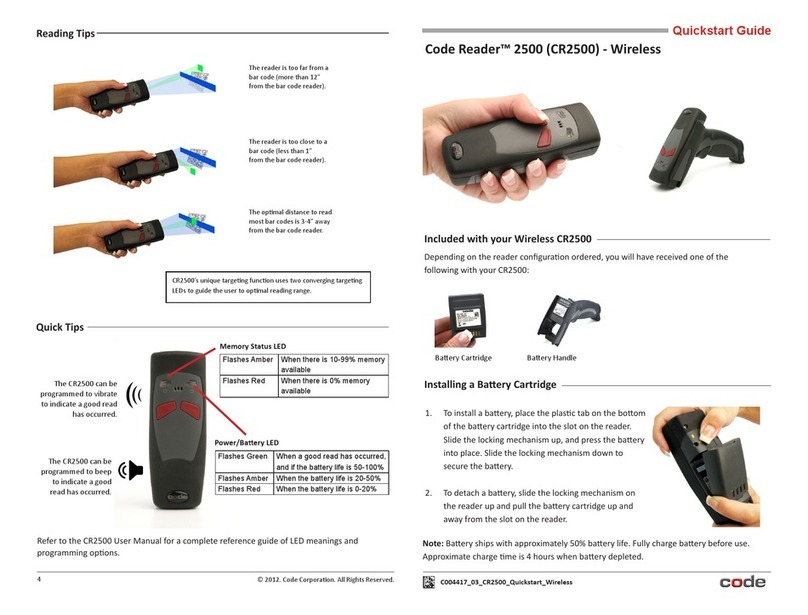
Code Reader 2500 CR2500) User manual
Code
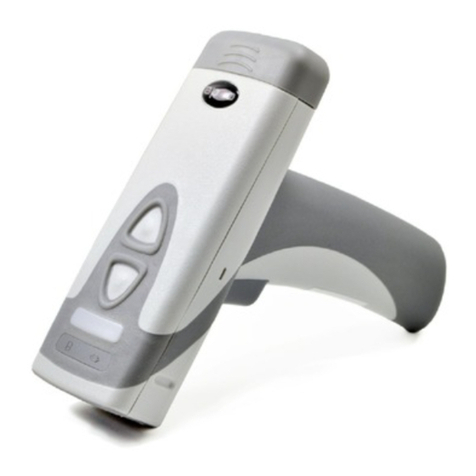
Code 2600 Quick setup guide
Code
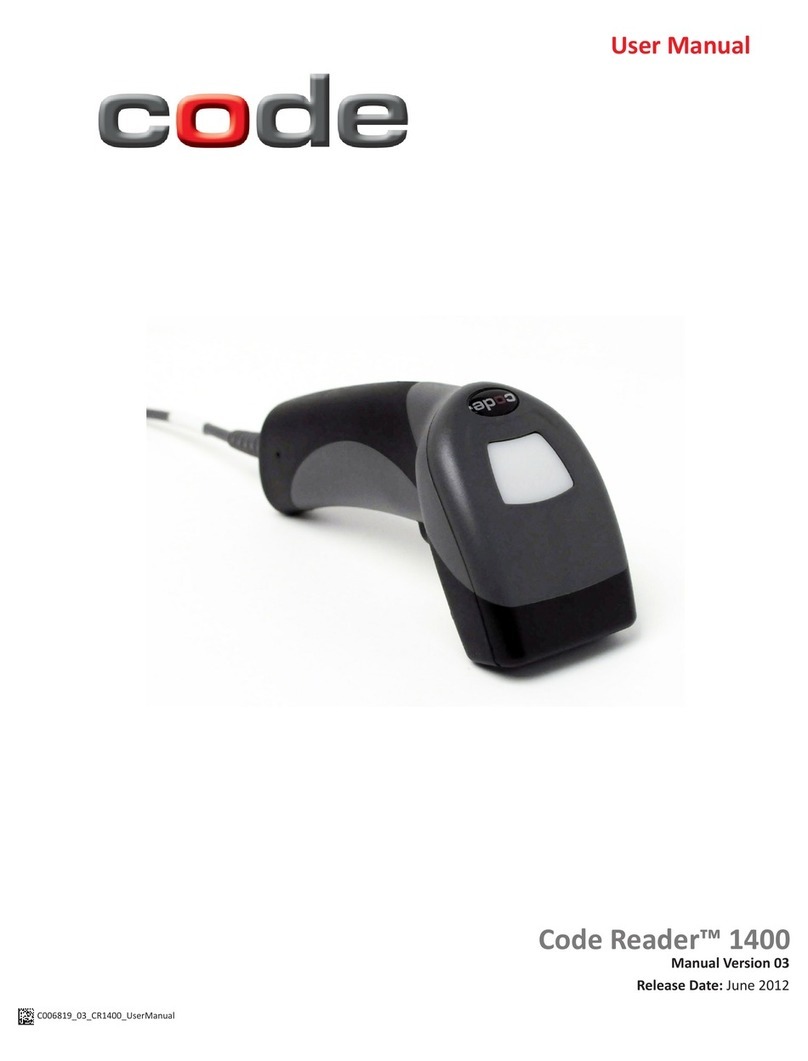
Code Code Reader 1400 User manual
Code
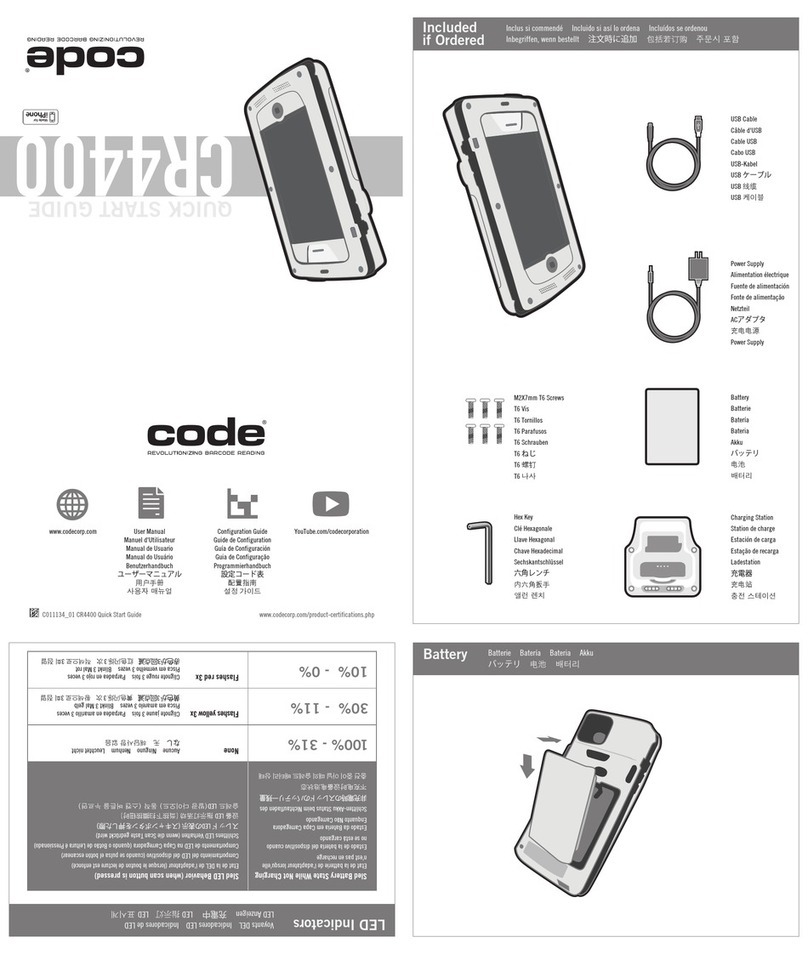
Code CR4400 Operator's manual
Code
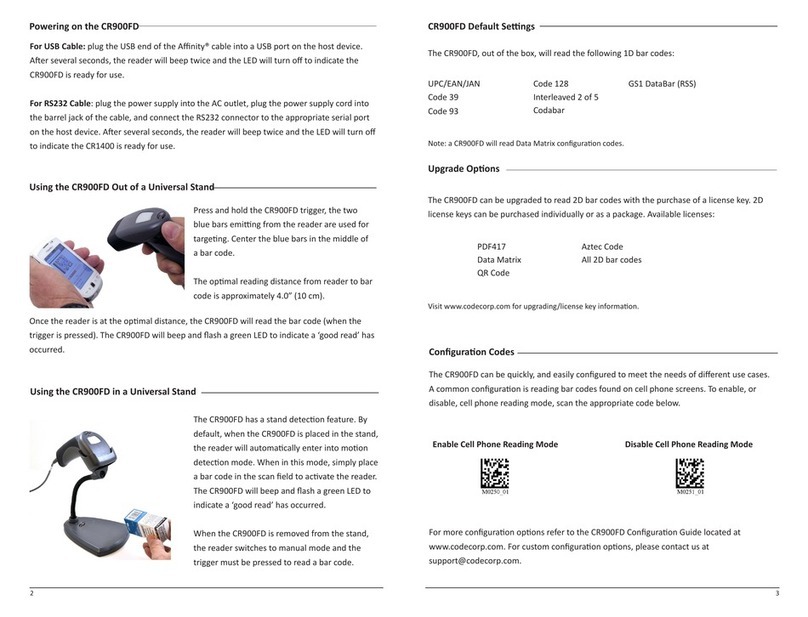
Code 900FD User manual
Code
Code CR3600 User manual
Code
Code 2600 Quick setup guide
Code
Code CORTEXJPOS CR5000 User manual
Code
Code Code Reader 3.0 User manual
Code
Code Code Reader 2.0 Operating instructions
Code
Code CR1000 User manual