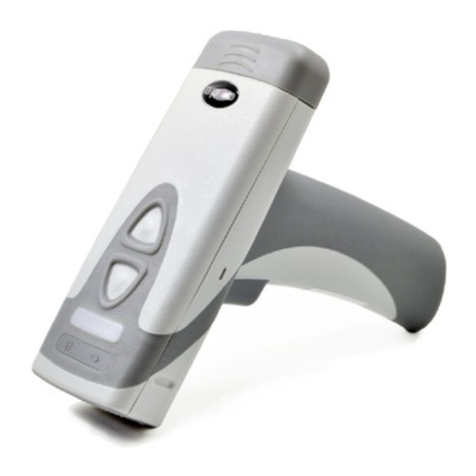
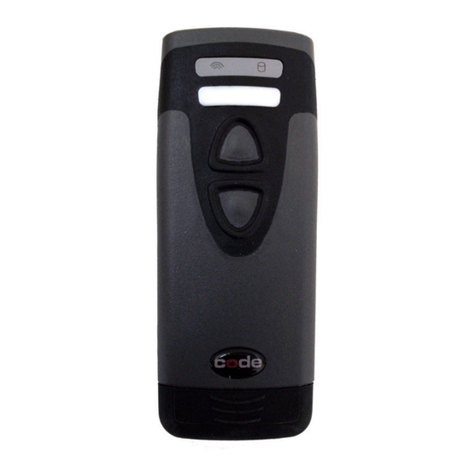
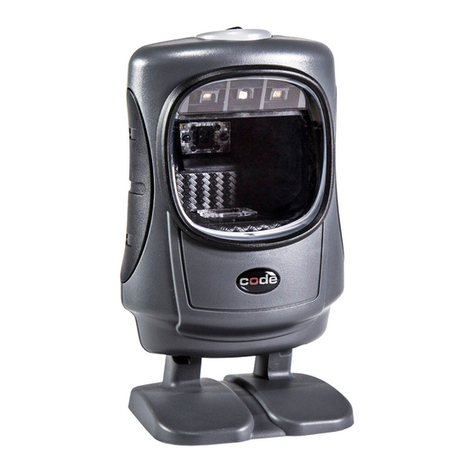
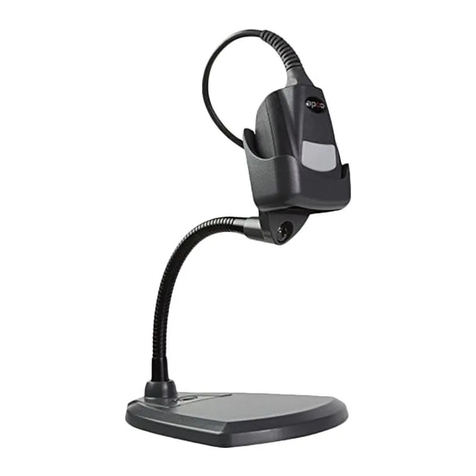
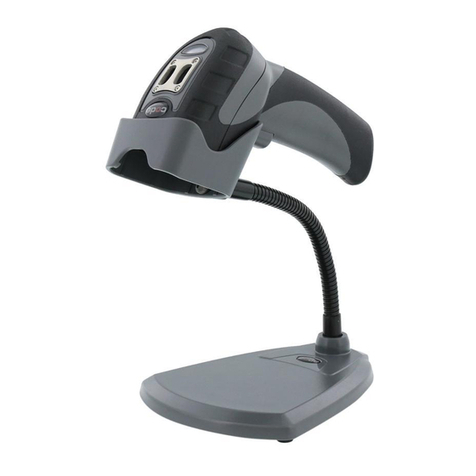
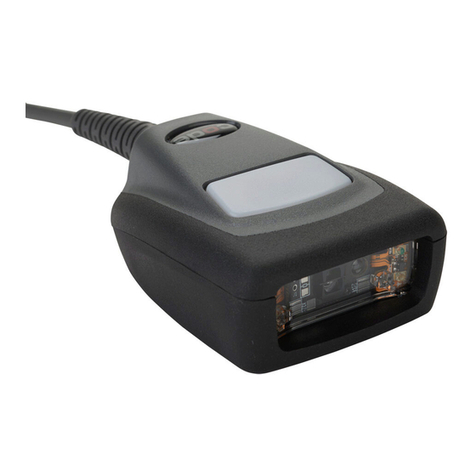
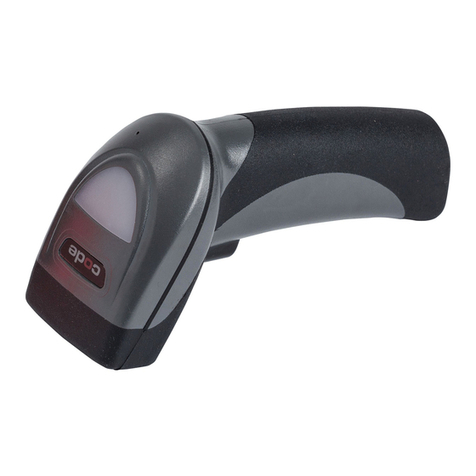
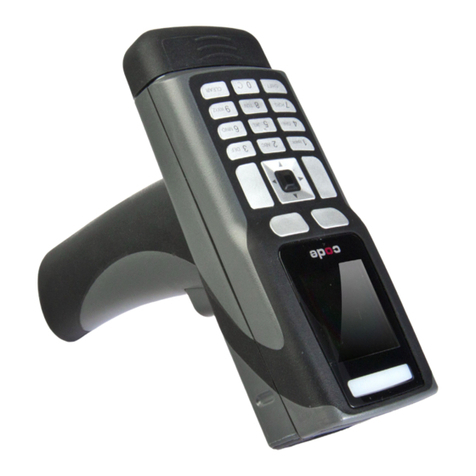
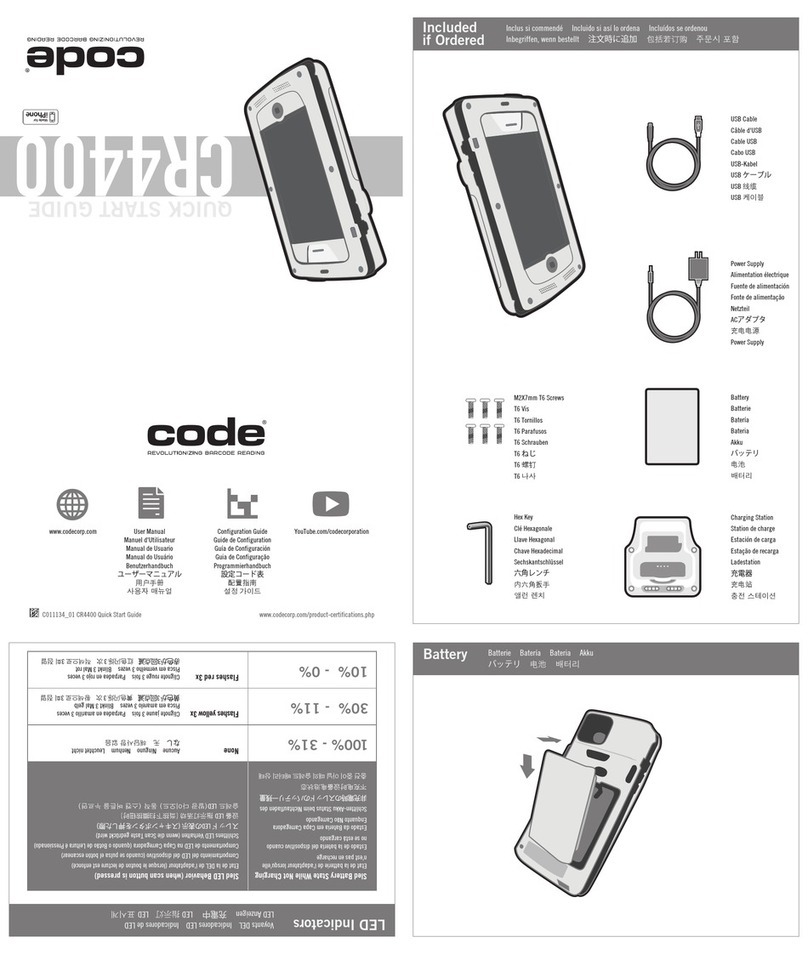
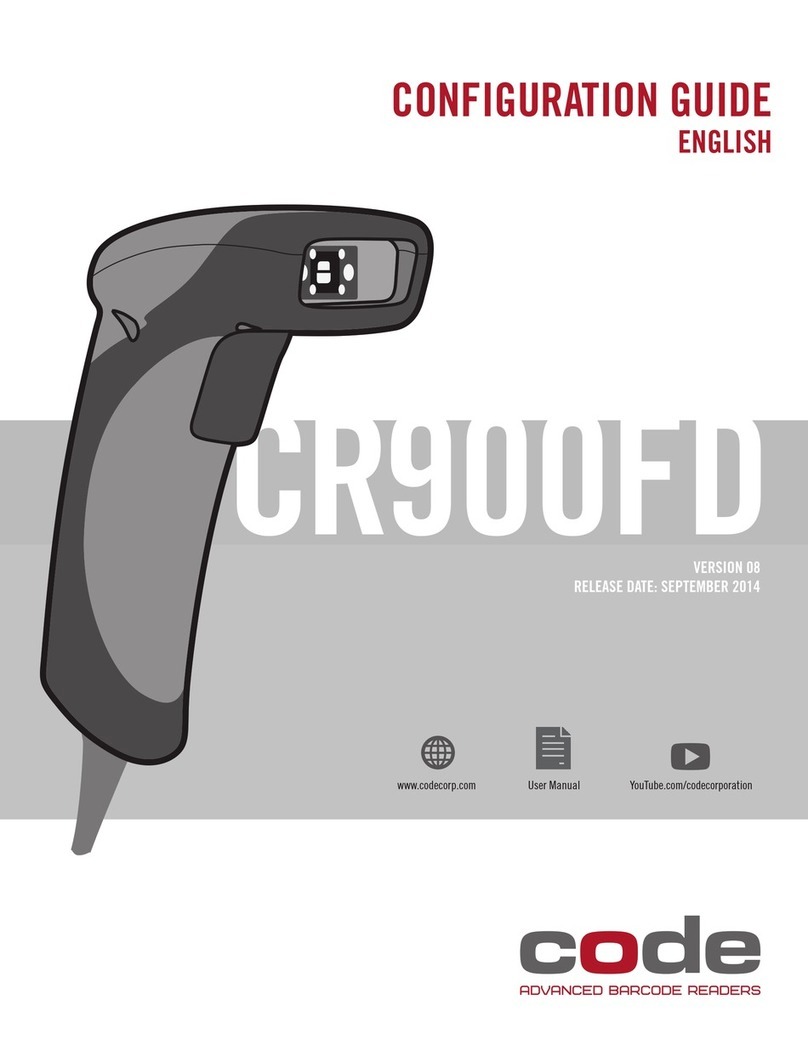
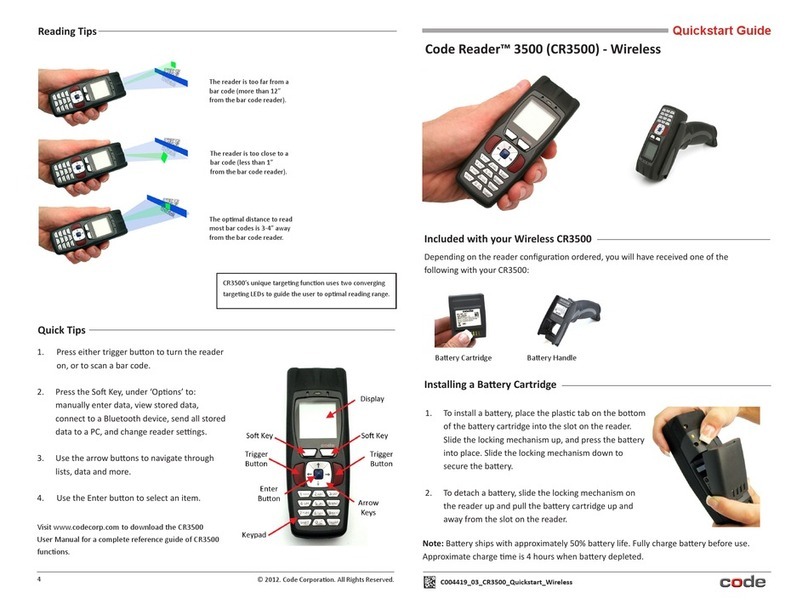
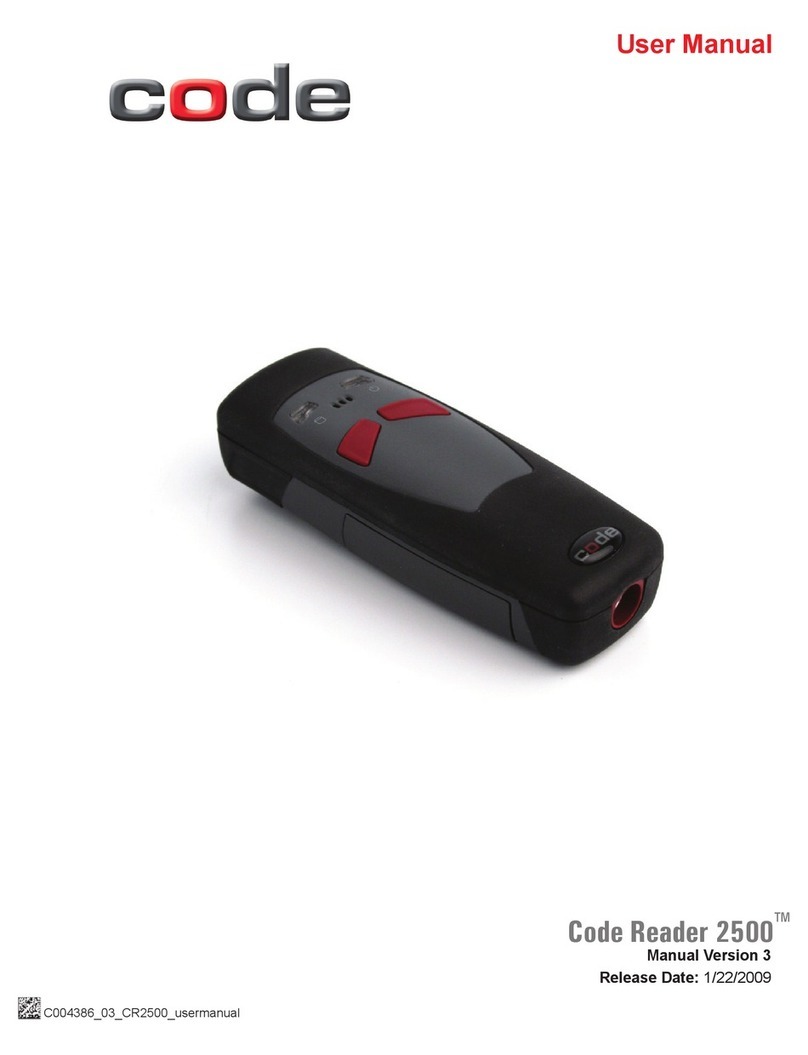
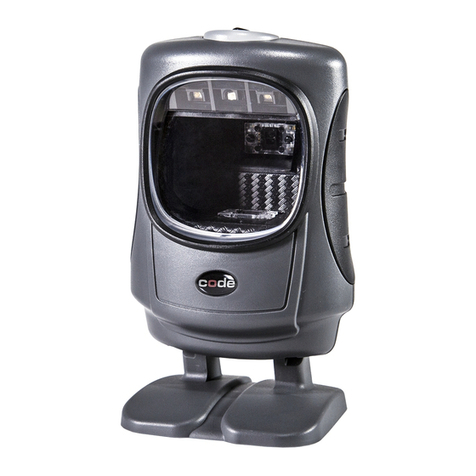
Code CR900FD User manual

USER MANUAL
EMEA: ENGLISH
MANUAL VERSION 01
RELEASE DATE: JULY 2014
Configuration Guidewww.codecorp.com YouTube.com/codecorporation
CR900FD

2
D020360_01_CR900FD_EMEA_User_Manual
Statement of Agency Compliance
Code Reader™ 900FD User Manual
The Code Reader™ 900FD (CR900FD) has been tested for compliance with FCC regulations and was found to be compliant
with all applicable FCC Rules and Regulations.
IMPORTANT NOTE: To comply with FCC RF exposure compliance requirements, this device must not be co-located or
operate in conjunction with any other antenna or transmitter
CAUTION: Changes or modications not expressly approved by the party responsible for compliance could void the user’s
authority to operate the equipment.
The Code Reader 900FD has been tested for compliance to CE standards and guidelines and was found to conform to
applicable CE standards, specically the EMC requirements EN 55024, ESD EN 61000-4-2, Radiated RF Immunity
EN 61000-4-3, ENV 50204, EFT EN 61000-4-4, Conducted RF Immunity EN 61000-4-6, EN 55022, Class B Radiated
Emissions, and Class B Conducted Emissions.
Code voids product warranty if the hard case has been opened or tampered with in any way.
In addition, a CB Test Certicate has been issued by the National Certication Board (NCB) indicating CR900FD meets all
safety and quality standards in accordance to IEC 60950-1:2001, First Edition.
Copyright © 2014 Code Corporation.
All Rights Reserved.
The software described in this manual may only be used in accordance with the terms of its license agreement.
No part of this publication may be reproduced in any form or by any means without written permission from Code Corporation. This includes
electronic or mechanical means such as photocopying or recording in information storage and retrieval systems.
NO WARRANTY. This technical documentation is provided AS-IS. Further, the documentation does not represent a commitment on the part
of Code Corporation. Code Corporation does not warrant that it is accurate, complete or error free. Any use of the technical documentation
is at the risk of the user. Code Corporation reserves the right to make changes in specications and other information contained in this
document without prior notice, and the reader should in all cases consult Code Corporation to determine whether any such changes
have been made. Code Corporation shall not be liable for technical or editorial errors or omissions contained herein; nor for incidental or
consequential damages resulting from the furnishing, performance, or use of this material. Code Corporation does not assume any product
liability arising out of or in connection with the application or use of any product or application described herein.
NO LICENSE. No license is granted, either by implication, estoppel, or otherwise under any intellectual property rights of Code Corporation.
Any use of hardware, software and/or technology of Code Corporation is governed by its own agreement.
The following are trademarks or registered trademarks of Code Corporation:
CodeXML®, Maker, QuickMaker, CodeXML® Maker, CodeXML® Maker Pro, CodeXML® Router, CodeXML® Client SDK, CodeXML®Filter,
HyperPage, CodeTrack, GoCard, GoWeb, ShortCode, GoCode®, Code Router, QuickConnect Codes, Rule Runner®, Cortex®, CortexRM,
CortexMobile, Code, Code Reader, CortexAG, CortexStudio, CortexTools, Afnity®, and CortexDecoder.
All other product names mentioned in this manual may be trademarks of their respective companies and are hereby acknowledged.
The software and/or products of Code Corporation include inventions that are patented or that are the subject of patents pending. U.S.
Patents: 6997387, 6957769, 7428981, 6619547, 6736320, 7392933, 7014113, 7240831, 7353999, 7519239, 7204417,
6942152, 7070091, 7097099, 7621453, 8001550, 8011584
The Code Reader software uses the Mozilla SpiderMonkey JavaScript engine, which is distributed under the terms of the Mozilla Public
License Version 1.1.
The Code Reader software is based in part on the work of the Independent JPEG Group.
Code Corporation, 12393 S. Gateway Park Place, Ste. 600, Draper, Utah 84020
http://eu.codecorp.com

3
D020360_01_CR900FD_EMEA_User_Manual
Table of Contents
1.0 - Included Items ........................................................................................... 4
2.0 - Attaching and Detaching a Cable.................................................................. 5
3.0 - Set Up....................................................................................................... 5
4.0 - Using a CR900FD Out of a Stand................................................................. 6
5.0 - Using a CR900FD In a Stand ...................................................................... 6
6.0 - Reading Ranges.......................................................................................... 6
7.0 - Reader Feedback ........................................................................................ 7
8.0 - Symbologies Defaulted On ........................................................................... 7
9.0 - Symbologies Defaulted Off........................................................................... 7
10.0 - Upgradeable 2D Symbologies..................................................................... 7
11.0 - Reader ID & Firmware Version.................................................................... 8
12.0 - CR900FD Overall Dimensions .................................................................... 8
13.0 - USB Cable Example with Pinouts ............................................................... 9
14.0 - RS232 Cable Example with Pinouts............................................................ 9
15.0 - Reader Pinouts......................................................................................... 9
16.0 - CR900FD Maintenance ........................................................................... 10
17.0 - Warranty ................................................................................................ 11

4
D020360_01_CR900FD_EMEA_User_Manual
1.0 - Included if Ordered
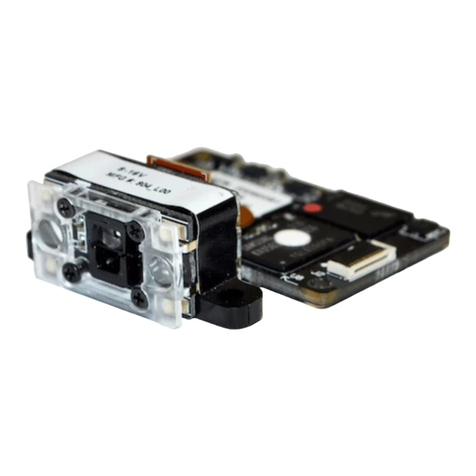
CR900FD
(Model #: CR921)
USB 2.0 Cable RS232 Cable 5VDC
Power Supply

5
D020360_01_CR900FD_EMEA_User_Manual
Plug in
Wait 10 seconds
LED will ash
Reader will beep
2.0 - Attaching and Detaching a Cable
3.0 - Set Up
RS232
USB
1
2
3
4
10 Sec.
2x

6
D020360_01_CR900FD_EMEA_User_Manual
6.0 - Reading Ranges
Note: All samples were high quality barcodes and were read along a physical center line at a 10° angle. Default AGC settings were used.
*Data Matrix is used for conguration barcodes for the CR900FD, however additional licensing is required to enable full Data Matrix reading.
Expect other 2D symbologies to perform similarly to Data Matrix.
CR900FD Performance
Test Barcode Min Inches (mm) Max Inches (mm)
4 mil Code 39 1.6" (40 mm) 3.1" (78 mm)
7.5 mil Code 39 1.3” (34 mm) 7.2” (182 mm)
9.5 mil Code 128 0.6” (15 mm) 8.3” (212 mm)
10.5 mil UPC 0.8” (20 mm) 9.0” (228 mm)
13 mil UPC 1.1” (28 mm) 11.0” (280 mm)
5 mil DM* 1.7” (43 mm) 3.0” (76 mm)
6.3 mil DM* 1.3” (33 mm) 4.1” (104 mm)
10 mil DM* 0.8” (20 mm) 6.5” (165 mm)
20.8 mil DM* 1.1” (28 mm) 13.5” (343 mm)
4.0 - Using a CR900FD
Out of a Stand
5.0 - Using a CR900FD
In a Stand
10 cm
10 cm

7
D020360_01_CR900FD_EMEA_User_Manual
7.0 - Reader Feedback
8.0 - Symbologies Defaulted On 9.0 - Symbologies Defaulted Off
The following are symbologies that have a default of ON.
To turn symbologies on or off, scan the symbology barcodes
located in the CR900FD Conguration Guide located on our
website at http://eu.codecorp.com/les.php
Codabar
Code 39
Code 93
Code 128
Code barcode readers can read a number of barcode symbologies
that are not enabled by default. To turn symbologies on or
off, scan the symbology barcodes located in the CR900FD
Conguration Guide located on our website at
http://eu.codecorp.com/les.php
Codablock F
Code 11
Code 32
IATA 2 of 5
Maxicode
Matrix 2 of 5
Interleaved 2 of 5
MSI Plessy
UPC/EAN/JAN
Scenario Top LED Light Sound
CR900FD Successfully Powers Up Green LED Flashes 1 Beep
CR900FD Successfully Enumerates with Host (via cable) Once Enumerated, the Green LED turns Off 1 Beep
Attempting to Decode Green LED Light is Off None
Successful Decode and Data Transfer Green LED Flashes 1 Beep
Conguration Barcode Successfully Decoded and Processed Green LED Flashes 2 Beeps
Conguration Barcode Successfully Decoded but Wasn’t
Successfully Processed
Green LED Flashes 4 Beeps
Micro PDF417
NEC 2 of 5
Pharmacode
Plessey
Standard 2 of 5
Telepen
Trioptic
10.0 - Upgradeable 2D Symbologies
Licenses for the following 2D symbologies are available for purchase. Please contact [email protected] for additional information.
PDF417
QR Code
Data Matrix
Aztec Code

8
D020360_01_CR900FD_EMEA_User_Manual
Display
type
Flash file system
version number
Hardware
revision
Hardware type
identifier
Boot
application
version
Operating
system kernel
version
Root file
system
version
Decoder version
ASCII TAB
character
Xap/i08080808none 0020094903A0600000 07090000160062 0002 cd(13.2.18)
○
Firmware
version
Boot firmware
version
Radio firmware
version
Reader serial
number (ten digits)
Current
execution state
String
output
OEM
identifier
11.0 - Reader ID and Firmware Version
12.0 - CR900FD Overall Dimensions
2.75"
(70 mm)
5.5"
(140 mm)
2.0"
(50 mm)
Note: Code will periodically release new rmware for CR900FD readers. For information on latest rmware visit our website at
http://eu.codecorp.com/codesupport.php
A text string indicating the rmware version and CR900FD ID number will be displayed.
example: Xap/i06760456none0020094903A06000000709000016006200 02cd(13.2.18) (see below):
To nd out the Reader ID and Firmware version, open a text editor
program (i.e., Notepad, Microsoft Word, etc.) and read the Reader ID and
Firmware conguration barcode.
Reader ID and Firmware
○

9
D020360_01_CR900FD_EMEA_User_Manual
13.0 - USB Cable Example with Pinouts
14.0 - RS232 Cable Example with Pinouts
NOTES:
1. Part to be ROHS and Reach compliant.
2. Maximum Voltage Tolerance = 5V +/- 10%.
3. Caution: Exceeding the maximum voltage will void
manufacturer warranty.
CONNECTOR A CONNECTOR B
NOTES:
1. Part to be ROHS and Reach compliant.
2. Maximum Voltage Tolerance = 5V +/- 10%.
3. Caution: Exceeding the maximum voltage will void
manufacturer warranty.
CONNECTOR A NAME WIRE COLOR CONNECTOR B
1 VIN 24A WG RED 1
2DM 28A WG WHITE 2
3 DP 28A WG GREEN 3
4 GND 24A WG BLACK 10
SHELL -SHIELD BARE SHELL
CONN A NAME WIRE COLOR CONN B WIRE COLOR CONN C
1 VIN 24A WG RED 9 24A WG RED TIP
4TX 28A WG BROWN 2
5RTS 28A WG ORANGE 8
6RX 28A WG YELLOW 3
7 CTS 28A WG GREEN 7
10 GND 24A WG BLACK 5 24A WG BLACK RING
SHIELD -SHIELD SHIELD
15.0 - Reader Pinouts
The connector on the CR900FD is an RJ-50
(10P-10C). The pinouts are as follows: Pin 1 +VIN (5v)
Pin 2 USB_DM
Pin 3 USB_DP
Pin 4 RS232 TX (output from reader)
Pin 5 RS232 RTS (output from reader)

Pin 6 RS232 RX (input to reader)
Pin 7 RS232 CTS (input to reader)
Pin 8 External Trigger (active low input to reader)
Pin 9 N/C
Pin 10 Ground

10
D020360_01_CR900FD_EMEA_User_Manual
16.0 - CR900FD Maintenance
The CR900FD device needs only a minimum of maintenance to operate. A few tips are given below for maintenance suggestions.
Cleaning the CR900FD Window
CR900FD window should be clean to allow the best performance of the device. The window is the clear plastic piece inside the head of
the reader. Do not touch the window. Your CR900FD uses CMOS technology that is much like a digital camera. A dirty window may stop
the CR900FD from reading barcodes.
If the window becomes dirty, clean it with a soft, non-abrasive cloth or a facial tissue (no lotions or additives) that has been moistened
with water. A mild detergent may be used to clean the window, but the window should be wiped with a water moistened cloth or tissue
after using the detergent.
Technical Support and Returns
For returns or technical support visit http://eu.codecorp.com/codesupport.php
Other manuals for CR900FD
4
Table of contents
Other Code Barcode Reader manuals

Code
Code CR2700 User manual

Code
Code CR900FD User manual

Code
Code 900FD User manual

Code
Code CORTEXJPOS CR2600 User manual

Code
Code CR1000 User manual

Code
Code CORTEXJPOS CR6000 User manual

Code
Code Code Reader CR3500 User manual

Code
Code CR1000 User manual

Code
Code CR7000 Series User manual

Code
Code CR2 User manual

Code
Code Code Reader CR3500 User manual

Code
Code CR1500 User manual

Code
Code CR4900Android User manual

Code
Code 2600 User manual

Code
Code CR4405 User manual

Code
Code CR900FD User manual

Code
Code CR4405 User manual

Code
Code CR1100 User manual

Code
Code Code Reader 2500 User manual

Code
Code CR1500 Operating instructions