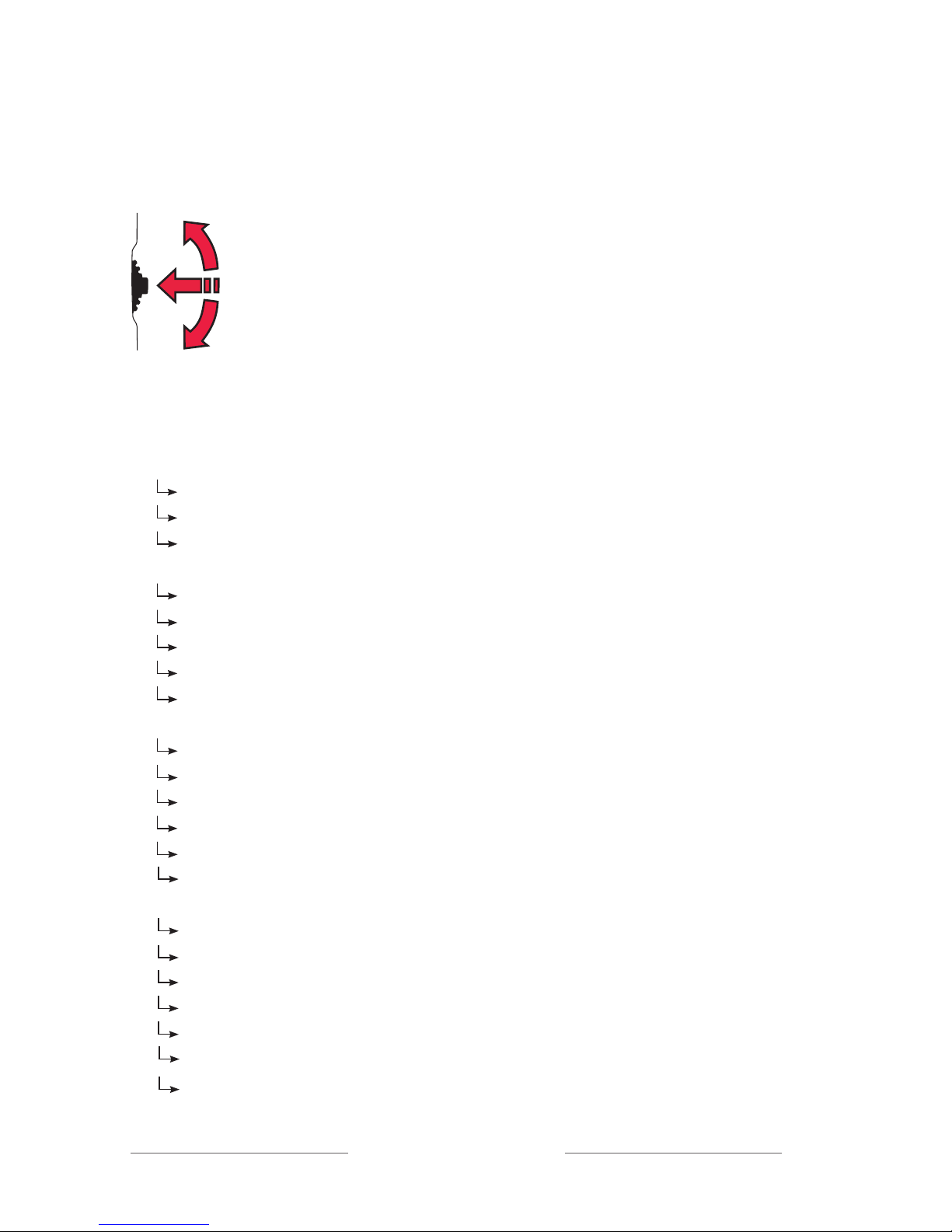
Back (relates to both the main menu and submenus)
Here you can choose to return to the menu and to the main display.
Communication
Channel
To use the receiver and the transmitter together, they must be set to the same
channel. The transmitter and receiver are set to the default channel by the
manufacturer.
This does not apply to units with both sender and receiver. In this case the
transmitter/receiver are adjusted as described in chapter
Radio range and
Channels
.
Change channel:
1. Choose Channel in the menu.
2. Choose transmitter or receiver (this applies only to
units with both transmitter and receiver).
3. Select a new channel using the menu control.
Channel information is also given when the units are paired.
Channels 1, 2 and 3 are free channels in most European countries that do not
require a licence. Under Extended more channels can be selected, but these
usually require a licence – see the section
Radio Range and Channels
.
FFC (Free Frequency Check) indicates in green the suitable frequencies for
the specific environment. Please note! Switch off your other Digisystem trans-
mitters for correct result.
When selecting a channel for units with a built-in transmitter and receiver,
refer to the
Built-in receiver
section.
Pair
To use a receiver and transmitter together, they must be paired. All transmit-
ters and receivers are default paired at the factory and will work together.
NB! To prevent eavesdropping, a new code key must be generated and trans-
mitted between the units by pairing.
If the message Channel combination not possible shows, see the
Built-in
receiver
section.