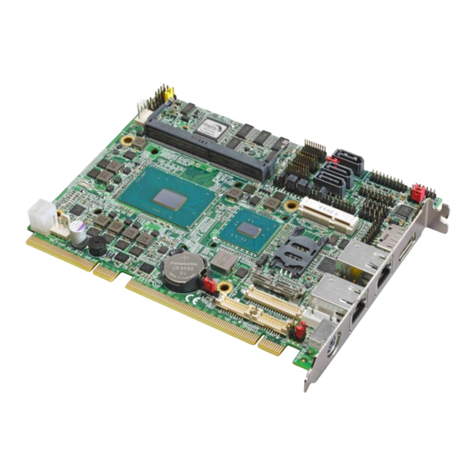
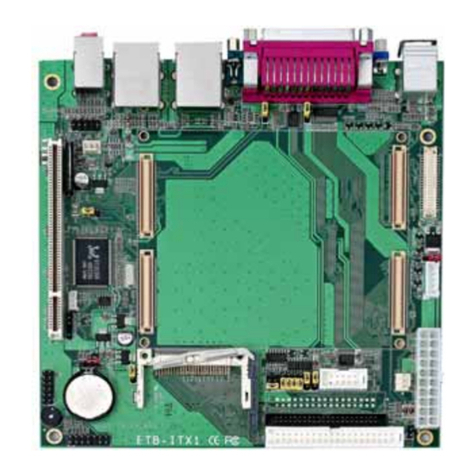
HE-875P User’s Manual
-4-
Index
Chapter 1 <Introduction>....................................................................7
1.1 <Product Overview> .............................................................................................7
1.2 <Product Specification>........................................................................................8
1.3 <Mechanical Drawing>.......................................................................................11
1.4 < Block Diagram >..............................................................................................12
Chapter 2 <Hardware Setup>........................................................13
2.1 <Connector Location>.........................................................................................13
2.2 <Jumper Reference>............................................................................................15
2.3 <Connector Reference>.......................................................................................16
2.3.1 <Internal Connector>........................................................................16
2.3.2 <External Connector>.......................................................................16
2.4 <Memory Setup>.................................................................................................17
2.5 <CMOS&ATX Setup>.......................................................................................18
2.6 <Enhanced IDE & CF Interface>........................................................................19
2.7 <Serial ATA Interface>.......................................................................................20
2.8 <LAN Interface>.................................................................................................20
2.9 <Onboard Display Interface>..............................................................................21
2.9.1 <Analog VGA Interface> .................................................................21
2.9.2 <Digital Display> .............................................................................22
2.9.3 <DVI Interface >...............................................................................26
2.9.4 <TV-out Interface>...........................................................................27
2.10 <Onboard Audio Interface> ..............................................................................28
2.11 <USB2.0 & IR Interface> .................................................................................29
2.12 <GPIO Interface>..............................................................................................31
2.13 <Serial Port Jumper Setting >............................................................................32
2.14 <Power and Fan Connector >............................................................................34
2.14.1 <Power connectors> .......................................................................34
2.14.2 <Fan Connector> ............................................................................35
2.15 <Indicator and Switch>.....................................................................................36