manuals.online logo
Brands
  1. Home
  2. •
  3. Brands
  4. •
  5. Commodore
  6. •
  7. Desktop
  8. •
  9. Commodore Plus/4 User manual

Commodore Plus/4 User manual

Other manuals for Plus/4

2

Other Commodore Desktop manuals

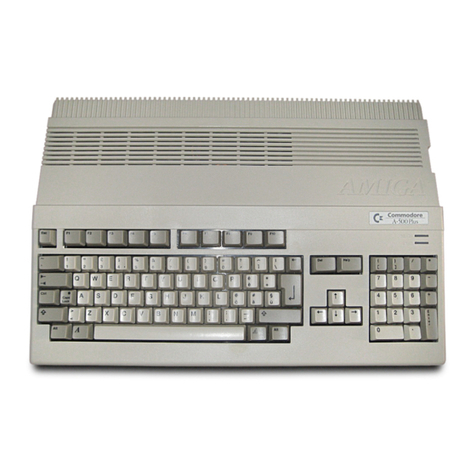
Commodore Amiga A500 Product manual

Commodore

Commodore Amiga A500 Product manual

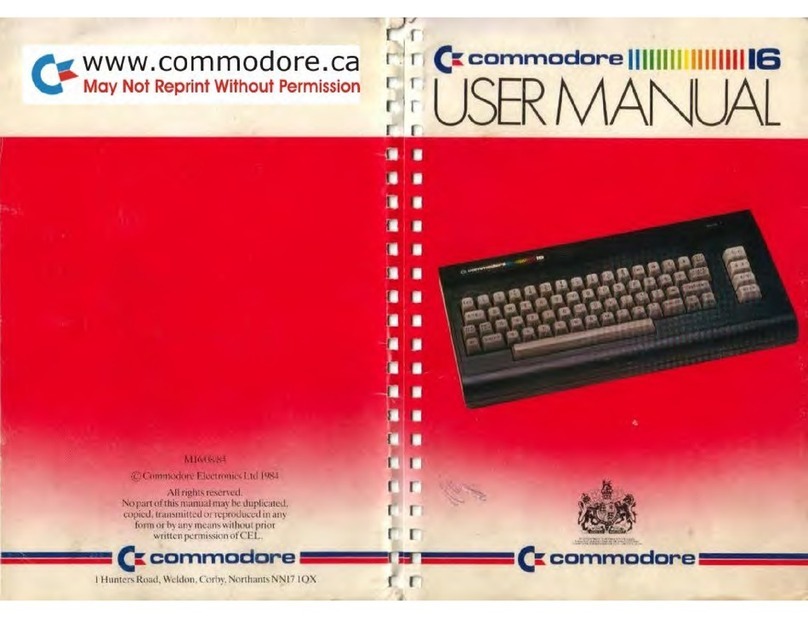
Commodore 16 User manual

Commodore

Commodore 16 User manual

Commodore C16 User manual

Commodore

Commodore C16 User manual

Commodore 128 User manual

Commodore

Commodore 128 User manual

Commodore SX-64 User manual

Commodore

Commodore SX-64 User manual

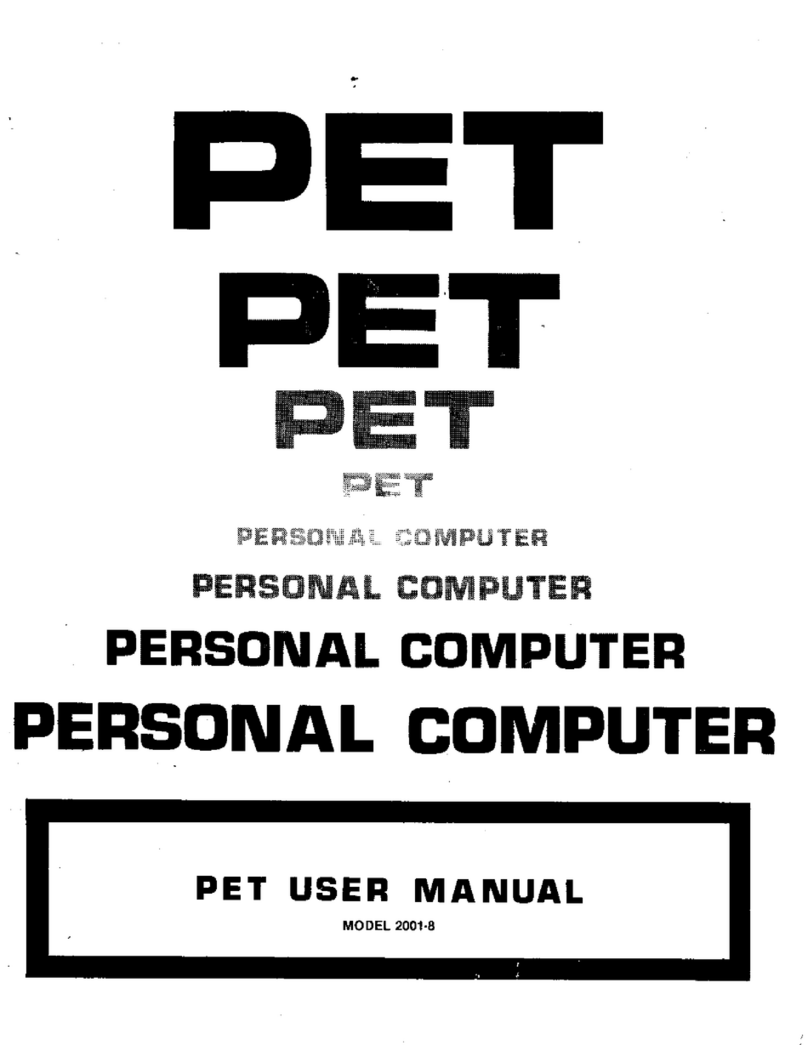
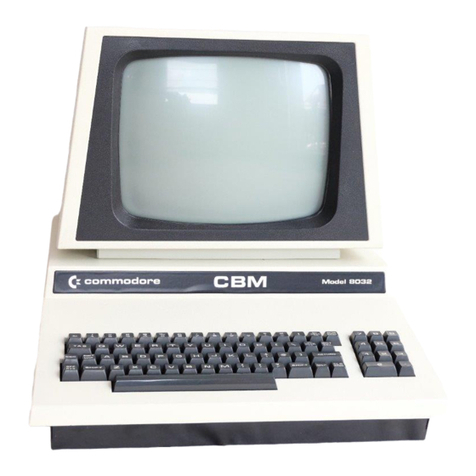
Commodore PET 2001 Series User manual

Commodore

Commodore PET 2001 Series User manual

Commodore Amiga 500 User manual

Commodore

Commodore Amiga 500 User manual

Commodore C64 User manual

Commodore

Commodore C64 User manual

Commodore SX-64 User manual

Commodore

Commodore SX-64 User manual

Commodore 1531 Datassette User manual

Commodore

Commodore 1531 Datassette User manual

Commodore Plus 4 User manual

Commodore

Commodore Plus 4 User manual

Commodore 4016 User manual

Commodore

Commodore 4016 User manual

Commodore C-128 User manual

Commodore

Commodore C-128 User manual

Commodore PET 2001-8 User manual

Commodore

Commodore PET 2001-8 User manual

Commodore 64 User manual

Commodore

Commodore 64 User manual

Commodore C16 User manual

Commodore

Commodore C16 User manual

Commodore 64 User manual

Commodore

Commodore 64 User manual

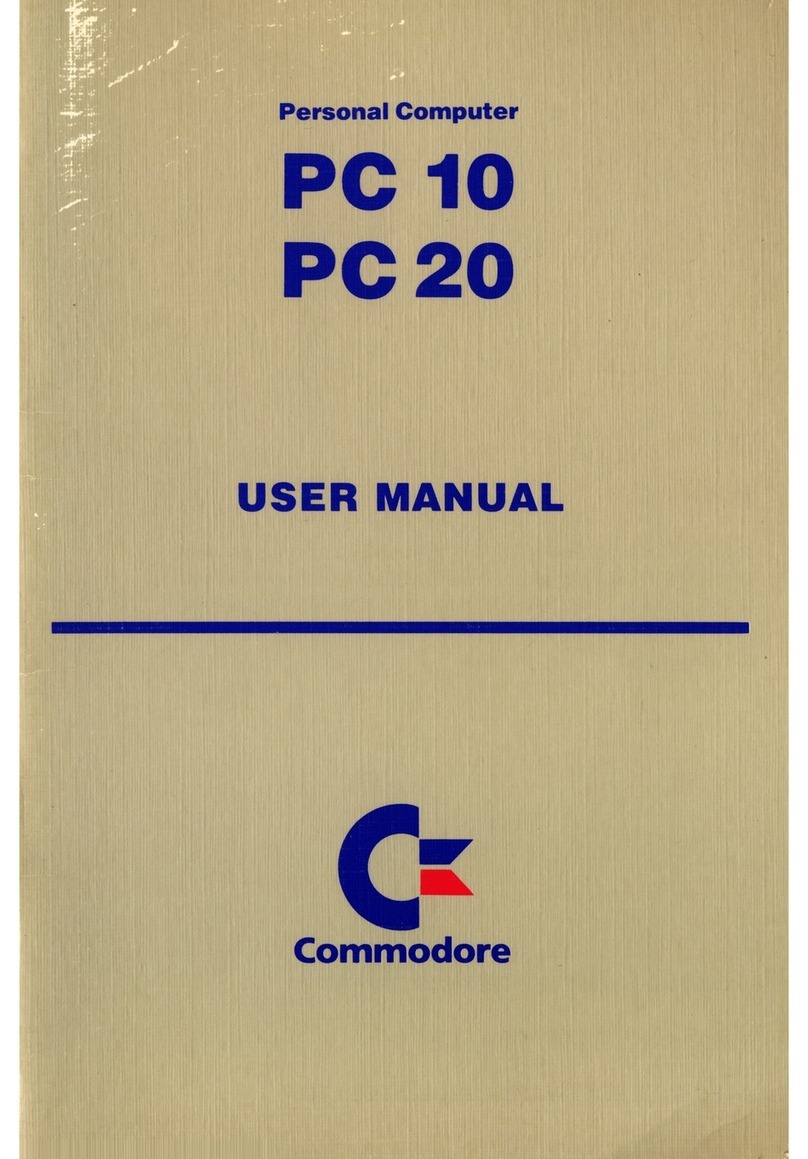
Commodore PC 10-1 User manual

Commodore

Commodore PC 10-1 User manual

Commodore Amiga A4000 User manual

Commodore

Commodore Amiga A4000 User manual
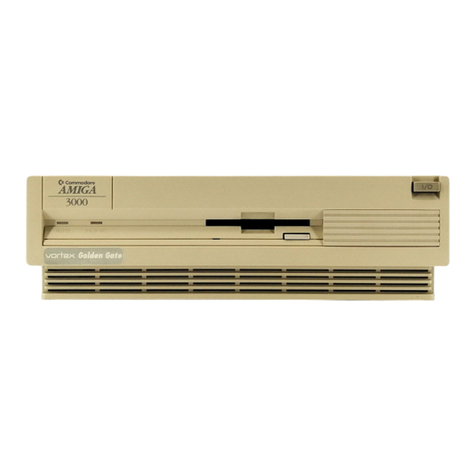
Commodore Amiga 3000 User manual

Commodore

Commodore Amiga 3000 User manual

Commodore PC 10 User manual

Commodore

Commodore PC 10 User manual

Commodore PC 10-1 User manual

Commodore

Commodore PC 10-1 User manual

Commodore Plus 4 User manual

Commodore

Commodore Plus 4 User manual
Commodore Plus 4 User manual

Commodore

Commodore Plus 4 User manual
Popular Desktop manuals by other brands

StarTech.com ARMSTSL manual

StarTech.com

StarTech.com ARMSTSL manual

Dell Inspiron 5720 quick start guide

Dell

Dell Inspiron 5720 quick start guide

GÜDE WERKBANK GW 6/2 XL Translation of the original instructions

GÜDE

GÜDE WERKBANK GW 6/2 XL Translation of the original instructions

Lenovo ThinkCentre M62z Vodič za uporabnika

Lenovo

Lenovo ThinkCentre M62z Vodič za uporabnika

Lenovo ThinkCentre M71z user guide

Lenovo

Lenovo ThinkCentre M71z user guide

Fujitsu ESPRIMO C7xx operating manual

Fujitsu

Fujitsu ESPRIMO C7xx operating manual

Bosch DCU 130 operating instructions

Bosch

Bosch DCU 130 operating instructions

Zotac VR GO quick start guide

Zotac

Zotac VR GO quick start guide

HP 260 G2 DM Product End-of-Life Disassembly Instructions

HP

HP 260 G2 DM Product End-of-Life Disassembly Instructions

Sony VAIO VGC-LS21 Specifications

Sony

Sony VAIO VGC-LS21 Specifications

HP ProOne 400 G1 specification

HP

HP ProOne 400 G1 specification

IBM PS/2 60 Hardware maintenance service

IBM

IBM PS/2 60 Hardware maintenance service

Acer Aspire SA60 Service guide

Acer

Acer Aspire SA60 Service guide

Lenovo ThinkCentre M71z Uživatelská příručka

Lenovo

Lenovo ThinkCentre M71z Uživatelská příručka

IBM Aptiva 2198 reference guide

IBM

IBM Aptiva 2198 reference guide

Sony PCV-LX810 - Vaio Slimtop Computer System reference manual

Sony

Sony PCV-LX810 - Vaio Slimtop Computer System reference manual

Dell Precision U3525 Quick reference guide

Dell

Dell Precision U3525 Quick reference guide

MicroTouch IC-215P-AW2 user guide

MicroTouch

MicroTouch IC-215P-AW2 user guide

manuals.online logo
manuals.online logoBrands
  • About & Mission
  • Contact us
  • Privacy Policy
  • Terms and Conditions

Copyright 2025 Manuals.Online. All Rights Reserved.

User's
Manual
WOHD
PROCESSING
SPREAD
SHEETS
EATA
MANAGEMENT
.
tr
USER'S
"This
equipment
generates
and
uses
radio
frequency
energy.
If
it
is
MANUAL
not
Pr°Per|y
installed
and
used
in
strict
accordance
with
the
manu-
STATEMENT
facturer's
instructions,
this
equipment
may
interfere
\\
Ih
■
idio
and
television
reception.
This
machine
has
been
tested
and
found
to
com
ply
with
the
limits
for
a
Class
B
computing
device
in
accordance
with
the
specifications
in
Subpart
J of
Part
15
of
the
FCC
Rules,
which
are
designed
to
provide
reasonable
protection
against
such
interference
in
a
residential
installation.
If
you
suspect
interference,
you
can
test
this
equipment
by
turning
it
off
and
on.
If
you
determine
that
there
is
interference
with
radio
or
television
reception,
try
one
or
more
of
the
following
measures
to
correct
it;
•
reorient
the
receiving
antenna
•
move
the
computer
away
from
the
receiver
•
change
the
relative
positions
of
the
computer
equipment
and
the
receiver
•
plug
the
computer
into
a
different outlet
so
that
the
computer
and
the
receiver
are
on
different
branch
circuits
If
necessary,
consult
your
Commodore
dealer
or
an
experienced
radio/
television
technician
for
additional
suggestions.
You
may
also
wish
to
consult
the following
booklet,
which
was
prepared
by
the
Federal
Communications
Commission:
"How
to
Identify
and
Resolve
Radio-TV
Interference
Problems."
This
booklet
is
available
from
the
U.S.
Government
Printing
Office,
Washington,
D.C.
20402.
Stock
No.
004-000-00345-4;
You
should
use
only
the
cables,
accessories,
and
peripherals
re
commended
by
Commodore
for
your
Plus/4.
All
cables,
including
the
cables
for
the
television
hookup,
serial
port,
video
port,
Datassette™
and
joysticks,
are
specially
shielded,
in
accordance
with
the
regula
tions
of
the
Federal
Communications
Commission.
Failure
to
use
the
appropriate
accessories
and
cables
will
invalidate
the
FCC
grant
of
certification,
and
may
cause
harmful
radio
interference.
Copyright
©
1984
by
Commodore
Electronics
Limited
All
rights
reserved.
This
manual
contains
copyrighted
and
proprietary
information.
No
pan
ol
this
publication
may
be
reproduced,
stored
in
a
retrieval
system,
or
transmitted
in
any
form
or
by
any
means,
electronic,
mechanical,
photocopying,
recording
or
otherwise,
without
the
prior
written
permission
of
Commodore
Electronics
Limited
Commodore
BASIC
v
3
5
Copynghi
■£■
1984
by
Commodore
Electronics
Limited,all
rights
reserved.
Copyright
©
1977 by
Microsoft,
all
rights
reserved.
COMMODORE
PLUS/4
USER
MANUAL
-
TABLE
OF
INTRODUCTION
1
_
CONTENTS
CHAPTER
1
Unpacking
and
Setting
Up
7
-
CHAPTER
2
Using
the
Keyboard
and
Screen
22
CHAPTER
3
Using
Software
33
—
CHAPTER
4
Getting Started
42
CHAPTER
5
Beginning
BASIC
58
CHAPTER
6
Numbers
and
Calculations
68
—'
CHAPTER
7
Using
Graphics
and
Color
83
_
CHAPTER
8
Making
Sound
and
Music
104
COMMODORE
PLUS/4
ENCYCLOPEDIA
n?
1
BASIC
3.5
Encyclopedia
115
Commands
1
u—
Statements
130
Functions
15b—
Variables
and
Operators
16^
2
BASIC
3.5
Abbreviations
169
3
Conversion
Programs
U%~^
4
Error
Messages
17^
5
TEDMON
184
6
Screen
Display
Codes
193—
7
ASCII
and
CHRS
Codes
196
8
Screen
and
Color
Memory
Maps
199
9
Memory
Register
Map
201—'
10
Deriving
Mathematical
Functions
203
11
Musical
Note
Table
204
12
Programs
To
Try 206
'
13
RS-232
Guidelines
209
14
Book
List
215
INDEX
216
~
n
-
n
_
INTRODUCTION
H
~
You've
made
a
wise
purchase...
the Plus/4
is
the
first
home
computer
ever
designed
especially
for
productivity
applications.
Of
course,
it's
still
able
to
do
all
the
other
things
a
home
computer
can
be
used
for.
This
manual
is
designed
to
help
you
learn
those
"other
things"
your
Plus/4
can
do.
You'll
learn
how
to:
•
Set
up
your
Plus/4
•
Use
the
different
functions
of
all
the
keys
on
the
keyboard
•
Access
different
types
of
Commodore
Software
•
Use
the
mathematical,
graphics,
sound
and
programming
capabilities
of
your
Plus/4
The
other
manual
included
with
your
computer
(T/ie
Plus/4
Built-in
Integrated
Software
Manual)
tells
you
how
to
use
the
wordprocessing.
electronic
spreadsheet,
database
and
graphics
packages.
If
your
main
interest
is
in
these
productivity
applications,
and
you
can't
wait
to
get
started
using
them,
we
still
recommend
that
you
read through
at
least
chapter
one
of
this
manual
("Unpacking
and
Setting
Up")
before
reviewing
the
Built-in
Software
Manual.
n
WHAT'S
SPECIAL
ABOUT
THE
PLUS/4
64K
RAM
(60K
available
for
BASIC
programming)
Full
Typewriter
Style
Keyboard
Optional
Built-in
Software
Screen
Window
Capability
HELP
Key
8
Pre-programmed,
Reprogrammable
Function
Keys
Four
Separate
Cursor
Keys
Uses
Most
COMMODORE
64
and
VIC-20
Peripherals
121
Colors
(16
primary
colors,
8
luminance
levels)
Over 75
BASIC
Commands
High
Resolution
Graphics
Plotting
Split-Screen
Text
With
High-Res Graphics
Graphic
Character
Set
On
Keyboard
Keyboard
Color
Controls
320
x
200
Pixel
Screen
Resolution
Reverse
and
Flashing
Characters
2
Tone
Sound
Generators
Built-in
Machine
Language
Monitor
(17
commands)
CREATING
A
COMPLETE
COMPUTER
SYSTEM
"i
Computer:
Commodore
PLUS/4
-
-
Display;
Commodore
1702
or
1802/1803
Color
Monitor
n
._
Storage:
Commodore
1531
Datasselte
(tape
recorder)
or
Commodore
Disk
Drive
Printer:
Commodore
Printer