Condair HP User manual

Humidication and Evaporative Cooling
2593991-A EN 1901
IMPORTANT! Read and save these instructions. This manual to be left with the equipment.
In-Duct Adiabatic Humidification System
Condair HP/HP RO
Valid from SN 2016-xxx
US version
CONTROLLER MANUAL

Thank you for choosing Condair
Installation date (DD/MM/YYYY):
Commissioning date (DD/MM/YYYY):
Site:
Model:
Serial number:
Contact
Condair Ltd.
2740 Fenton Road, Ottawa, Ontario K1T3T7
TEL: 1.866.667.8321, FAX: 613.822.7964
EMAIL: na.info@condair.com, WEBSITE: www.condair.com
Condair Inc.
2700 90th Street
Sturtevant, WI., USA 53177
TEL: 1.866.667.8321, FAX: 613.822.7964
EMAIL: na.info@condair.com, WEBSITE: www.condair.com
Proprietary Notice
This document and the information disclosed herein are proprietary data of Condair Ltd. Neither this document, nor
the information contained herein shall be reproduced, used, or disclosed to others without the written authorization
of Condair Ltd., except to the extent required for installation, operation or maintenance of the customer's equipment.
Liability Notice
Condair Ltd. does not accept any liability due to incorrect installation, maintenance or operation of the equipment,
or due to the use of parts/components/equipment that are not authorized by Condair Ltd.
Copyright Notice
© Condair Ltd., All rights reserved.
Technical modication rights reserved.

Contents
1 Introduction 4
1.1 Notes on the controller manual 4
2 Overview cabinet 5
3 Equipment protection 6
3.1 Pressure switch (inlet water) 6
3.2 Max. Hygrostat to protect against excessive humidication (option) 6
3.3 Temperature switch 6
3.4 Phase sequence relay 6
3.5 Description of Touch Screen 7
3.6 Protection against unwanted changes 7
4 Alarm messages 8
4.1 Alarm message display 8
4.2 Operational message display 9
5 Operating the controller 10
5.1 Menu overview 10
5.2 Display 1.0 - Hygienic pre ush 11
5.3 Display 1.1 - HP Controller (F1 - home screen) 11
5.4 Display 1.11 - HP Controller (F1 - home screen) 12
5.5 Display 1.12/1.13/1.14 - Slave 1...3 12
5.6 Display 1.15 - High pressure pump 13
5.7 Display 2.1 - Setup 13
5.8 Display 2.11 - High pressure pump setup 14
5.9 Display 2.12 - High pressure control 16
5.10 Display 2.13 - Hour counter 16
5.11 Display 2.14 - Advanced setup 17
5.12 Display 2.15 - EC setup (conductivity sensor) 17
5.13 Display 2.16 - Scaling of humidity sensors 18
5.14 Display 2.17 - Screen Maintenance 18
5.15 Display 2.18 - Set time and date 19
5.16 Display 2.19 - HP Controller 19
5.17 Display 2.20/2.21/2.22 - Slave 1...3 20
5.18 Display 2.23 - Timer Control 20
5.19 Display 3.11 - Option selections 21
5.20 Display 3.12 - General selections 21
5.21 Display 2.16 - Scaling of analog input 22
5.22 Display 3.13 - General selections 22
5.23 Display 3.14 - Version & password 23
5.24 Display 3.15 - Select membrane ush 23
5.25 Display 4.1 - Manual operation 24
5.26 Display 4.11 - Test screen 24
5.27 Display 5.11 - Alarm 25
3
Condair HP/HP RO Controller 2593991-A_EN_1901

4Introduction 2593991-A_EN_1901 Condair HP/HP RO Controller
1 Introduction
1.1 Notes on the controller manual
This manual is an addendum for the operation of the Condair HP/HP RO controller and must be read in
conjunction with the installation and operation manual for the Condair HP and HP RO.
Every person operating the Condair HP controller must have read and understood this controller manual,
and the installation and operation manual of the Condair HP.
Knowing and understanding the contents of the manuals is a basic requirement for protecting the person-
nel against any kind of danger, to prevent faulty operation, and to operate the unit safely and correctly.
All safety notes in the installation and operation manual for the Condair HP and HP RO must be observed
and adhered to.
All work described in this controller manual may only be carried out by well trained personnel which
is authorized by the customer.
If you have questions after reading this documentation, please contact your Condair representative.
They will be glad to assist you.

5Overview cabinet
Condair HP/HP RO Controller 2593991-A_EN_1901
2 Overview cabinet
1 Touch screen (D2)
2 Humidication On/Off (S1)
3 Reset / Start (S2/P1)
4 Door locks
5 Main power switch (S3)
6 Status indicator (P1), Off: light off, On: light on, Alarm: light ashing
Figure 1: Overview cabinet
Main Cabinet
Slave Cabinet
1 4
3
5
2
6
2

6Equipment protection 2593991-A_EN_1901 Condair HP/HP RO Controller
3 Equipment protection
3.1 Pressure switch (inlet water)
The HP and HP RO have a pressure switch which monitors the inlet water pressure.
If the inlet water pressure drops, the controller will stop the pump, thus protecting the pump(s) against
dry running. If the water pressure drops, the screen will show “PM Water pressure too low”
3.2 Max. Hygrostat to protect against excessive humidication (option)
It is possible to connect a Max. Hygrostat to the control cabinet. If humidity levels rise to a value that
exceeds the value set on the Max. Hygrostat, the system will stop and the alarm lamp ashes. The
system will not restart until the alarm is acknowledged by pressing ‘Alarm reset’. If this function is not
required, the input will short-circuit on the terminal block.
3.3 Temperature switch
The high-pressure pump is protected against overheating by a temperature circuit that measures the
current temperature in the pump. The temperature limits can be set individually.
Default settings:
1. If the temperature exceeds 86 °F (30 °C), the control unit will initially attempt cooling by starting the
water treatment part and lling up the tank with cold water. – If this makes the temperature drop to
below 86 °F (30 °C), this function will reset and everything will continue unchanged. While the tank
is being lled, the high-pressure pump will continue unaffected.
2. If instead the temperature continues to rise to above 104 °F (40 °C), the pump will stop and start
emptying the tank of overheated water and produce new water in the tank. During this process and
until the start level has been reached, the pump will remain idle with the alarm text displayed. The
pump will start automatically once the start level has been reached.
3. If the temperature exceeds 122 °F (50 °C), the pump will stop immediately and must be reactivated
via the reset button once the temperature has dropped again.
3.4 Phase sequence relay
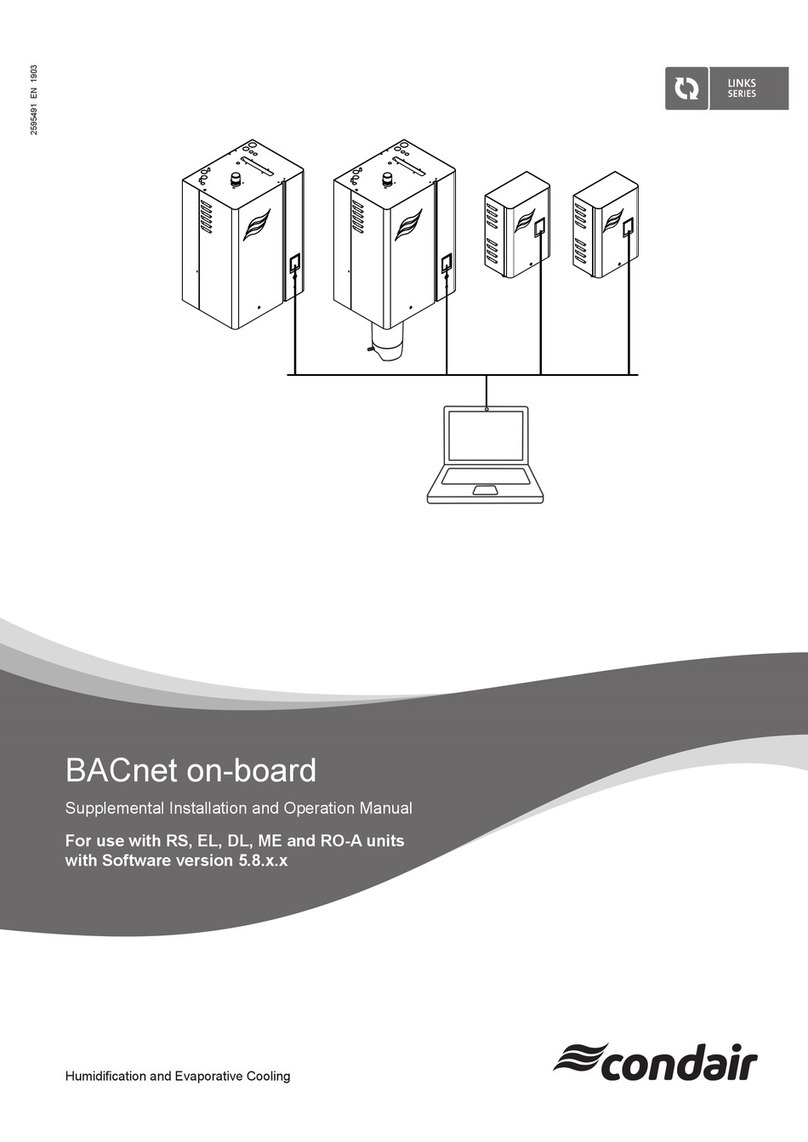
The control unit is equipped with a phase sequence relay, which protects against incorrect connection
of the supply cable. Both LEDs on relay E1, which is located in the cabinet to the right, must be lit.
When both LEDs are lit, the pumps will run correctly. The relay also protects against fuse breaking.

7Equipment protection
Condair HP/HP RO Controller 2593991-A_EN_1901
3.5 Description of Touch Screen
The screen is equipped with four F keys. Each of the keys is used to navigate between the different
screen images. When these are used, the individual key’s function is indicated in the description directly
above the key.
The actual touch screen can be operated by gently tapping a nger or a ngernail against the required
‘buttons’ on the screen.
If you want to change a numerical value, press the relevant number key. This will make a numerical key-
board appear on which the new value can be entered. Remember to enter any comma that may be needed.
In case you make an incorrect entry, this can be deleted by means of the Backspace button. Once a
new value has been entered, press Enter at the bottom right of the image using the numerical keyboard.
3.6 Protection against unwanted changes
On the display, the control unit settings are protected against unwanted changes by means of passwords.
The different user groups have different passwords and different rights.
– User – no password – can read operational information and alarms.
– Master – password 8599 – as above + option choices.
– Technician 8788, as above + service menu.
Additionally, there are areas of the screen that are protected by extra passwords, to which only ML
System has access.
When a password is required in order to change parameters, a screen will appear where the password
can be entered. Change to numerical keyboard by means of the key 0-9.
Once the password has been entered, the system will remain unlocked at the relevant level for ve minutes.

8Alarm messages 2593991-A_EN_1901 Condair HP/HP RO Controller
4 Alarm messages
This page shows alarms and operational messages. The alarm display contains information about when
an alarm was triggered and when it was reset. The page shows active alarms and previous alarms.
Please note that the system does not have a backup memory, which means that previous alarms will
be lost in case of power failure.
4.1 Alarm message display
Max. Hygrostat
Max. Hygrostat has dropped out because humidity is too high. The system has stopped and must be
restarted once the humidity level has dropped.
Water pressure too low
The water pressure of the water inlet to the pump station is too low.
Sensor error
The signal from one of the humidity sensors is outside the expected range of 20 to 80 % RH. In order to
ensure that it will be possible to start in very dry surroundings, the 20 % limit is reduced to 5 % RH for
the rst 10 minutes after the system is switched on. If an alarm is triggered, only the affected sections
will be stopped.
Emptying tank - water too hot
The water is too hot – above 104 °F (40 °C). The tank will be emptied to start level and lled with cold
water. The pump will run unchanged in the meantime.
Stop - Pump too hot
The water is too hot – above 122 °F (50 °C). The system has stopped and must be restarted once the
temperature has dropped.
Tank full (HP RO)
The water level in the tank is too high.
• Lower the water level and reset the system.
• Check that the inlet valve closes tightly when the system is idle.
FD error (not all pumps)
Communication with frequency drive is lost.
• Check frequency drive has power
• Check the frequency drive display for error indications

9Alarm messages
Condair HP/HP RO Controller 2593991-A_EN_1901
Pressure too high (VFD versions only)
High pressure above the high limit set point:
• Check whether the settings in 2.12 HP control are correct, and the pressure shown is approximately
the same as on the analog manometer at the high pressure manifold shows. If the measured pres-
sure differs from the analog manometer, this could indicate that the pressure transmitter is damaged.
• Check the pressure relieve valve is set correct and is working probably.
• Check high pressure valves are opening
Pressure too low (VFD versions only)
High pressure below the low limit set point:
• Check for leaks, which could cause a pressure loss
• Check whether the settings in 2.12 HP control are correct, and the pressure shown is approximately
the same as on the analog manometer at the high pressure manifold shows. If the measured pres-
sure differs from the analog manometer, this could indicate that the pressure transmitter is damaged.
• Check the pressure relieve valve is set correct and is working probably.
• Check no nozzles are missing or ush valve is leaking.
4.2 Operational message display
Water level below start level
The water level in the tank is too low for the pump to start. Once an adequate level has been reached,
the system will start automatically.
Pump will start automatically after delay
The pump has been set on pause, e.g. after disinfection. The pump will start automatically after the
expiry of the set time.
Service
Pre-set service interval has been reached. System must be serviced!
UV lamp error
The UV bulb or ballast is broken.
UV lamp soon to be changed
Warning 3 weeks prior to UV lamp change / service.
UV lamp error too old
Replace UV lamp and reset service interval.

10 Operating the controller 2593991-A_EN_1901 Condair HP/HP RO Controller
5 Operating the controller
5.1 Menu overview
Figure 2: Menu overview
Other manuals for HP
1
This manual suits for next models
2
Table of contents
Other Condair Controllers manuals
Popular Controllers manuals by other brands

Digiplex
Digiplex DGP-848 Programming guide

YASKAWA
YASKAWA SGM series user manual

Sinope
Sinope Calypso RM3500ZB installation guide

Isimet
Isimet DLA Series Style 2 Installation, Operations, Start-up and Maintenance Instructions

LSIS
LSIS sv-ip5a user manual

Rockwell Automation
Rockwell Automation 1769-L31 installation instructions