Product Guid
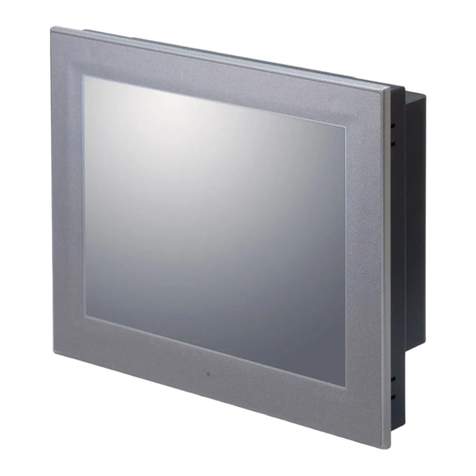
21.5-inch full HD VA panel optical 2-point multi-touch model
SPT-200A-22TR
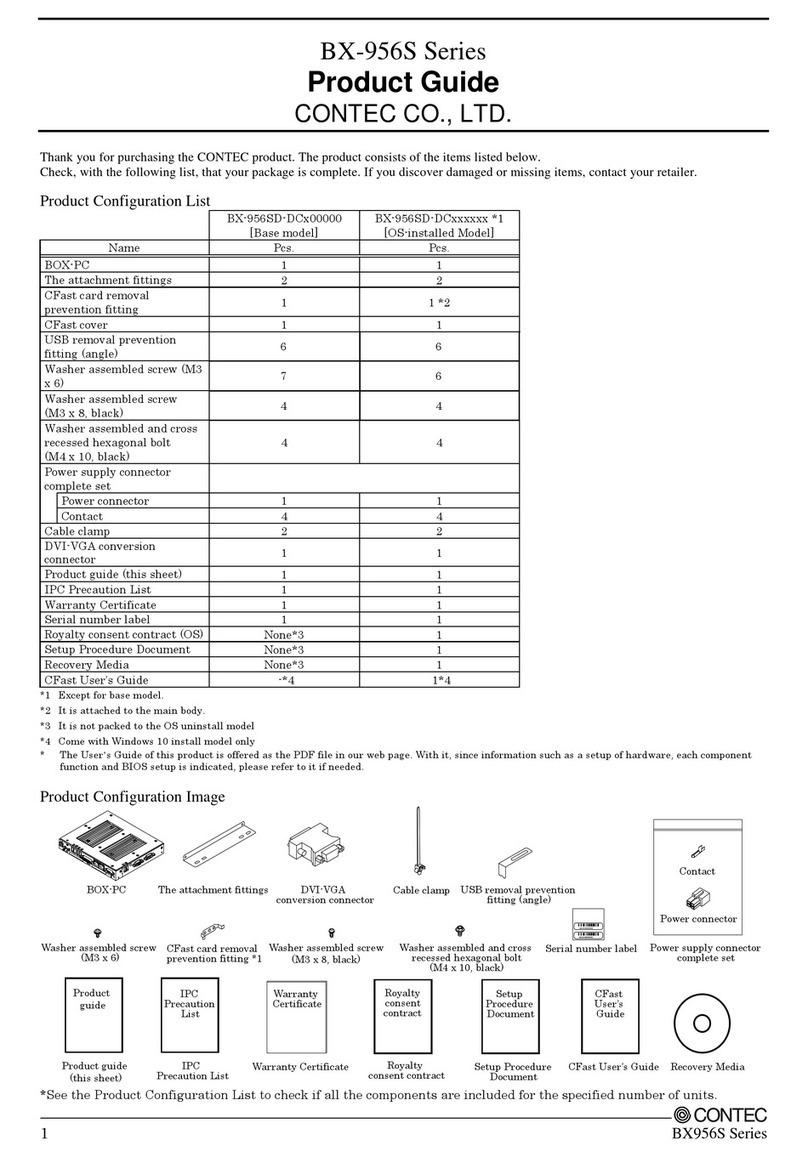
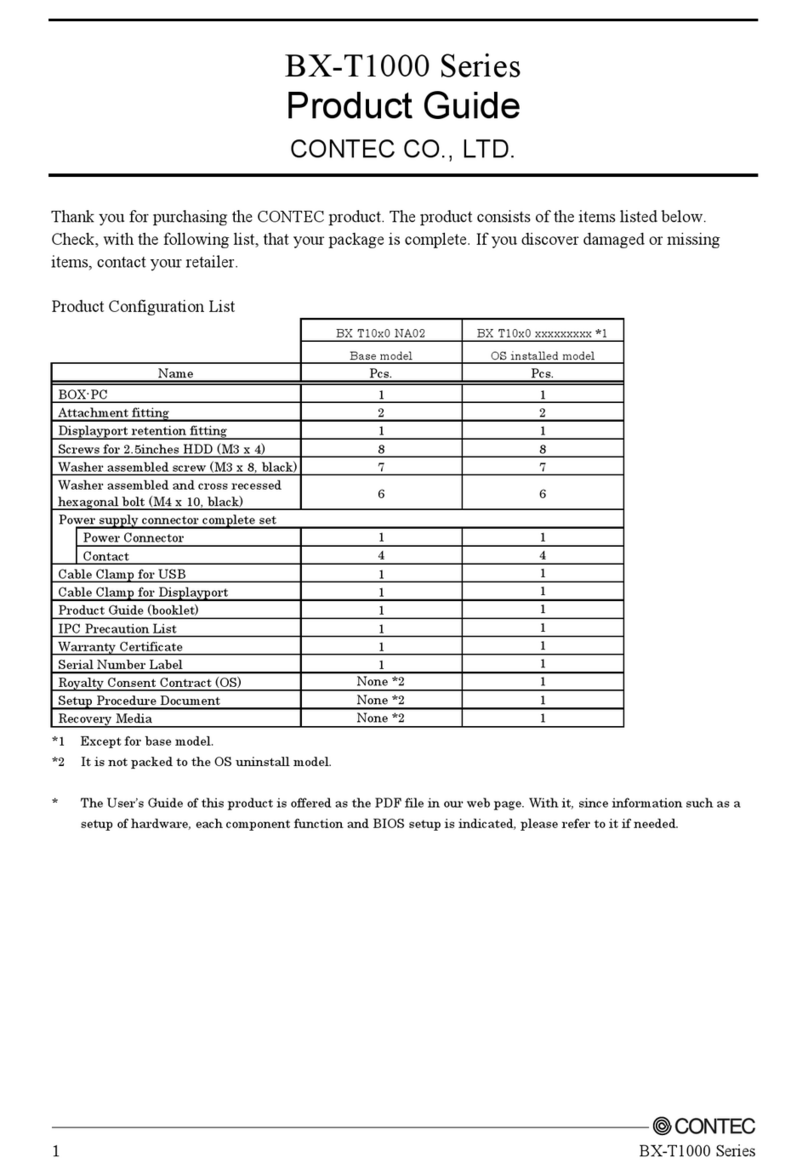
Thank you for purchasing this product. The product you have purchased consists of the following items.
Check, with the following list, that your package is complete.
If you find any item either missing or damaged, please contact the sales representative you purchased the product from.
For appropriate usage, be certain to read the Reference Manual before using this product.
The following manuals come with this product. Visit our website and download them by entering the model type in "Downloads". Read
them before using the product.
Name Contents How to
et
Product Guide (This sheet) This lists the product configuration and describes the precautions Included in the package
(Printed matter)
Reference Manual This describes the hardware aspects such as functions and settings. Download (PDF)
Download
https://www.contec.com/download/
1. About the product
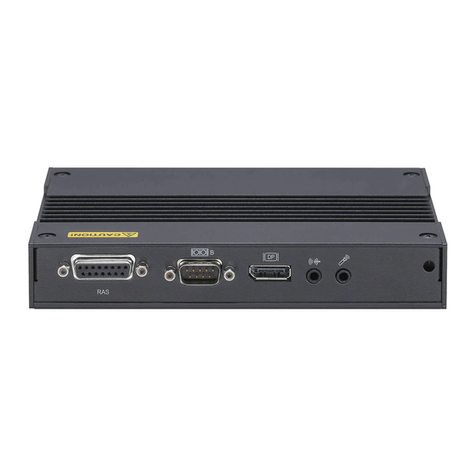
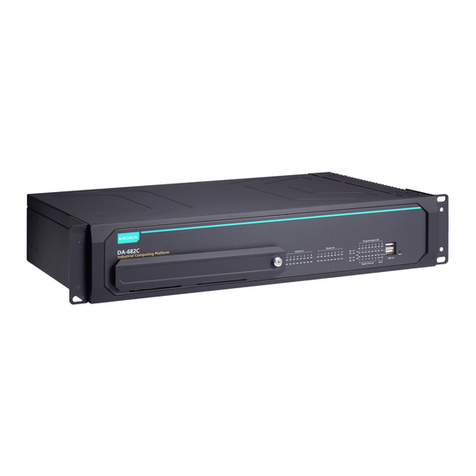
This product is an “All-in-One” PC with an integrated high-performance touch screen.
21.5-inch size of the display monitor is pre-installed, and various extendable interfaces such as HDMI, DisplayPort,1000BASE-T,
Wireless LAN, USB3.0, Serial, and Audio are provided. As a large-screen display terminal you can touch with your finger and operate
like a tablet PC, this product can be used to control production lines, provide work instructions, manage access, in addition to operate
industrial devices through the screen.
2. Product Configuration
This product consists of the items listed below.
Check, with the following list, that your package is complete. If you discover damaged or missing items, contact your retailer.
*1 Preset upon shipment
*2 Packed when selecting the wireless LAN
*3 Packed in the OS pre-installed type
*4 Packed in the OS uninstalled type
3. Safety Precautions
Understand the following definitions and precautions to use the product safely.
Safety Information
This document provides safety information using the following symbols to prevent accidents resulting in injury or death and the
destruction of equipment and resources. Understand the meanings of these labels to operate the equipment safely.
DANGER
DANGER indicates an imminently hazardous situation which, if not avoided, will result in death or
serious injury.
WARNING
WARNING indicates a potentially hazardous situation which, if not avoided, could result in death
or serious injury.
CAUTION
CAUTION indicates a potentially hazardous situation which, if not avoided, may result in minor or
moderate injury or in property damage.
Handling Precautions
DANGER
Always check that the power supply is turned off before connecting or disconnecting power cables.
Do not modify the product.
This product is not intended for use in aerospace, space, nuclear power, medical equipment, or other applications that require a
very high level of reliability. Do not use the product in such applications.
If using this product in applications where safety is critical such as in railways, automotive, or disaster prevention or security systems,
please contact your retailer.
Do not attempt to replace the battery as inappropriate battery replacement poses a risk of explosion.
For battery replacement, contact your retailer as it must be performed as a process of repair.
When disposing of a used battery, follow the disposal procedures stipulated under the relevant laws and municipal ordinances.
For details on replacing the battery, refer to the Reference Manual.
CAUTION
Do not use or store the product in a location exposed to extremely high or low temperature or susceptible to a rapid temperature
change.
Example: - Exposure to direct sun
- In the vicinity of a heat source
Do not use this product in extremely humid or dusty locations. It is extremely dangerous to use this product with its interior pene-
trated by water or any other fluid or conductive dust. If this product must be used in such an environment, install it on a dust-proof
control panel, for example.
Avoid using or storing this product in locations subject to shock or vibration.
Do not use this product in the vicinity of devices that generate strong magnetic force or noise. Such products will cause this product
to malfunction.
Do not use or store this product in the presence of chemicals.
To clean this product, wipe it gently with a soft cloth dampened with either water or mild detergent. Do not use chemicals or a
volatile solvent, such as benzene or thinner, to prevent pealing or discoloration of the paint.
This product’s case may become hot. To avoid being burned, do not touch that section while this product is in operation or imme-
diately after turning off the power. Avoid installation in a location where people may come into contact with that section.
CONTEC does not provide any guarantee for the integrity of data on storage.
Always remove the power cable from the power outlet before mounting or removing an expansion board and before connecting
or disconnecting a connector.
To prevent corruption of files, always shutdown the OS before turning off this product.
CONTEC reserves the right to refuse to service a product modified by the user.
In the event of failure or abnormality (foul smells or excessive heat generation), unplug the power cord immediately and contact
your retailer.
To connect with peripherals, use a grounded, shielded cable.
Do not use any sharp-pointed object such as a mechanical pencil to touch the touch panel. Doing so may scratch the touch panel,
resulting in malfunctions.
When the surface or frame of the touch screen has become dirty, wipe it with neutral detergent. Do not wipe the touch screen with
thinner, alcohol, ammonia, or a strong chlorinated solvent.
Use your fingers to perform operations on the touch screen.
Operations with the stylus pen on the screen might not perform well due to the pen you are using with.
LCD may have a few bright spots that are always on or a few black spots that are always off. Color irregularity may also occur
depending on the viewing angle. This however is due to the structural characteristics of the LCD; therefore, it is not a product fault.
Be certain to use the bundled AC adapters and power cables. Also, do not use these AC adapters or power cables with any other
devices.
Burn-in on TFT Display
“Burn-in” may occur if the same display is retained for a long time. Avoid this by periodically switching the display so that the same
display is not maintained for a long time.
* Burn-In: Phenomenon characterized by a TFT display as a result of long-time display of the same screen where a shadow-like trace
persists because electric charge remains in the LCD element even after the patterns are changed.
The backlight lifetime of the touch screen display.
The rated life of the backlight is 40,000 hours or longer.
*Ambient temperature25°C±5°C, I F =110mA, Drops to 50% of the initial luminance.
4. About the handling of the battery and the storage
battery in EU signatory
Note: This symbol mark is for EU countries only.
This symbol mark is according to the directive 2006/66/EC Article 20 Information for
end-users and Annex II.
This symbol means that batteries and accumulators, at their end-of-life, should be disposed of separately from your household waste.
If a chemical symbol is printed beneath the symbol shown above, this chemical symbol means that the battery or accumulator contains
a heavy metal at a certain concentration.
This will be indicated as follows:
Hg: mercury (0.0005%), Cd: cadmium (0.002%), Pb: lead (0.004%)
These ingredients may cause serious hazardous for human and the global environment.
Please refer to the Reference Manual for the detailed specification, removal, and disposal of the battery.
5. Nomenclature of Product Components
[Product Front]
Item Description
1 Menu Screen Button This displays the setting menu or ends the control displayed.
2 Select Button This displays the control setting screen of the selected menu.
▼/▲Up/Down Button This switches the menu or adjusts the control displayed.
Display Power Button Display power ON/OFF
Display Power Lamp Blue: ON, Orange: Power save
[Display section Bottom]
[PC section Front]
[PC section Rear]
Setup
Procedure Document *3
Serial Number Label
Setup
Procedure
Document
END USER
LICENSE
AGREEMENT
Driver DVD *4
Cable Tie
AC Adater For PC Display Cable *1 Stand Wining Cover
Wireless LAN Antenna *2 USB Cable For Touch Screen *1
Product Guide
Product
Guide
IPC
Precation List
IPC
Precation List
Warranty Certificate
Warranty
Certificate
END USER LICENSE
AGREEMENT
(EULA)
Recovery Disk *3
Branch AC Power Cable
For PC and Display
Product
Touch screen displa
Display section
PC section
Control panel
12▼▲
Menu Screen
Button Display
Power Button
Display
Power Lamp
Not used
DVI-D
Not used AC IN AUDIO IN
USB for
touch screen
POWER LED
POWER SW
ACCESS LED
USB2.0
SERIAL
DC-IN
HDMI USB2.0
USB3.0
Not used
LAN A
LINE
OUT
LINE
IN FG
LAN B Wireless LAN