9
ENGLISH
INSTRUCTIONS FOR USE
1. Make sure you remove all packaging materials.
2. Remove all stickers or labels from the appliance except the rating label.
3. Clean the frying basket thoroughly with hot water and a little liquid soap using a non-abra-
sive sponge.
Note: You can also clean these parts in the dishwasher.
4. Clean the inside and outside of the appliance with a damp cloth.
• When the air fryer is rst heated, it may emit a slight smoke or odor. This is normal for
many devices, this does not affect the safety of your device.
BEFORE USING FOR THE FIRST TIME
• Place the appliance on a stable, horizontal and level surface.
• Do not place the appliance on a non-heat resistant surface.
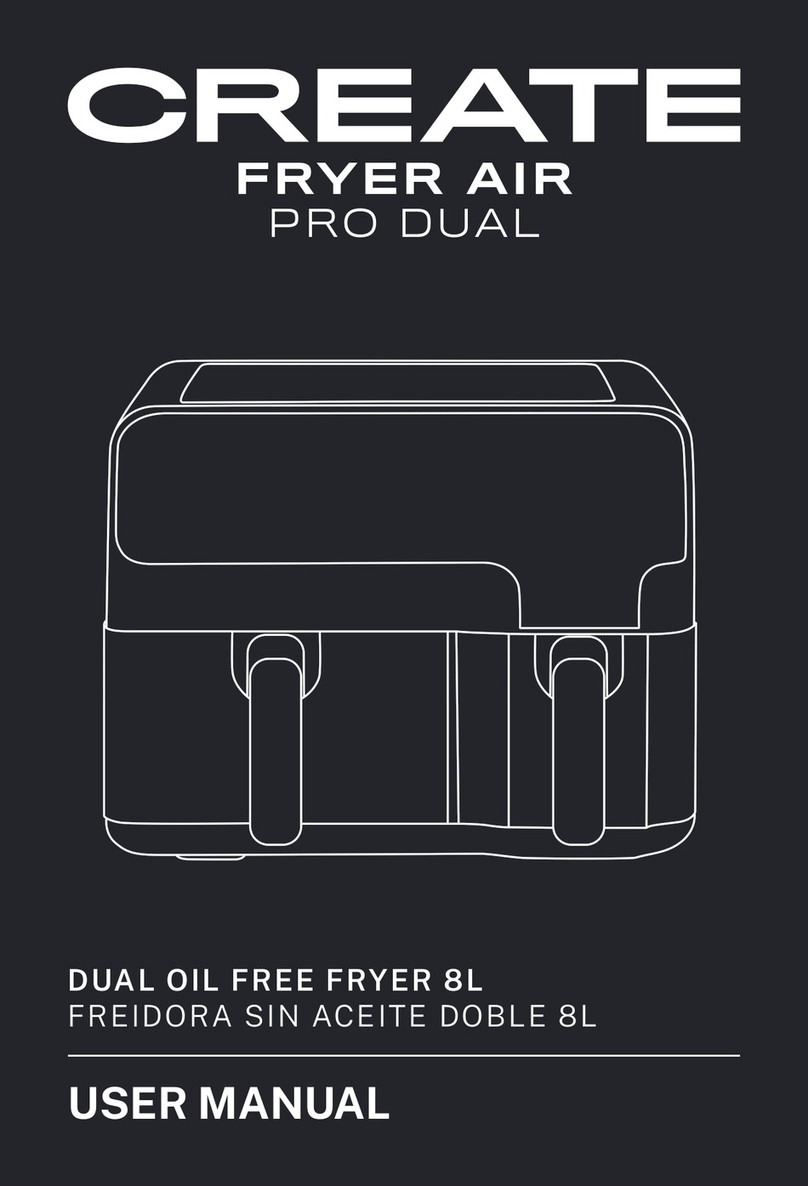
• Place the baskets in the fryer drawer.
• Do not ll the baskets with oil or any other liquid.
• Do not place anything on top of the appliance, the air ow will be interrupted and affect
the result of hot air frying.
1. Plug the device into the power outlet, then it will beep. The device will go into standby
mode and all the lights will turn off.
Note: Cooking zone 1 and zone 2 operate individually.
2. Press the power button and the fryer screen will turn on.
3. Then press the button either You have to select the cooking zone you want to use.
4. With the buttons either select the temperature and cooking time. You can also press
any icon to preset programs to cook different foods.
5. Once all the parameters have been selected, press the key and the fryer will start to
work.
Temperature range.
• The temperature control range of the fryer is 50-200°C, each click of the buttons either
the temperature will increase or decrease by 10°C.
• When the temperature is 200°C, if you press the key will return to a temperature of
50°C. Press the button at a temperature of 50°C and will return to 200°C.
• In the process of temperature control, the digital temperature display will flash on the
screen (will not flash during work), after flashing 3 times, the temperature will have
been set.
Rank of time
• The setting time range is 1 to 60 minutes, each click of the buttons either the time
will increase or decrease by 1 min.
• When the display shows 60 min, if you press the the time will return to 01 min. At 01 min,
if you press the button , the temperature will return to 60 min.
• In the process of controlling the time, the digital time display will ash on the screen (it will
not ash during work), after ashing 3 times, the time will have been set.
PREPARATION FOR USE
SWITCHED ON