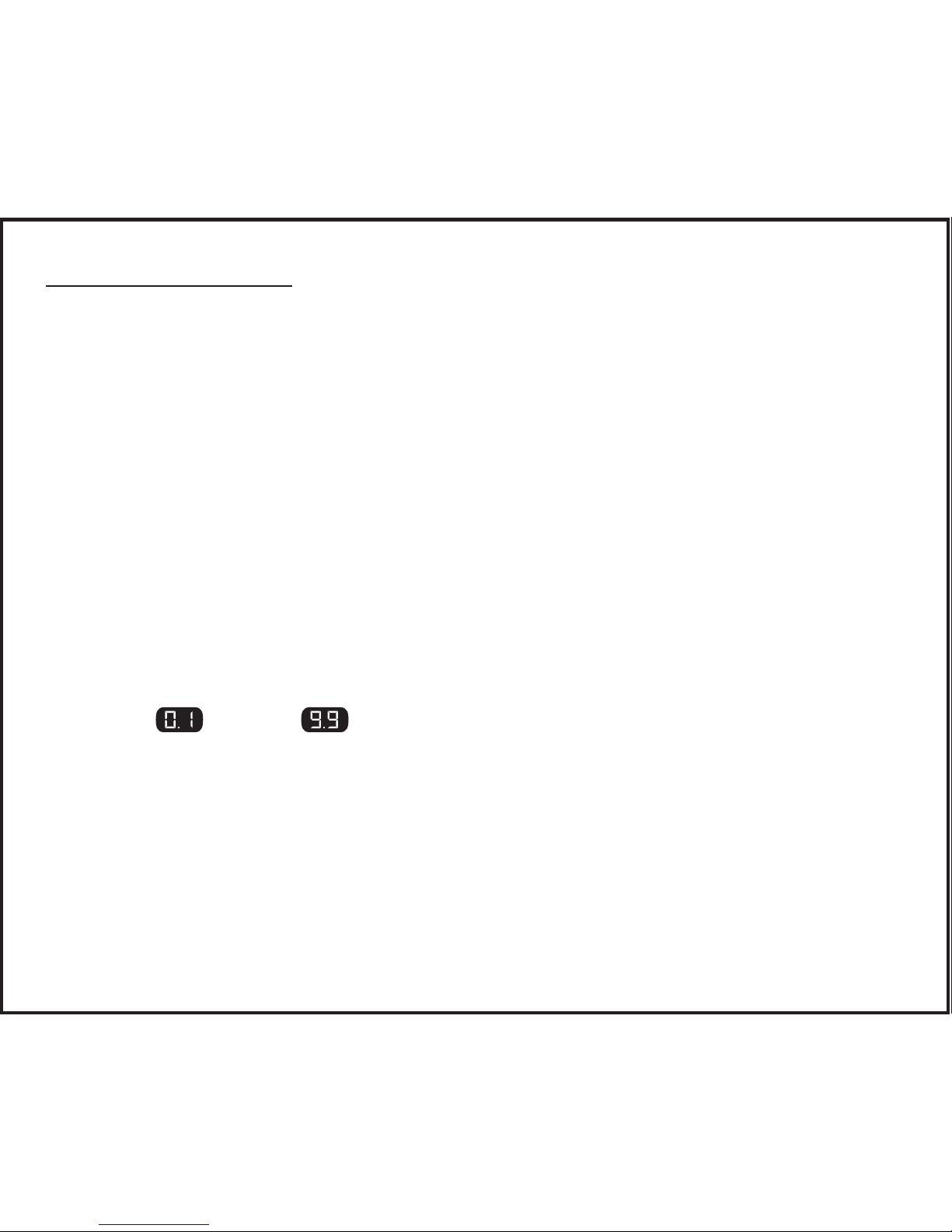
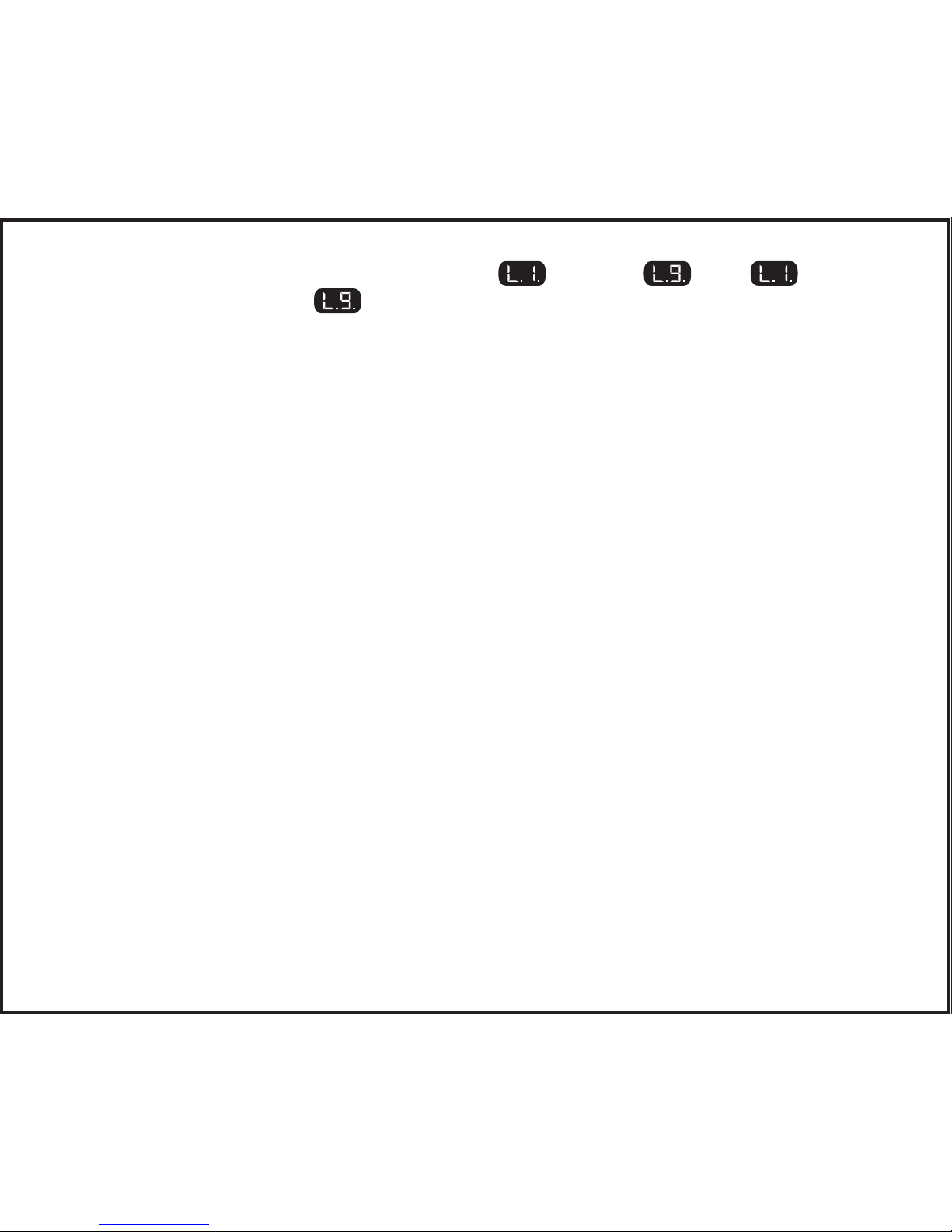
The sensitivity control setting is shown as through with being
the least aggressive and being the most aggressive.
The display ashes the setting for a few seconds after adjustment is complete.
Manual Control
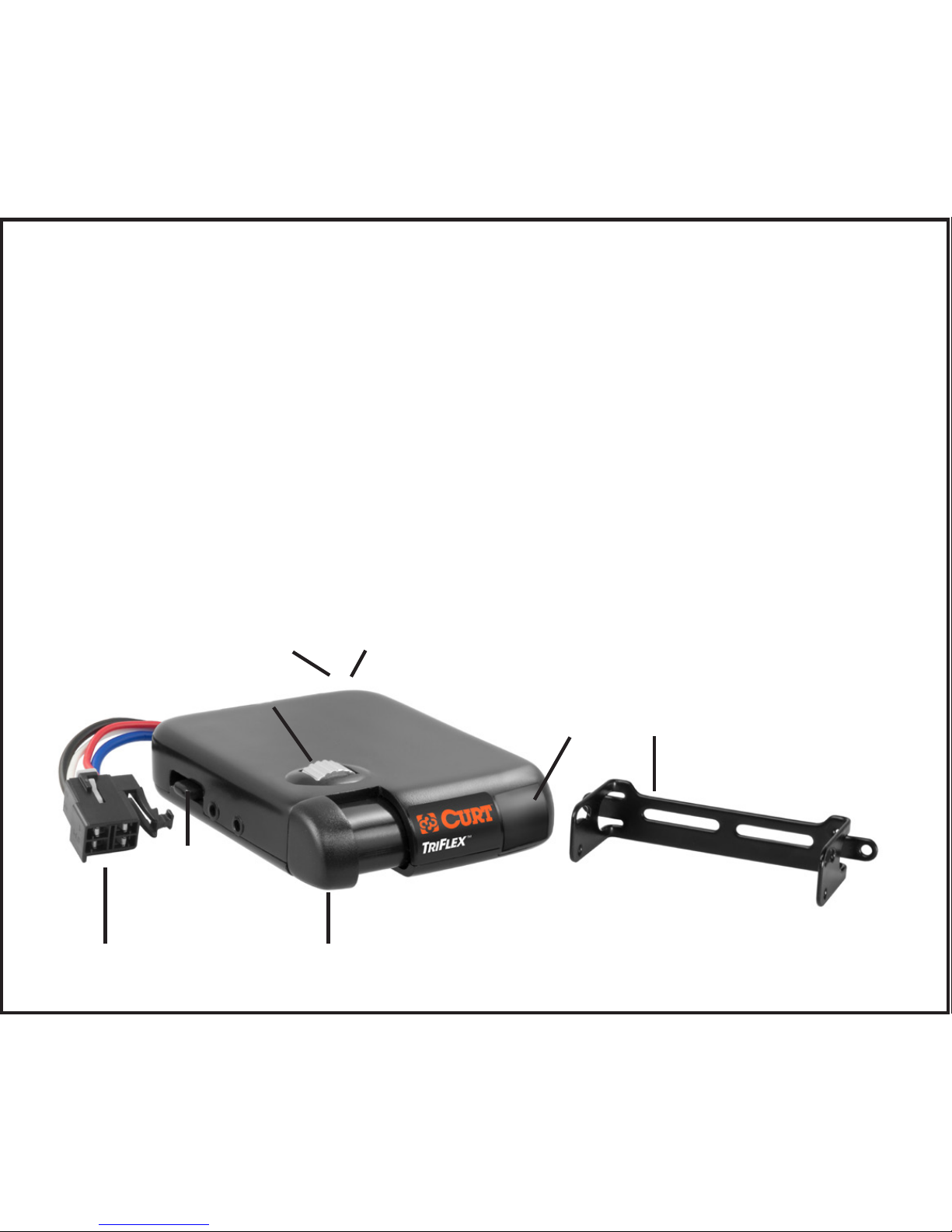
The manual control is located on the front of the brake control unit at the left side.
The manual control only applies trailer brakes. Manual is used during initial
setup and in situations where a slow reduction in speed is desirable.
As the manual control is pushed to the right, the control begins to apply the trail-
er brakes. The further to the right it is pushed the harder the brakes are applied.
The manual control can be setup to either allow 100% of the unit’s power to the
trailer brakes or to limit power to the output control setting. This feature is setup
at installation via a small switch at the rear of the unit. See "Set manual con-
trol output and brake light switches". The brake control unit is shipped from
the factory with the switch in the limited to the output control setting position.
Output will be shown on the display when the manual control is actuated.
Brake light activation with the manual control is also an optional setting. Some
tow vehicle’s circuits do not allow power for brake lights from a second source.
In these applications, the brake light feature can be switched off using a second
small switch at the rear of the unit. The brake light connection (red wire) is still
required to activate the TriFlex brake control with the switch in either position.
See "Set manual control output and brake light switches". The brake
control unit is shipped from the factory with the switch in the activate brake light
position.