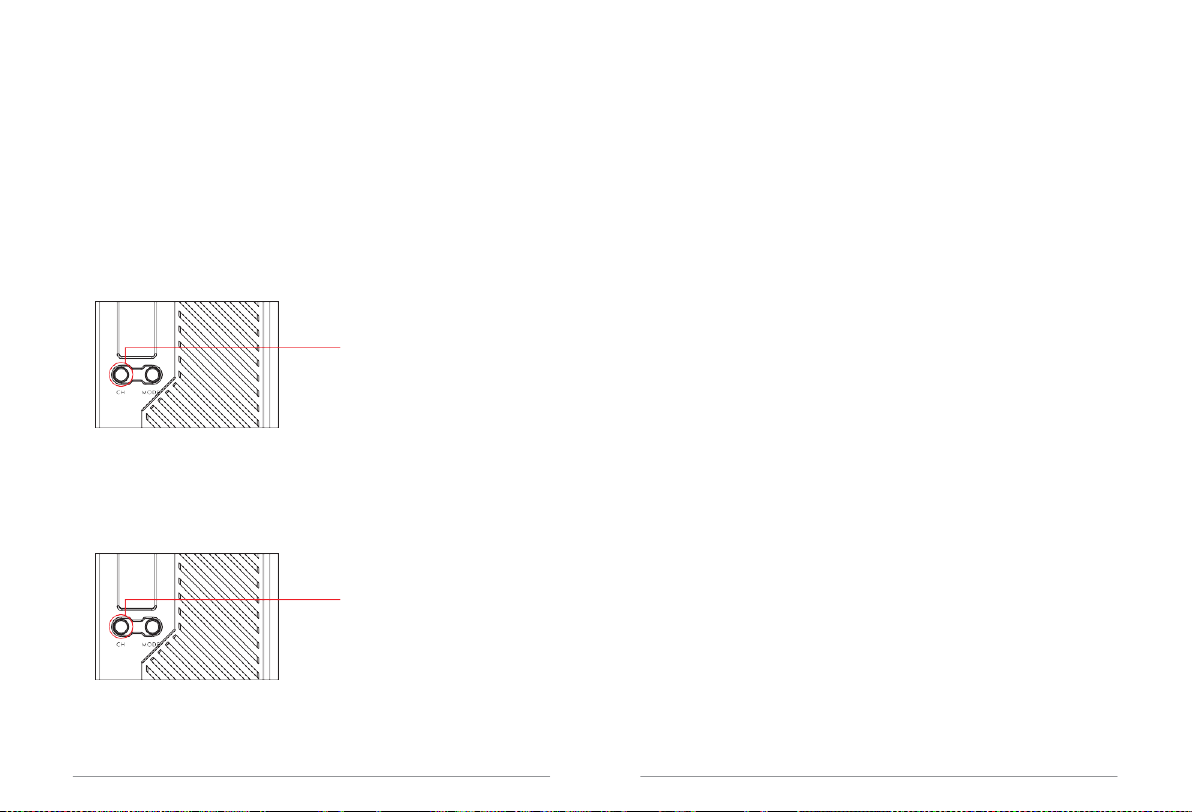
Switch channel
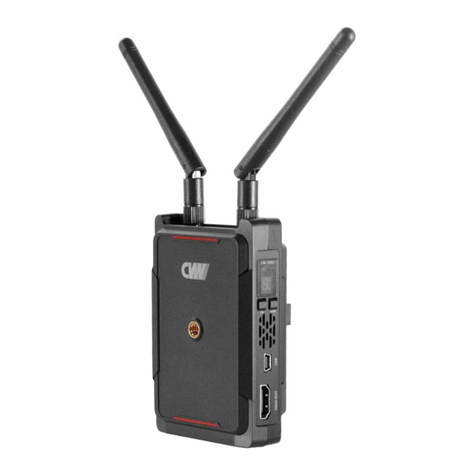
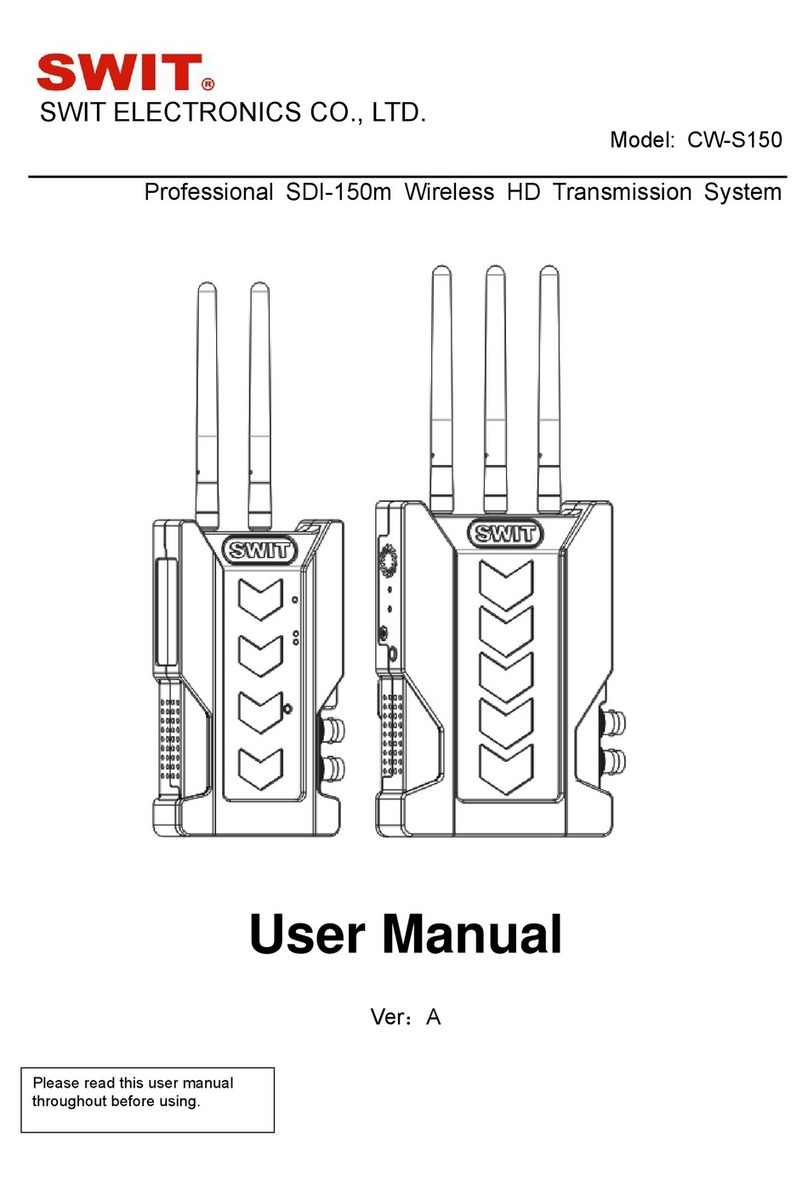
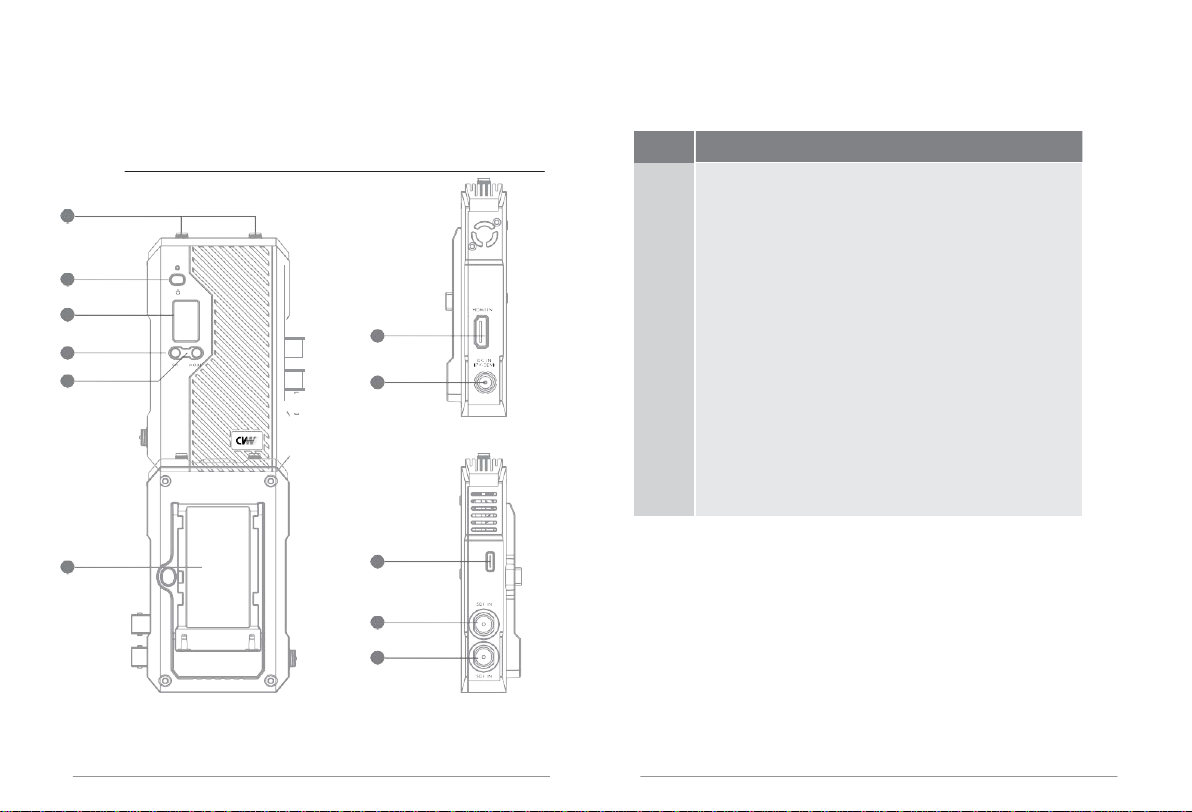
Tap the CH button of the transmitter or receiver to switch channels. Both the
OLED screens of the receiver and transmitter will display the channel CH
number after switching.
Code operation
This function needs to be operated on the transmitter and receiver:
This function needs to be operated on the transmitter and receiver
Press and hold the CH button for 3
seconds and release the button
Receiver: Press and hold the CH button for 3 seconds, then release
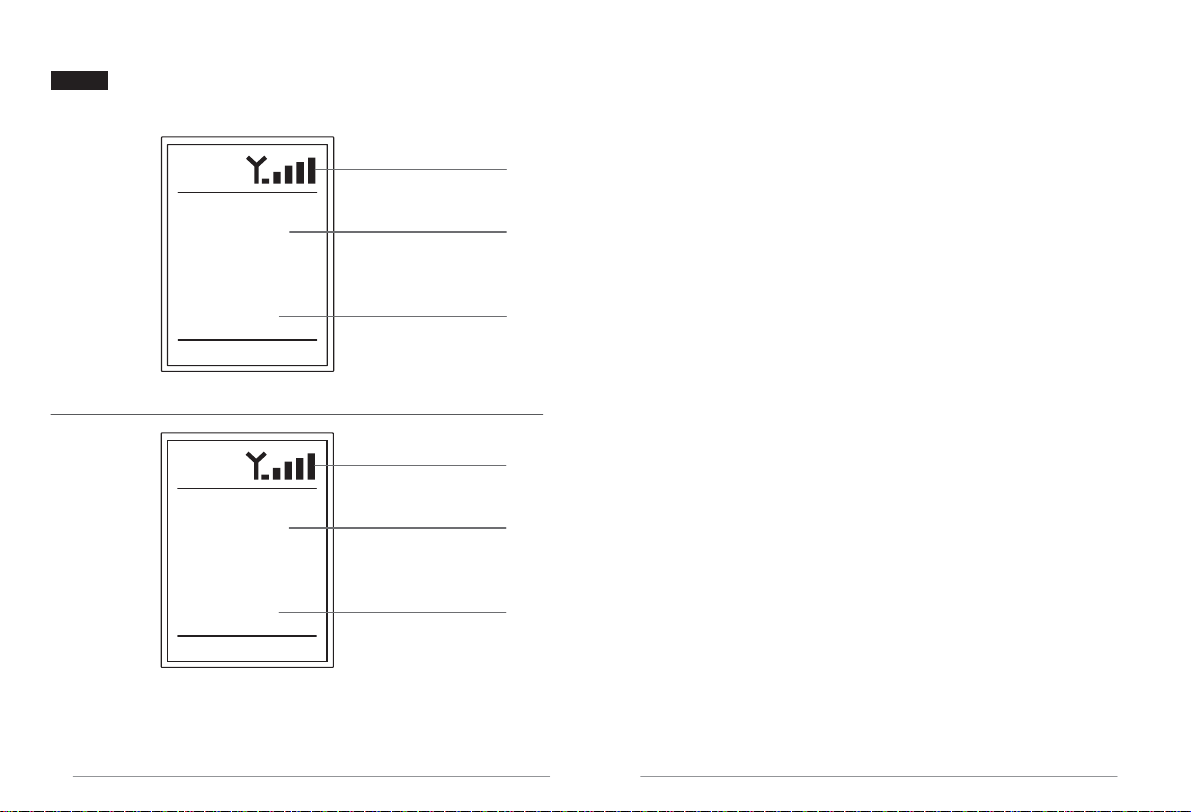
the button, the OLED screen displays WPS characters, the receiver
enters the code matching mod
Press and hold the CH button for 3
seconds and release the button
Working mode and switching
1. Point-to-point mode
In the point-to-point mode, the video source is given to the
transmitter through HDMI or SDI, and the receiver will output the
received signal to the video channel through HDMI and SDI interfaces
to monitors, switch stations and other products.
2. Pull flow mode
In pull-stream mode, the video source can be simultaneously
transmitted to the receiver, mobile phone, iPad, etc. products that are
in the same network as the transmitter via WiFi networking through
the HDMI or SDI interface of the transmitter: the receiver will receive
the The signal is output to the monitor through the HDMI and SDI
interfaces; the mobile phone, iPad, etc. will directly display the
received video signal
on the screen.
Work mode switch
1. Switching between the two operating modes requires operation on
the transmitter and receiver (the transmitter and receiver need to
work in the same mode for the transmitter and receiver to be in a
normal connection).
2. The product's factory mode is point-to-point mode.
3. Press and hold the MODE button of the transmitter and receiver for
3 seconds to switch the mode. When switching from point-to-point
mode to pull-current mode, the word "RTSP" will be displayed on the
OLED display; when switching from pull-current mode to point-to-
point mode "RTSP" will disappear on the OLED display.
Pull flow mode operation
Instructions for using the mobile APP
09
10