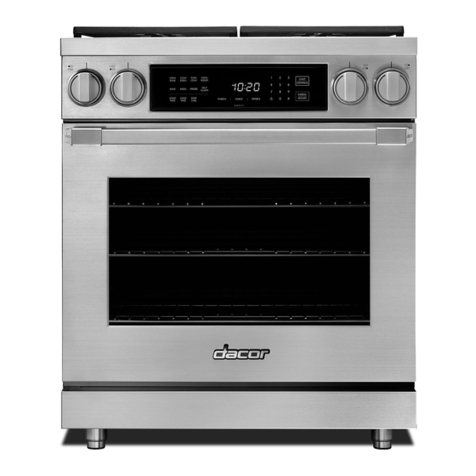
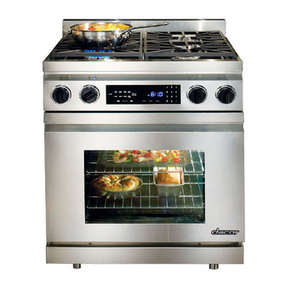
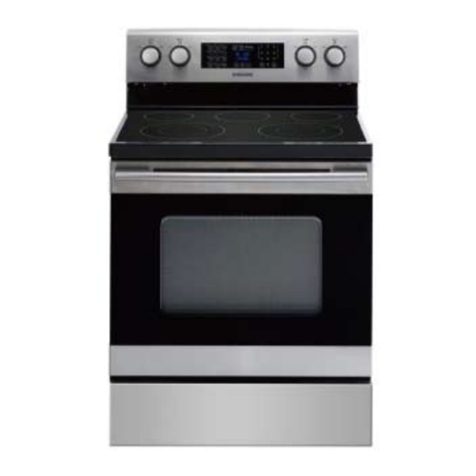
Parts of the Oven
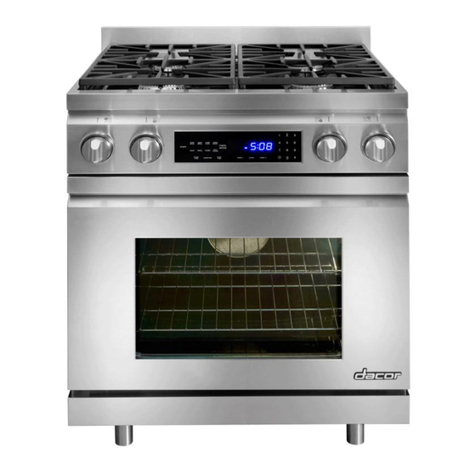
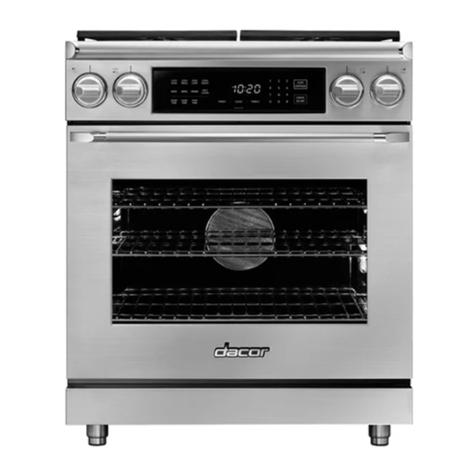
CONTROL PANEL: Your oven's control panel consists of a touch
pad and a display. Use the control panel to operate all the oven's
features (sometimes called modes.)
OVEN RACKS: Each oven
comes with chrome-plated
adjustable oven racks. See the Standard 2
table for the number and type GlideRackTM 1
provided with your model. Page
12 describes the difference
between rack types.
RACK SUPPORTS: There are five rack positions inside each
oven chamber. The rack positions are numbered from the bottom
counting up.
MEAT PROBE CONNECTOR: When you use the meat probe,
insert the skewer into the meat and plug the other end into the
connector. See the Meat Probe section on pages 19 - 20 for
proper operation.
OVEN LIGHTS: There are two oven lights inside the oven
chamber so that you can easily see inside. You can use the lights
when the door isopen or to see inside through the window when
the door is closed. The lights turn on or off only when you press
the light key on the control panel. The bulbs are 12 Vac, 20 Watt,
halogen.
DOOR GASKET: The door gasket prevents heat from escaping
when the door isclosed.
SELF-CLEAN LATCH: The self-clean latch automatically locks
the oven door during the self-clean cycle. The door latches for
your safety. There are very high temperatures inside the oven
during the self-clean cycle.
BAKE ELEMENT: The source of bottom heat, attached to the
floor of the oven. The bake element is hidden below the glass
panel on the floor of the oven chamber.
BROIL ELEMENT: The source of top heat, attached to the oven's
ceiling. The broil element is hidden above the glass panel on the
ceiling of the oven chamber.
CONVECTION FAN: The convection fan blows heated air into
the oven chamber during the convection cooking process. The
convection filter covers it.
CONVECTION ELEMENT: The convection element heats the air
that is blown into the oven chamber by the convection fan during
the convection cooking process. The convection filter covers it.
CONVECTION FILTER: The convection filter covers the
convection fan. It helps prevent the transfer of taste from one food
to another when you are cooking a whole meal. It also keeps the
oven cleaner, especially when convection roasting or convection
broiling. In addition, it covers the moving convection fan blades for
safety purposes.
Control Panel Layout
DISPLAY: The control panel display provides various types
of information about the oven, including the current time (once
the clock is set), the current cook settings and the cooking
temperature. The control panel can pivot up for easier access.
NUMBER KEYPAD: When you want to set the temperature, cook
time or the time, use the number keypad.